ADC Exact Resize - Blender addon for working with real dimensions instead of percentages and ratios

I recently released ADC Exact Resize, a Blender addon built around a simple idea:

Instead of scaling things by percentages or ratios, just type the real distance you want.

For example, imagine you have 50 windows on a building facade, all inside the same mesh, and the client says:

“Every window needs to be 12 cm wider.”

Normally, you’d have to figure out the scaling factor and apply it to each object.

With Exact Resize, you can simply select the mesh islands, choose Each Mesh Island, enter:

Right = 12 cm and apply.

Every selected window gets 12 cm wider, directly in the geometry.

The same workflow works for things like:

  • Make something 450 mm tall

  • Move something 5 mm forward

  • Extrude a surface by exactly 8 mm

  • Leave an exact 20 cm gap between objects

  • Distribute components with an exact distance between them

You can work directly in mm, cm or m, following your Blender scene units.

It also works with disconnected mesh islands, so you can have dozens of components inside a single mesh and still treat each one individually.

The addon currently has 8 tools:

  • Align Selected

  • Add Exact Distance

  • Move Exact Distance

  • Set Exact Dimensions

  • Extrude

  • Exact Gap Between Objects

  • Distribute Evenly

  • Match Active Object

The idea is basically to bring a more CAD-like dimensional workflow into Blender, while keeping it within the normal Blender workflow.

I’d love to hear what you think, especially if you work with real-world dimensions in Blender.

ADC Exact Resize:
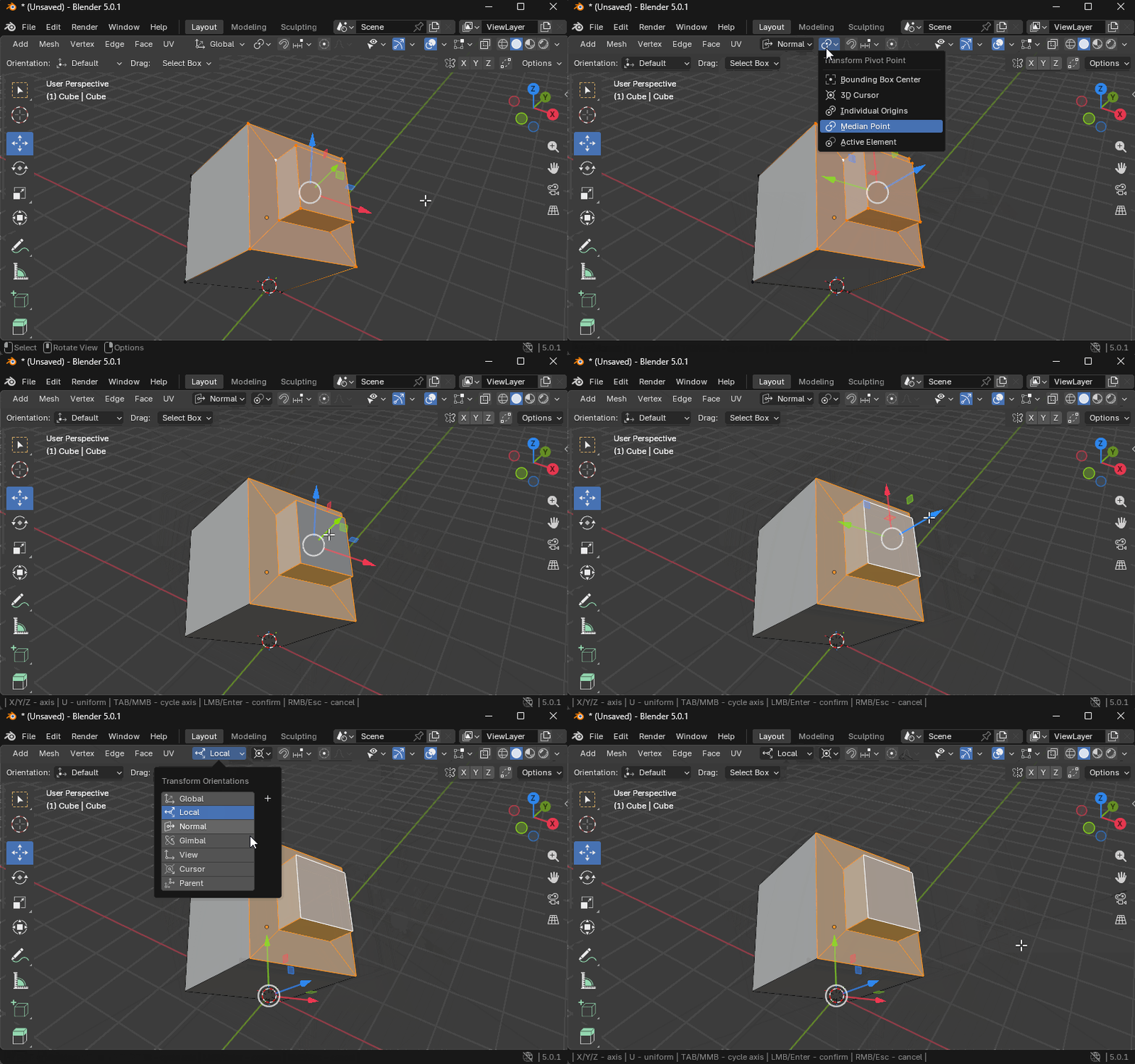
Not a huge fan of working in complicated panels full of confusing stuff. Blender has scale operator I use, that’s fine, only problem is that it scales by factor, not in absolute distances. I made one that does it with distances as well. I share it for free by the way, which also lets you see the code before you decide to use so you can know what sort of weird things it does.

543189134-43ea0c5c-a46c-46c7-a275-bad9a671bf28
It takes numerical input in actual distances obviously.

1 Like

Wait a second…

So… You don’t know then?.. You didn’t even take the time to learn Blender’s native most basic functionality which is 100 times better at this, did you? You can move stuff by exact distances all day long with native operators. All you have to do after hitting E while extruding is to just type a number!

So this seems to be another mindless AI slop add-on vibe-coded by someone who has no idea what they are doing just to make quick easy profit without actually even thinking if any of this makes sense then.

I recently released ADC Exact Resize, a Blender addon built around a simple idea:

Instead of scaling things by percentages or ratios, just type the real distance you want.

For example, imagine you have 50 windows on a building facade, all inside the same mesh, and the client says:

“Every window needs to be 12 cm wider.”

Normally, you’d have to figure out the scaling factor and apply it to each object.

With Exact Resize, you can simply select the mesh islands, choose Each Mesh Island, enter:

Right = 12 cm and apply.

Every selected window gets 12 cm wider, directly in the geometry.

You can work directly in mm, cm or m, following your Blender scene units.

It also works with disconnected mesh islands, so you can have dozens of components inside a single mesh and still treat each one individually.

The addon currently has 8 tools:

  • Align Selected

  • Add Exact Distance

  • Move Exact Distance

  • Set Exact Dimensions

  • Extrude

  • Exact Gap Between Objects

  • Distribute Evenly

  • Match Active Object

The idea is basically to bring a more CAD-like dimensional workflow into Blender, while keeping it within the normal Blender workflow.

I’d love to hear what you think, especially if you work with real-world dimensions in Blender.

ADC Exact Resize:

https://superhivemarket.com/products/adc-exact-resizeI’m well aware that Blender lets you move and extrude by exact values using its native operators. I actually use the keyboard shortcuts and type the values myself when modeling.

But when you spend several hours modeling and working with precise dimensions, some people simply prefer having the numbers and controls visible and accessible in a dedicated workflow. Not everyone works the same way.

That’s the point of ADC Exact Distance — it’s not claiming Blender is incapable of doing this natively. It’s about making that workflow more convenient and explicit for people who prefer working with concrete measurements.

You can absolutely prefer Blender’s native operators. But that doesn’t make an add-on pointless, nor does it justify jumping to “AI slop” or assuming it was made just for quick profit.

I’m well aware that Blender lets you move and extrude by exact values using its native operators. I actually use the keyboard shortcuts and type the values myself when modeling.

But when you spend several hours modeling and working with precise dimensions, some people simply prefer having the numbers and controls visible and accessible in a dedicated workflow. Not everyone works the same way.

That’s the point of ADC Exact Distance — it’s not claiming Blender is incapable of doing this natively. It’s about making that workflow more convenient and explicit for people who prefer working with concrete measurements.

You can absolutely prefer Blender’s native operators. But that doesn’t make an add-on pointless, nor does it justify jumping to “AI slop” or assuming it was made just for quick profit.