Just to thank you for this addon. It is awesome !
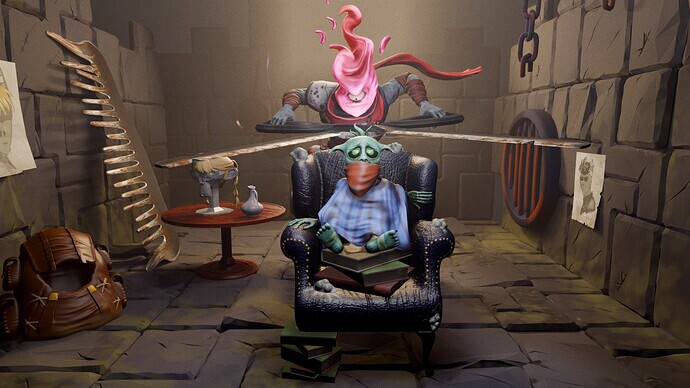
I textured everything on this scene with it : Dead Cells Clean Cut fan art
Thanks again !
Just to thank you for this addon. It is awesome !
I textured everything on this scene with it : Dead Cells Clean Cut fan art
Thanks again !
Sorry for the late reply. Currently the bevel grayscale baking only considers the actual mesh and displacement, so the normal map won’t affect the bake result.
I’m still not exactly sure what anchor actually does. Since ucupaint relies on blender shader nodes, maybe you can give an example if it can be implemented in shader nodes.
Thank you! Your artwork is amazing!
Any plans for 8 k textures and a specular channel? Also I find it difficult to know what layer Im on since the interface defaults quite small. Is there a workaround to see layer names? I always name layers. I love using the addon since it bypasses needing substance painter often.
When creating a new layer/mask image, you can select ‘Custom Resolution’. You can also create a channel and connect the output to any socket, including specular.
Like anything else in blender, you can resize any UI panels.
Thanks for response! Well… I think this video is a better way to show what i’m talking about. =)
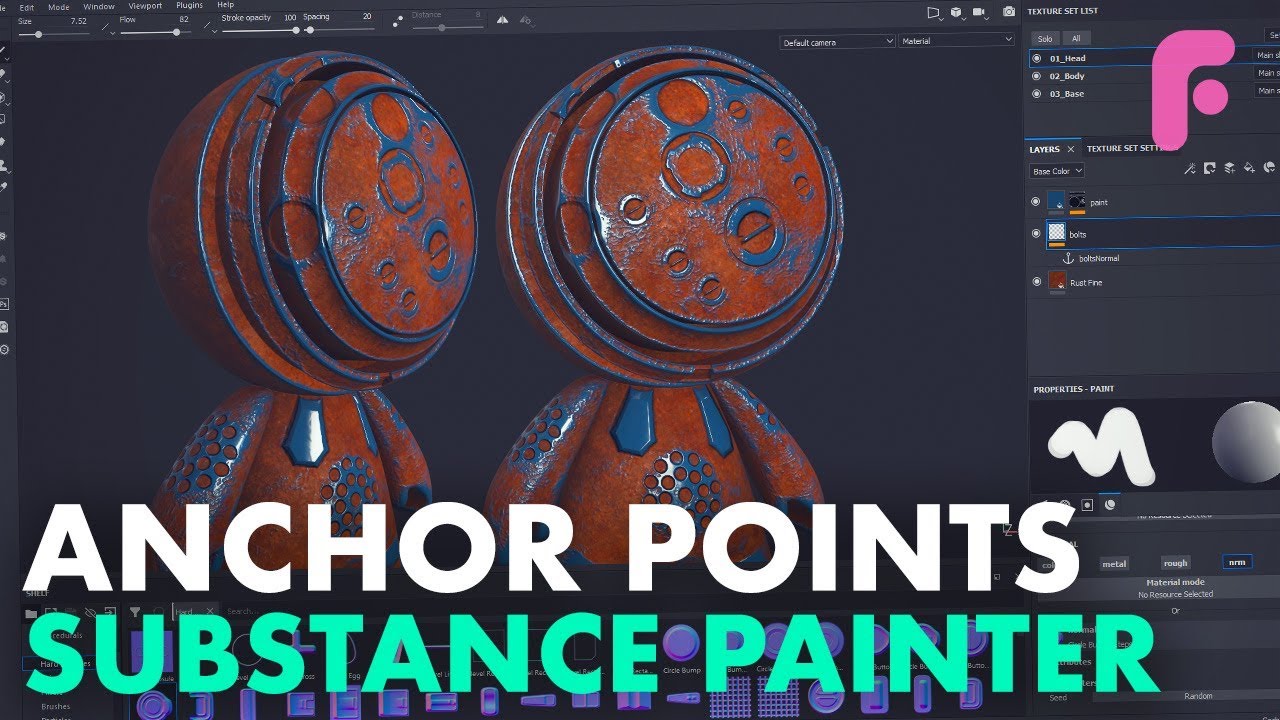
I believe its a really useful feature. The anchors themselves are not necessary for that, i think. Its all about using painting layers for effects. (like normals and cavity in this video)
I see, I just experimented with ucupaint to achieve that kind of “anchor point” effect, and it only works on eevee but not cycles. This is a big problem since the bake system is using cycles, so the bake result will not show the anchor point effect.
I’ll try to investigate about this again later, but please inform me if anyone can achieve anchor effect with cycles.
Hi, you have workarounds to bake with eevee.

Thanks for suggestion, but that Eevee baking trick only works to bake attributes from geonodes, so it doesn’t work with per-pixel texture baking.
Anyway, the problem with achieving anchor point effects is that the AO node doesn’t take into account the normal map in cycles. If you know the workaround for this, please let me know.
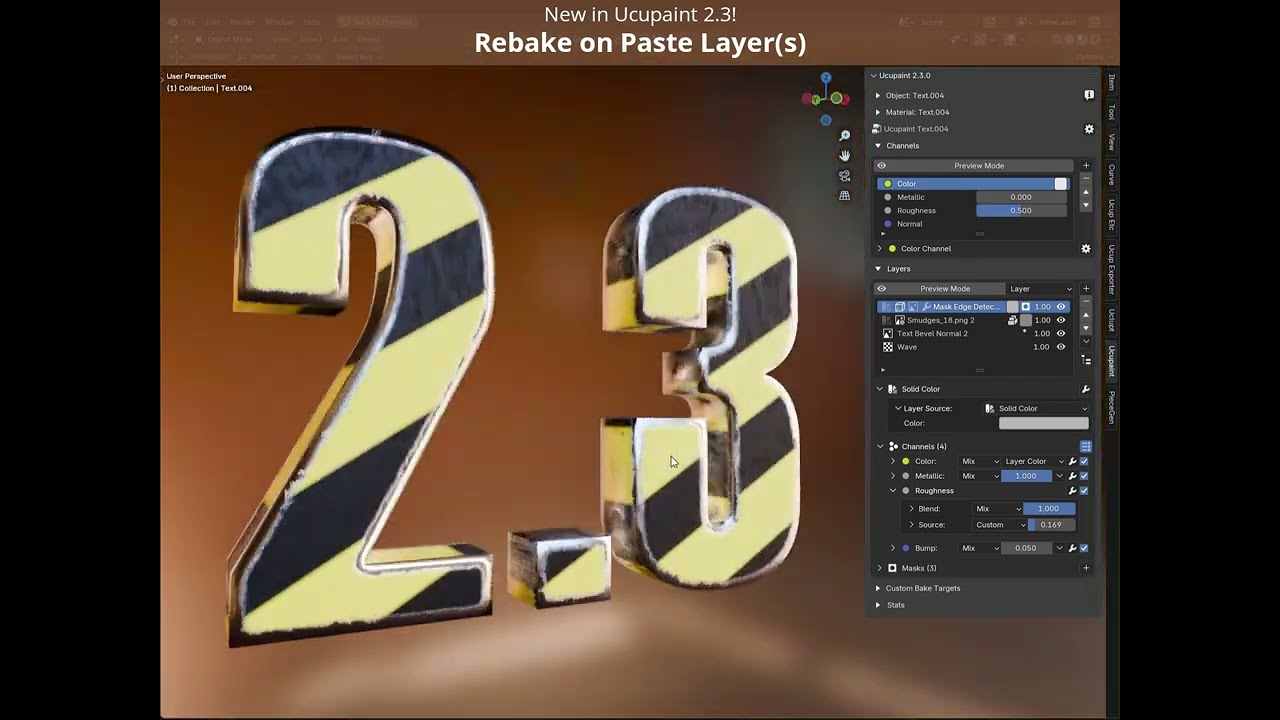
Ucupaint version 2.3 has been released! It has realtime AO, rebake all baked layers & masks, lots of bugfixes, and more! 
OSL is a good way to use glsl/Vulkan functions (like derivative) , but it works only on CPU. =)
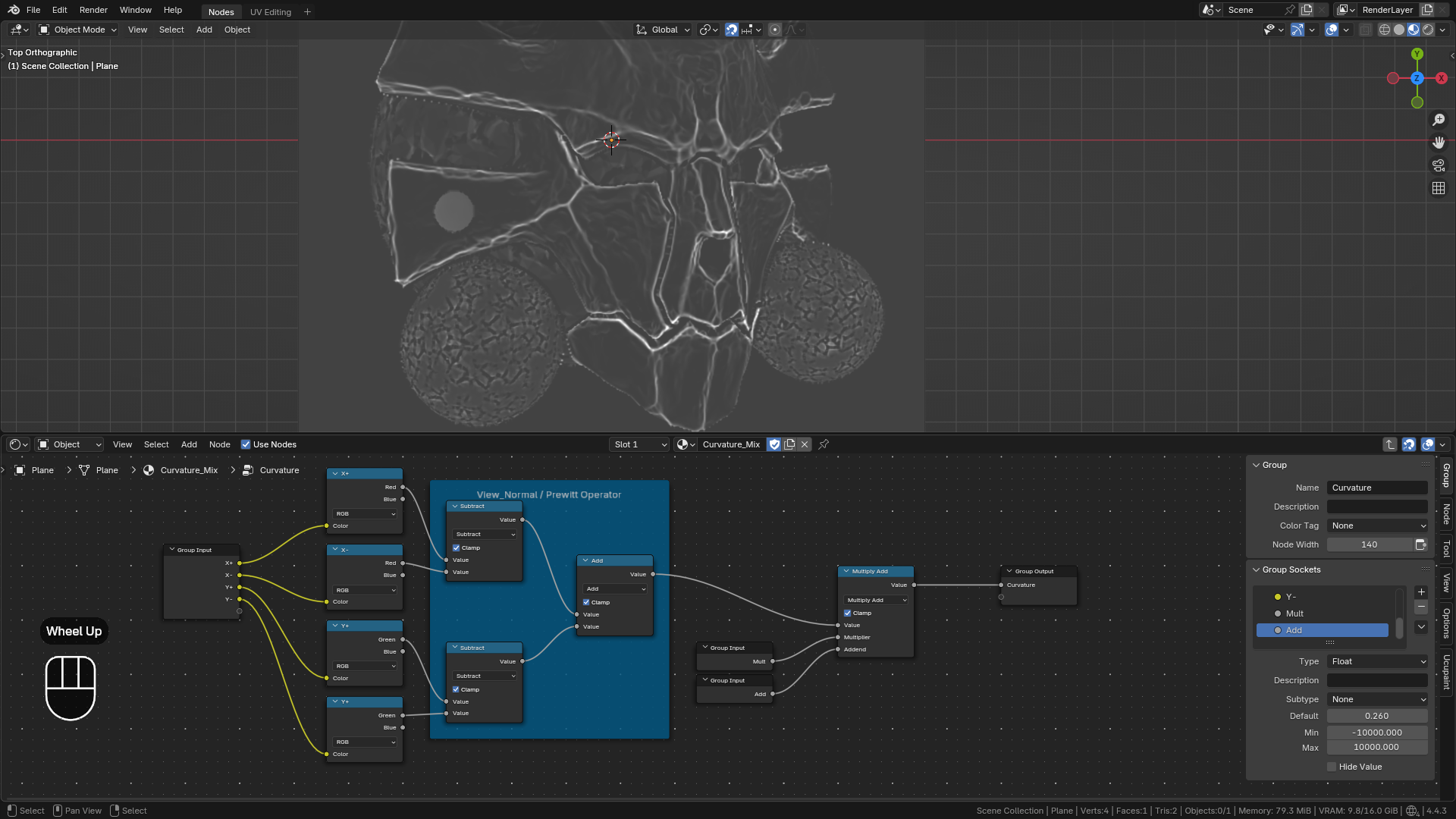
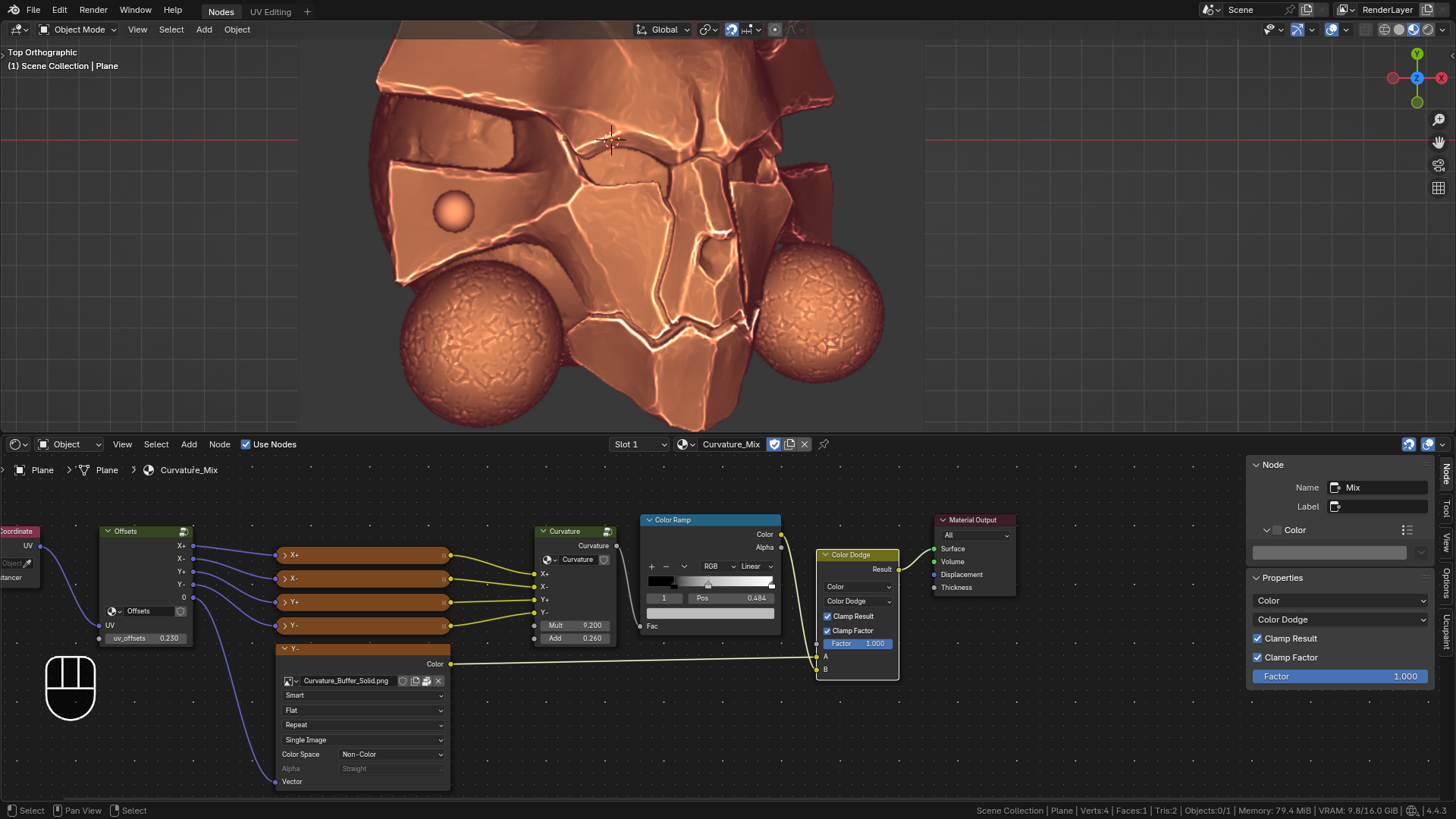
Aaand, Iv found it =) Screen Space Curvature
If we are talking about masks for some effects, so…
Its an old shader for curv maps from normal maps (tangent), I think it looks good, but with it we will need to sample normal maps 4 times.
(But as far as I know, due to data caching in the pixel shader, this will not reduce performance.)
only_curvature_from_normal_map.blend (3.2 MB)
Thanks for the suggestion, but I don’t think this is a viable solution because like you said before, this only works if the normal map is sampled 4 times.
Normal in ucupaint can be sourced from multiple layers and in world space. I think the OSL you mentioned before can be the actual solution. I saw some articles about creating AO with OSL, but I haven’t had time experimenting with it yet. These are the articles:
I’m currently very busy in the next few weeks, if you or anyone can manage to create OSL Ambient Occlusion that can use the output of the normal map node, please let me know.
Ucupaint 2.3.1 has been released! No new features but it fixes lots of bugs!
Just sharing some new ucupaint tutorials on youtube. Probably useful if you’re still figuring out what you can do with this addon.
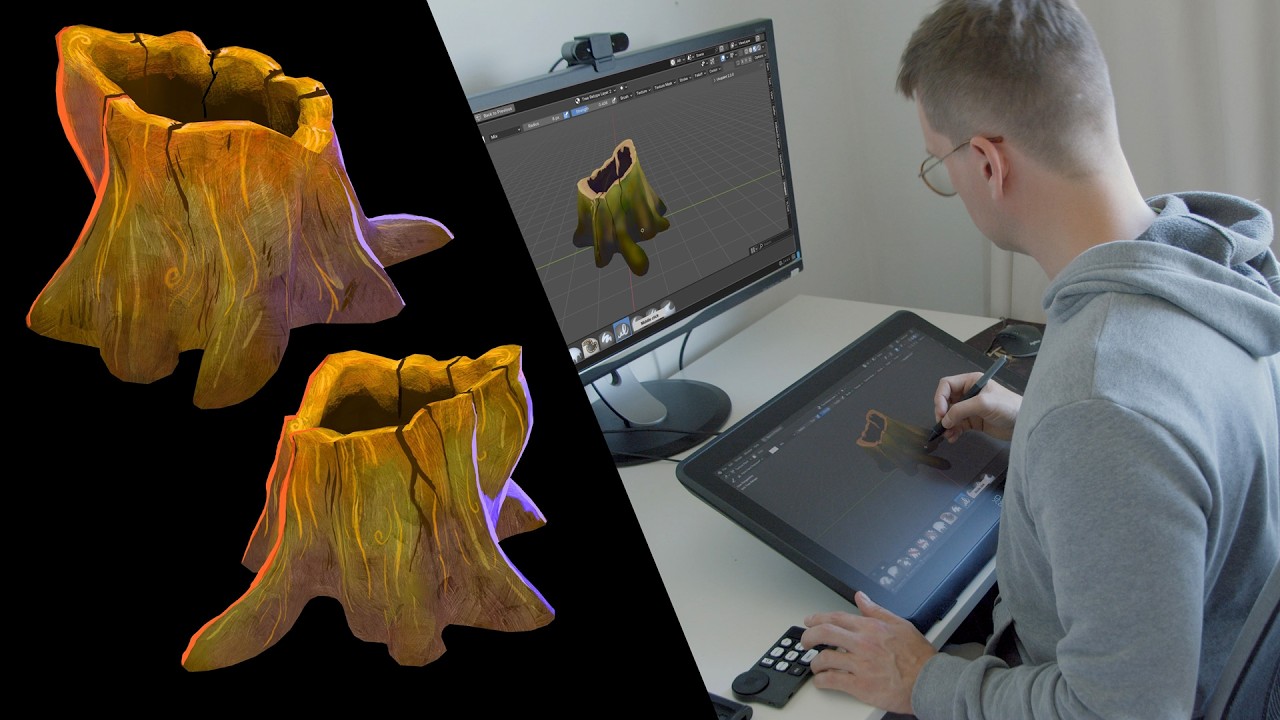
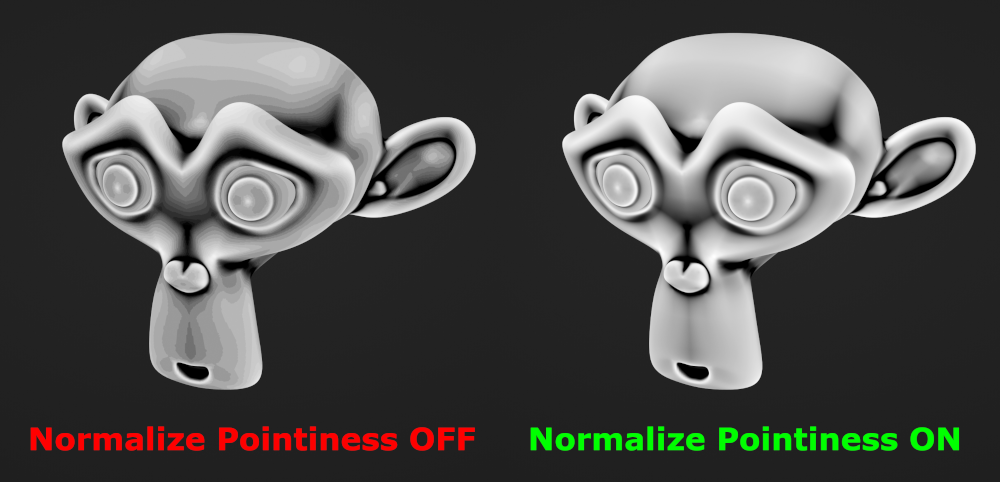
Ucupaint 2.3.2 has been released with Blender 5.0 Alpha support and a normalize option for Pointiness baking, which means easier control and reduced banding! Also bugfixes and more!
Small suggestion on the interface. So I don’t have to dig into the mask property at the bottom.
In general I wish the interface was setup more like Substance Painter, it would it easier to use switch between the 2.
Thanks for the suggestion, it’s a bit tricky to implement mask toggle in the expandable subitems, but I’ll tell you if it’s already implemented.
I’m not familiar with substance as I never used it before. I have no plan to mimic other software because I want to make a layered system that works well within blender. But you can still suggest which part of ucupaint UI that can be improved.
Ucupaint 2.3.3 has been released! Now you know how long it takes to bake something! Also lots of bugfixes!
Ucupaint 2.3.4 has been released! It fixes a lot of bugs and is more compatible with the latest Blender 5.0 Alpha!
Part 2 of ucupaint tutorial from 3DFromZero is out! He’s explaining many things you can do with masks, please check it out!