The “not in view_layer” error is pretty obscure and not documented at all, it also may even occur when object actually is in view_layer, i’d suspect the object to be linked to another’s scene as “main” collection, and while the collection does not belong to current scene you get those kind of things.
Hi. Great addon excited to buy it. Will be on sale soon? May I know the distinct advantage of archipack pro over archimesh? Btw, hope you can make a discord group Thank you so much
Archipack PRO is on sale since 7 februar 2019 !
Most obvious difference is modifiable objects at any time using on screen manipulators / parameters, and a lot of other advanced features.
Take a look at the first post of this tread for relevant links.
thank you for the reply. Can I easily export this to unreal using data smith? will it generate holes on the wall for the windows? how about the UVs? Thank you
There are dedicated tools to prepare model for game engine export, like apply holes, apply random uvs, triangulate, depending on your needs.
Booleans are automatic and interactive, so moving a window update hole in the wall in real-time.
You may take a look at youtube chanel for more in depth informations about archipack
I can recommend it 100%
To me, it was muuuuuch more than expected, and the more you use it the better it gets, moreover Stephen is super helpful all the time, plus all the people that use it here helps a lot too, and is in constant development
Still crashes with latest version 2.3.0, same error messages, under the same conditions :
when I try to make a new dimension style preset, the new one is added, but there is no thumb preview and immediately after creation, program crashes.
I sent details in private message, so as not to crowd the thread.
I am trying out the awesome 2d to 3d tool.
I have some questions though.
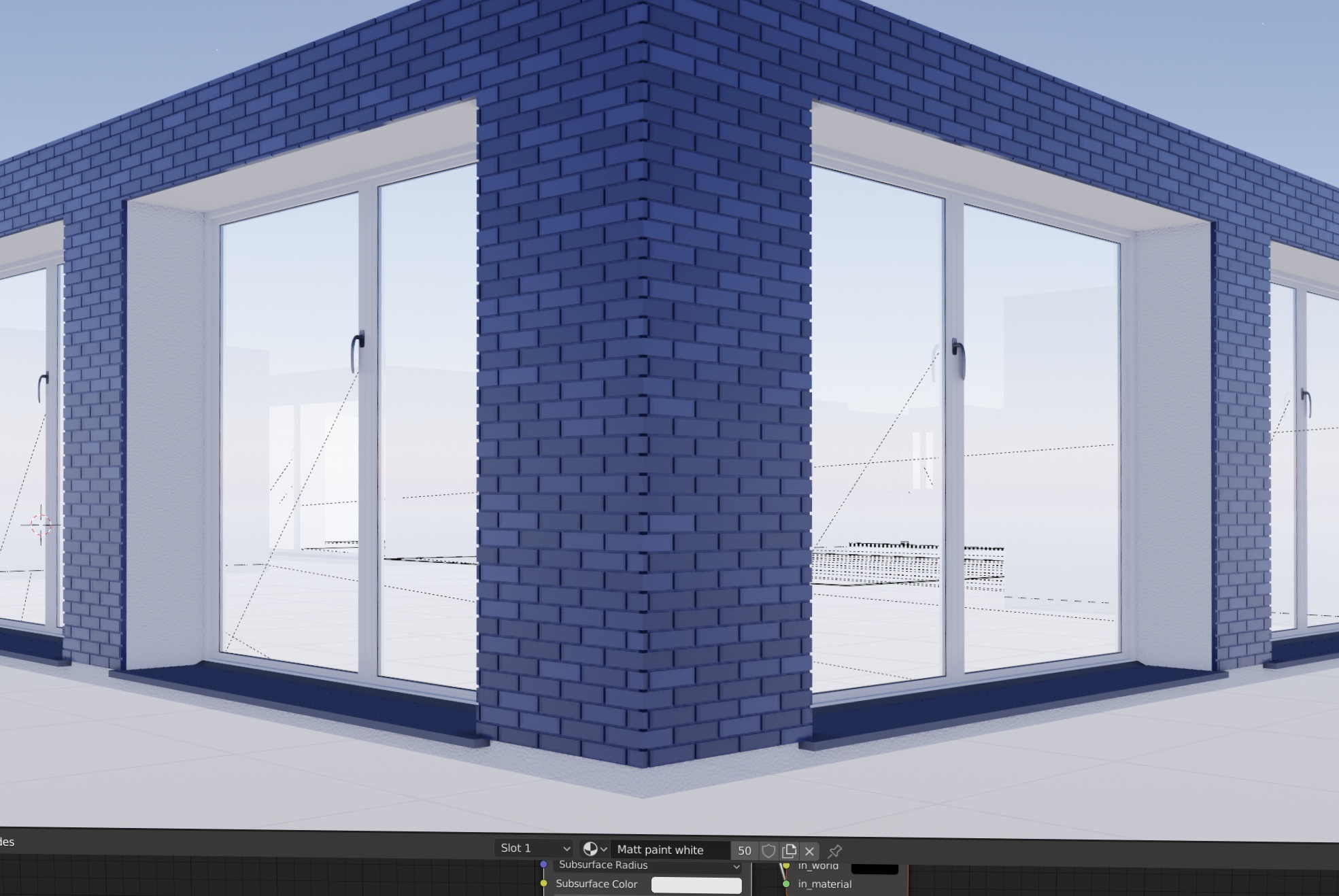
When i detected edges and use the polygon tool, i get this weird graphic glitch so that i cant see the orangea boundary correctly , and thus i do not know what i have selected. See image
When adding windows and doors through the polygon tool, with shortkeys w and d etc. It would be nice with a shortkey that undos latest placed elements without leaving the polygon command. Since i often happen to press wrong and make doors 50m wide
Anyhow, cheers. This addon is great and helps me a lot!
Selection visibility is a known regression in 2.x, and will be fixed in next release. It depends on shading mode / view point, use “Solid display” and enable “overlays”. Alternative is to move base lines slightly under 0 on z axis.
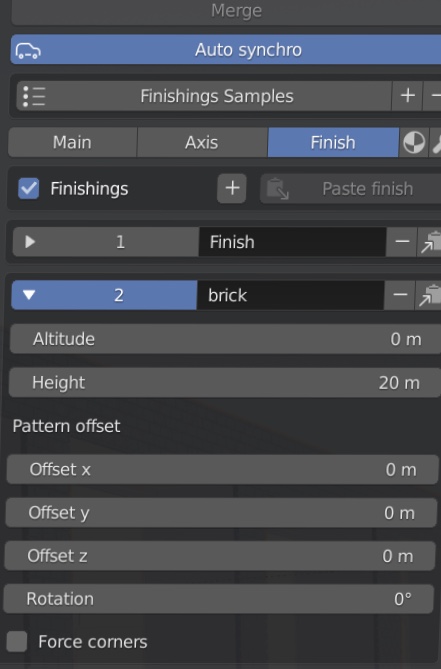
You may do this by hand (select all your walls and hold alt while check/uncheck finishings), will avoid enabling at render time as it will then be a 2nd setting - visible on screen / at render time, and tracking the “click to render” action require “half working black magick” likely to fail when you send things to a renderfarm.
It is by far not as simple as one may think. If i add geometry at wall level, boolean modifier in use for holes will cut filling geometry too. Window / doors may “belong” to more than one wall / level. I must provide a way to control finishing type / location for each opening. Was thinking to a separated object but this approach will suffer from same issues than wall object with boolean.
2d to 3d Polygon tool keeps data of the last detection, so even if you quit, restart is just matter of pressing “polygon” again.
hi, would it be possible to have a different UV on the wall, so that the interior can have a separate material while the exterior wall also has a different material? or do I have to manually UV it and assign different materials on the interior and exterior. Thank you
Looking forward to next release then, couldnt really manage to see selection in solid mode either.
About number 3:
Perhaps there could be a way as you say to implement a second object, maybe it should be in the windowfamily, where a possible finish like wall finishing can be applied?
I have a super ”advanced” roof i am developing with polyquilt mesh and roof by object tool, that I like to share with you later when im back home:)
Amazing tool. Thank you for all your hard work. One possible bug though.
Using Archipack PRO 2.3.0, window 10, Blender 2.83
Sorry if this has been already posted. I didn’t read all the comments.
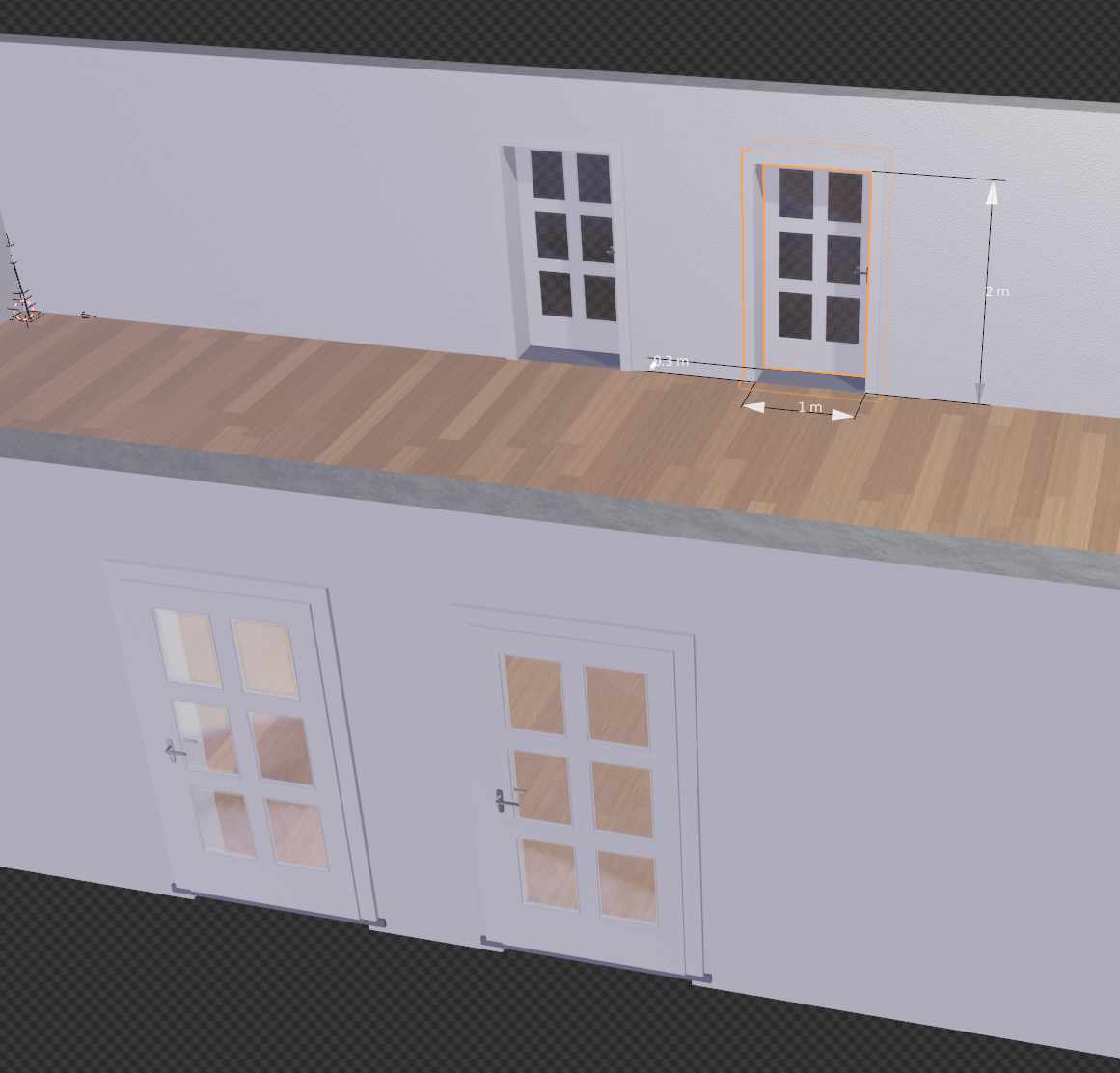
When inserting doors it doesn’t seem to rotate them to the correct side.
In the picture below I inserted both doors without rotating the view which means they should both have the deep side facing the camera, but they don’t. They seem to be rotated based on the what side is the outside of the wall not the perspective when inserted.
Thanks for quick response! I know that i could create moldings on that way, my problem was that
I tried to create a slab from the walls and didnt work, i think becasue some intersections, then I created the slab manualy, and then I need to create de molding.
 Thank you so much