Sorry for the disturbance, but I’ll keep it short.
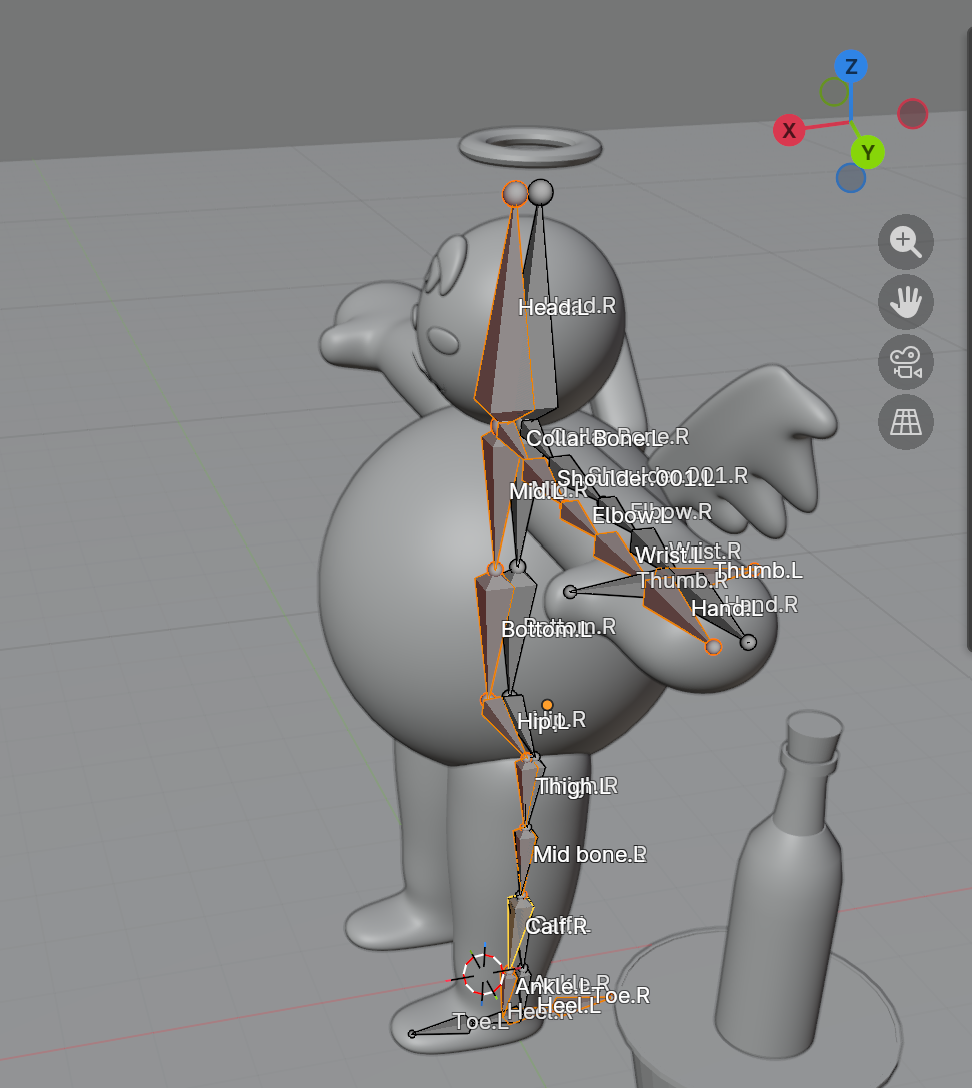
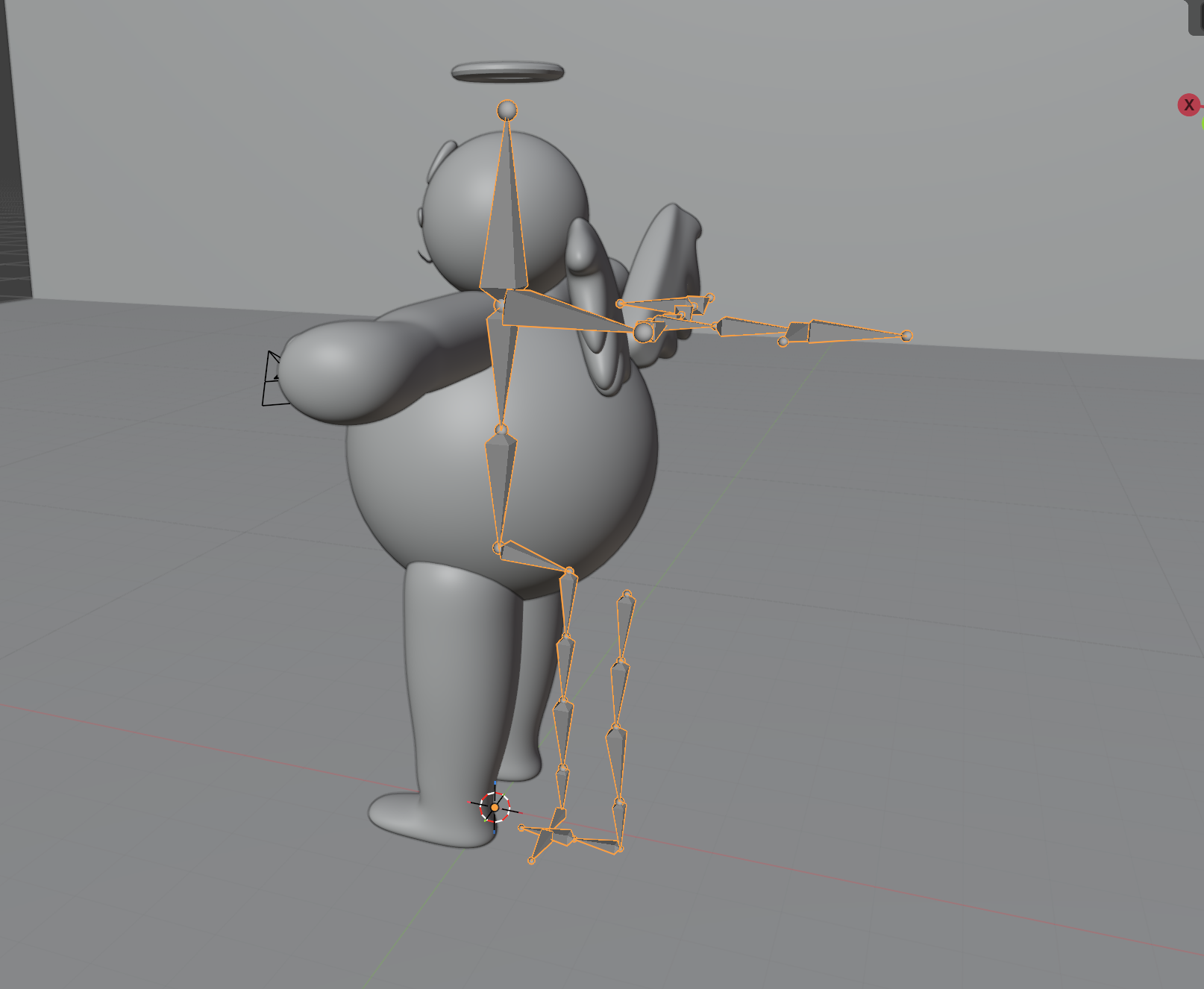
I am trying to symmetrize my armature, but it doesn’t do what I want it to do. It keeps morphing, going on the same side as the R side of the armature. I tried to change the axis of the armature. Nothing. I tried to rebuild it. Same problem. I don’t know what to do.
Please help me. I have already spent over an hour trying to understand.
Excuse the setup. It’s my OC.
Edit: I don’t think the “bad English” comment was relevant, so I removed it.
The original problem was that you started with the character facing the wrong direction. You should unparent the character and rotate it 90 degrees clockwise, then apply its rotation. Also, delete all the wrongly mirrored bones, then rotate also the armature 90 degrees clockwise and applyits rotation too. Then try symmetrizing again. Blender can only symmetrize armatures along x axis, now you tried to symmetrize on y axis so it mirrored everything into wrong direction (backwards). You should also remove the .L / .R endings from the bones that are in the middle (head, spine bones etc) because they must not be symmetrised, as they are in the midline.
Hello! I did as instructed, and it was so close on fixing it! Sorry I failed.
I think it would make sense for me to re-do the rig. I have put the character as 90 degrees using Z for it to be on the X axis (hope that was right).
I must have confused myself somewhere or else this wouldn’t have happened and I wouldn’t have wasted anyone’s time. I am so sorry.
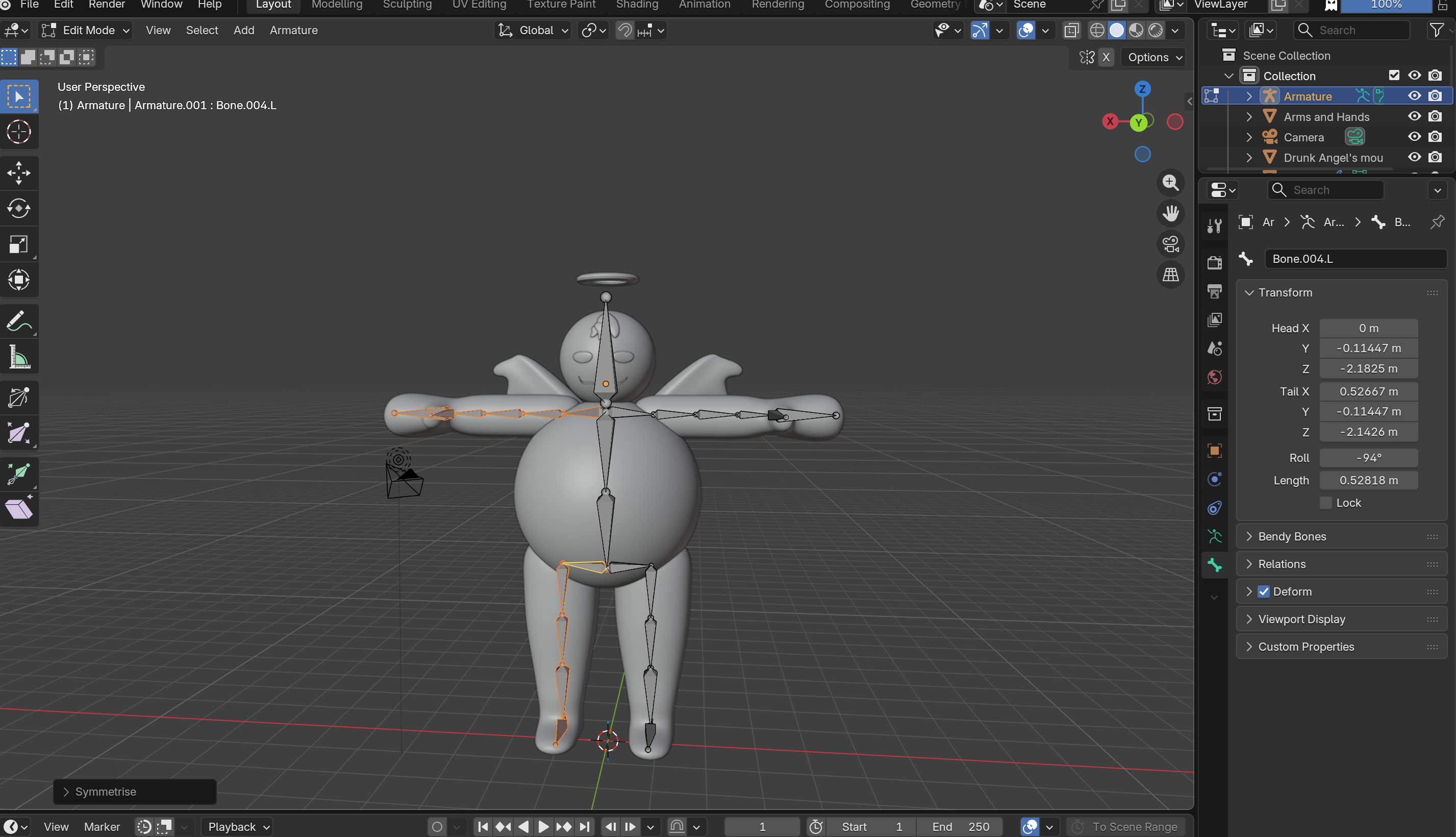
Edit: I have re-built the rig (I definitely must have done something weird) and followed your instructions carefully about the names of the bones. And it worked! Thank you so much.
Edit: (Screenshot 1 is the new one)
Screenshot 2 is the old)
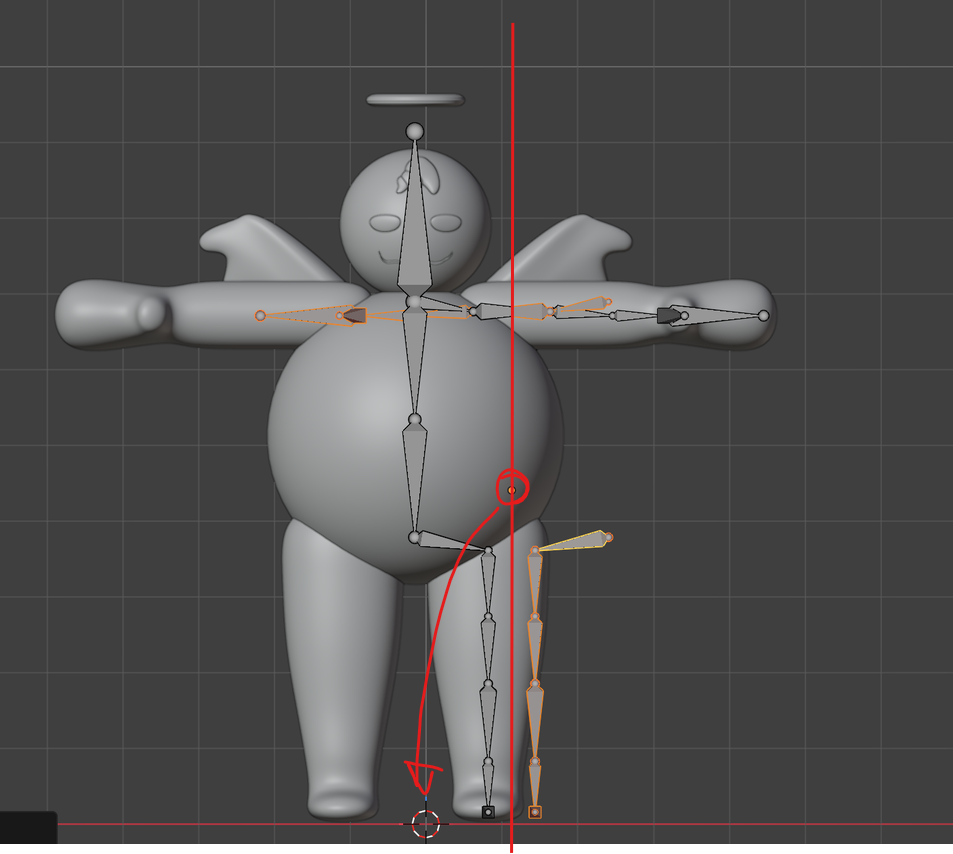
Just so you’re aware of what happened on the second screenshot, the mirroring wasn’t working because the origin of the armature wasn’t centered on the armature, so it was mirroring along that line marked in red, which was the actual center of the armature in that case.


 And no need to apologise