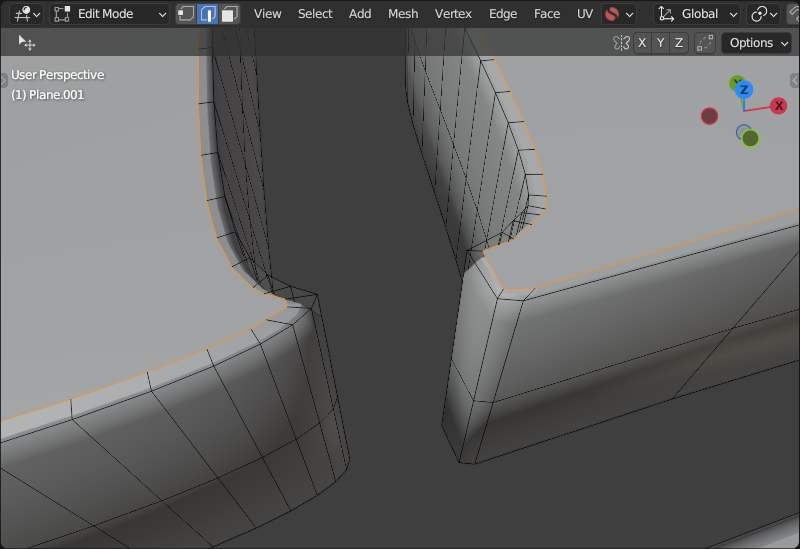
I have this japanese text cut into an solid in blender. I want to round the edges of it but when I apply a bevel modifier with a limit method weight and apply the weight to the edges, I get the following artifacts. How can I apply this bevel without the artifacts and without much manual work. I have a lot of them to do and hope to find an efficient solution. Thank you.
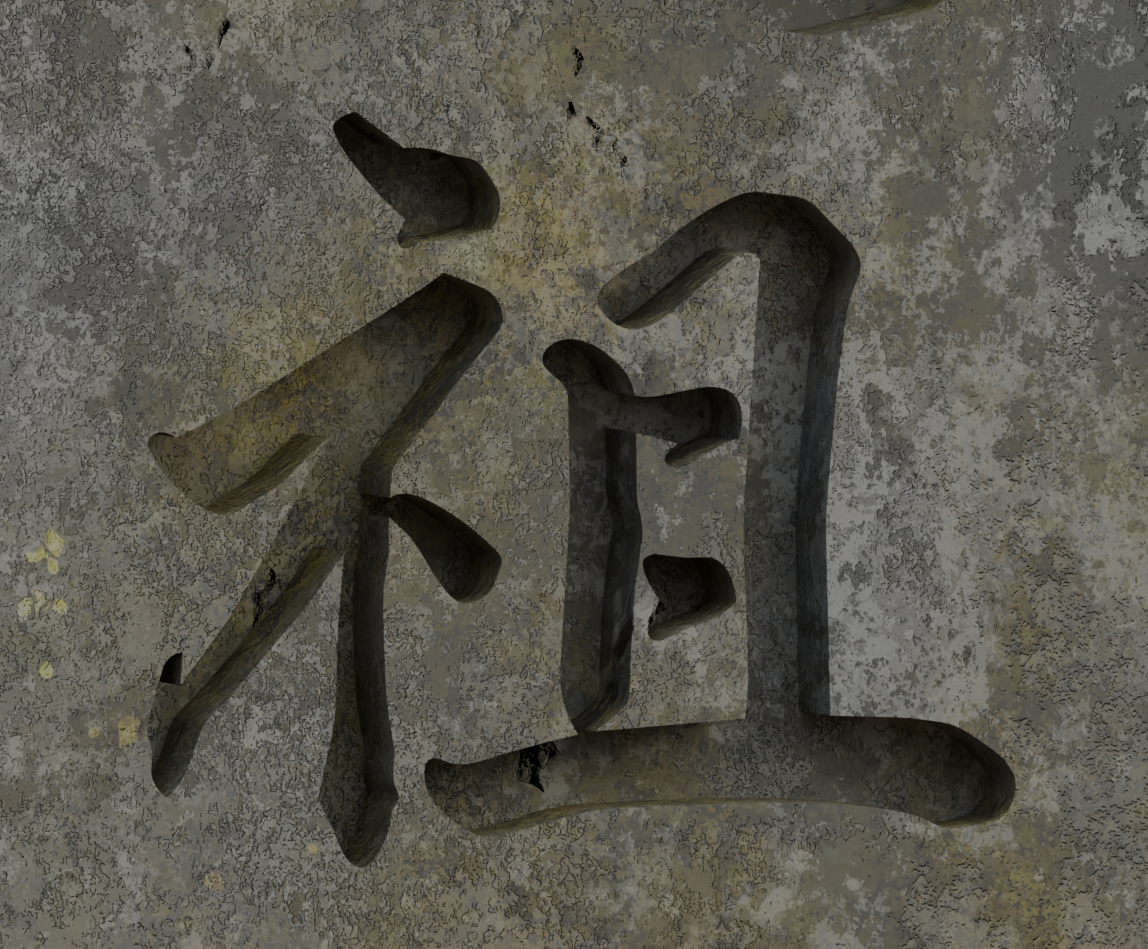
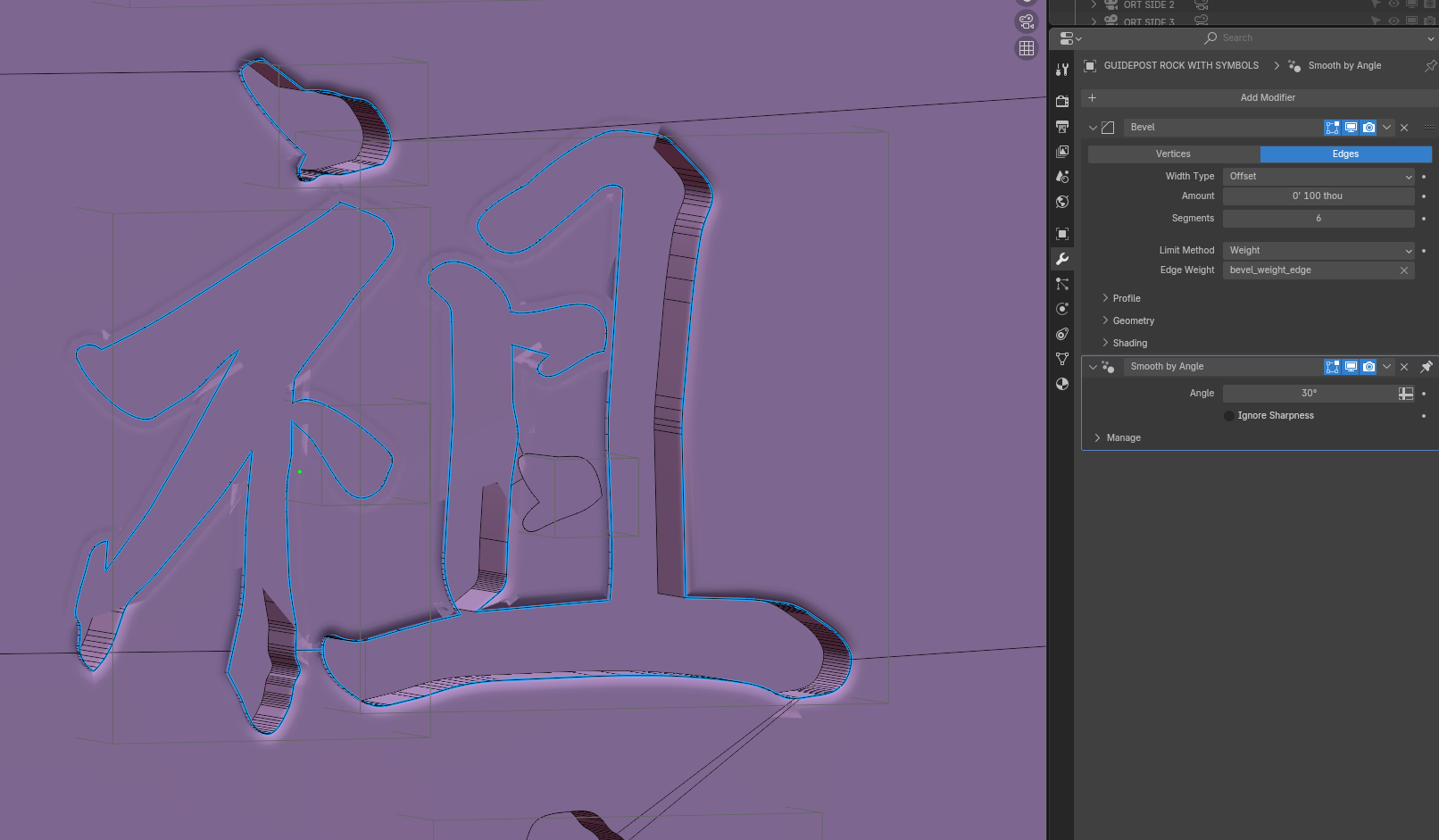
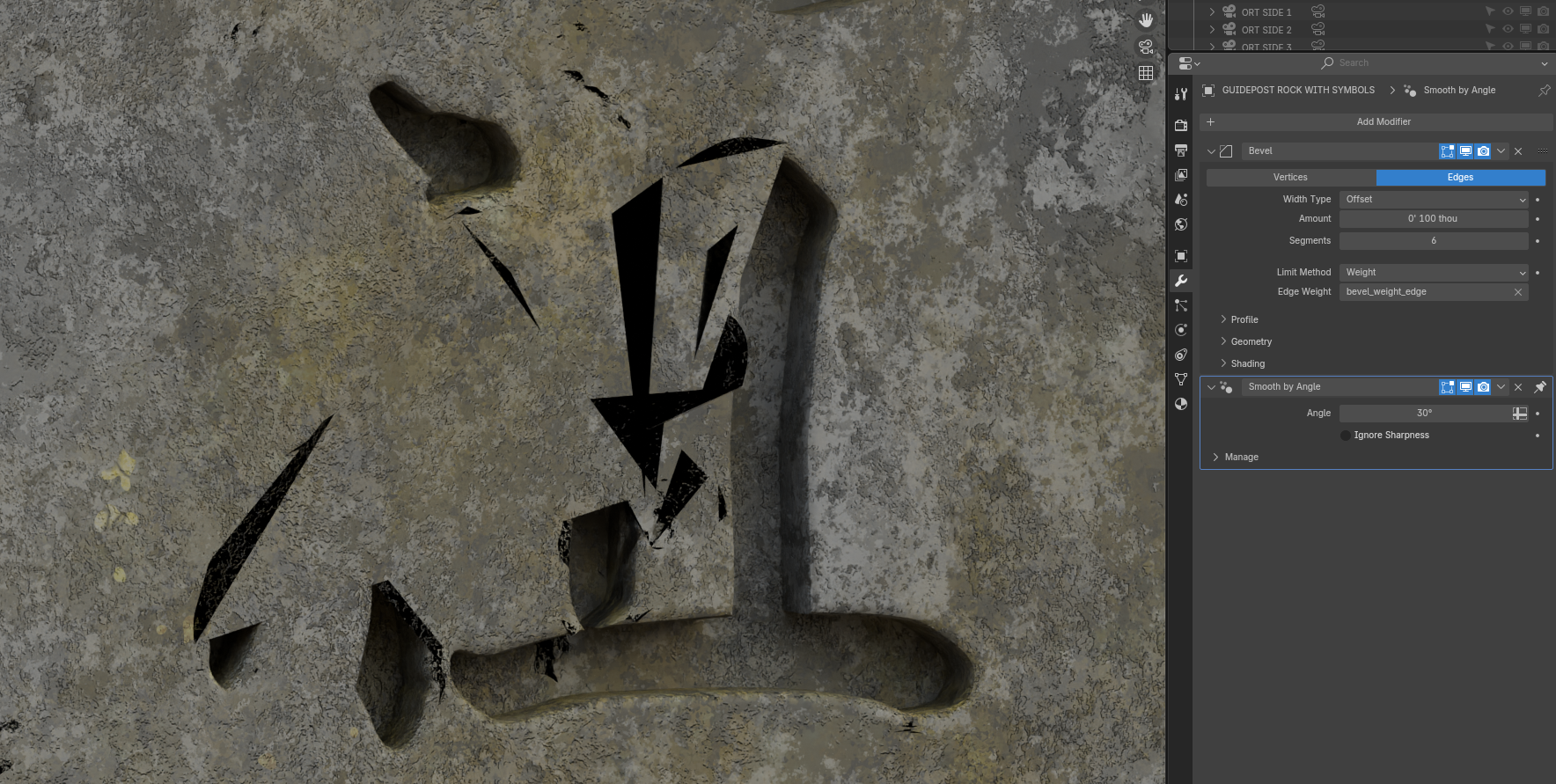
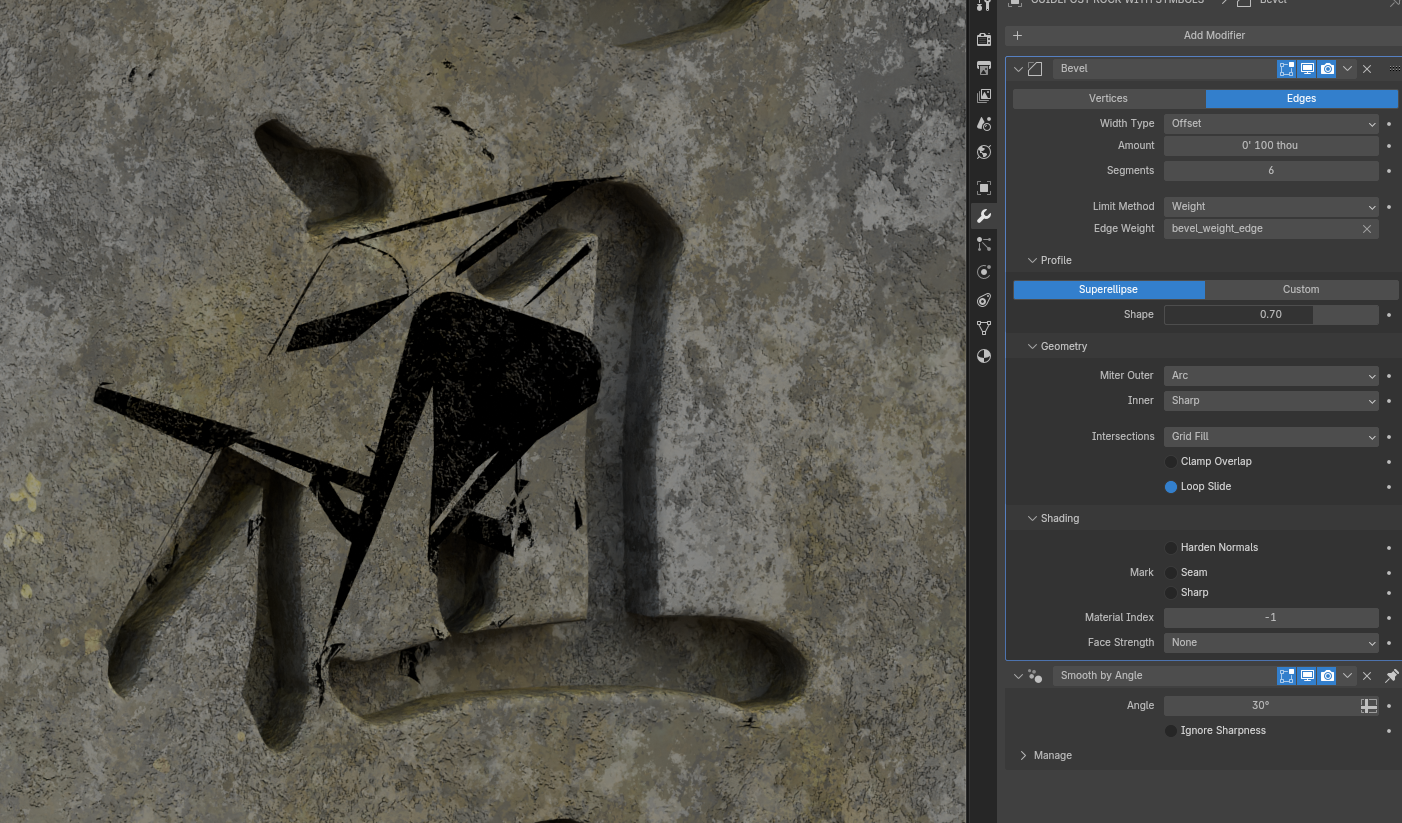
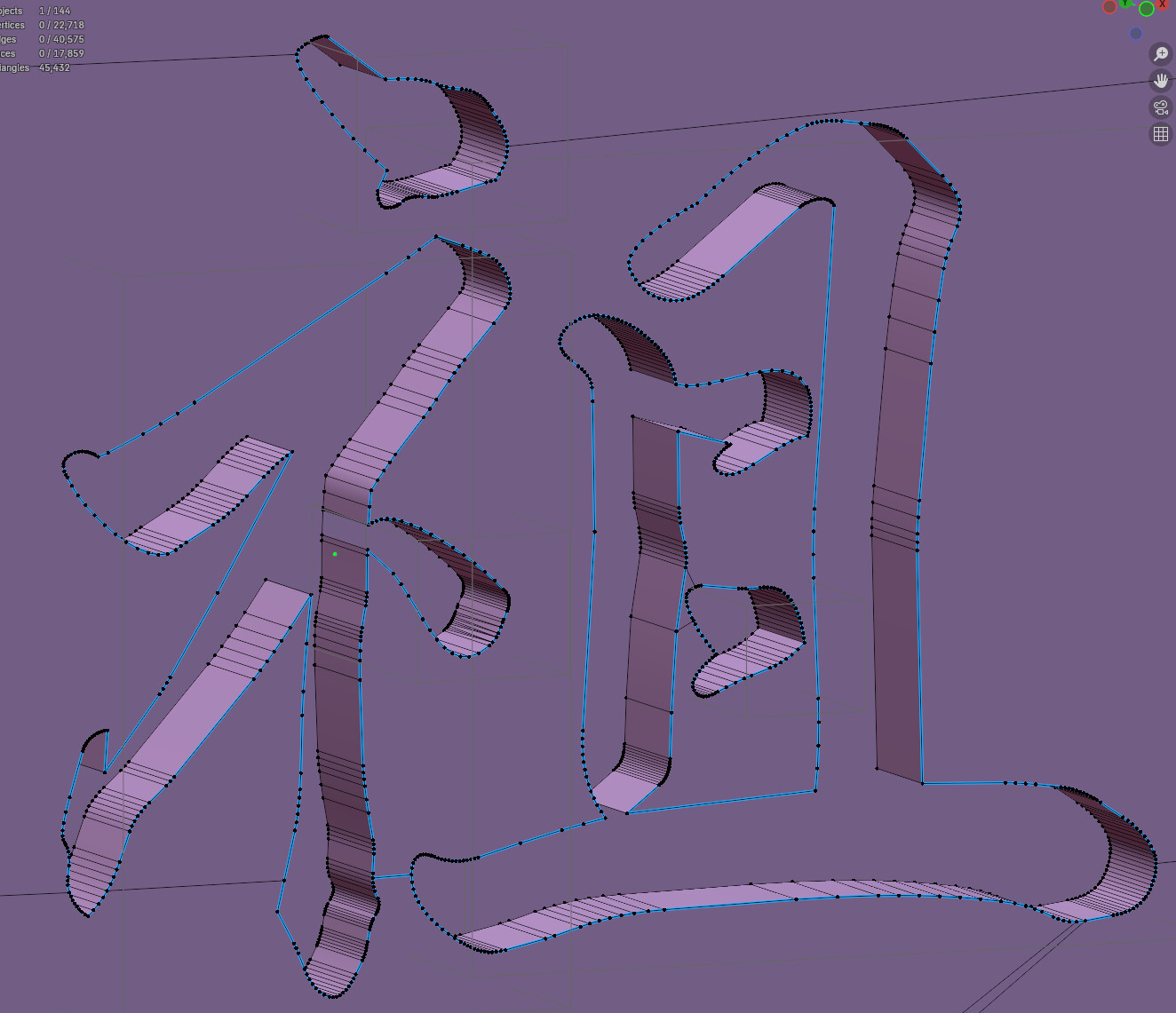
I’m guessing this is probably because there are narrow spots where the bevel overlaps itself.
Doing this with a bevel would be complicated. I would instead use voxel remesh, followed by a smooth modifier with lots of repeats to round the result. The stone would need to be an enclosed slab with thickness for this to work, but it would work no matter the shape of the engraved letters.
Here is an exemple.
engraved text.blend (110.0 KB)

This gives a rather heavy result for the polygon count, which is fine if you just need to make a render of an individual engraving like this. But if you need this to be a model that can be used in a scene, it would be a good idea to apply the modifiers, then decimating the result to a lower polygon count (you can reduce quite a bit before it becomes noticeable).
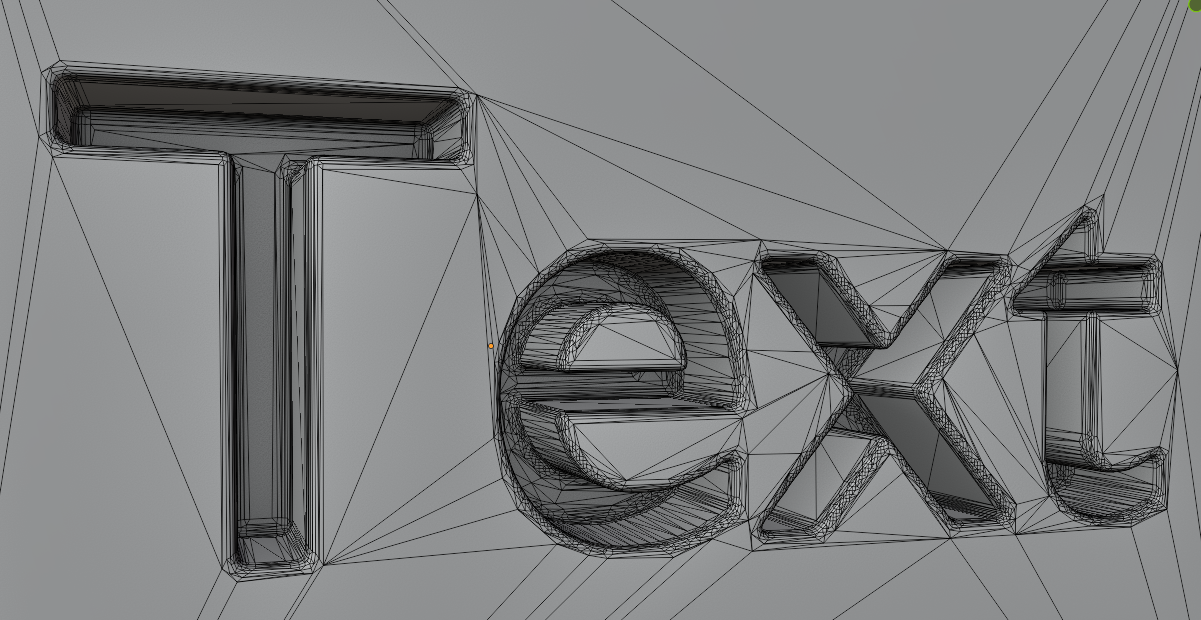
For some “easy” object an inset will help… but there is always the problem of too sharp or "overlapping areas. This 1mx1m sign does only have a bevel of 0.125m…
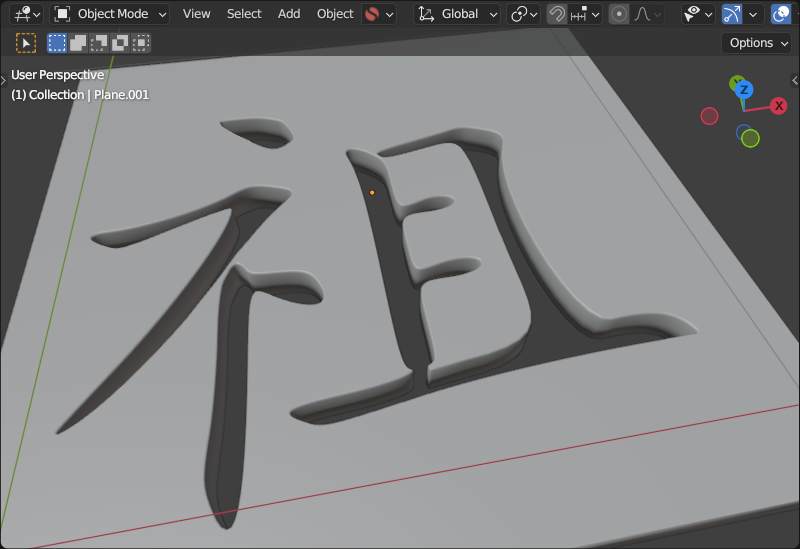
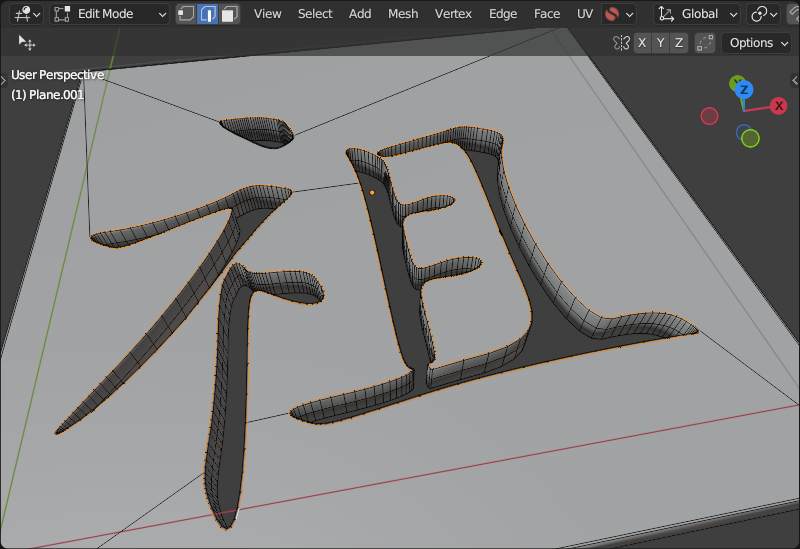
More will break the smoothness… because ome curve elements are simply “too sharp”(even if i already remodelled some…) .
.
Here’s also the SVG i used

…and yeah it’s different “drawn” than yours…(autotraced from some image and adding the "dot myself because “auto” ignored that… ) 
Thanks. This does work for a subtle bevel edge, but it’s not allowing me to increase the size of the bevel without distorting the entire shape of the object. Also I have a bunch of these symbols to do. 
Thanks, I had the problem of overlapping edges when increasing the radius unfortunately.