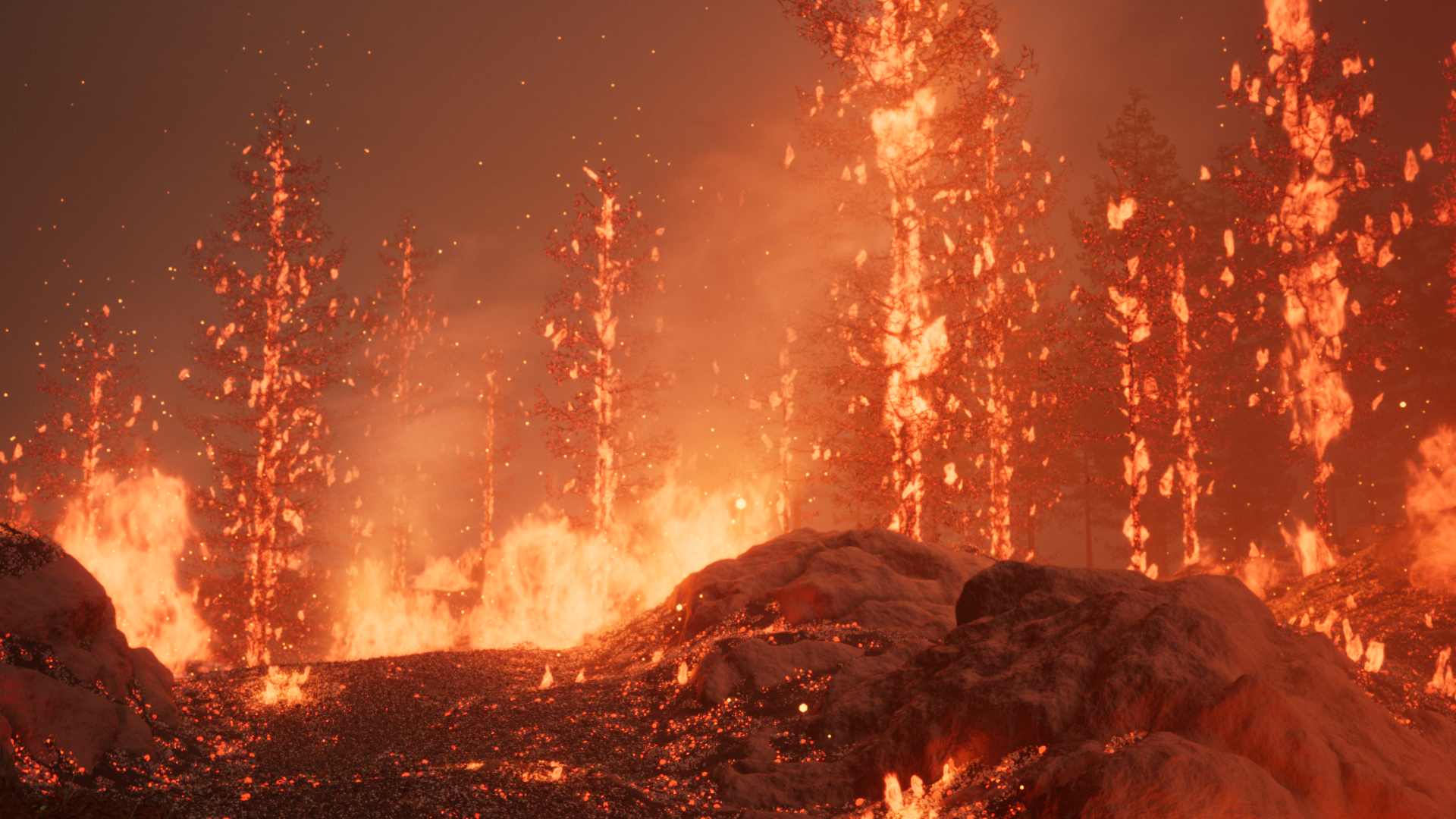
Here is the result of a long process of research I have done over time. I was looking for a way to make a scene with nearly unlimited numbers of highly detailed flames. This is rendered in Eevee, taking about 9 seconds per frame at 1080p on my 5060.
This render doesn’t contain a single smoke simulation, this is made entirely using procedural textures. This means I can quickly place flames and smoke exactly where I want them and see the result instantly without baking.
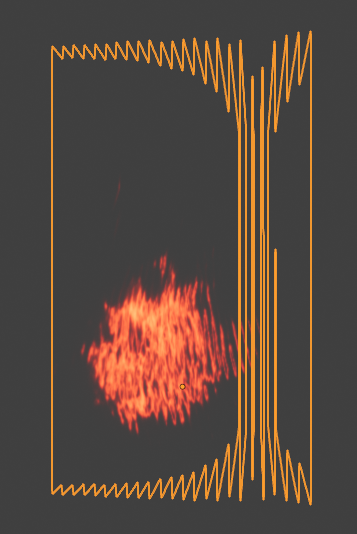
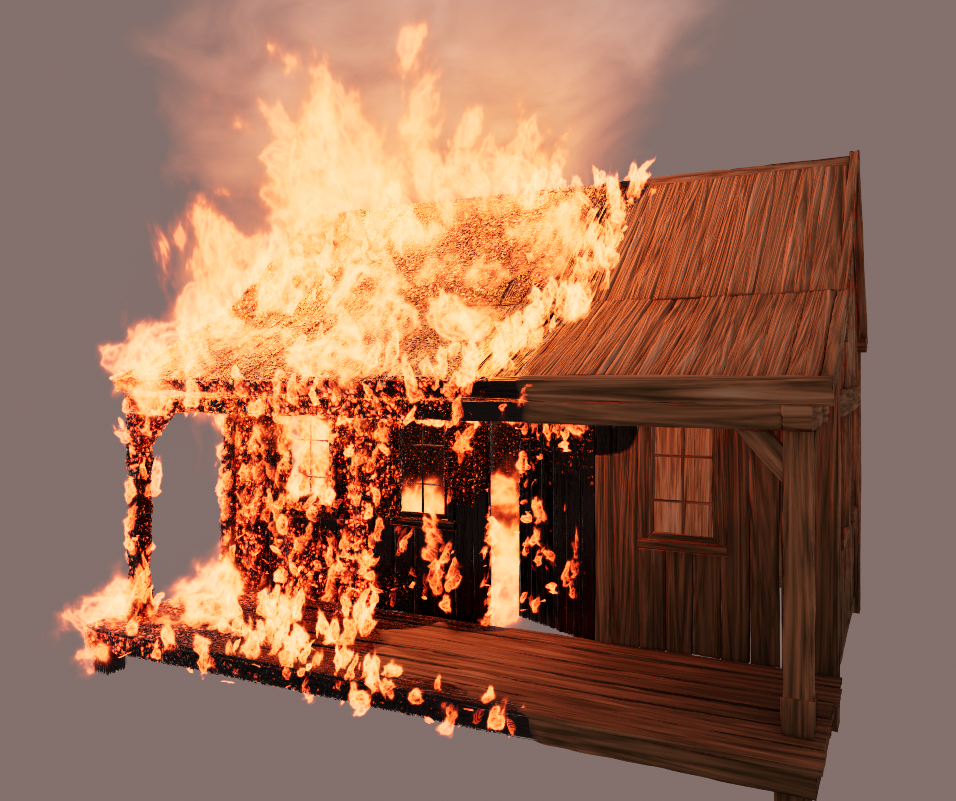
Here are the elements that are duplicated across the scene. The textures are randomized per flame so there is no repetition.
At first, I tried volumetric flames. This did look good, except that each additional flame I added lowered performance, until it eventually crashed. I managed to get a much better performance using fake volumetrics with multiple textured planes. This renders really fast (in Eevee) for how good it looks.
These flames don’t emit any light by themselves, so I fake it using a large number of point lights. I still manage a good performance, because most of them don’t have shadows (not needed, as they affect either small areas near the flames or huge areas that are entirely lit anyway).
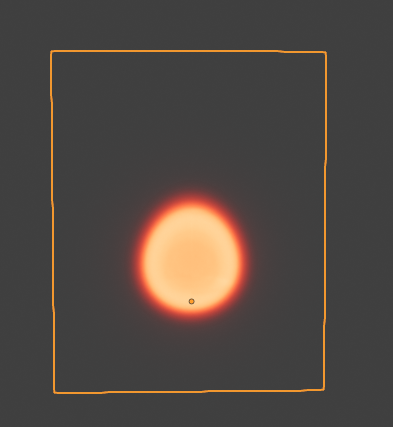
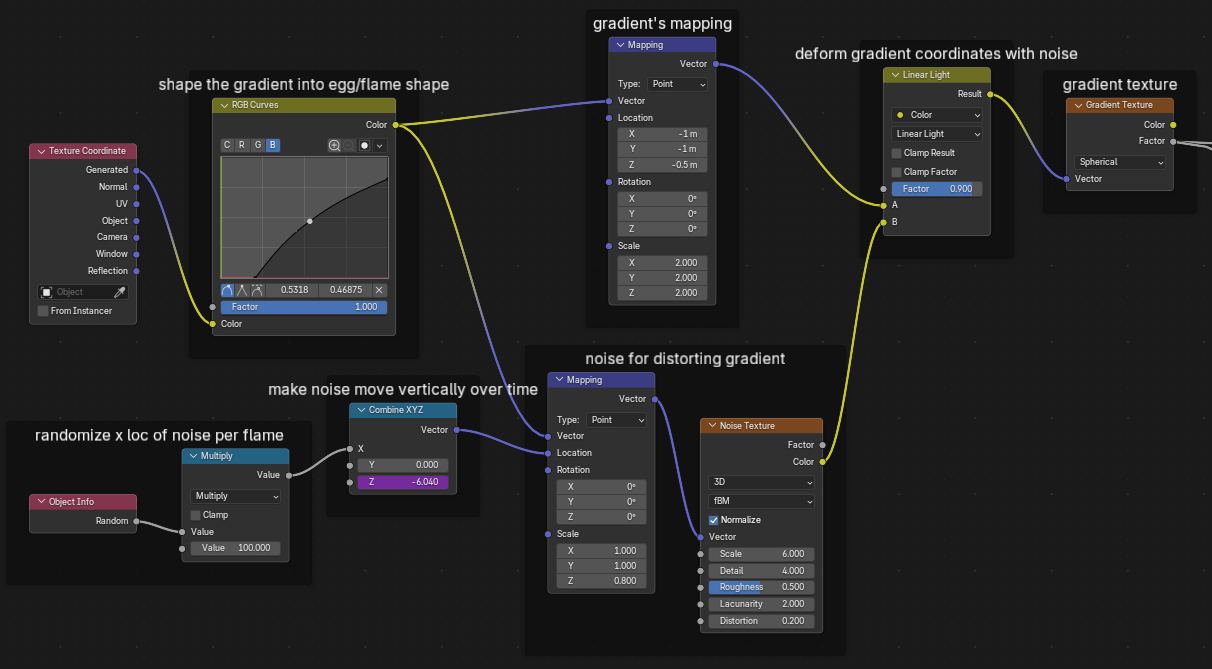
When making procedural fire textures, a lot of people’s first thought is to texture the opacity of the fire. I find what works much better is to distort the texture coordinates. I start with a spherical gradient texture, squish its coordinates a bit to shape it into an egg / candle flame like shape:
Then, I alter the coordinates of that gradient with a color noise and a linear light node. This causes the smooth gradient to become jagged as it gets distorted into the shape of the noise. I then make the noise move upward over time and this gives the flame effect.
That’s the stuff of legend. Really impressive. Reminds me of one of the best burning forest scenes I’ve ever scene in a movie, made in 1942! I have to question if they actually set the forest on fire
This looks absolutely amazing. And it’s Eevee, too. In the video it looks like there is some heat distortion in the air - is that just an illusion because of all the moving flames?
This looked really good. Didn’t realize it was Eevee till I read the description.
I have 2 things to note if you want critique
Towards the end of the video, the fire on the roof is obviously texture. I can’t tell why but at that point I was 100% sure I’m looking at a texture. Initially I thought all the sprites repeat at the same time but idk on 2nd look it didn’t look like that
2nd time I looked at it, in the beginning there’s a line of land that’s blocking the fire at the bottom of the sprite, making it look 2D. At the same time, in the distance, there’s another obviously 2D sprite.
This is the thing I hate abut sprites the most, It’s great for things such as candles cause you don’t see the thickness of the flame, but when you have for example a large grassy area it’s easy to make it look 2D. Somehow it wasn’t obvious the 1st time tho so idk
I didn’t add heat distortion, but both the flames and trees move with the wind using vector displacement, so that must be what you are seeing.
I think the issue with this method is that the individual flames can be seen as separate if you look closely. I would have to investigate the best way to place each flame object to make this less noticeable. Maybe the flames need to be packed a bit tighter and overlap each other more.