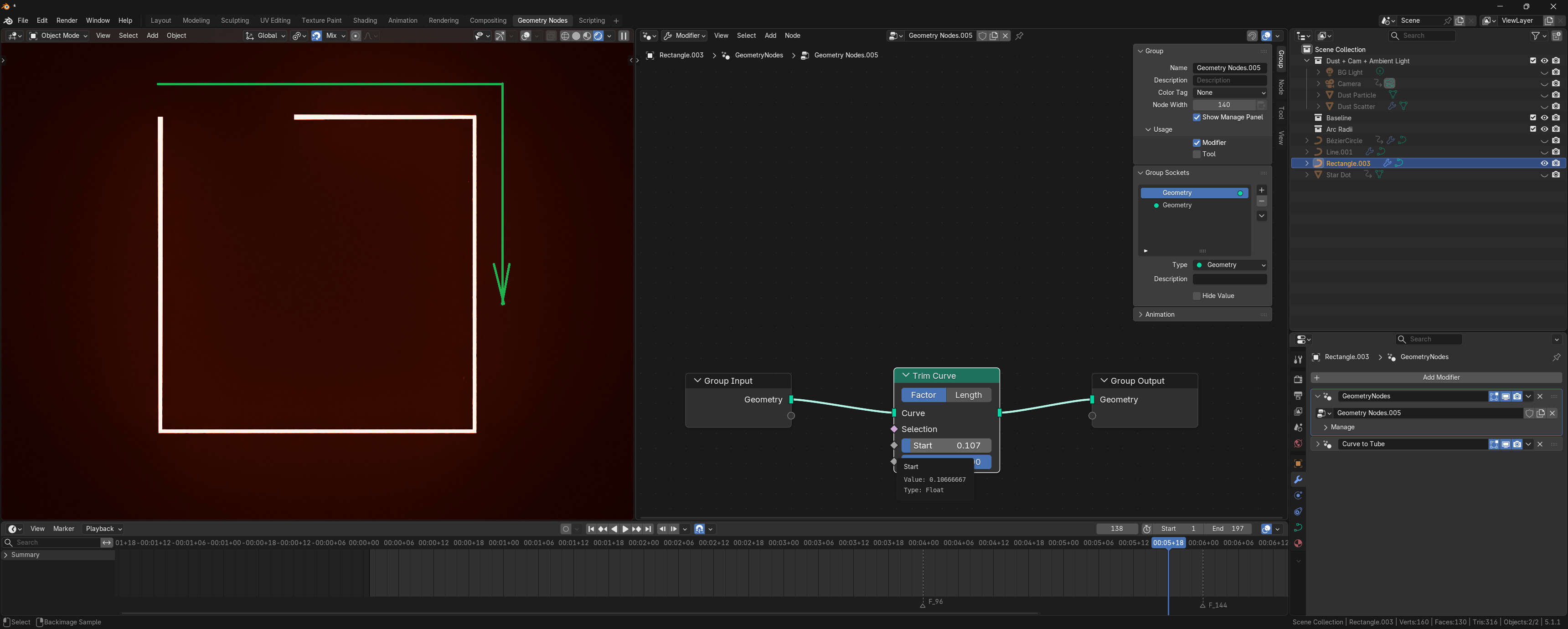
I need the animation to start from the midpoint of the baseline, go around and come back to it.
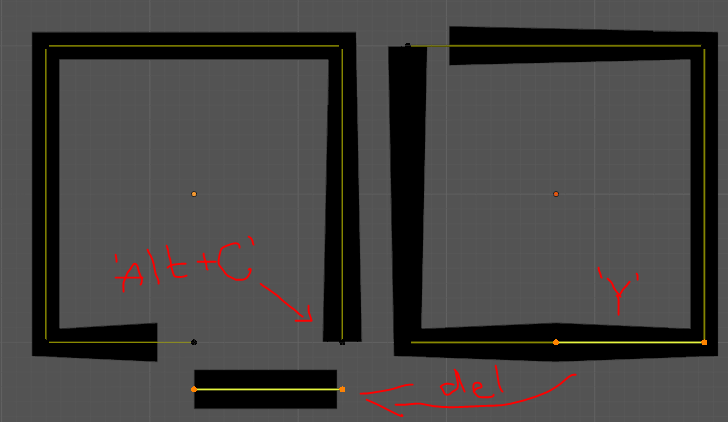
I’ve tried to split the baseline in Edit mode, but I have no idea how change the order of vertices or set the midpoint vertex as “first” if there’s even something like that.
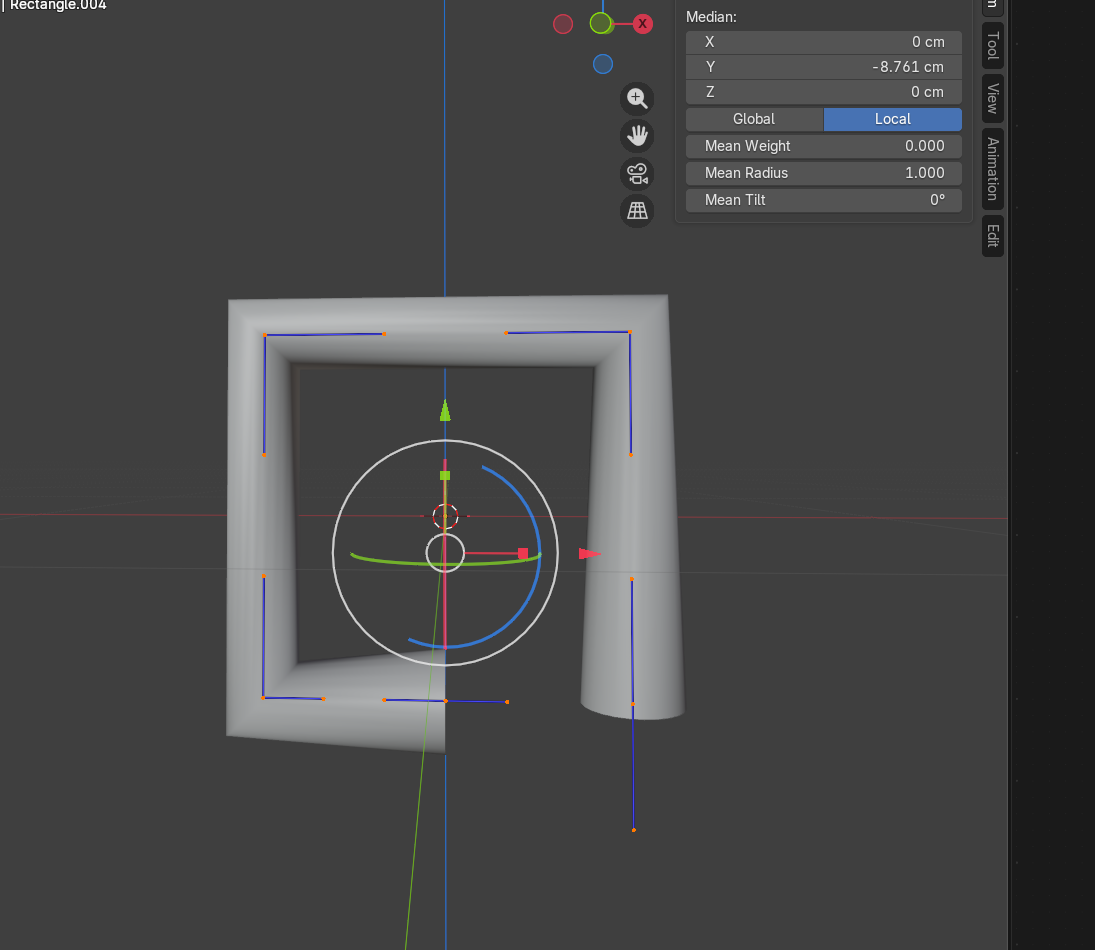
I’m following your advise, but the tube is not uniform in cross section.
I made sure that every vertex has a Mean Radius of 1, and also applied the scale from the outside, but can’t seem to change this.
Yes, because radius is uniform the cross-section of corners is exactly like cross-section of straight segments - so it looks badly deformed.
But this is a separate problem entirely. It’s not something built-in into Blender, but there are plenty of discussions and solutions around.
This user for example has something called “Even Curve to Mesh” in their nodes (I don’t know if it’s still up to date):