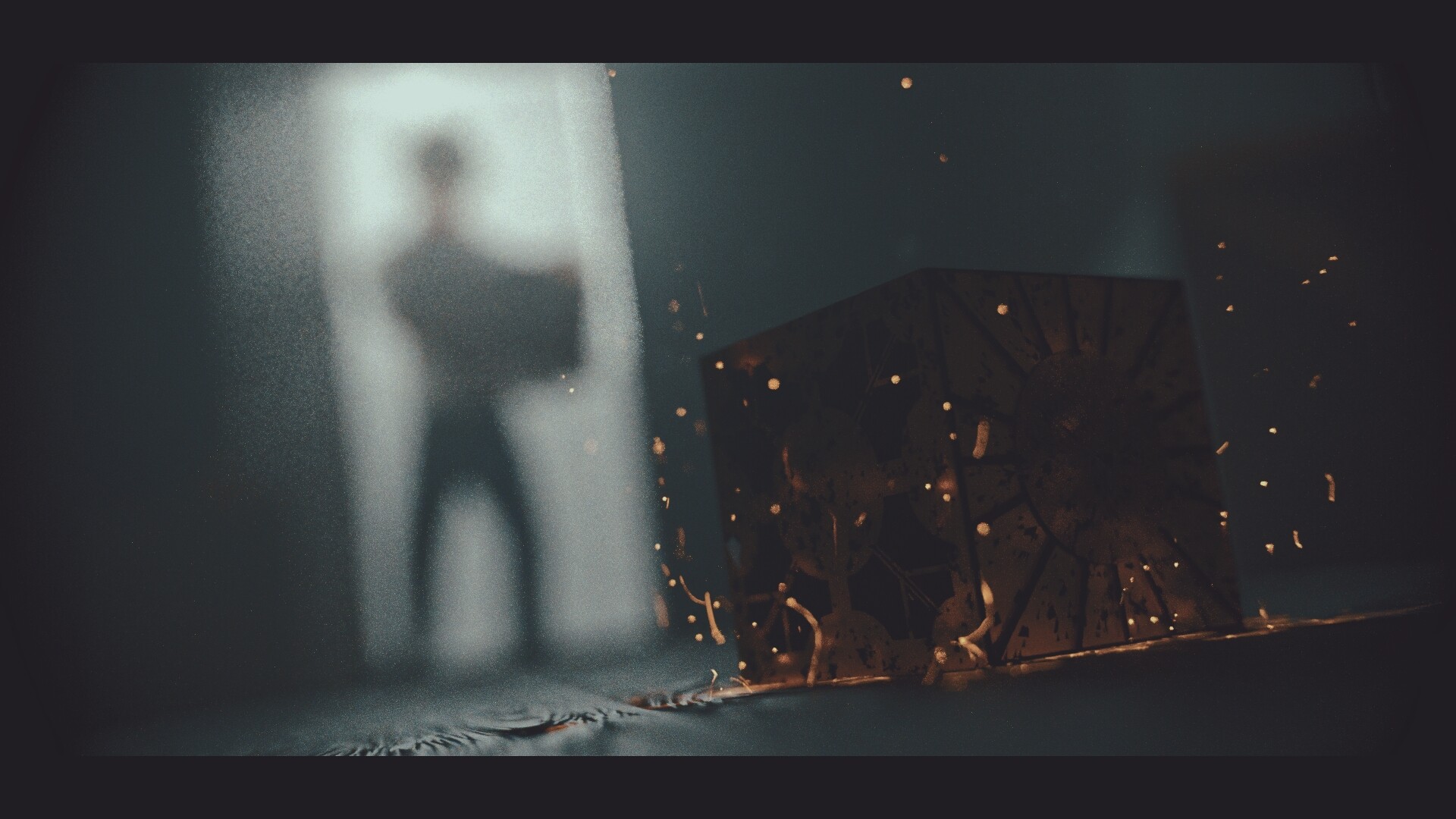
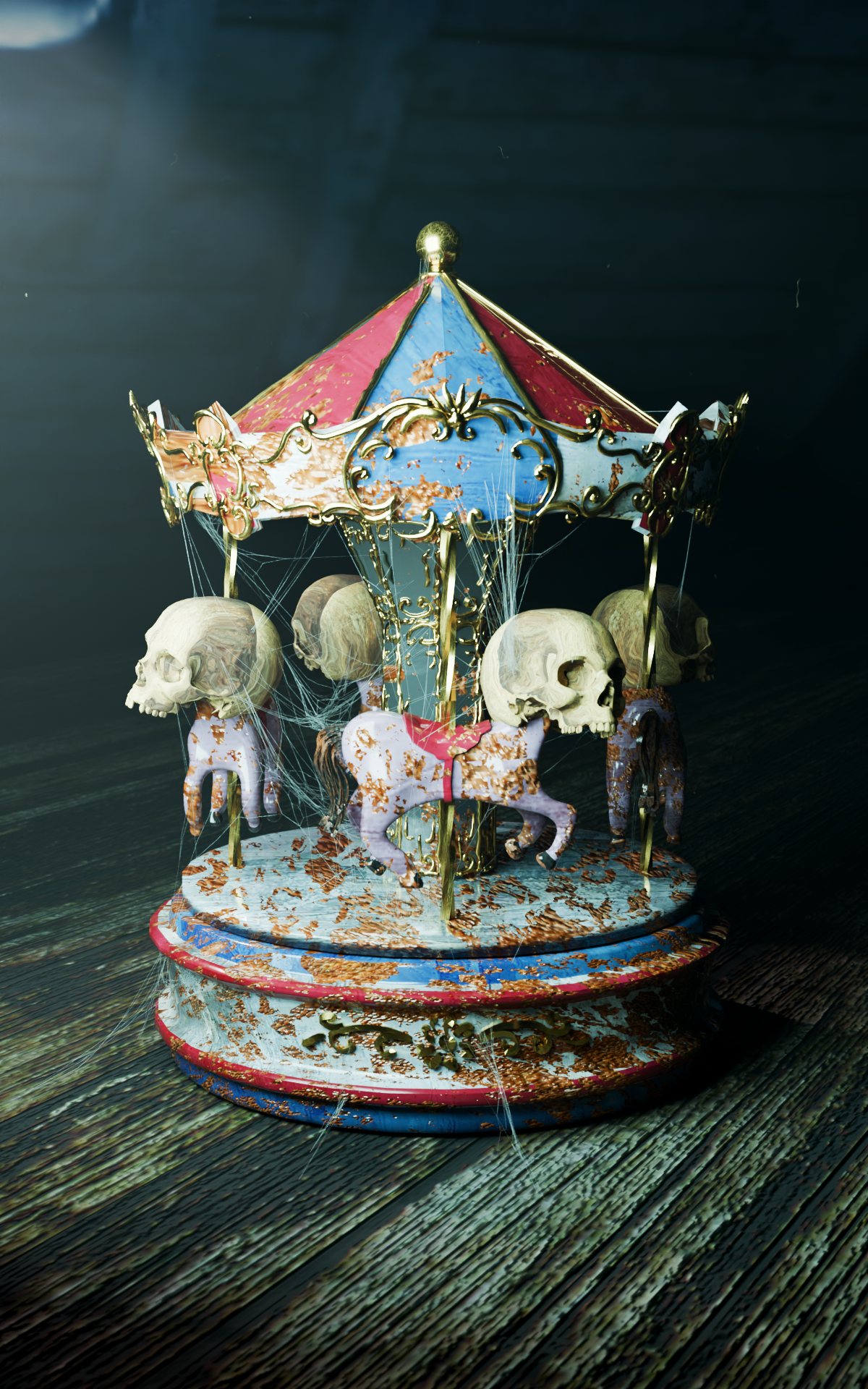
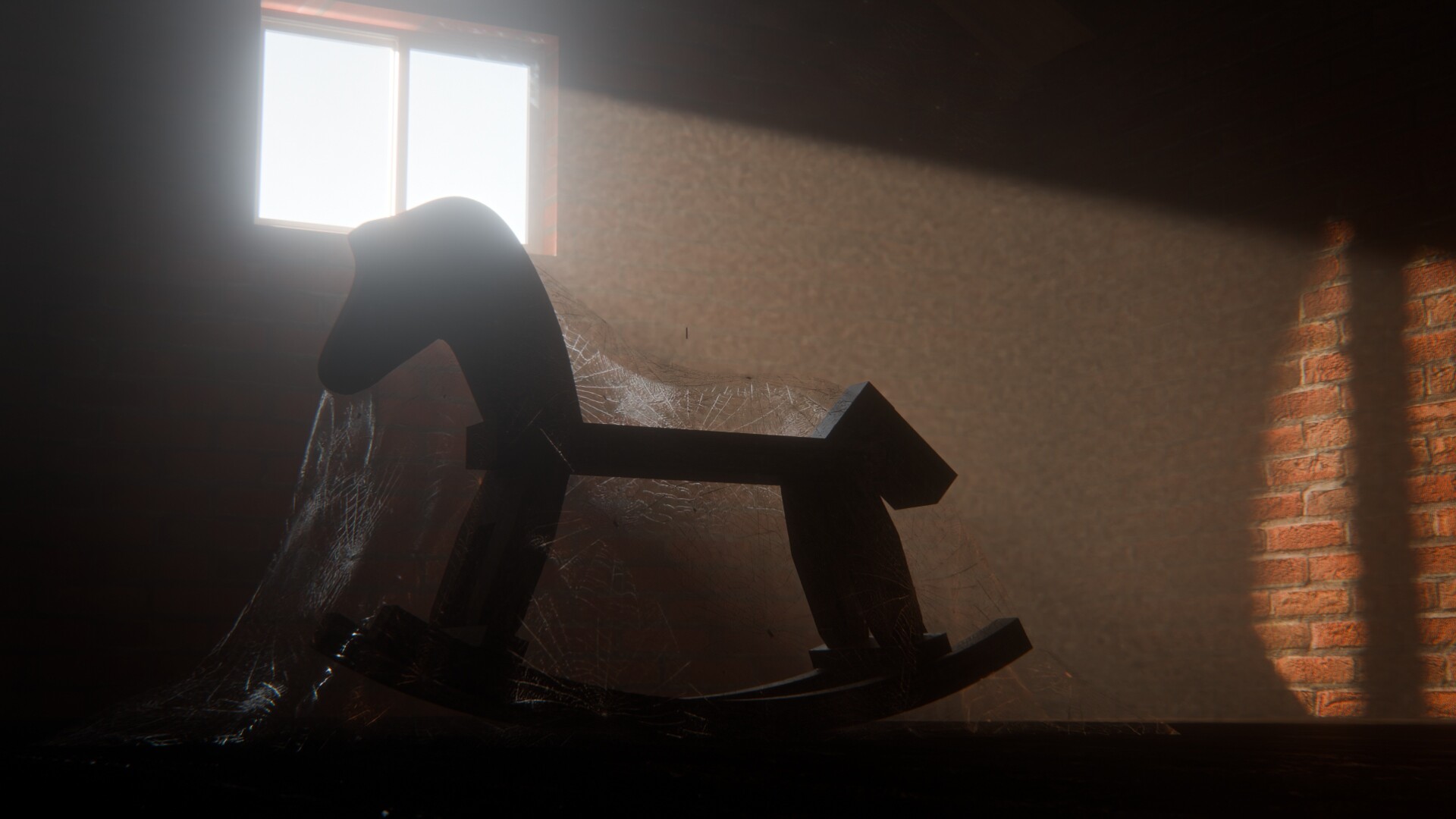
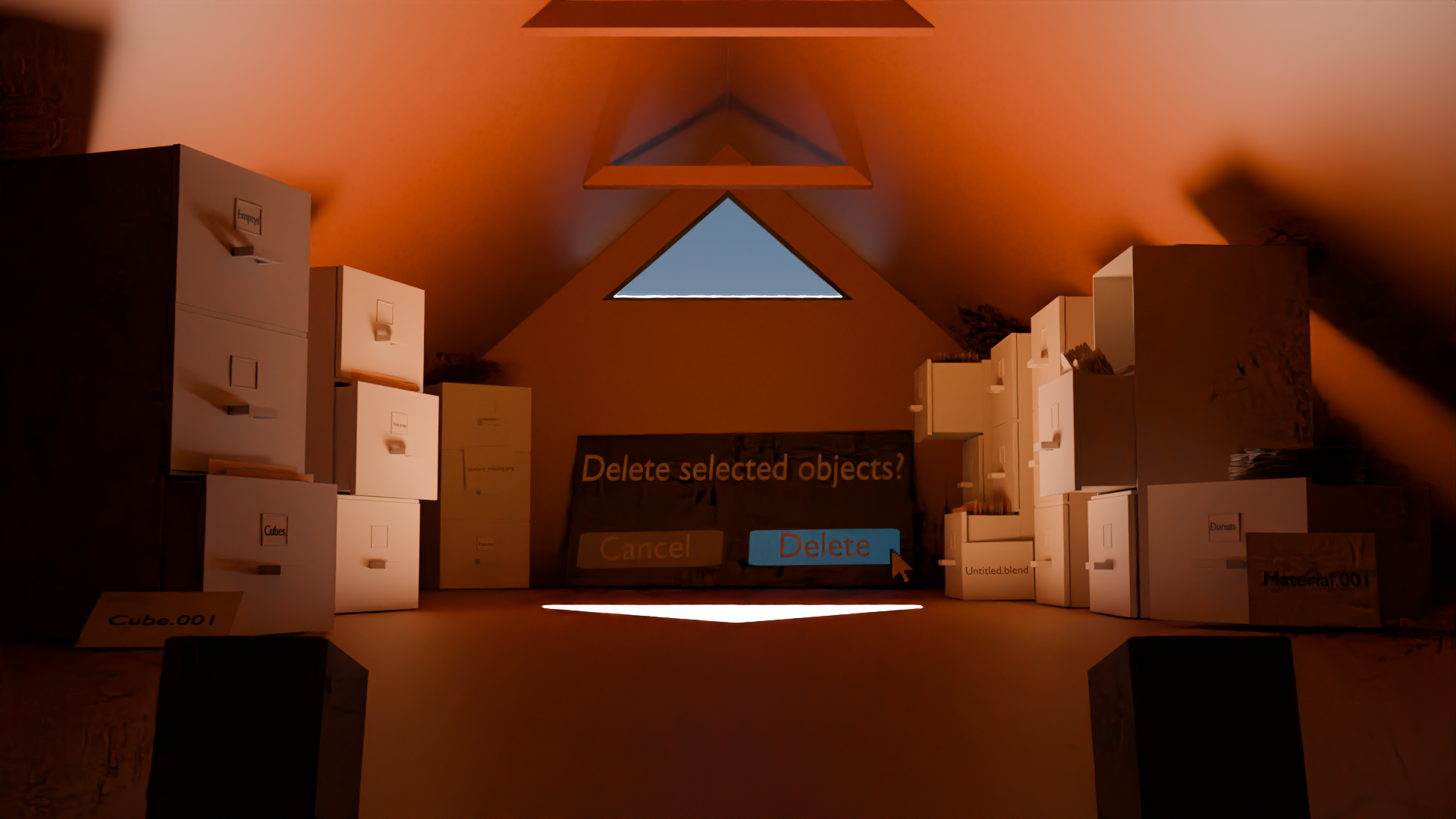
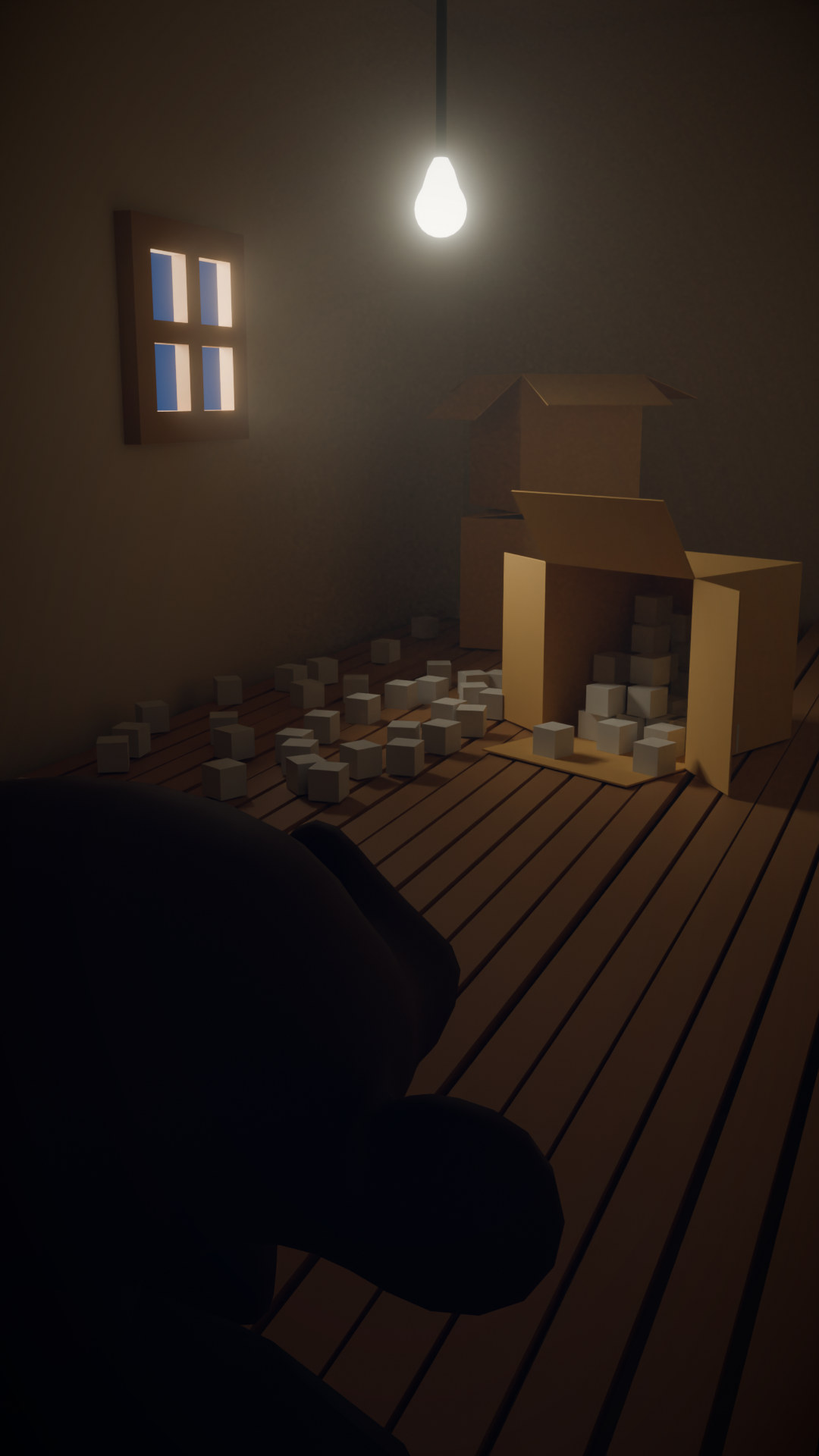
Please remember to state if your entry is pure, open or non-competing.
“There are two main goals for these contests: Fun and Glory.
Fun: You get only 4 days to create a cool image, based on the theme for the week.
Glory: After 2 days of voting, a winner is declared. The winner picks the theme for next week and will be featured in the Feature Row.”
After about 4 tries, I finally figured it out! This is my entry in case I don’t have time to finish.
Updated!
Can someone tell me how to do forced perspective? I’m sure it’s something easy with the camera, but I’m blanking. Nothing I’m doing is working. Thanks!
So basically, instead of everything being “square” I’d want to make it Triangular in a way, sloping outward. Just trying to make sure my brain is understanding it correctly.
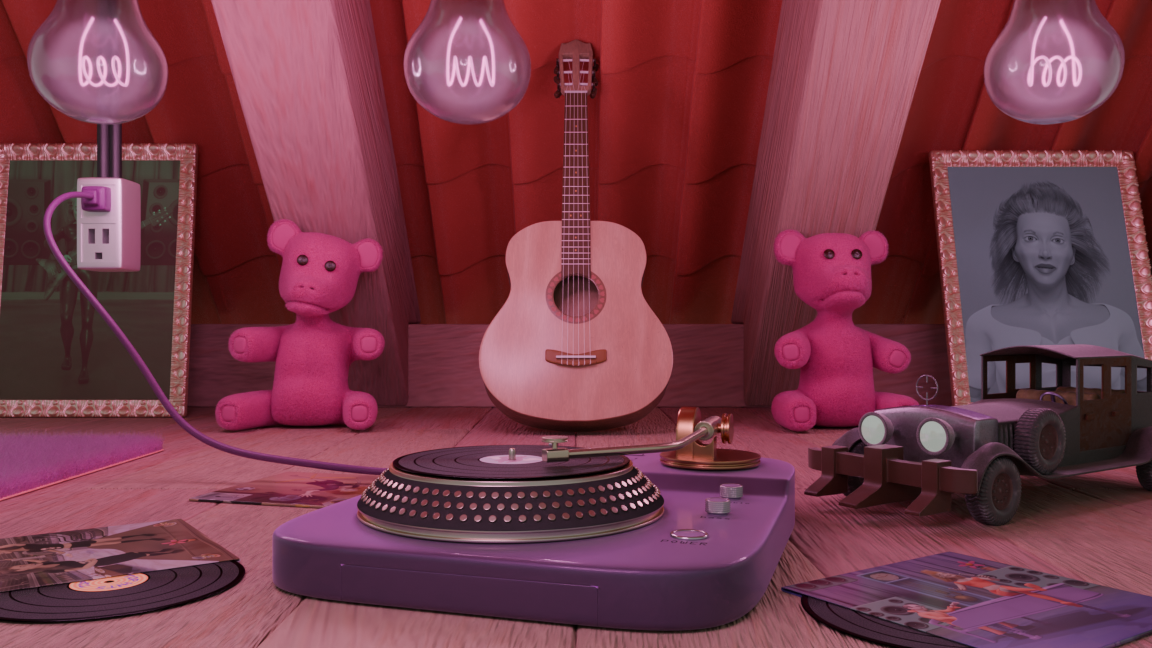
Blender 5.2 cycles open entry. Everything is taken from previous works, with the exception of the wood that makes up the floor and roof beams of the attic. The material for those, however, was taken from a previous entry, and modified to better suit the lighting and camera positioning.
Yes, but it wasnt doing what I wanted. So going the other way about it. Just restarted it. I went from 2.49B to 5.2. SO much has changed. And I forgot a lot in 11 years.
If I understand this correctly, “forced perspective” is about faking size and depth by tricking the eye/brain of the viewer. E.g. using small scale models to make them appear as if they were far away from the camera.
Is that what you are going for or do you have something else in mind? Do you have a few example/reference images that illustrate the effect?
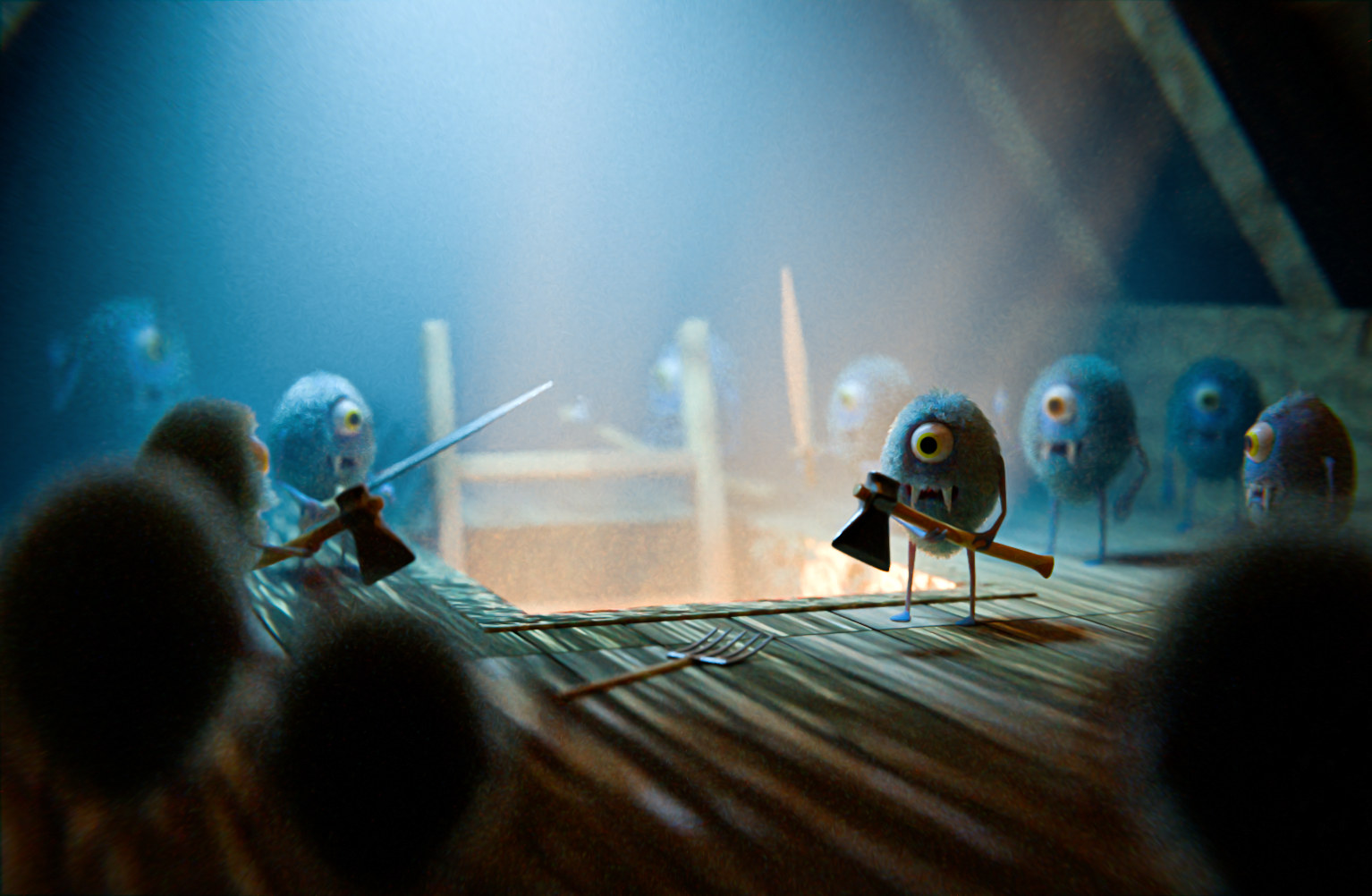
I see. So, this seems to be less about optical illusions and more about visually amplifying the normal distortion caused by perspective. Having some prominent straight lines along the camera direction and setting a small focal length value should help make this stand out. (A short/small focal length with the camera close to the action will produce more prominent distortion, while a large focal length value with a distant camera will result in a loss of perspective and depth.)
Btw for the “corruption effect” around the render image. This happens because the render is at 200 samples. Which Cycles does not have enough time to calculate the full light paths, for the denoiser. So the denoiser does the best it could with the limited information, it has been given. Also this is very intentional and I did not use the compositer at all for this render.
“After finishing my career, I finally got up the nerve to ask my PA Suzanne where she kept them… those godawful things I never wanted to think about again.”