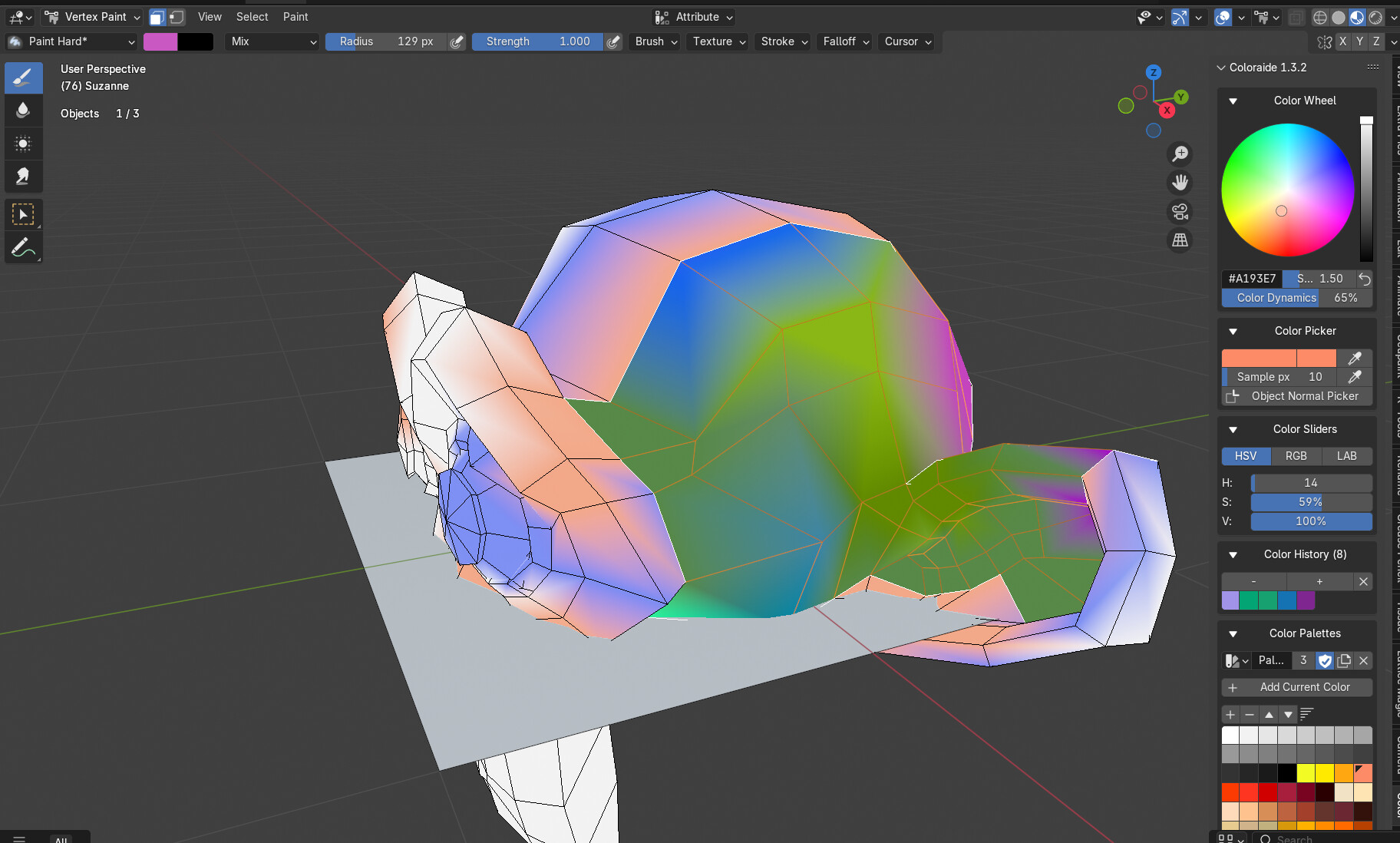
Added support for vertexpaint
Added HSV sliders
Cleanup of UI panel
1 Like
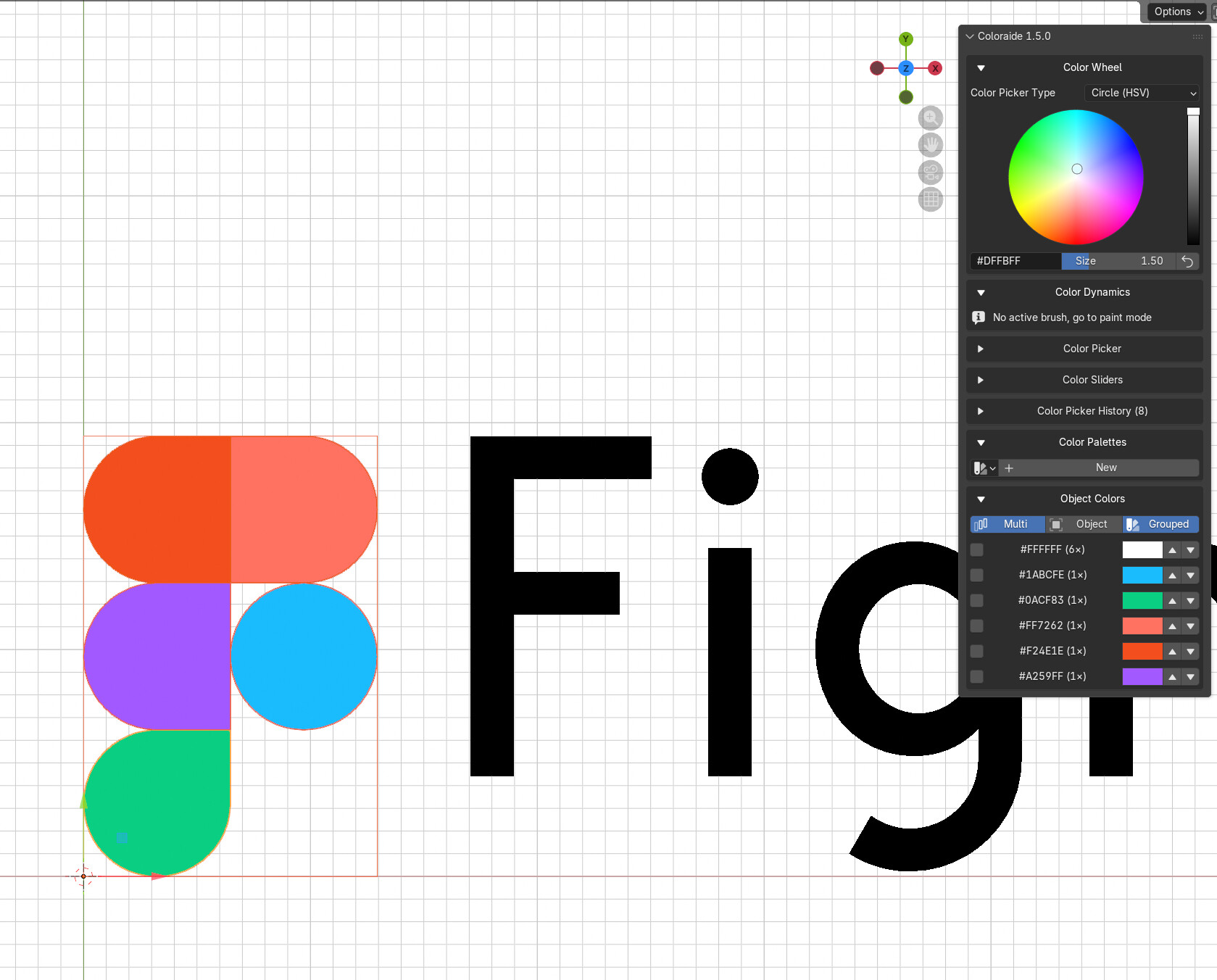
I think Figma have superior way to control the colours, so I am trying to put that into the new update later on. Unsure about the performance wih too many objects but will test more
3 Likes
Hi, I’m trying to use this add-on with Grease Pencil and I can’t make it work as expected and I’m not sure what I’m doing wrong.
I want to use it with Grease Pencil color attribute (vertex colors) in a way that I can quickly sample a color from another grease pencil stroke or from an image and have this become the new active color.
Issues I’m facing:
- Clicking the “Color picker > Screen color picker” (1x1 pixel area) doesn’t turn the cursor into a pipette and doesn’t sample any color.
- Clicking the “Color picker > Custom size color picker” turns the cursor into a pipette but after sampling a color from the scene only changes the “current color” in the Coloraide UI and not the active vertex color of the Grease Pencil so doesn’t work.
- I tried the eyedropper buttons from the various color picker controls but they only change the color selected in that particular control and doesn’t affect the grease pencil active color. The only thing I could do was change the base color of the stroke part of the GP material.
Does this only work with GP materials and not color attribute?
Tried in Blender 4.5 with Coloraide 1.4.9 and Blender 5.0 with Coloraide 1.5.1.
Hello jobigoud,
thanx for pointing out the bugs
- Screen colour picker is bugged, I need to fix it.
- There is small issue with picker not working until texture edit context mode is active. Can you try switching to “texture paint” panel? This should “wake” up the Coloraide and colour picking in grease pencil context should work. This should get fixed in next update.
best
longiy