I think the better way would be to tweak the actual mathematical algorithms used to create the procedurals rather than trying to implement a normalize node to be placed afterward.
Sure, the algorithms are predictable, but how do you pass that on to every other node further down the tree without making the code far more complex?
I got curious on why there would be a difference between 2.79 and master and ran some tests, the behavior actually is identical between the versions.
But it has to be a fair comparison, putting the distance metric to distance will give identical results (with output values theoretically in between 0 and sqrt(2) , going over 1.0 although rare, the math does allow for it) in the screenshot posted you used Manhattan distance which allows for between 0.0 and 2.0 hence it’s easier to see the clipping happening.
It’s relativity easy to determine the worst case scenario and normalize the outputs by the looks of it, but the results will be darker than they were in 2.79 , it’s ultimately up to @brecht to decide if breaking backwards compatibility here is worth it.
That just moves the problem elsewhere, cause now you need to know/set the min/max values for the color ramp, so that’s no different than the mapping node, but less flexible for other uses.
I actually made a patch for adding map range node to cycles back in the day – https://developer.blender.org/D900 however it was closed due to it being able ot use math nodes. I can revisit it if the direction of cycles has changed?
I think if you update the map range patch so it’s working it might have a good chance of it being included, I think cycles is more efficient with nodes now. You’ll probably need to add glsl code for Eevee too.
No you don’t that’s just the point. The colour ramp node would accept any values it’s sent through the noodle then just remap those values to the values set in the colour ramp.
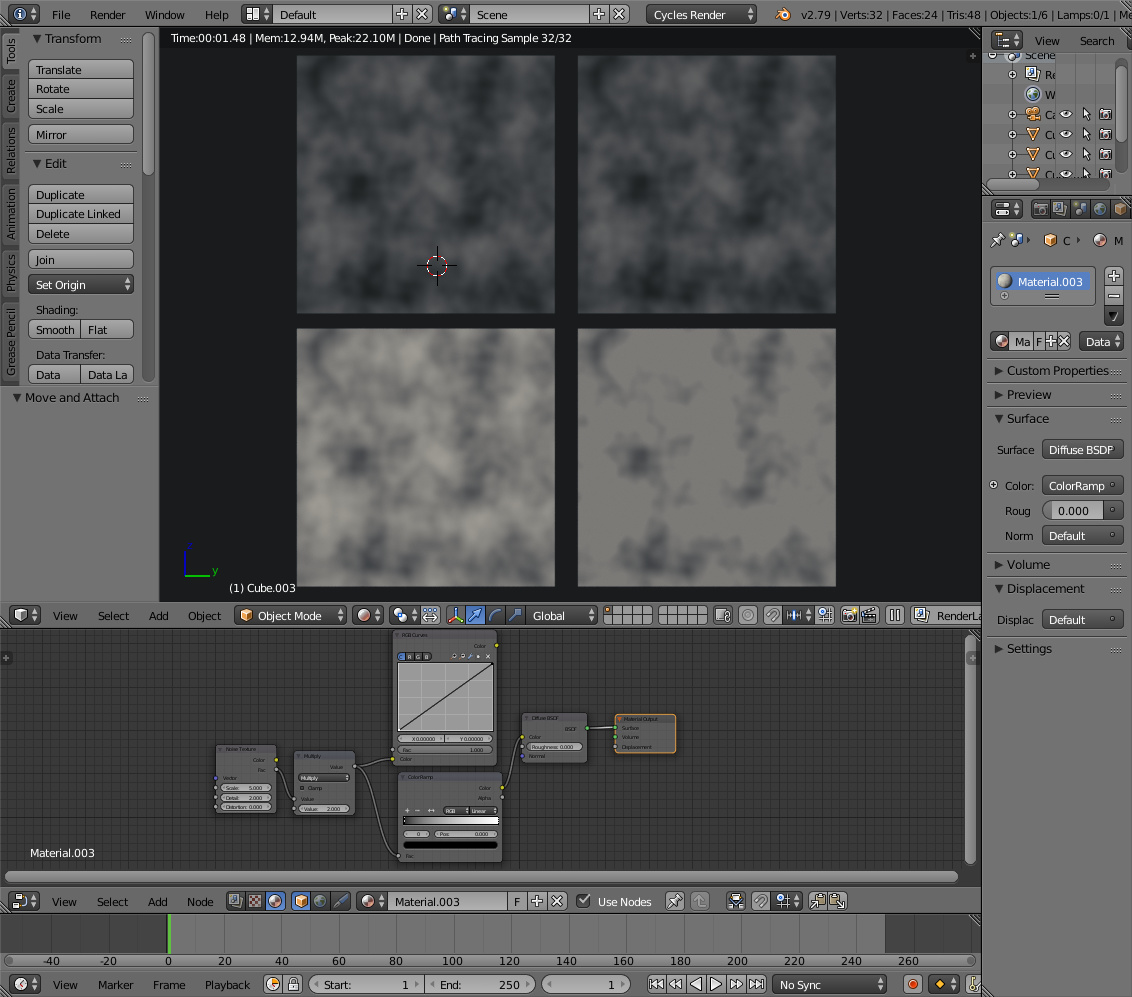
The RGB curves node already does this. If you leave the RGB curve node as a straight line - then it acts in essence just like a linear colour ramp.
The output between the RGB curves node with a straight ‘curve’ and the colour ramp node when fed an input that lies in the range 0-1 look identical.
They only start to differ when fed values above 1 (the colour ramp node clips the input - whereas the RGB curves node doesn’t).
The following screenshot shows this effect. The top cubes show the noise texture fed into an RGB curve on the left and Colour ramp node on the right. In the top cubes, the noise texture is unmodified and all values output by it are in the range 0-1. In the bottom cubes I have multiplied the texture values by 2. As you can see - the top cubes are identical - whereas the bottom cubes, the one fed through the colour ramp is clipped.
From a practical perspective - these two nodes are performing identical operations.
There should be a clamping option on both of them (on all operators?), possibly on individual channels as well for the RGB curves (although I don’t think I’d ever have use for it).
A normalize node with clip preview is useful for musgrave (I’ll see if I can whip up something on this crappy laptop, that cannot easily be “normalized” using brightness/contrast), and for diagnosing my own math nodes.
edit,for example ,if you want to simulate the maths from waves. a wave can be lets say, have a range from 2 and -2 .as you maybe know, if 2 waves(or two wave tex) are in sync ,you get an amplitude of 4.and if there is a phase shift,so -2 and 2 are overlaping,they cancel out to 0.
how would you do this ,if the textures would be clamped?
just as simple example
or what if you would clamp your hdr or exr files ? just to get the idea
of course not. it is only underlying math, who guaranties min-max, for most procedural textures. not reading all possible values for all rendered pixels and calculating limits.
Normalization is important for energy conservation in BSDFs, for using values as a blending factor between two textures, and some other operations that simply require values in the 0…1 range. So it really is important in itself, it’s not just about consistency.
I don’t mind have this node as a builtin. Ideally it could reuse existing SVM operations to keep the kernel size smaller, but if there’s no good fit I’m not too concerned about it really.
Yes, it’s a bit tricky that values are not evenly distributed within the min/max range. If we just normalize by the maximum that happens rarely, then the output will be dark. So perhaps the output needs to be have some power function applied to boost the low values.
All the combinations of distance metrics and features make things more complicated.
I don’t mind voronoi (and musgrave) to exceed min and max, but we should have easy means to prevent it. If used as bump we might not care, but as color/gloss etc we must be careful not to input any color outside 0-1 range.
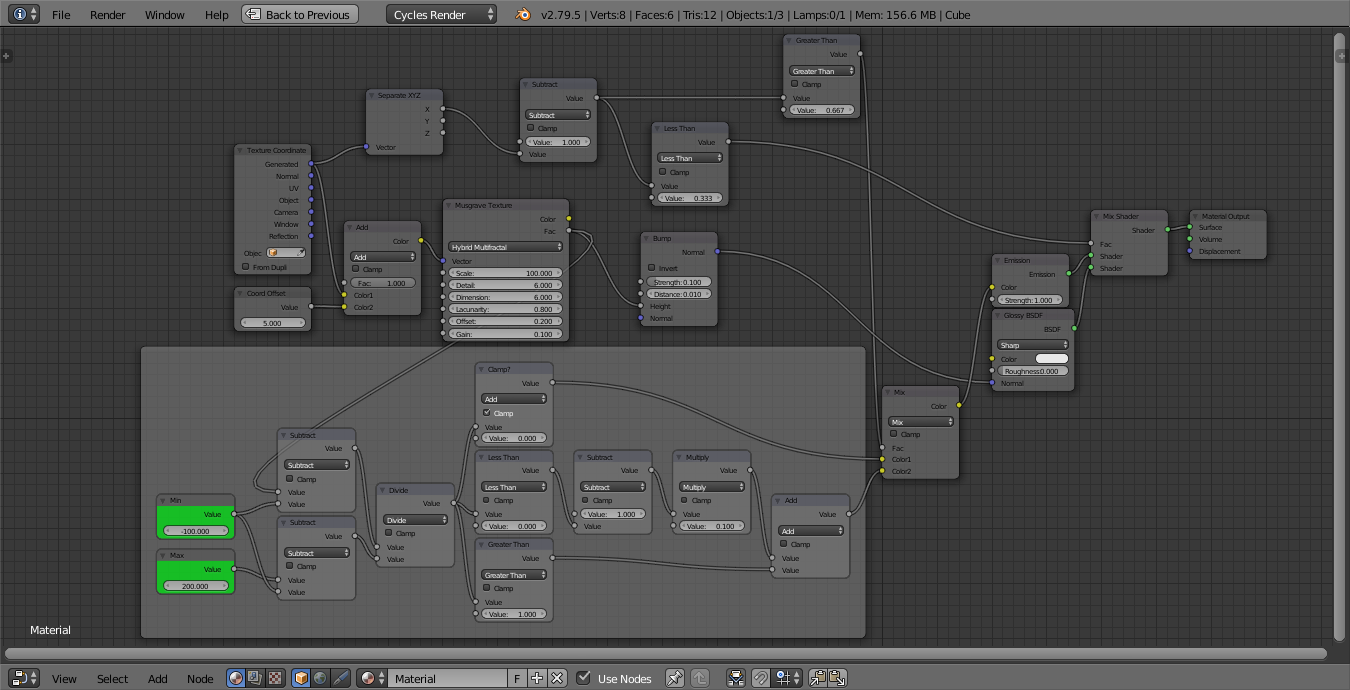
The below shows how wacky musgrave can get for certain values, and the framed nodes are the basic normalization based on user input which is easy with the node wrangler.
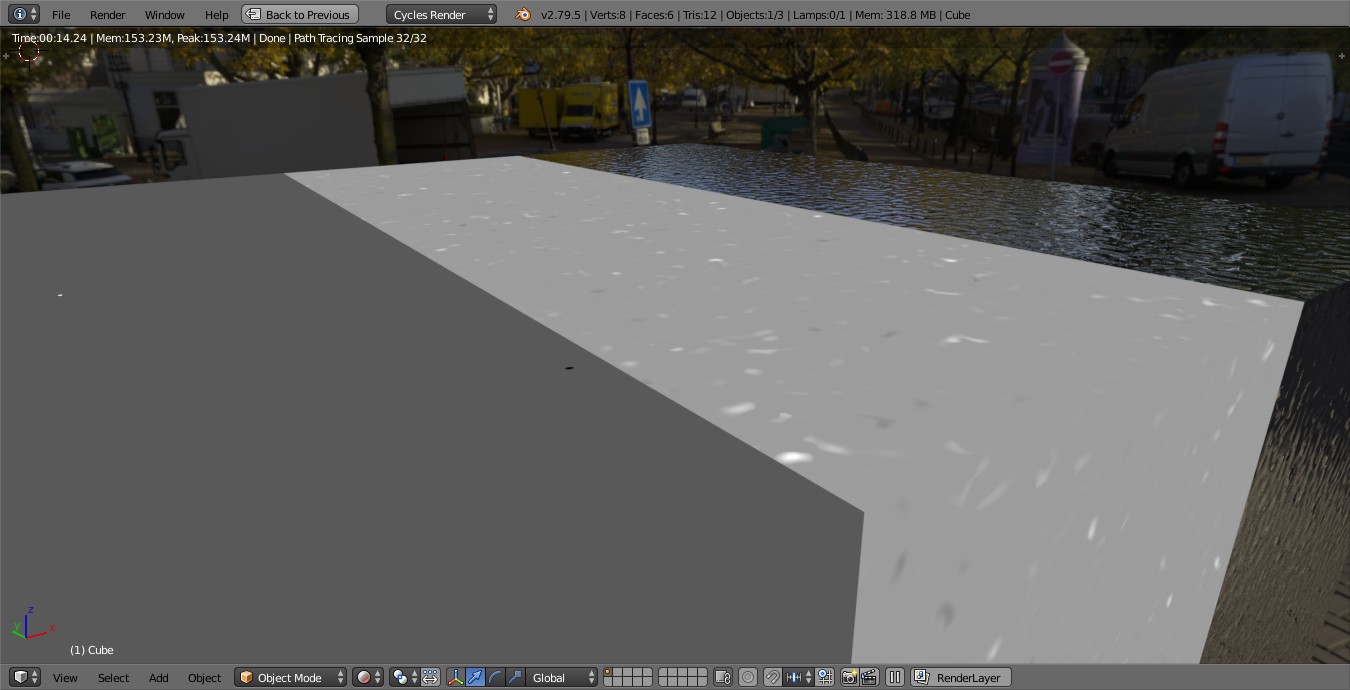
Clip preview on the left (two minor dots that are below 0 - black, or above 1 - white, rest is colored 0.1 but should be 0.5. Normalized color output in the middle. Untreated used as a bump for a sharp glossy shader (works fine in this case).
Oh, I misread that as this new feature will produce black spots. I was confused as to why anyone would want that, and where the black spots were, haha.
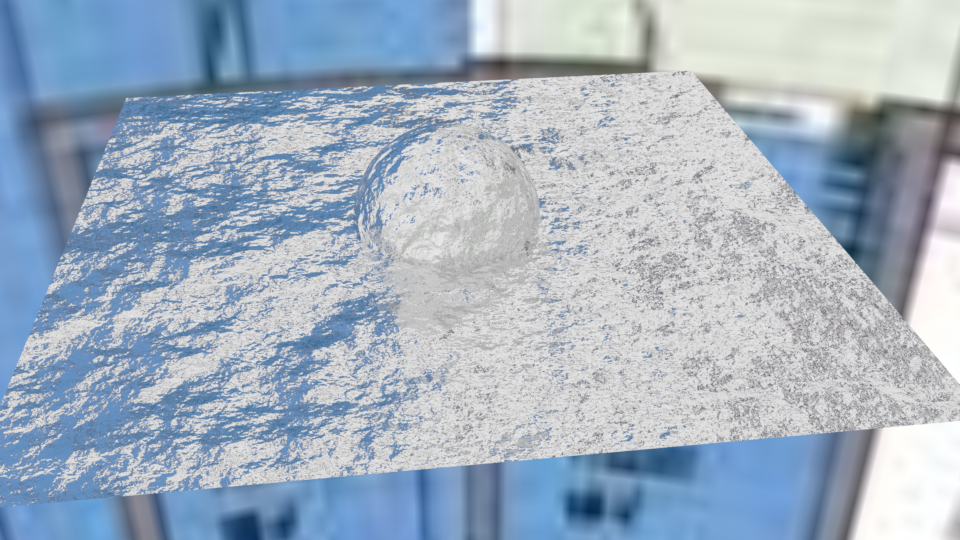
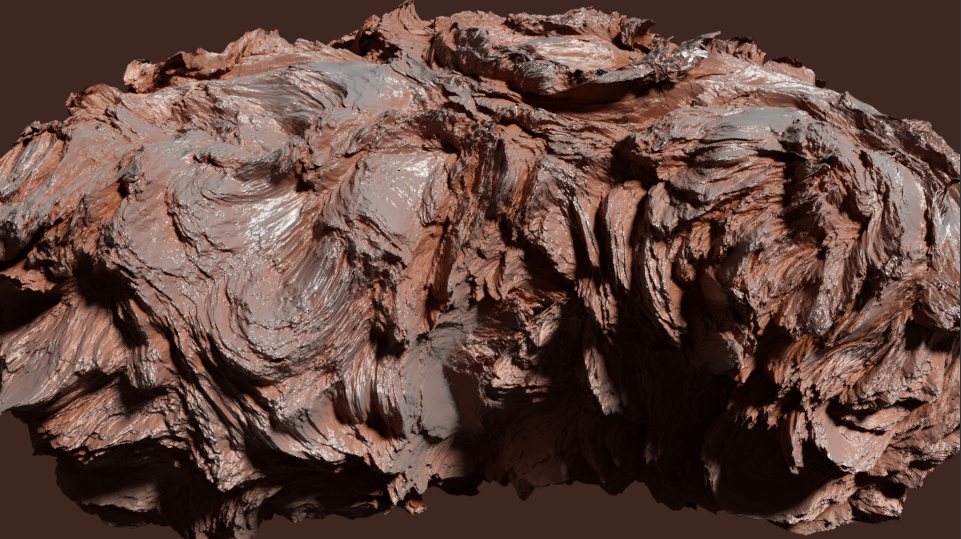
This works with the old bump method too, so you can now have something like this while having no artifacts or off-the-scale memory usage (in earlier builds, high detail levels with vector displacement required tons of memory).
In short, Brecht wants this in as soon as possible so it can become available for widespread testing and further work. This will allow Cycles to catch up to Vray and other engines in this area.



 finally this is so important! Thanks Lukas!