Hi everyone,
I always found it frustrating that motion paths in Blender are view-only. If you want to change the trajectory, you’re back in the Graph Editor. So I built an add-on to edit them directly in the 3D View:
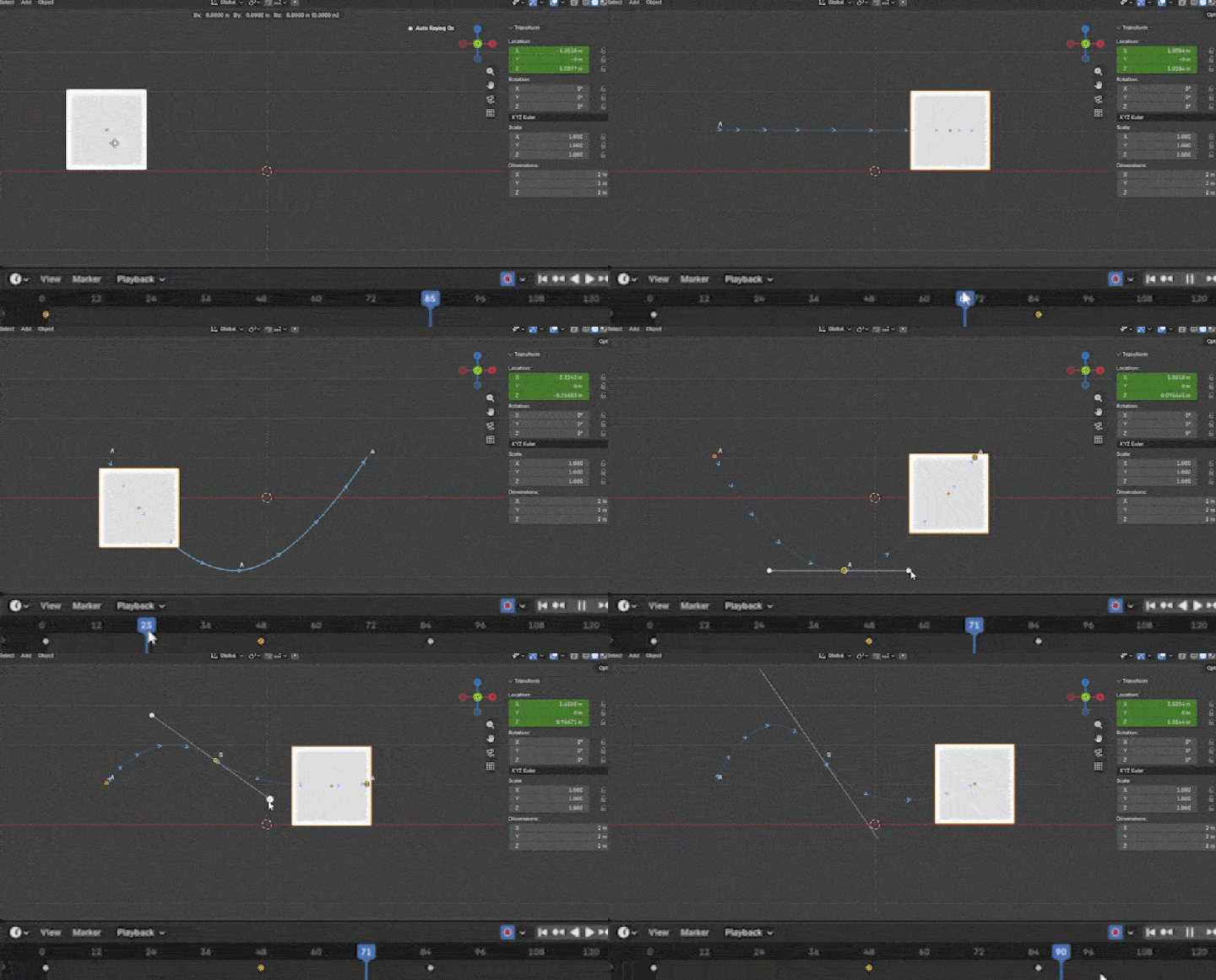
- Drag keys on the path, reshape it with Bézier handles
- Alt+click for corner/smooth, X/Y/Z constraints, Ctrl to snap
- No hidden curves or constraints: it just edits your F-Curves, so Undo and the Graph Editor work as usual
It’s a prototype (Object Location only for now, Blender 5.2+). I’d really like feedback from animators: does it feel natural? Anything broken, especially on Linux?
Free, GPL: https://github.com/Vinohow/editable-motion-paths/releases/latest