This addon is designed for Blender, starting from version 5.2.
How it works:
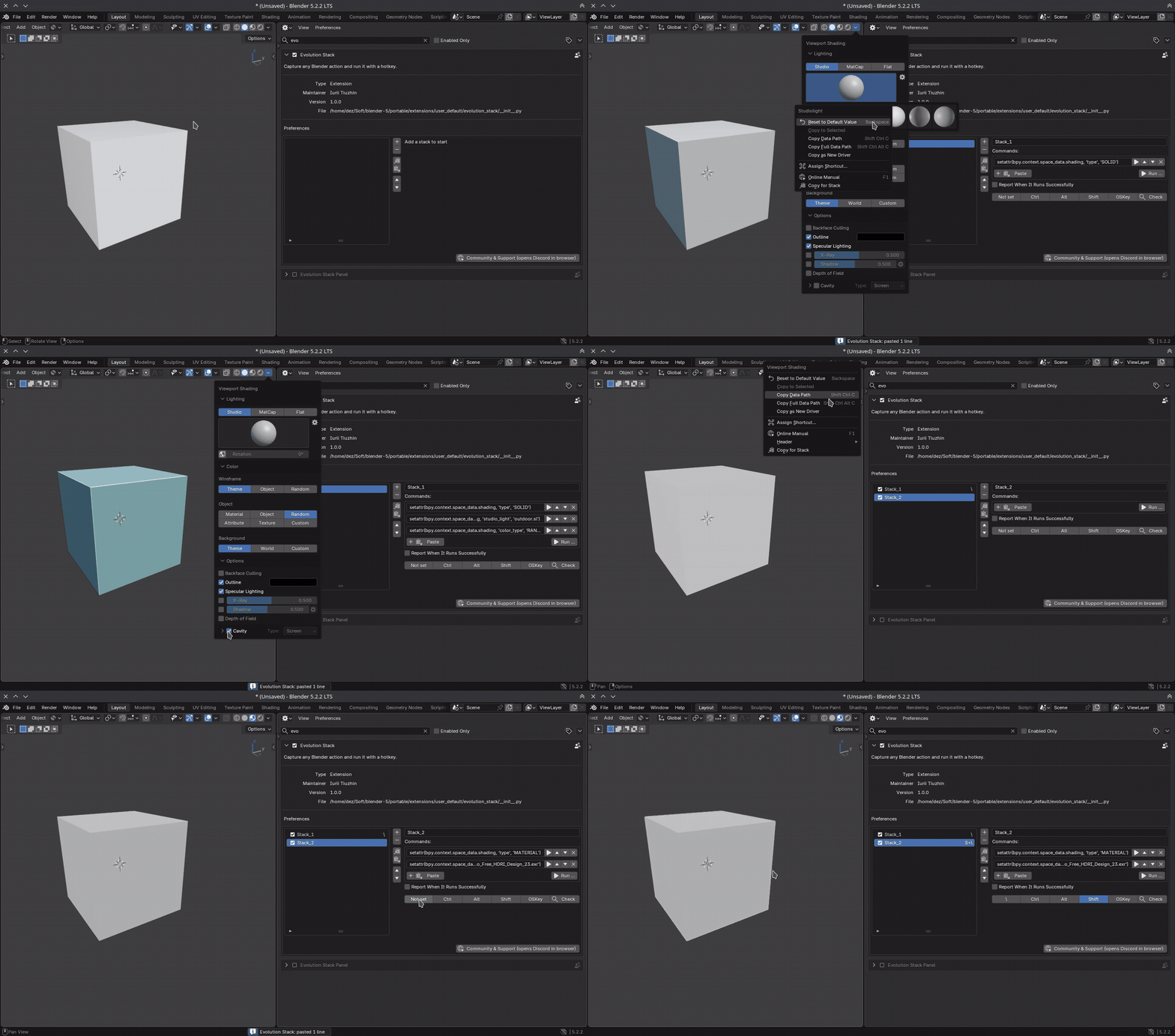
In the addon settings, create a new stack by clicking “+”.
In Blender, perform the command you need.
Then go back to that command, right-click on it, and select “Copy for Stack”.
In the addon settings, click “Paste”.
You can add any number of commands.
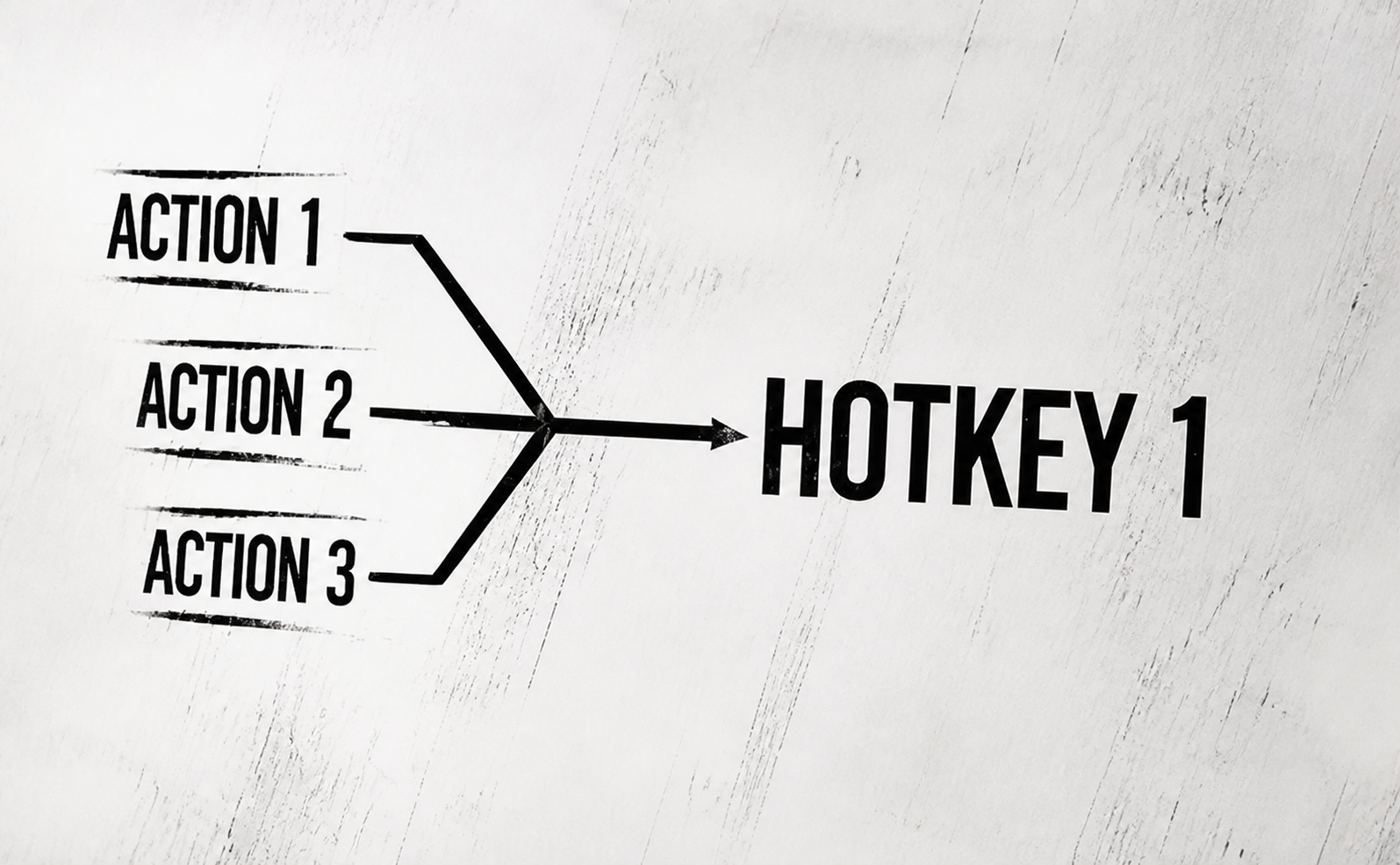
Then, assign your hotkey to execute all these commands.
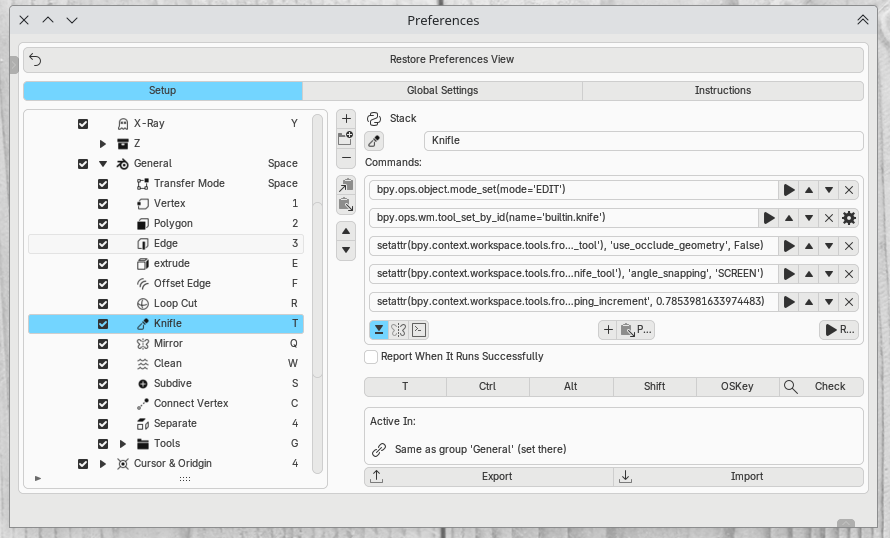
For example, I’d like the knife tool to turn on immediately with the cut-through mode and straight lines at 45 degrees.
Several commands arranged in a specific order now launch the knife with these settings. I didn’t write them myself — I asked Claude to provide these commands. The prompt is available in the addon settings.
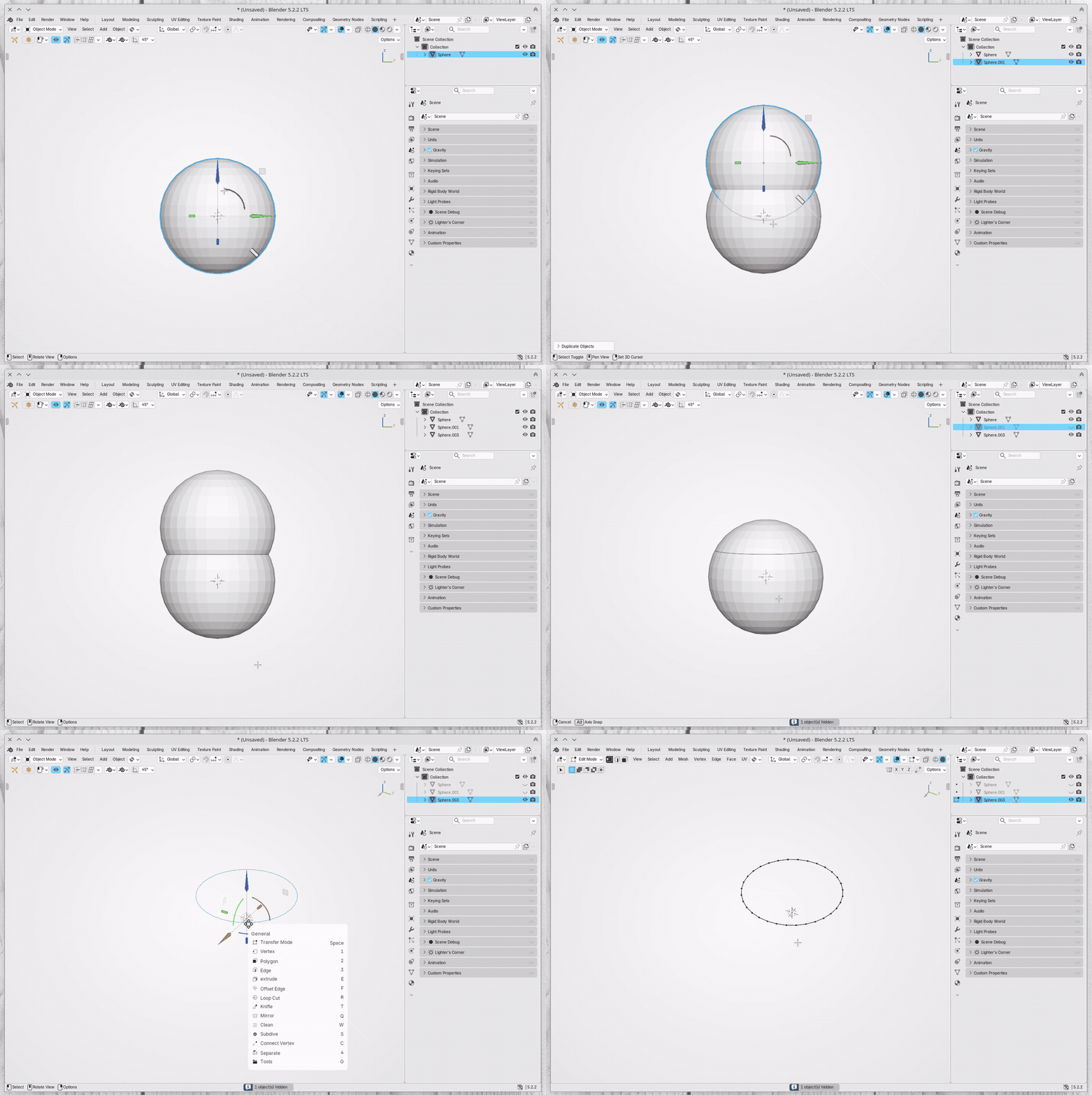
I quite often need a line at the intersection of objects. And I’ve made this function in my stacks. Previously I installed an addon that had this feature. Now I don’t need it — the versatility of Evolution replaces it and many other addons.