Hi, I have a grease pencil object that I am trying to export as a SVG from a certain camera angle, but when I bring my SVG into Adobe Illustrator, the result doesn’t match my scene in Blender (images attached) even though I checked clip camera. The Freestyle SVG Exporter add-on only works with 3D objects without a grease pencil. What can I do to fix this?
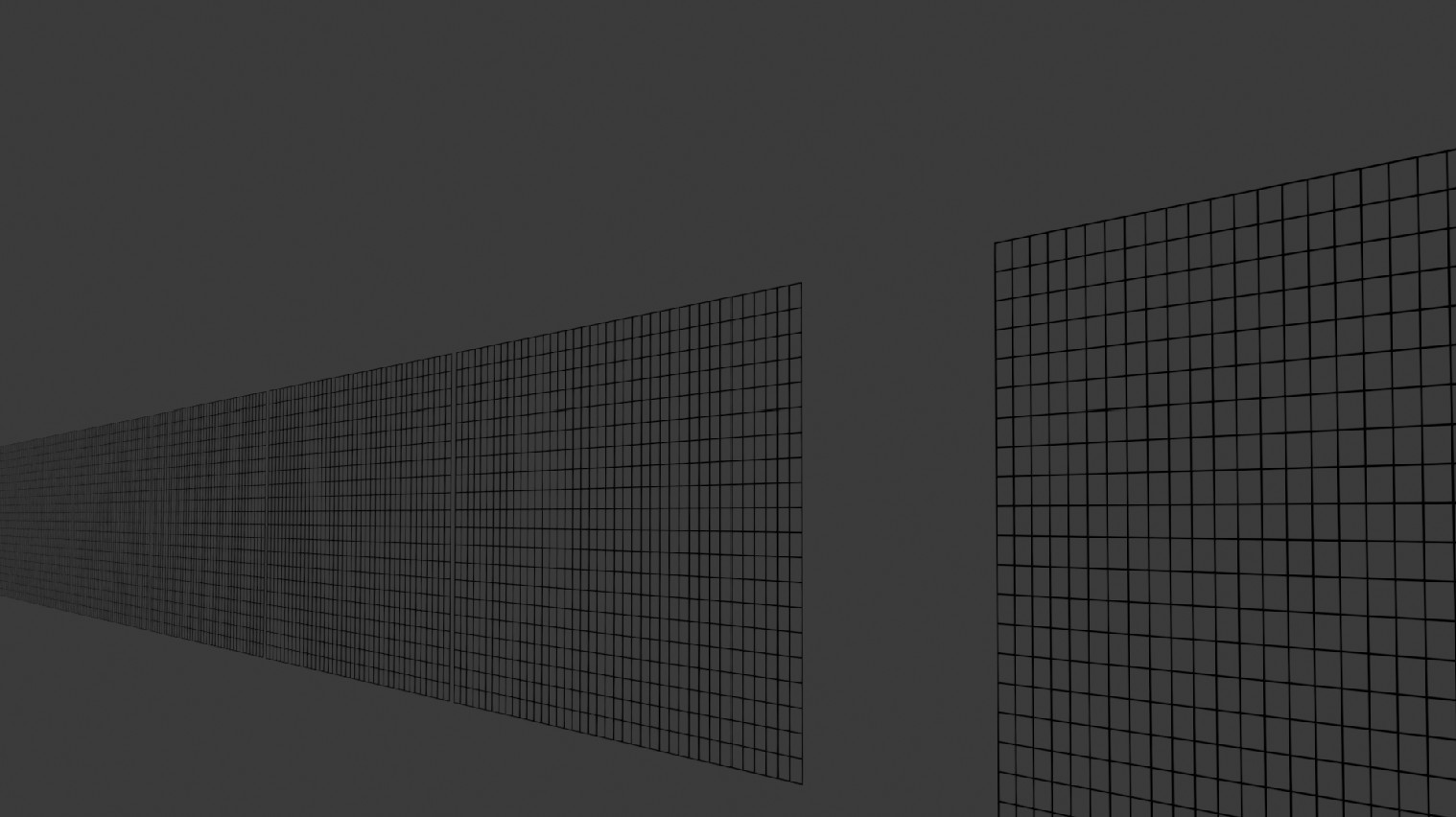
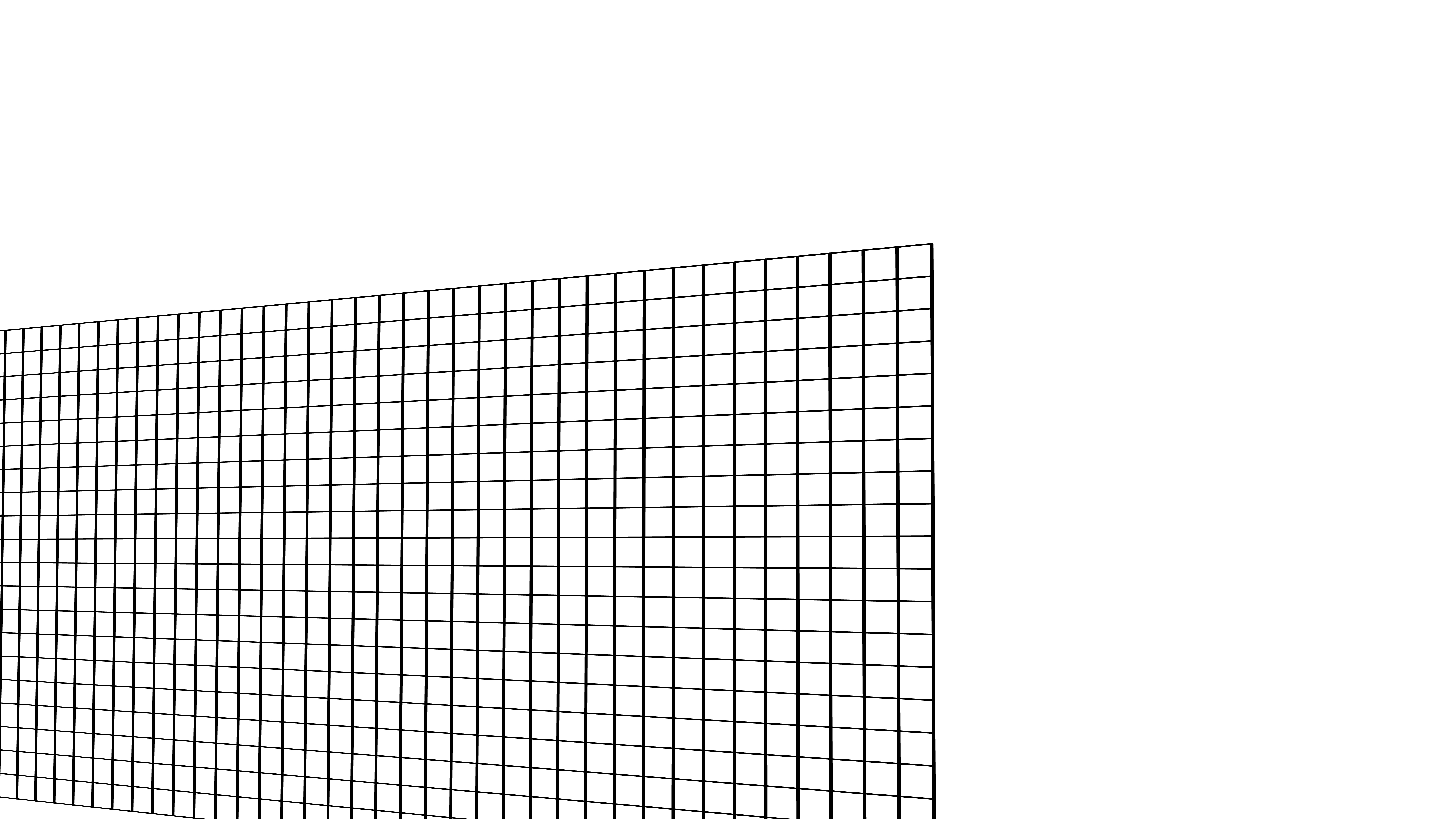
The SVG exporter is working fine for me. I tried with a scene similar to yours. If your scene is 2 objects make sure that you set the exporter to export all visible objects (it defaults to only the active object).
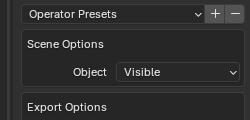
If this isn’t your issue, can you share some more info about your scene. Are you using any modifiers, geometry nodes, etc.?
Also just confirming you’re using File > Export > Grease Pencil as SVG?
Yes, I am using File > Export > Grease Pencil as SVG and I did export all visible objects, and I still got the same result. I did add modifiers to it, but I applied them to achieve the way they look.
Hmm, ok. What Blender version are you using?
Could you also maybe share some screenshots of your scene and the surrounding UI? Or even better, share your .blend file.
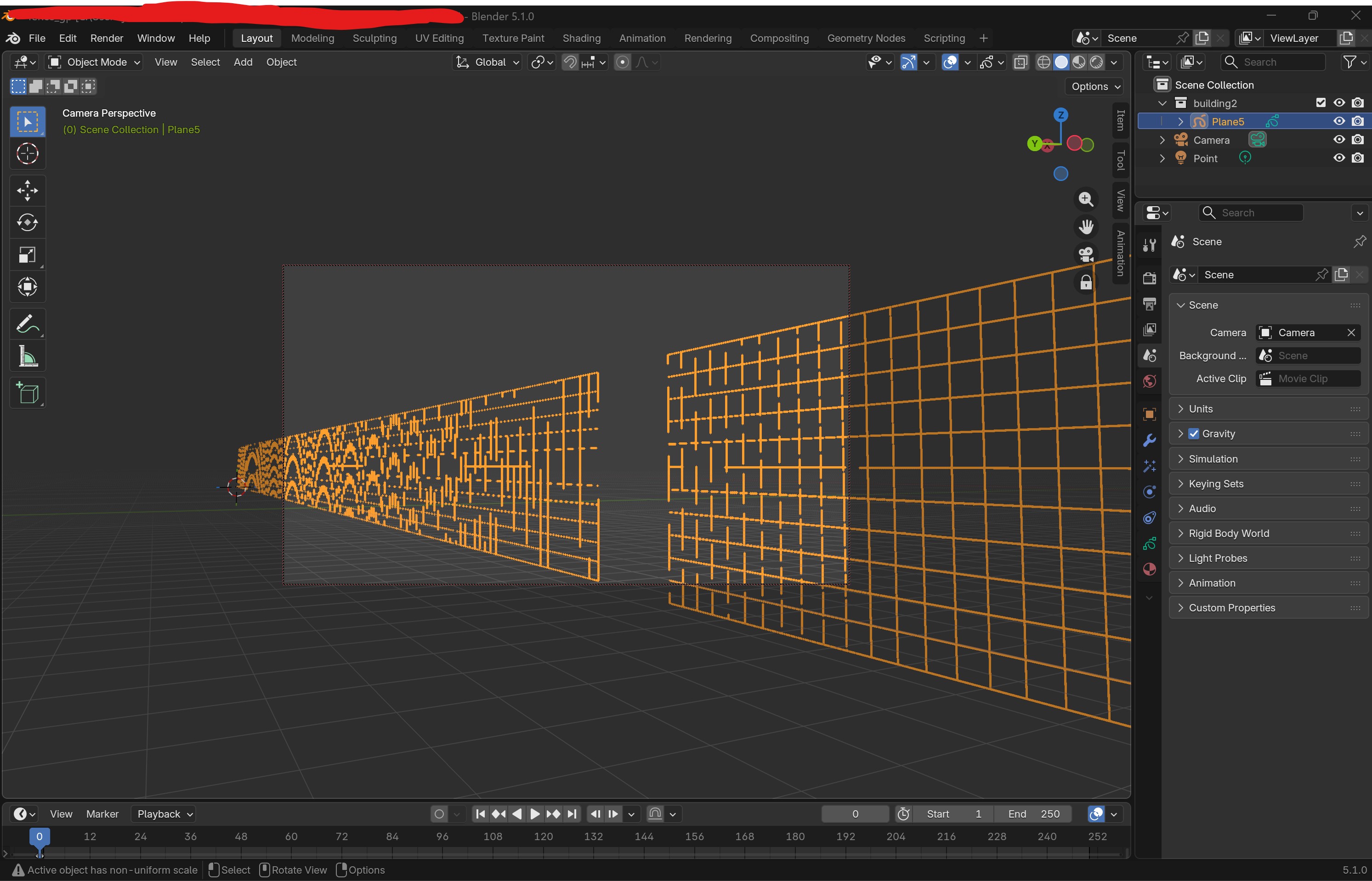
Ok, there are a few things that stand out to me here.
- Your object has non-uniform scale, this very often causes issues. Use
Ctrl + A > Scaleto fix this. - I don’t see a grid line for the X axis. If you accidentally got your object SUPER far away from
X: 0then you can run into glitches. But this is unlikely to be the issue unless your object’s X position is like 1 billion or something. - Your object has a keyframe. Make sure that it isn’t animated in a way that might make it move out of the camera view on the next frame or anything.