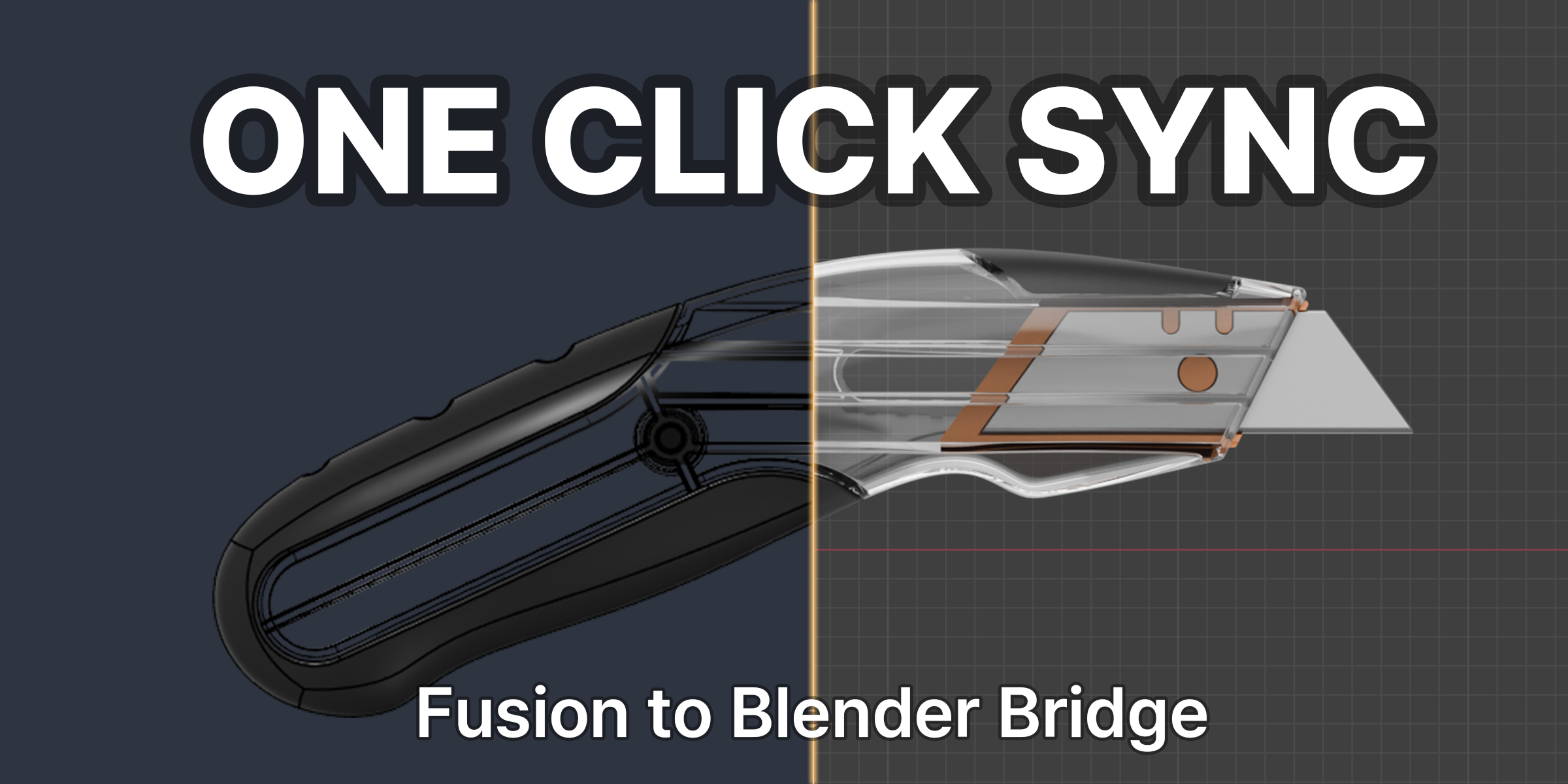
Fusion to Blender Bridge is a two-part add-on that syncs geometry from Fusion 360 into Blender over a local connection.
If you model in Fusion and render in Blender, you know the part nobody talks about. It’s not the export. It’s the second export.
Export STEP, import, reassign every material, re-mark every sharp edge, rebuild the modifier stack. Then you move one fillet in Fusion and do all of it again.
This removes the second one. Press Sync in Blender and the geometry updates in place. Your materials, modifiers, light links and hand-marked Sharp / Seam / Crease / Bevel Weight stay exactly where they were.
The tenth revision costs exactly what the first one did: one click.
What it does not do: it does not import Fusion Appearances. Geometry comes across; the look is yours to author in Blender. That’s deliberate rather than a limitation: a look you build in Blender survives the next twenty CAD revisions, which is not true of anything that re-imports materials each time.
Features
- One-click sync over a local WebSocket, no intermediate files
- Sync Selected: pick a few objects and pull fresh geometry for just those. Fix one part in a 500-object assembly without waiting for the other 499
- Your Blender look is kept. Materials, Modifiers and Light Links you set up survive every re-sync
- UV maps and edge marks preserved. Sharp, Seam, Crease and Bevel Weight survive re-sync through position-based matching
- Fusion component hierarchy becomes a Blender Collection tree, with an optional Empty parent per top-level assembly
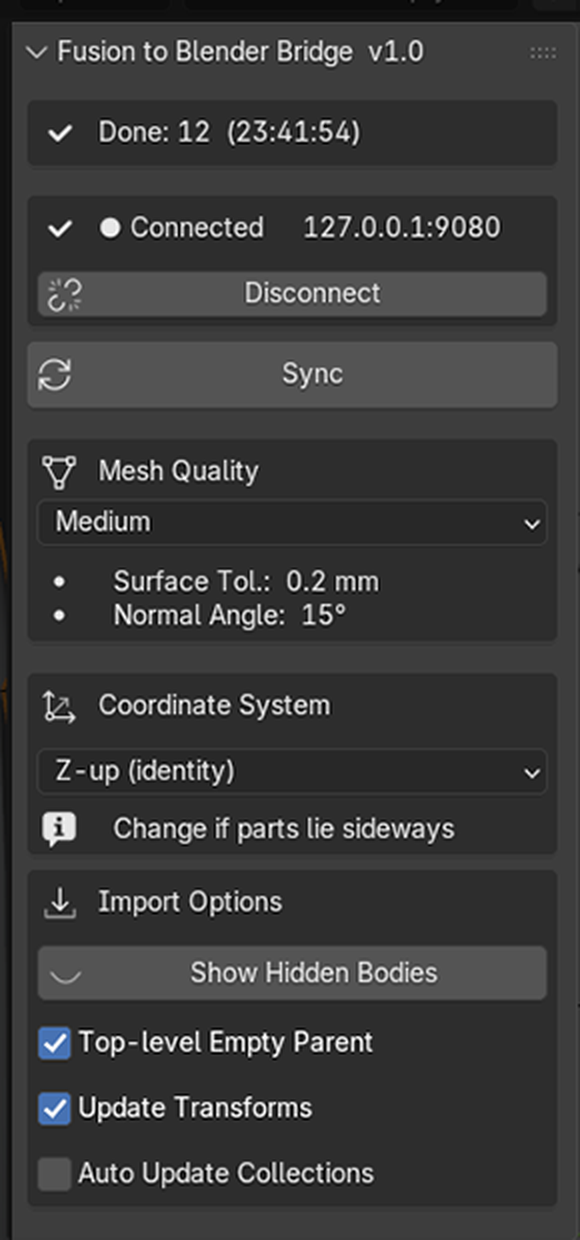
- Three quality presets: Low / Medium / High (surface tolerance + normal angle)
- Hidden body toggle. Show or hide Fusion-hidden bodies instantly, no re-sync
- BRep face utilities. Select mesh faces by their original BRep face, select that face’s edge loop, merge UV seams, paint face groups
- .step / .stp import without Fusion running (optional component, installed from the add-on’s preferences)
- Custom split normals, so curved CAD surfaces read correctly
- Bilingual UI. English / Korean, follows Blender’s language with a manual override
How it works
Fusion 360: Utilities > Add-Ins > run the add-in (WebSocket server starts)
      |
Blender: N-panel > Fusion 360 tab > Connect > Sync
      |
Model arrives with collections matching the Fusion hierarchy
      |
Edit in Fusion > Sync again > geometry updates, your setup stays
Quality presets
| Preset | Surface tol. | Normal angle | Best for |
|---|---|---|---|
| Low | 0.5 mm | 30° | Quick layout check |
| Medium | 0.2 mm | 15° | General work |
| High | 0.05 mm | 8° | Render-ready |
Requirements
- Fusion 360, running on the same computer
- The free Fusion add-in (it ships in the same download)
- Blender 4.2 or newer
- Local port 9080
Download
Free and open source, GPL-3.0-or-later.
Bug reports and feature requests are welcome. Open an issue, it gets read.