Ah! That was it, thank you so much! Those geo nodes brings me back to when I was starting with blender 12 years ago… I feel a total noob again! 
4 Likes
Question about the nodes:
I’m trying to have a node graph that vertex paints according to the mesh’s curvature, similar to Dirty Vertex Color.
It mostly works, but the node that I use to calculate the curvature, Edge Angle, also detects flat areas as “curved”
See in the image, it should be only the edges that are pink, but it grabs part of the flat top of the mesh.

Is there a node that selects ONLY the curvature, without taking into account flat areas?
Thank you!
2 Likes
Keep in mind that attribute data, at best, is per-vertex and not per-pixel (as Geometry Nodes is about working with geometry). Perhaps you can try increasing the resolution of the mesh and see how that affects things (through a subdivide or a subdivision surface node).
I kinda dislike the interaction with the curve widgets. Editing a bézier curve right in the viewport feels better to me.
@Etienne_Vanier you could try capturing that attribute into the face corner domain, to avoid the interpolation you’re getting now.
1 Like
Just wondering, is it now possible to transfer attributes to instances without realising them first?
That probably would work, but it is for a video game.  So addin’ a bunch of triangles will get me flogged!
As for what Hadriscus said, using the face corner does not seem to remove the interpolation, it only makes the vertex color more faceted. It keeps the strange interpolated colors, unfortunately.
Don’t forget: You can always output a subdivided version of your mesh with the needed attribute, bake it to a texture, and use the original mesh. Since it’s procedural, it’s easy to have multiple outputs to switch between. This can even be used to bake normal maps from a modified version of the geometry.
Hey. Does anyone have a way to automatize conversion of generic attributes to Vertex Color or UVMap types ? Maybe accessing the temporary operator in a custom exporter script ? https://developer.blender.org/T91379
Any insight about what/when is the planned official workflow for this subject ? A Convert Attribute Node in Named Attributes ? https://developer.blender.org/T91742
The whole goal of the geometry nodes to mark the edges is to avoid using a texture. I could get a more precise result by baking in Painter, but it’d create a texture for each asset.
As a follow up to my previous posts on using GNodes for hair and the great help I got from @higgsas here’s an early test of how it turns out for animation.
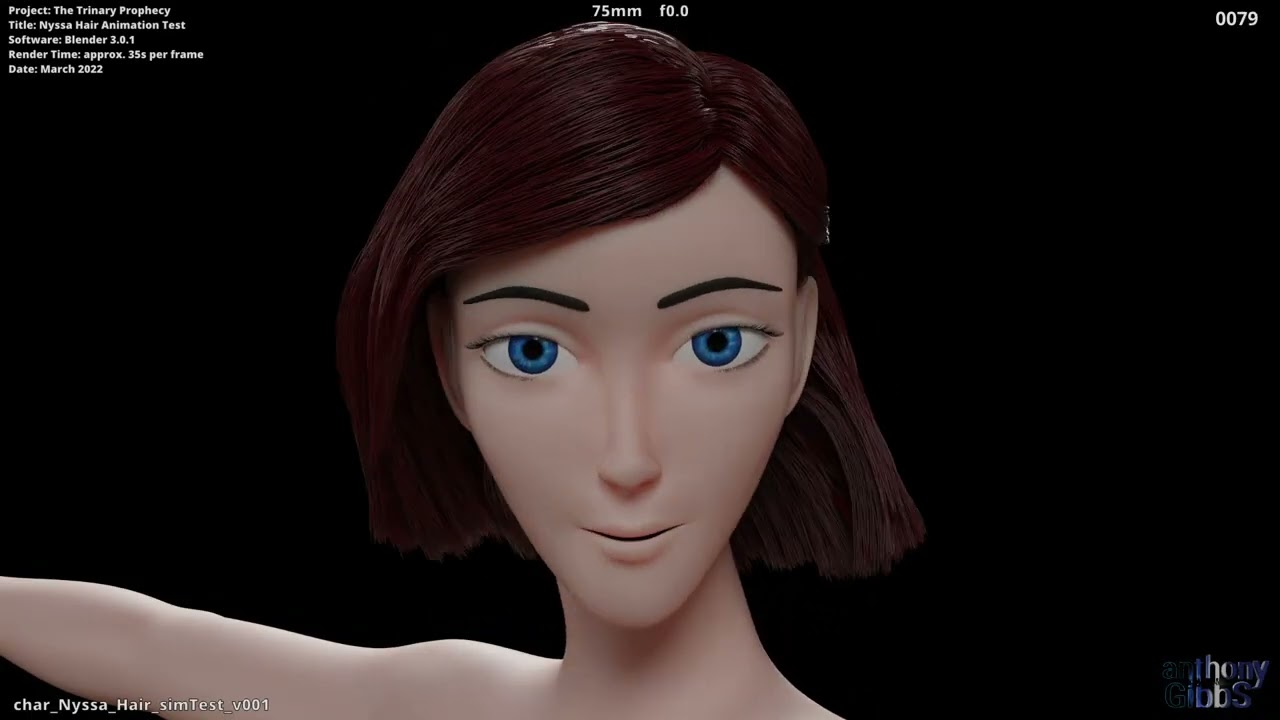
Cheers.
11 Likes
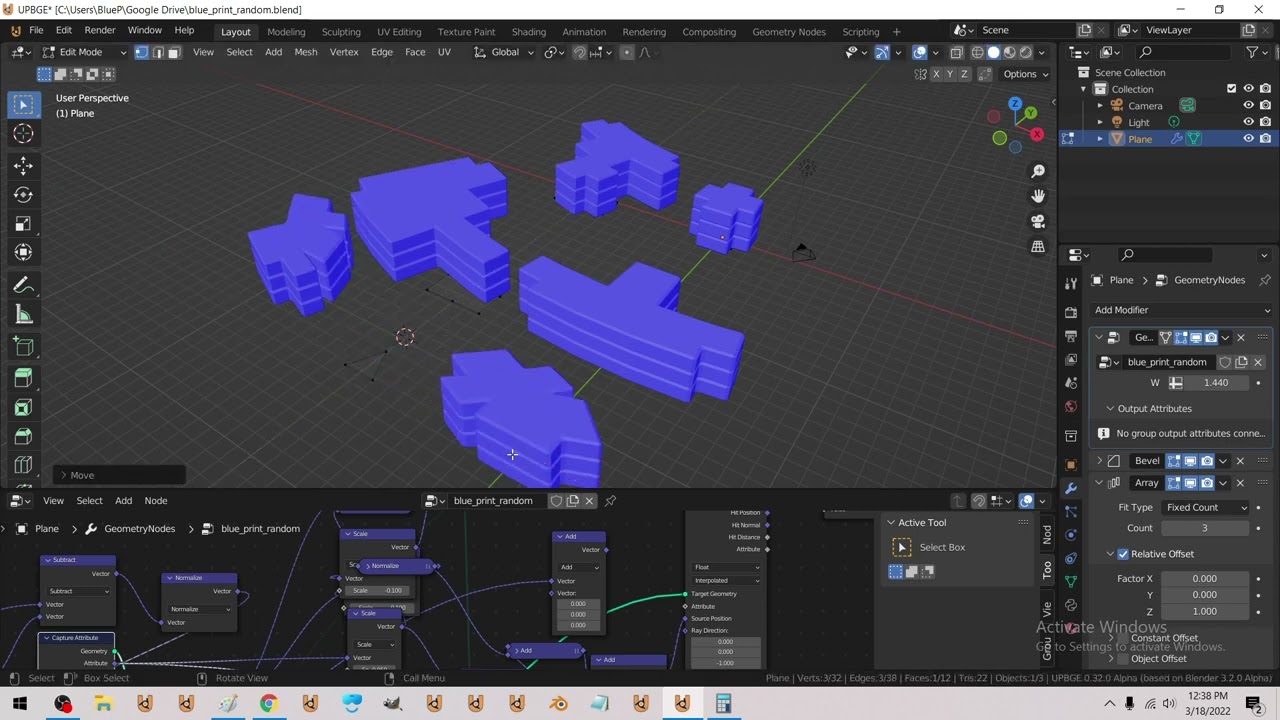
using raycast to test if extrudes will intersect / extruding edges
8 Likes
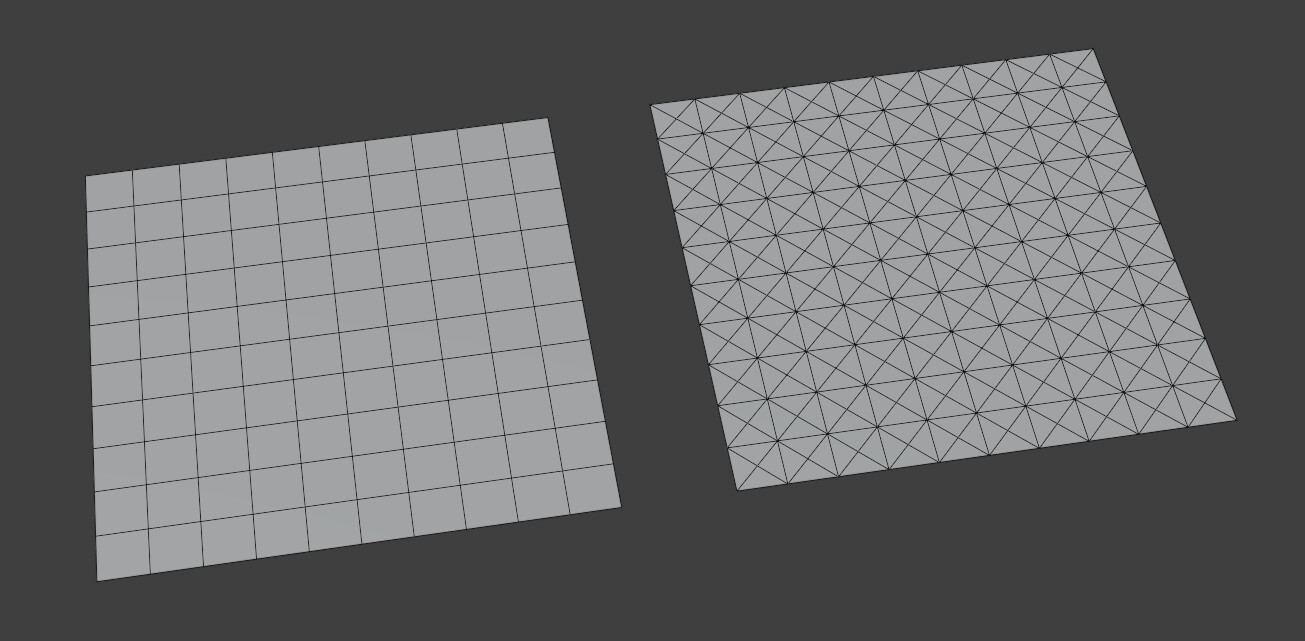
Is there a way to easily find the Location, Scale, and Rotation of certain geometry?
For location, it seems to work just fine to put a position node into an attribute statistic and using the mean to get a non-field vector.
It would be really helpful to just have a node where you plug in geometry and there are output vectors for those three properties. Does this exist? Is there a way of doing it that I’m not aware of?
Thanks!
EDIT: Basically what I’m asking is if there’s a good way to get the info from the Object Info Node but be able to insert geometry instead of having to use an outside object?
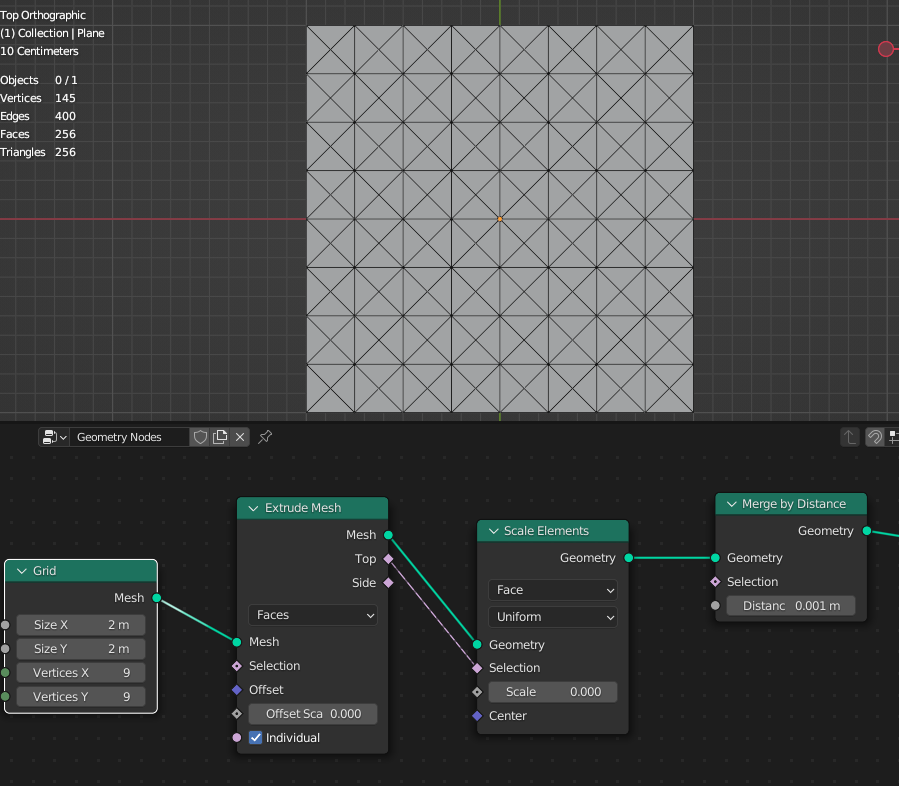
I… have no idea what’s going on in that node tree  But it works, thanks!
Its extruding all the faces locally and scaling them to zero and then merging to 1 point, thereby making a point in the middle of each face!
Just like poke does.
4 Likes
Is this a valid alternative? (I have no idea, I was just messing around with this for a bit to see if I got anything.)
poke_faces_alternative.blend (105.8 KB)
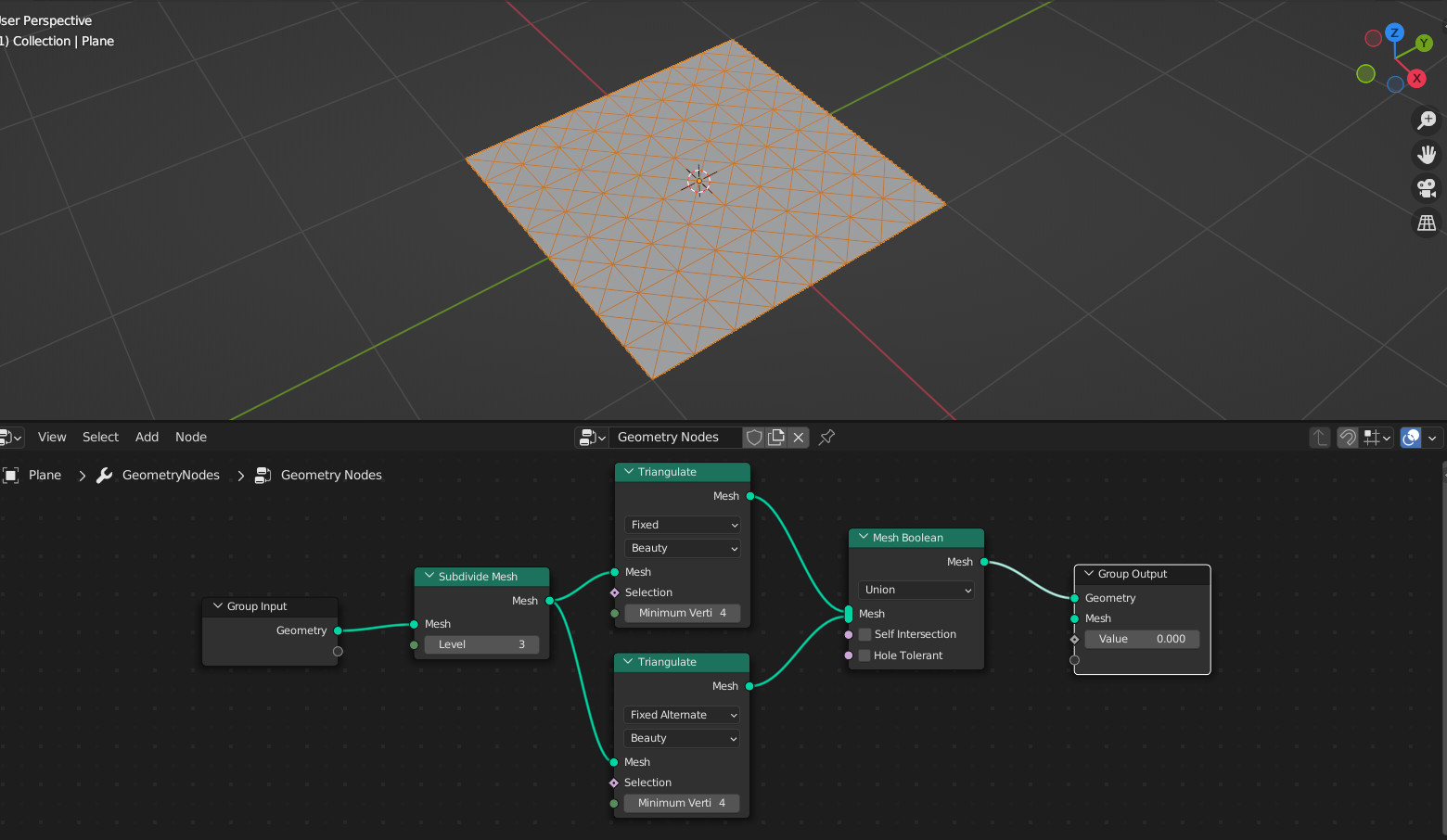
Edit: in this case it doesn’t work when faces are not flat because Boolean Union operation.
By the way, things like Poke or Inset faces are very used operations that should be on a single node I suppose.
2 Likes
I tried that, but it breaks if the faces are not perfectly flat and are deformed in some way (eg. if you start sculpting on the underlying mesh).
There is a inset node in the works. I’m personally waiting for a bevel node, or at least some way for geo nodes to mark edges as bevel to be used by the standalone bevel modifier. I don’t get why crease is available in the attribute list, but not bevel o.O
// end of rant
1 Like
Yep, I see. Boolean Union is useless when faces are not flat.