NoiseModifier 3.6.blend (1.2 MB)
A geonode noise modifier. Useful for making things wobbly. Works in world space, so can be animated by moving either the control dummy or target object. Should be trivial to setup with 3.6 upgrades
2 Likes
NoiseModifier3.6WithJitter.blend (1.3 MB)
I’ve added the automatic random jitter to the noise modifier, so it can be used to create effect similar to sketchy animation outline. JitterAmount controls the displacement, JitterFrames determines how many frames pass before effect updates
4 Likes
interior mapping.blend (2.3 MB)
I made an Interior Mapping shader node group for Blender. It generates fake rooms and windows on flat surfaces, to detail building models easily. Inside are several example materials which show how to use different types of textures (individual textures per wall or texture atlases), generate normals for the effect, and randomize rooms
1 Like
living fence.blend (3.9 MB)
Reupload of the living fence material because of error fix. Initially, I’ve put the UV information into AtlasCell group as Float instead of Vector, and for some reason older version of Blender was okay with it. But the moment you opened it in the latest version, effect broke. Now it should be fine. IF YOU TEST MY FILES, PLEASE REPORT HERE IF SOMETHING DOESN’T WORK!
motion vectors simplified.blend (1.1 MB)
Really simple utility to generate motion vector attributes for animated objects. Comes in local space and global space variant. Put an attribute into “velocity” and “dir” output slots to be able to access them further. Blender 3.6 or higher because of Simulation nodes. I had to use help from @zeroskillz because I have no idea about the simulation yet. Main use case is to control shader parameters based on motion
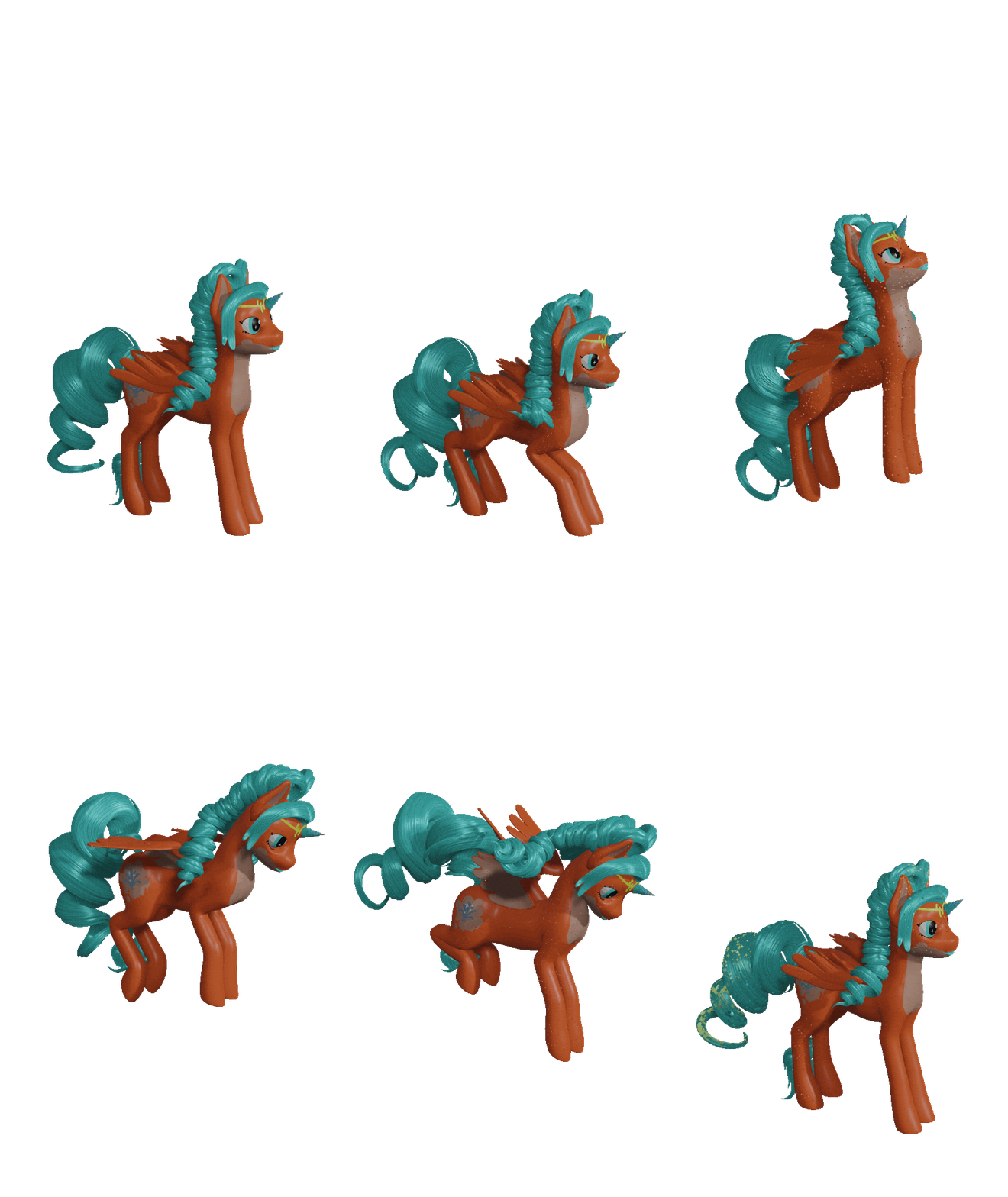
tangent space shapekey.blend (2.8 MB)
“Tangent space” shapekey/deformer system. In quotes because I do not use actual mesh tangents, but arbitrary vectors. VectorMarkerMesh group generates a mesh of triangular markers based on a given direction. Then this mesh can be weighted (preferably with WeightTransfer), so the vectors are transformed along with armature deformation. Finally, VectorFromObject retrieves the transformed vector, and TangentSpaceShapekey makes use of it (you’ll need 2 marker meshes for “binormal” and “tangent”)
There is only 1 slot for “shape” object, because, the way Object Info works in geonodes, it will take shape keys or any other deformation of the shape object into account
The main use of this utility is when you need shape key deformation to execute after Armature in modifier stack. I intend it to be the step towards developing an automorph system (3D Character adaptation from 2D style - #45 by DeckardX08). Since executing morphing as a post effect will solve any conflicts with face rig deformations
2 Likes
tangent space shapekey 2.blend (3.2 MB)
Made a variant of this tangent based shapekey thing which only uses binormal input, because I think it will be more performant. Updated mesh vector marker generator to be able to align vector to surface, as it is required. Also, made the whole vector extraction thing work on face corners instead of points, for some future needs
tangent space shapekey 2.blend (3.4 MB)
(reuploaded since one of the nodegroups had Set Material node addeded by mistake)
1 Like
Sine curve-based deformer for “snake-like” animations
SineCurveDeformer.blend (1.3 MB)

The main curve bend controls direction, then node group adds wave displacement to the curve. Deformer curve must be aligned to the deformable mesh part on Object level, because effect is calculated relatively to curve’s Object transform. The fade out of sine amplitude has to be controlled by another curve object, because I had problems transfering Vertex Group data from mesh to curve
3 Likes
LocalScale.blend (4.8 MB)
A modifier for basic squash and stretch effect. Scales the object relatively to external empty, as if in its local coordinates. Both objects can be animated, so it is more flexible than, say, scaling the root of an armature.


1 Like
A little something for NPR rendering: a node group which draws a fake specular highlight relatively to external empty’s position. Using the same math real specular reflection does. (Mostly; I do not understand how specular IOR factors into that, so I use Float Curve to control the highlight size)
fake specular.blend (1.3 MB)

3 Likes