Привет! Обучение моделированию — процесс небыстрый; он будет продолжаться по мере того, как растут твои навыки.
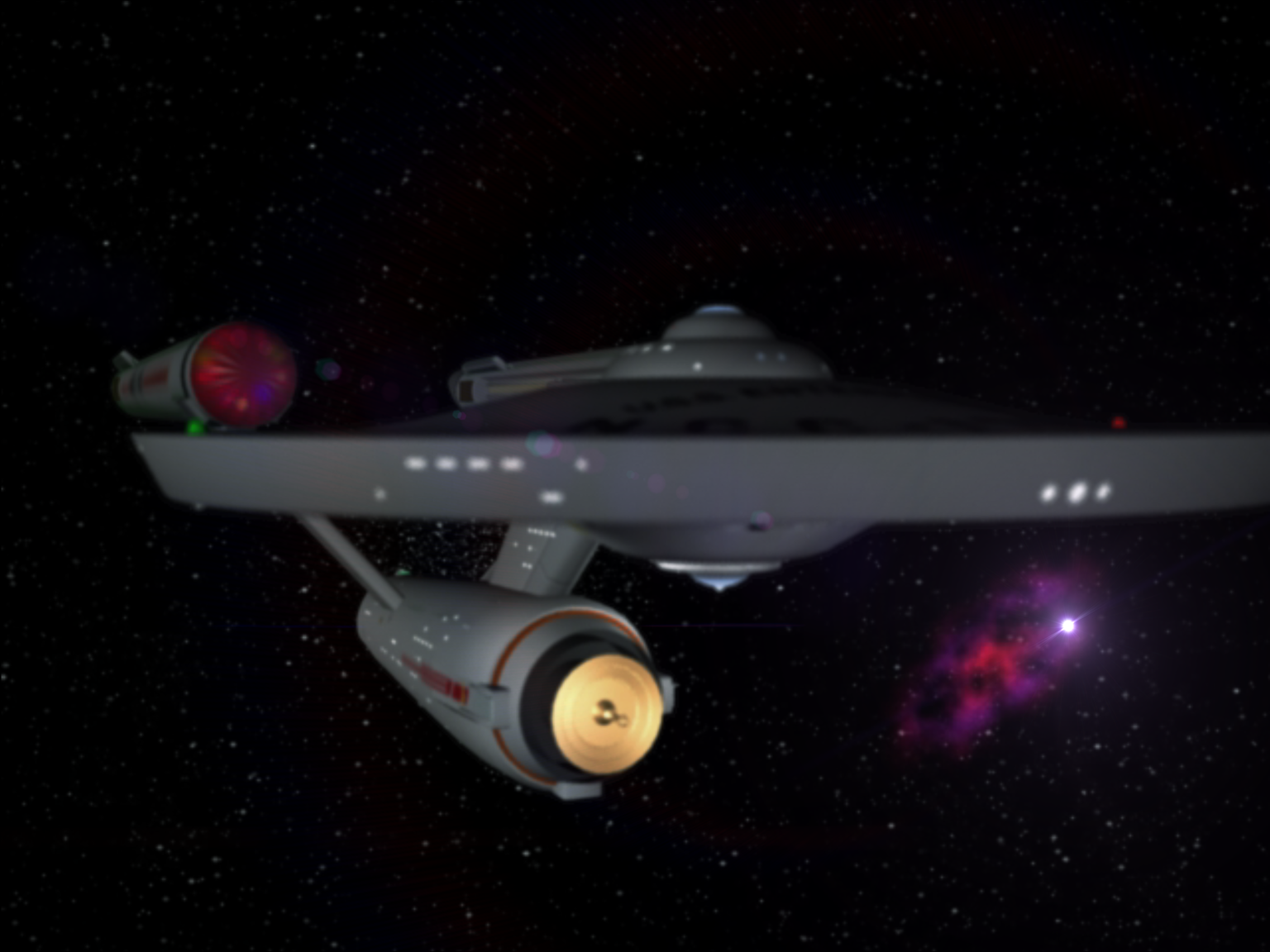
Когда я только начинал осваивать всё с нуля в 3DS Max, я смотрел обучающие видео, а затем решил создать модель звездолета «Энтерпрайз» (U.S.S. Enterprise) из сериала «Звёздный путь» 60-х годов.
Я сразу решил, что буду использовать метод моделирования с подразделением поверхностей (sub-d modeling), чтобы в дальнейшем добавить готовую модель в Microsoft Flight Simulator. По мере возникновения задач я искал соответствующие уроки на YouTube, изучал их, а затем пробовал снова. Спустя два года обучения моделированию и созданию UV-разверток — в дополнение к уже имевшимся у меня навыкам работы в Photoshop — мне удалось создать вот это!
Hi XYZ_XYZ
If I were in your position, I would focus on finding efficient ways to create what I want rather than trying to model everything manually from scratch.
For example, when making buildings, I would personally use Blender add-ons or existing assets to speed up the process. Especially for beginners, trying to create everything manually using Blender’s modeling tools can be extremely time-consuming and inefficient.
Of course, learning the fundamentals is important, but I think it’s even more important to remember your original goal.
If your goal is to create 3D anime animations, then Blender is simply a tool to achieve that goal, not the goal itself.
It’s surprisingly easy to spend so much time learning Blender’s features that mastering the software gradually becomes your main objective instead of actually creating something. I think that would be putting the cart before the horse.
Personally, I would prioritize completing actual animations, even if that means using add-ons, pre-made assets, or shortcuts. You can always improve your modeling skills along the way.
After all, your goal is to create anime, not to model everything from scratch.