It’s been a while since I’ve posted here so apologies if this question is in the wrong category.
This is an xps model that I’m working on and the UVs are above the texture, which will make them unusable if i try to use them for a game mod. I could guestimate by moving them by hand, but i was wondering if there a way to snap them to the texture canvas? since it’s already the correct scale?
Or you could enable Constrain to Image Bounds and move since it seems to be laid out exactly into the UV square. You might need to adjust the placement manually slightly that you can do while zoomed in as much as needed to do that comfortably.
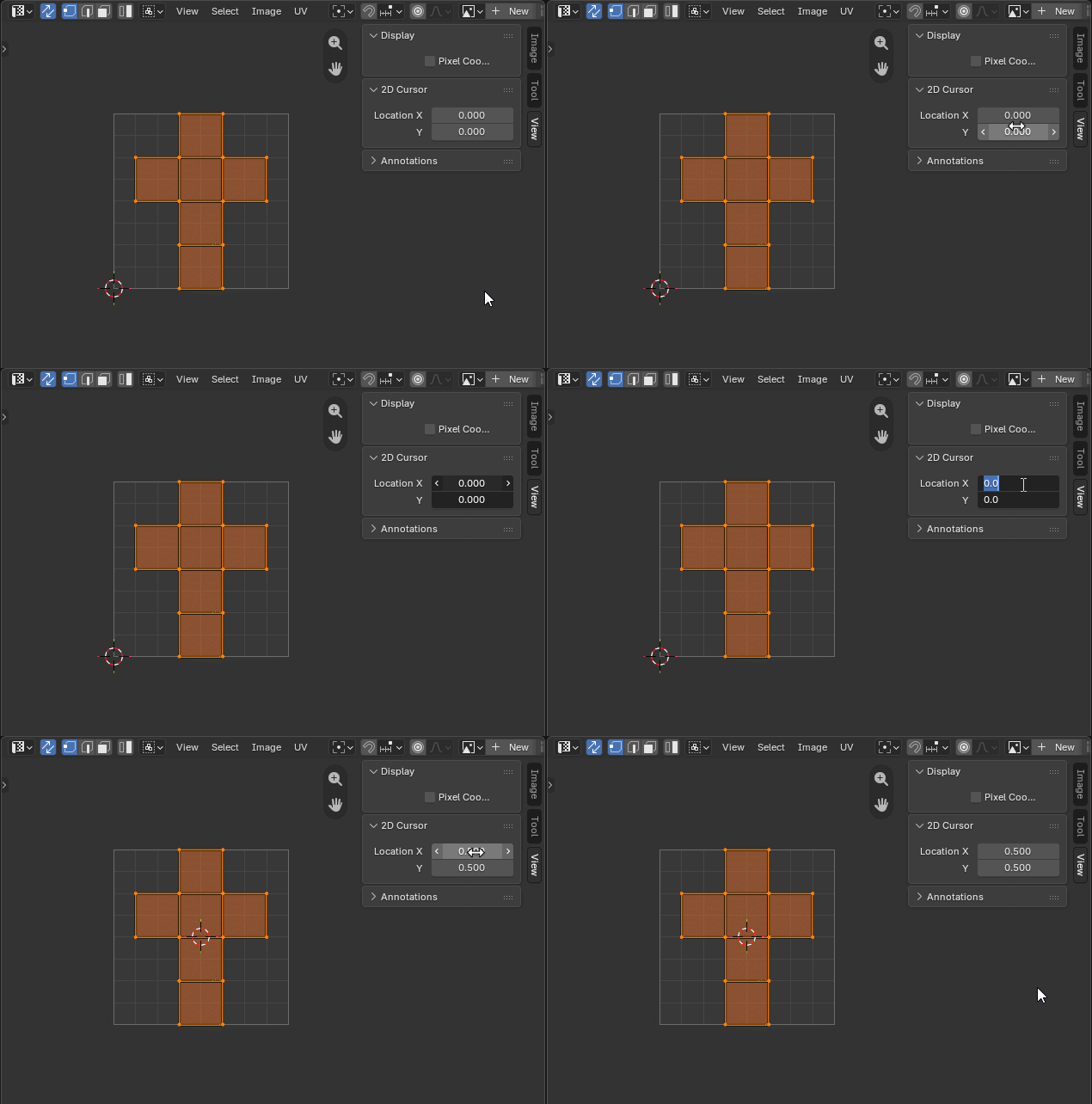
Ah, i knew about transforming by axis. sucks there’s no way. closest seems to be snap to cursor (offset) but there’s no way to place the cursor in the middle of an image either


 I would go for the second option.