Ah, my other project was just too frustrating and so here comes the ultimate 3d World:
UPBGE_0.3_Ball_joy_vWorld.blend (2.2 MB)
Now it is possible to set the overall Gravity and the Player Gravity, rotate the view with and without setting the Player Gravity in all directions.
The scene Gravity dependent on GravityBox_World:
Rotate View according to ground without changing Player’s Gravity:
The same with changing Player’s Gravity (GravityBox_Player):
longer Video:
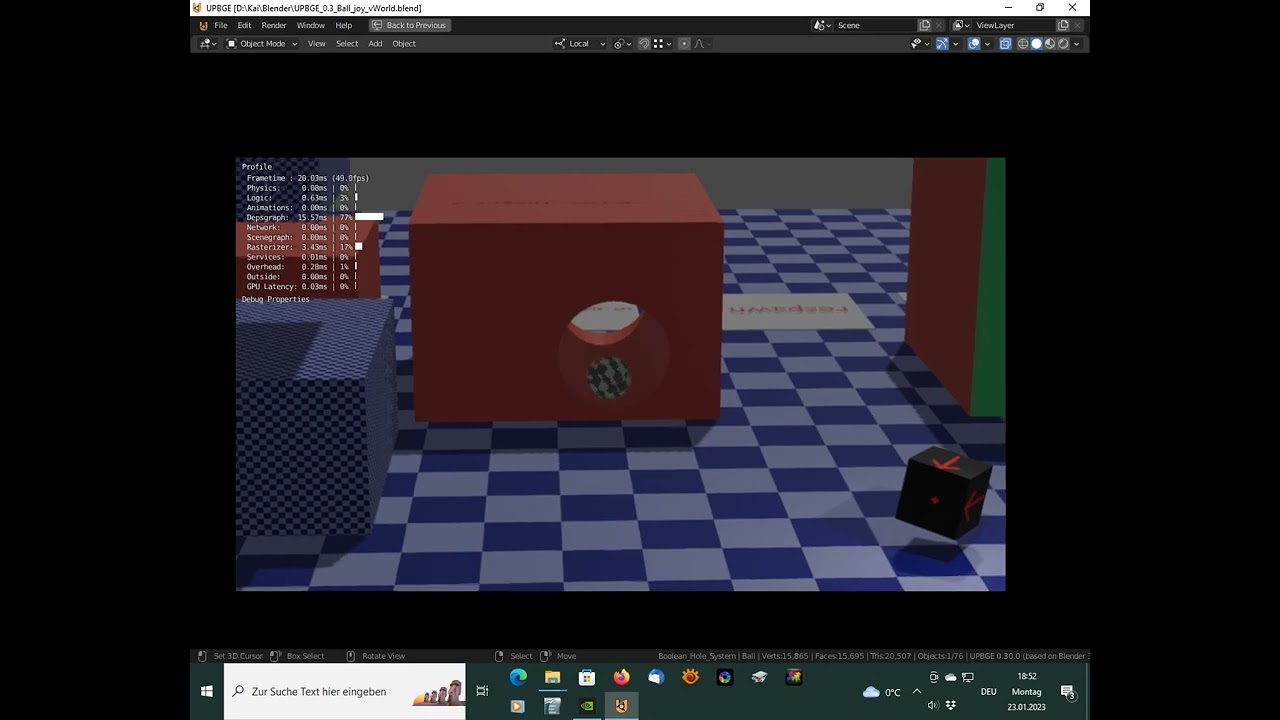
Ball:
    W A S D or Joystick-RightStick: move
    SPACE or Joystick-RightStick-Button: jump  (or uplift when flying at zero gravity)
    Key T: Time jump back to position 5 seconds ago

View:
    Mouse or Arrow-Keys or Joystick-LeftStick or Joystick-Hat: Rotate view
    Mousewheel or Page-up/Page-down or Joystick-Shoulders: Zoom
    Middle Mousebutton or Home or Joystick-Button 1: Reset Zoom
    F or Joystick-LeftStick-Button: Camera Follows Ball On/Off

Boolean hole system:
    Player can create a hole in objects with property "ground" that closes after 5 seconds.
    Right Mouse Button: enable/disable placement mode
    Left Mouse Button: dig the hole

Joystick selection Menu:
    Show/Hide: Key J
    Toggle through: Left Mouse Click

Ball has 2 game properties
'Mouse_sensitivity':
    Camera speed
'Keyboard_sensitivity':
    Ball Speed

Objects with property "ground" enable the Ball to jump.
Objects with property "obstacle" will let the camera go beyond. (also the floor has this)
Objects with property "transparent" and suitable Material will go transparent when view is blocked.

Objects with property "vWorld" align the Camera and Player Gravity to the ground.
Objects with property "vView" align only the Camera to the ground (without setting the player's Gravity).
Objects with property "vGravity" align only Player Gravity to the ground.
Objects with property "Gravity_Player" sets the amount of Gravity e.g.:
    0.0 =  zero Gravity
    1.0 = normal Gravity

Object with property "GravityBox_World" rotates the scene Gravity.


Respawn System:
    Objects with integer property "spawn_target" are used as spawn points: 1, 2, 3  etc.  (set them to no collision or empty)
        At scene start Player will be spawned to "spawn_target" with value 0.
    Objects with integer property "set_spawn_target" are used to set the active spawn point: 1, 2, 3  etc. on Collision
    Objects with property "respawn" will do the respawning on Collision

Load System:
    Objects with string property "load_scene" and a Scene name will load the Scene on Collision
    Objects with string property "load_blend" and a file name (e.g.: other.blend) will load the blend on Collision  (put the the blend file in the same directory)


How to use this in a new file:
    (delete any camera)
    - append the Collection "GameSystem"
    - append the Collection "Boolean_Hole_System"

How to use link to new scenes:
    in the scenes outliner select the new scene
    then right click on the Collection "GameSystem" and choose "link to scene"