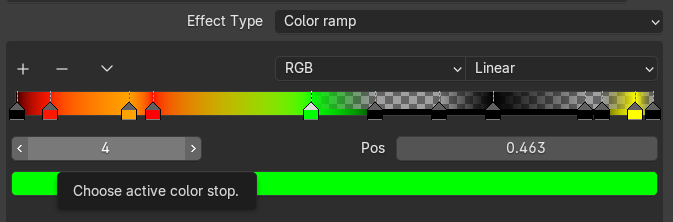
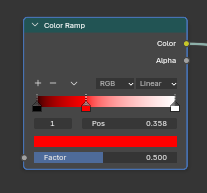
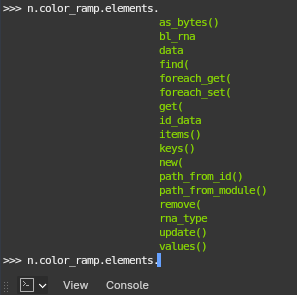
Seems to be. There aren’t any more places it could be in the Python API and it’s not there. So no add-on or external plugin is possible.
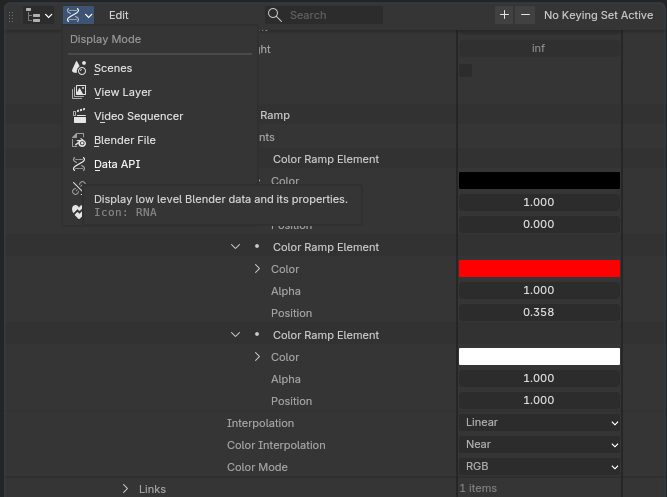
So basically that’s not the case - you can definitely retrieve position and color of the color ramp elements or stops, just not the active one. …not sure if you did actually mean just the active one there. Maybe my explanations don’t make sense sicne you already knew that maybe.
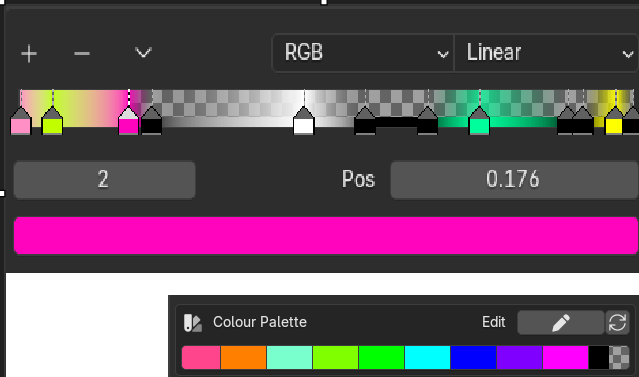
I have a custom colour palette created with a python plugin …
What i would like to do is press a color on the colour palette and set immediately the color in the active stop index.
I know that i can do it … but for example if a change the active stop index then from what i understand from your reply is that i can’t ask the actual stop index from the color ramp object (right?) to update the active stop index in my color palette plugin part.
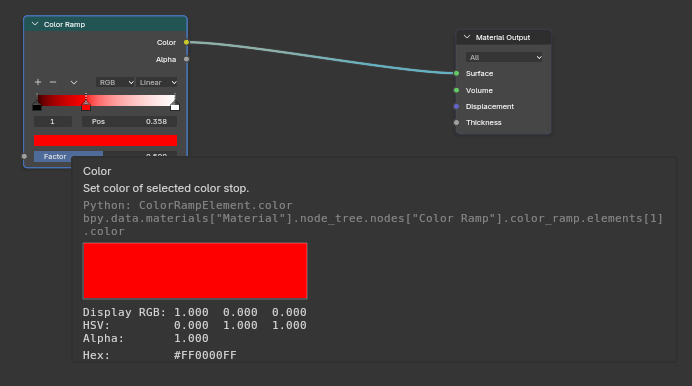
Oh, wait, you are talking about the active one again, so, no, that one is impossible as we have discovered. If those are standard Blender input fields in the whatever add-on you have, you could just drag them:
Copy paste works too. Ctrl + C while hovering over a color input in the UI will copy it and if you hit Ctrl + V while hovering over another will paste it.
Or you could have presets specifically for the whole color ramp, then you can make a button that just replaces the whole color ramp with that preset, but not the active stop, because the active stop is not exposed to Python API.
In any case, you could write a Python add-on that has some palette of colors as standard color fields in the UI so you can make it that they are dragable, it depends on how the palette is coded.
You could also code a custom panel that mimics color ramp inputs and then construct the color ramp there… But it would just be colors and positions, maybe it would be possible to show preview somehow, but I think this bit is not something you can use in UI:
It’s part of a template probably, but I haven’t checked to know for sure.