Kate (Retro character modeling and rendering attempt)

Halloween is coming up and I want to try something different.
Here’s the character I want to make:


Kate, the Hole-y acrobat.
I did make her before, but I used VRoid as a base. I need to transition away from using VRoid entirely, so I’m going to remake her by scratch.


I’ve been looking into retro 3d renders. Like stuff from the 90’s and early 2000’s? I’ve especially been looking at the Mario 64 renders. There’s just something about them… I want to try to replicate the look.


The thing I notice about the Mario 64 renders is that things look “simpler” in a way. There’s no SSGI. I feel like the render relies only on the spot lights you put in. Nothing fancy like what we have for modern renders today.


These are the reference images I made.


I can’t make side profiles to save my life. -_-

(I’m probably never using Medibang Paint to make reference images ever again! The Symmetry brush SUCKS!)

I don’t plan on replicating the reference image all the way, this is just the gist of how she’ll look. I do plan on making additional clothes for her in the future. Thats why there are additional details like ber bre@sts being drawn out and ther arms under her sleeves.

I always have a video out for major holidays like Halloween. Her head and hair will be the most important part of the video, but if I can get her completely done this month, that’ll be great too.

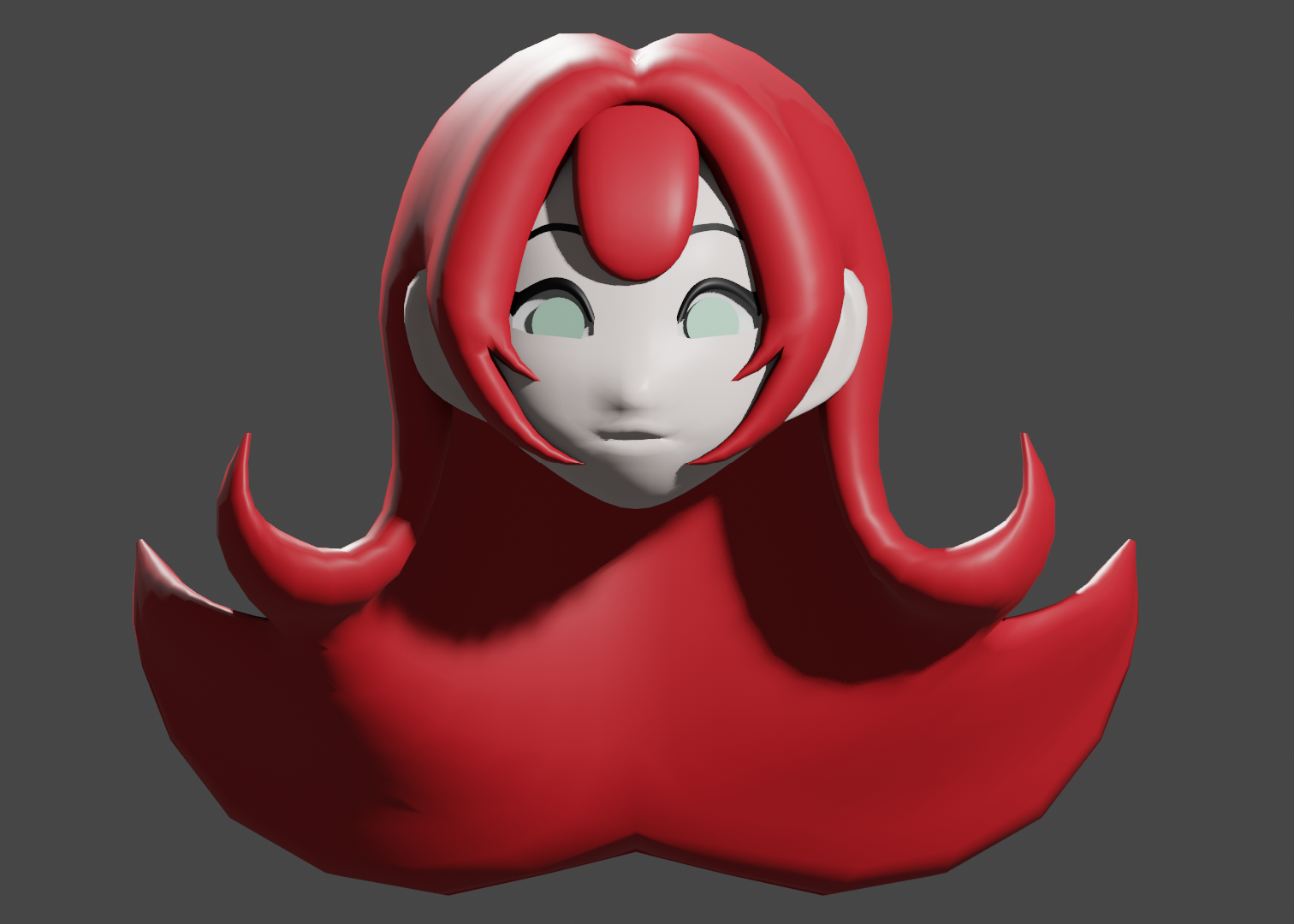
Here’s what I have so far.


Instead of using a plane for the head like I did the last time, I took a different apporach and used a cube and subdivided it to be a rounder shape.It was hard trying to build the entire head from the face last time. This time, the head is already in shape, just remove some planes to make the important sockets.


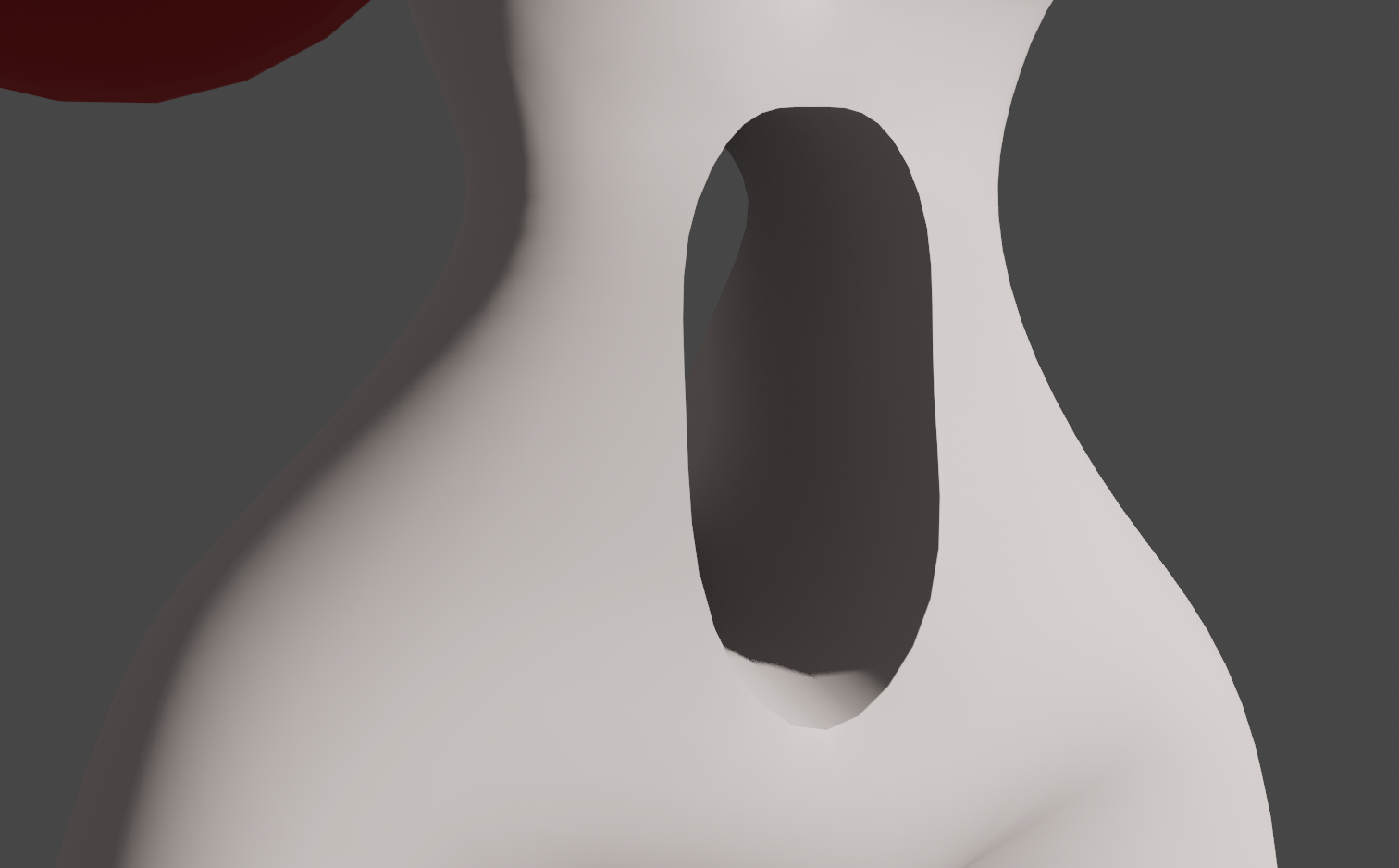
“Why is there a gaping hole in her stomach?”
…You’ll have to wait until Halloween to find out!

Thanks for reading this all the way.
Have a nice day! :heart:

3 Likes

The mouth was hard to work on for some reason but here we are.


I also did something a little different for the eyelashes so they would pop out.

2 Likes

Gave her cute little ears!

I’m starting to work on the body.


1 Like

I worked on the body more.

It looks good so far! What do you think?

1 Like

Looks very cool, reminds Me about Dragons lair princess.

1 Like

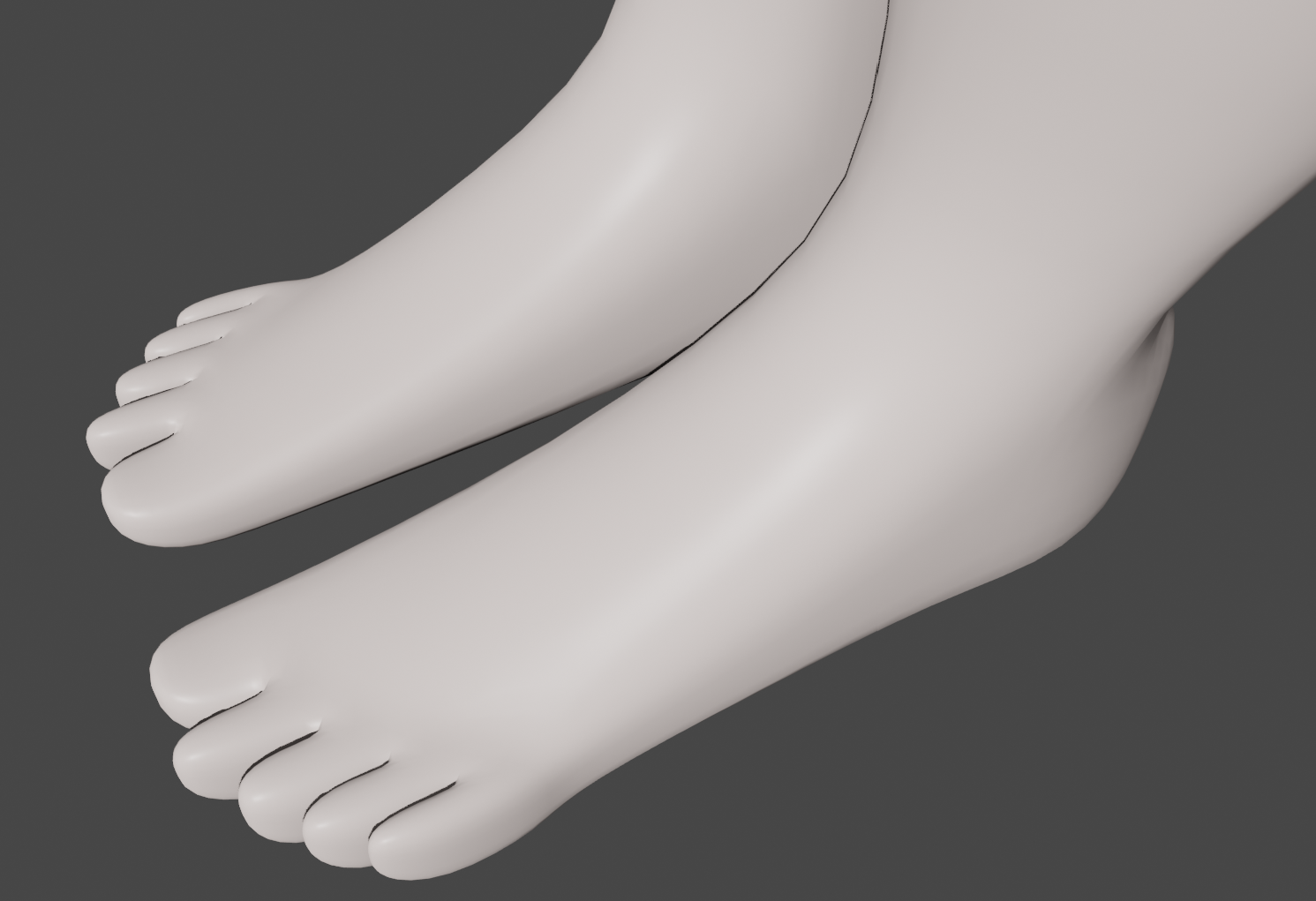
So I worked on her body, made the hole and her feet.


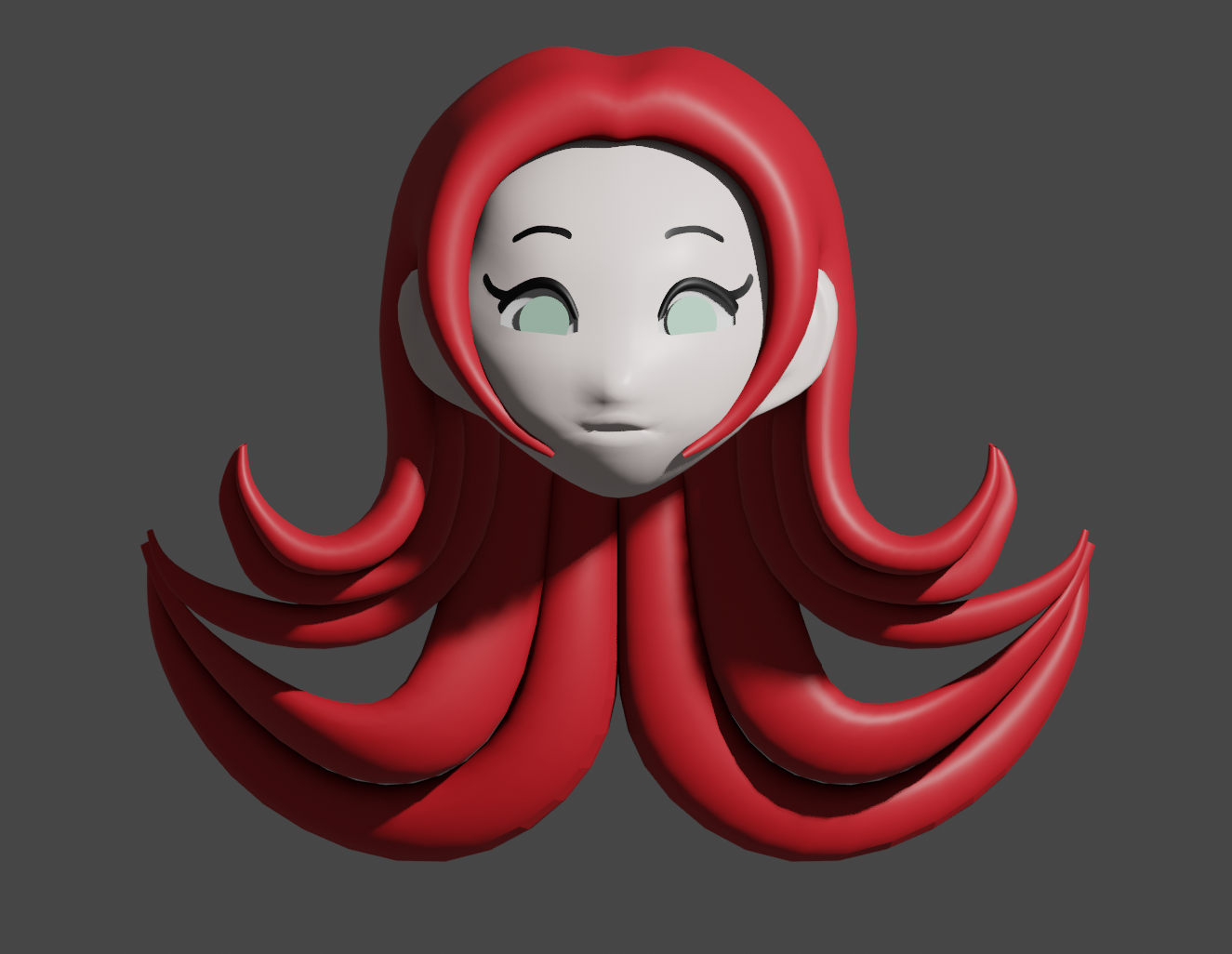
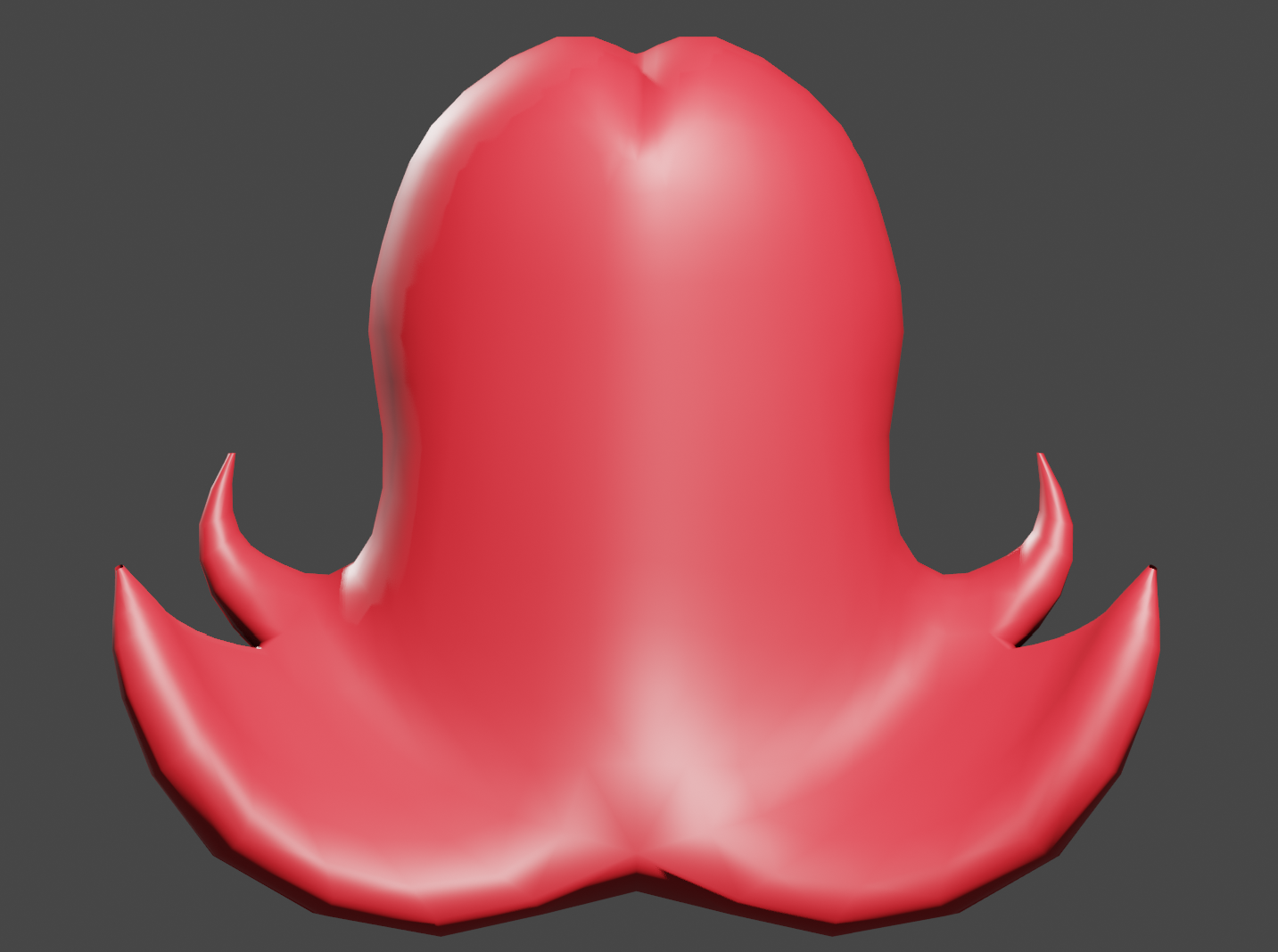
I also worked on the hair. This time, I’m wanted to try something different; instead of modeling strands, I decided to make the hair into one uniform mesh. Like this.

That’s kinda hard to do, but I think I figured it out.

Kate’s hair’s supposed to go downward and down “explode sideways twice,” so I followed the beginning of 2AM’s hair modeling tutorial all the way up until it was time to extrude the strands. Then I extruded her hair to how i wanted it.

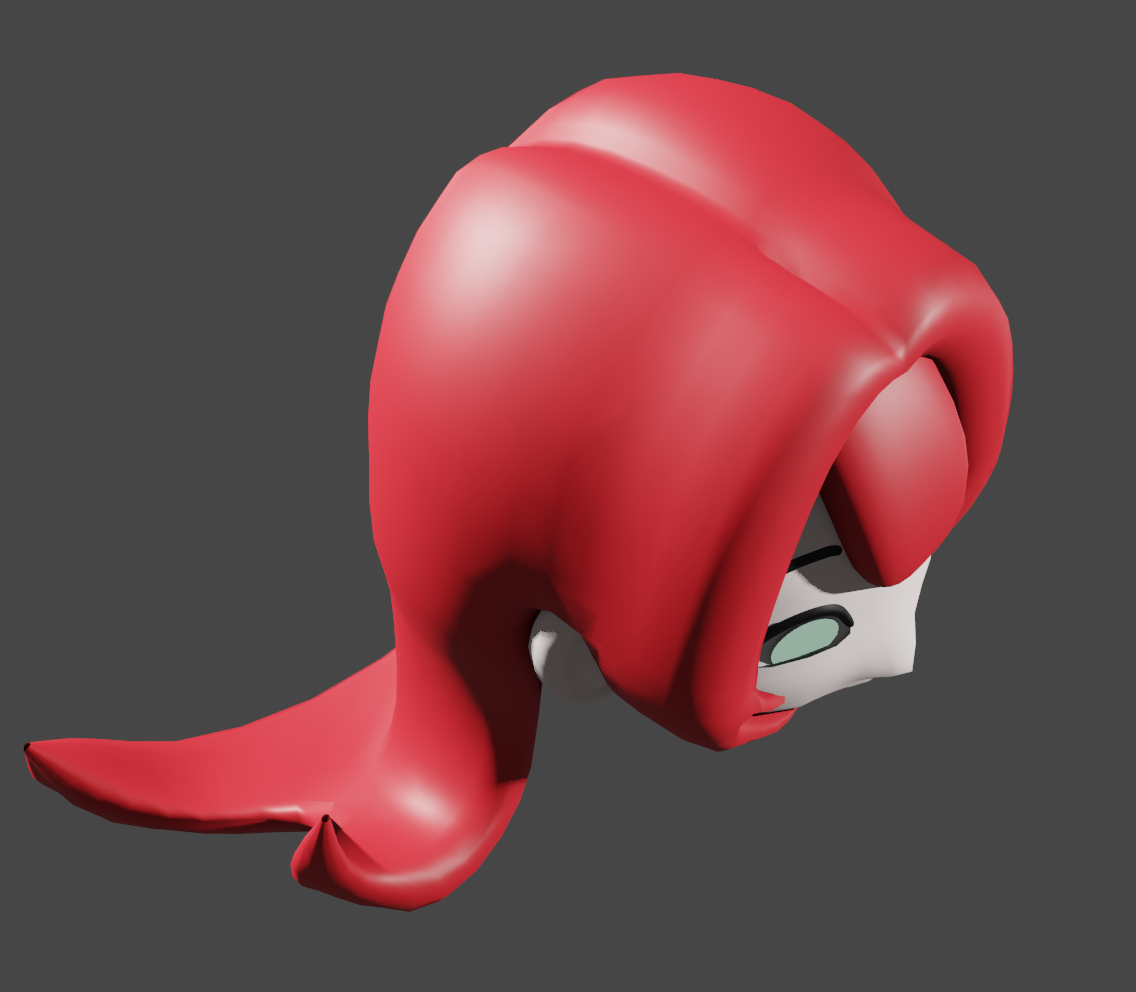
And see it looks okay when facing forward, but I thought the back looked like absolute garbage. So I decided to delete faces and merge a bunch of vertices. Now It looks like this:


I made the bangs with planes, extruded them and matched it up with the back hair mesh so when I combined it, it would be more smooth. (Except for the very front. Yes, that’s intentional.)


Now when I look at Kate, her model reminds me of when I first dipped into making 3d art. I never used Blender at that point. I used Paint 3d. You know, where you could draw primatives and they turned into 3d objects you could draw on? Loved it. Here’s an artpiece I made with it.

Maybe i should remake those Paint 3d models I made one day…

1 Like

Making the hands…

Hopefully, I can get Kate’s model done by next Friday. Then I can start the animation on Halloween week.

Everything is coming together so far!


Her body is just about finished. I just hoined her hand to her body!


…
Oh sh!t, I forgot her nails. I’ll make them tommorrow. Then I’ll make the facial expressions.

1 Like

I finally connected Kate’s head to her body. Gave her a more viable chin.


I also worked on her topology.

I’m thinking about keeping on the subdivision modifier in Blender for more flexibility. I already applied the mirror one so I can finish the rest of her shapekeys.

…I don’t think I’ll finish her model in time…

Setting up the armature…

I’m done setting up the armature (for the body).

Now for the texturing…


Honestly, some items Kate has are just simple colors. Like her eyelashes, eyebrows, hair, clothes and ecetera. So I’m thinking about just making one texture for them all to go to. Materials? We’ll see when I get there. I just know this one isn’t going to cut it for what I intend to do.

1 Like

Looks great so far! I only wanted to suggest Workbench for your renders, in order to get the Mario 64 look. Believe it or not, it is very capable and renders lightning fast.

You can preview what it would look like, activating “Texture” under “Color” in Viewport Shading options (clicking the downward arrow in Viewport Shading, at the top-right of 3D vieport).

1 Like

Hmmm… I was thinking of using other shaders, but I’ll look into that.

1 Like

I tried it. It looks nice, but I’m not sure if it handles emission.

I’m curious. What settings do you use for Workbench? (I don’t render with it.)

1 Like

I finally put clothes and accessories on her. The modeling part is basically done.

Now for the shading…
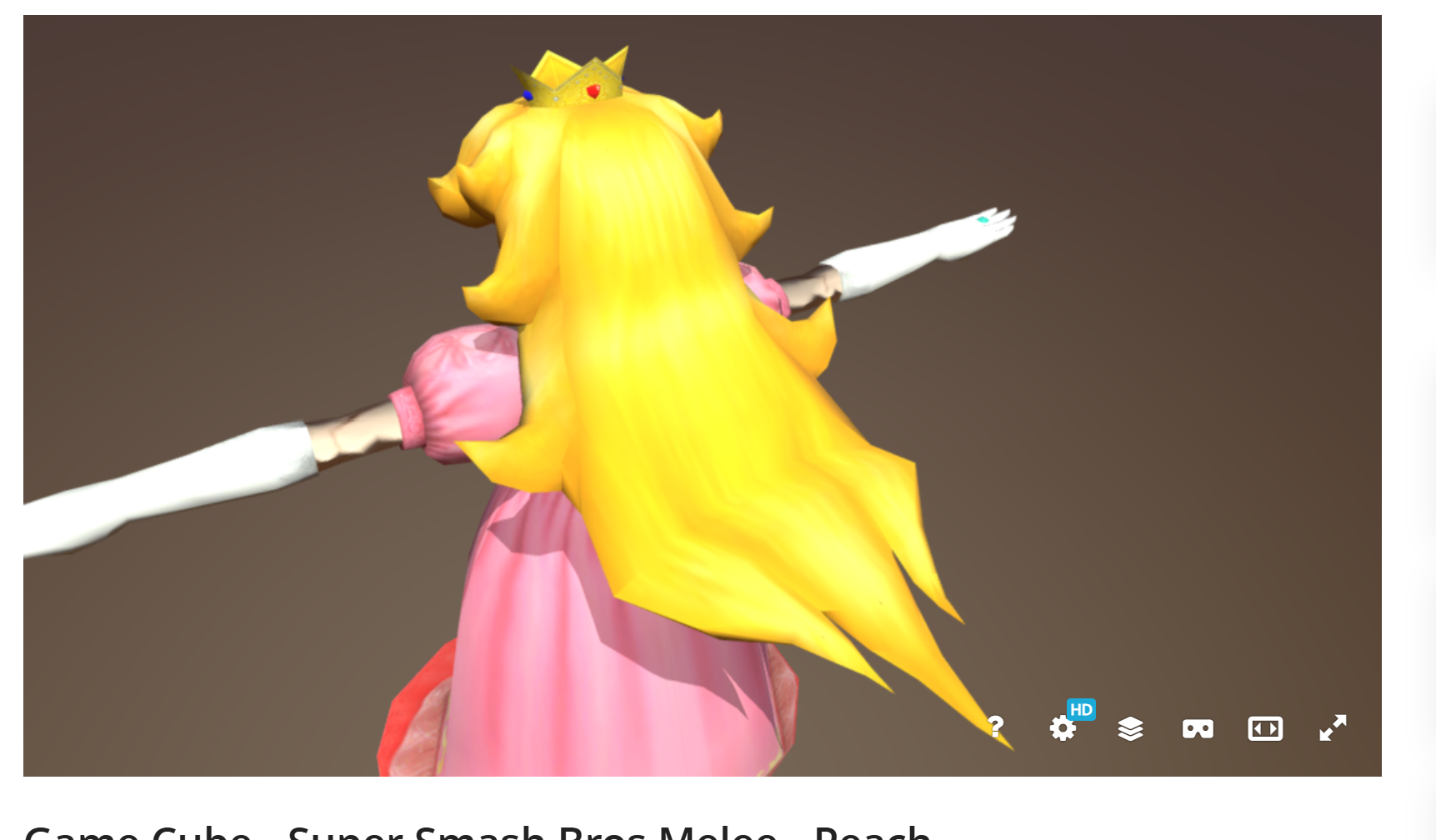
I did my research on what type of shading the Mario 64 promotion renders were used. Apparently it’s calling “Phong”?

I’m not using Cycles; it takes 10,000 years to render one frame, so I’m trying to find a shader that replicates the Phong style itself- it’s hard, Most of the things I found are tailored for Cycles. I was going to cave in and just used the Principled BSDF shader untill I finally came across this;

So then I test it out the Non-Principled BSDF on Kate and adjusted the lighting environment…

I think it looks good. :slight_smile:

Also the gleam in Mario’s eyes are emissive, so I did that with Kate’s eyes too. (Although for this I had to revert back to principled BSDF.)


Here are some renders I made.
(I didn’t put the gleam on here)


(The gleam is on this on though.)

2 Likes

Looks beautiful, congrats!

1 Like