
3D Kinetic Typography & Motion Design in Blender 5.2
Tired of manually keyframing dozens of letters and complex motion sequences? KineTyper v1.0 is the ultimate procedural kinetic typography and motion design powerhouse built natively for Blender.
Create high-impact title animations, kinetic type sequences, procedural cloner systems, and real-time audio-reactive graphics with zero manual keyframing.
What’s Inside KineTyper?
KT_Text — Procedural 3D Typography Engine
Hierarchical Animation Modes: Control your typography at the Character, Word, Line, or Type (whole block) level independently.
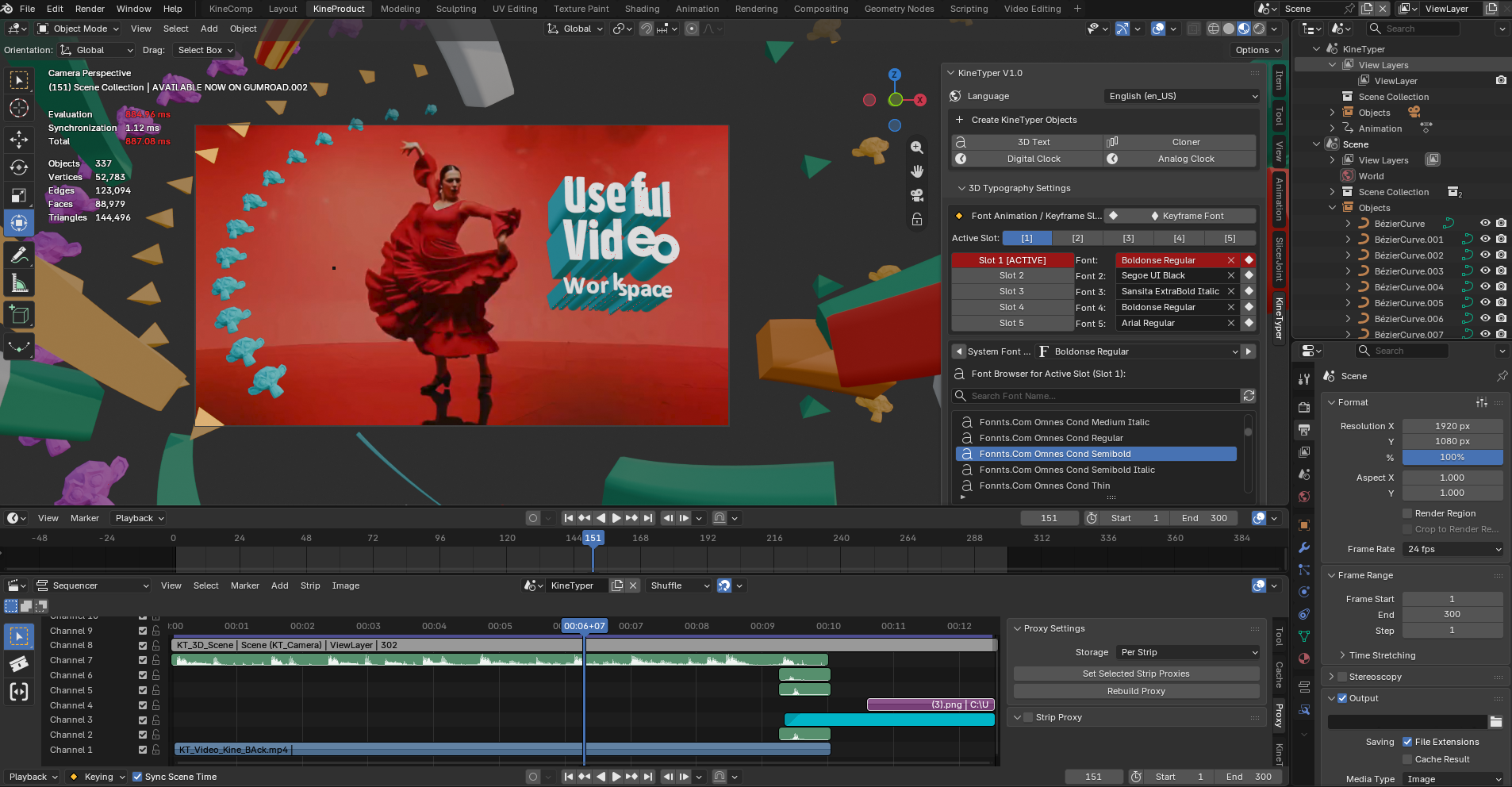
Dynamic Font Transitions: Smoothly transition between up to 5 different fonts across your animation sequence with automatic keyframing.
Multi-Line Text Extraction: Split multi-line layouts into standalone lines or words with a single click—preserving exact spacing, pivots, and positions.
Built-in Typewriter: Reveal text progressively with a single slider.
Viewport Bevel Toggle: Keep viewport performance silky smooth while rendering crisp, production-ready bevels.
KT_Cloner — Procedural 3D Instance Generator
4 Distribution Modes: Grid, Linear, Radial, and Surface cloning.
3D Asset Library Included: Over 28 optimized procedural 3D models ready to clone (Icons, Badges, Arrows, UI elements, and abstract shapes).
Seamless Effector Stacking: Drive hundreds of cloned instances with combined procedural forces.
KT_Clock — Procedural Time Engine
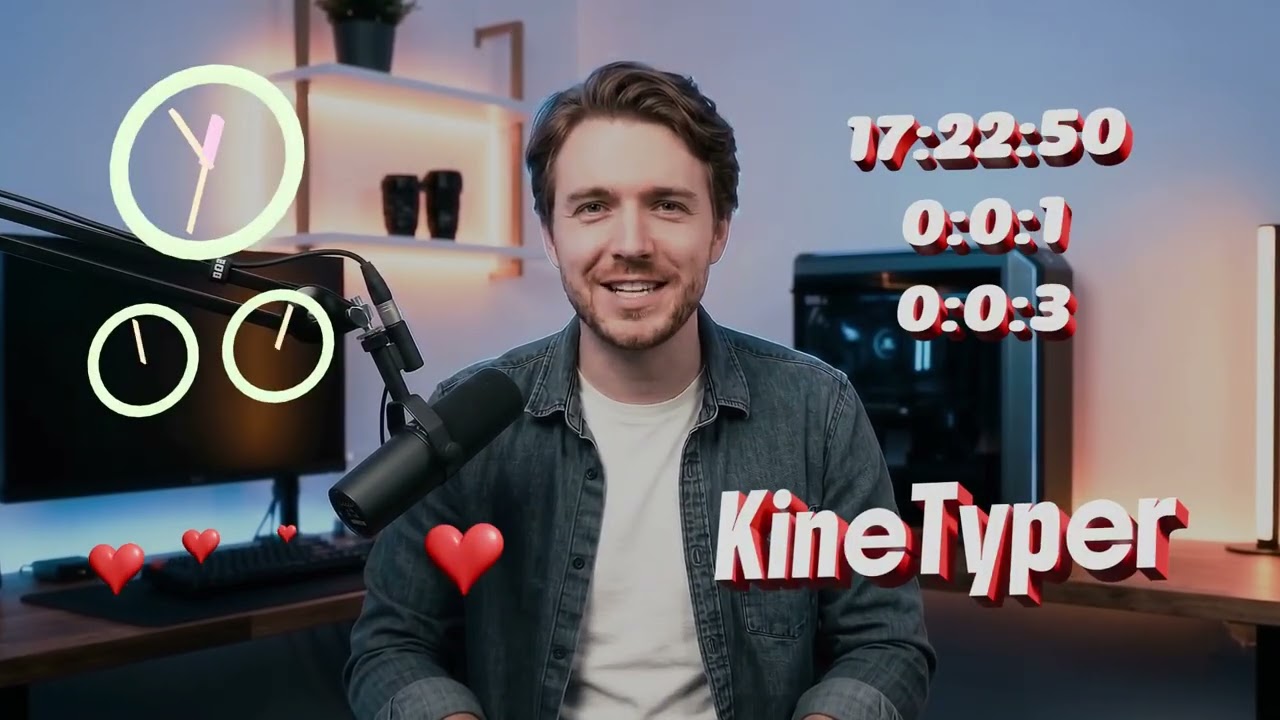
Fully procedural Real-Time Clock, Stopwatch, and Countdown Timer.
Switch between Digital LED displays and customizable 3D Analog clock faces with smooth second-hand sweeping.
Modular Procedural Effectors
Stack, blend, and control transform channels (Position, Rotation, Scale) without keyframes:
Transform Effector:
Clean spatial offsets with master sliders for seamless In/Out transitions.
Random Effector:
Noise, chaotic distributions, and smooth undulating wave motion.
Step Effector:
Cascading offsets with Spring, Kick, and Decay physical dynamics.
Time Effector:
Perpetual linear motion, rotations, and continuous drifting.
Formula Effector:
Harmonic mathematical loops for breathing, organic motion.
Sound Effector:
Real-time audio spectrum & equalizer animation synced directly with audio files or Blender VSE strips.
Spline Effector:
Flow characters or cloned objects along any curve or path effortlessly.
Driver Effector:
Proximity-based interactive animation using scene control objects.
Video Studio & 4-Tier Master Proxy Engine
Edit typography directly over background footage inside Blender’s 3D Viewport.
Tier Proxy System (25%, 50%, 75%, 100%): Guarantees real-time preview playback even with heavy 4K/8K background footage.
Dedicated KineComp Dual-Screen Workspace for professional post-production workflows.
Shading & Preset Library
Triple-Slot Material Assignment: Assign independent materials to Front Faces, Extrusion Sides, and Bevel Caps with one click.
Built-in Shader Presets: Gold, Rose Gold, Chrome, Matte, Neon, and Dark styles.
Save & Load Animation Presets: Save your custom effector stacks and reuse them instantly across any future Blender project.
Licensing Options
Choose the license that fits your workflow:
Individual License (1 User / 1 Device): Perfect for freelancers, solo artists, and students. Install on 1 workstation with simple device deactivation/migration.
Studio License (Up to 5 Users / 5 Devices): Designed for design studios, agencies, and production teams.
Compatibility & Requirements
Blender Version: Blender 5.2 LTS
Over the coming days, I will continue publishing detailed walkthroughs, procedural tips, and step-by-step tutorials to help you get the most out of KineTyper.