Yes so curious about their “real” desktop chip but I guess the next ones we will see will have the same as the new Macbooks.
Also fairly sure the M2 will perhaps similar in multi core to the binned M1 Pro, faster in single core and slower in GPU.

Yes so curious about their “real” desktop chip but I guess the next ones we will see will have the same as the new Macbooks.
Also fairly sure the M2 will perhaps similar in multi core to the binned M1 Pro, faster in single core and slower in GPU.
Notchmeister!  Yeah! Apple!
Agree with TiwazSteve, there is no difference to performance on battery to plugged in.
Haven’t done any extensive battery tests, only thing I noticed on my recent render tests in 3.1a was, the battery reduced by ~20% whilst plugged in running renders back to back. It was an observation I didn’t look further into, so could have been numerous things; high power mode turned on, alpha software not being optimised, the fact I was running half a dozen other apps at the same time (I was at work).
Any chance you could share that blend file? Intrigued to know what time the current maxed out M1Max chip could render it at. Cheers.
So these are temperatures while rendering?
Here, unfortunately, you can not upload such large files. The nuts were TurboCad data. They have not been optimized. That’s why the Blender file is so big. And the nuts were not copied with alt + D, but shift + D, 
Ah okay. No worries
If any of you got Dropbox or any that generates a download link and willing to go the extra hassle, over here some Apple Motion project was shared like that and worked pretty fine.
Ive been modeling,texturing, and rendering up a storm with my m1 max mbp with the newest alpha. makes quick work on my projects and doesnt even get warm. But I have learned to command-s after literally EVERYthing I do because its so unstable. But instant preview really makes up for the constant crashing…
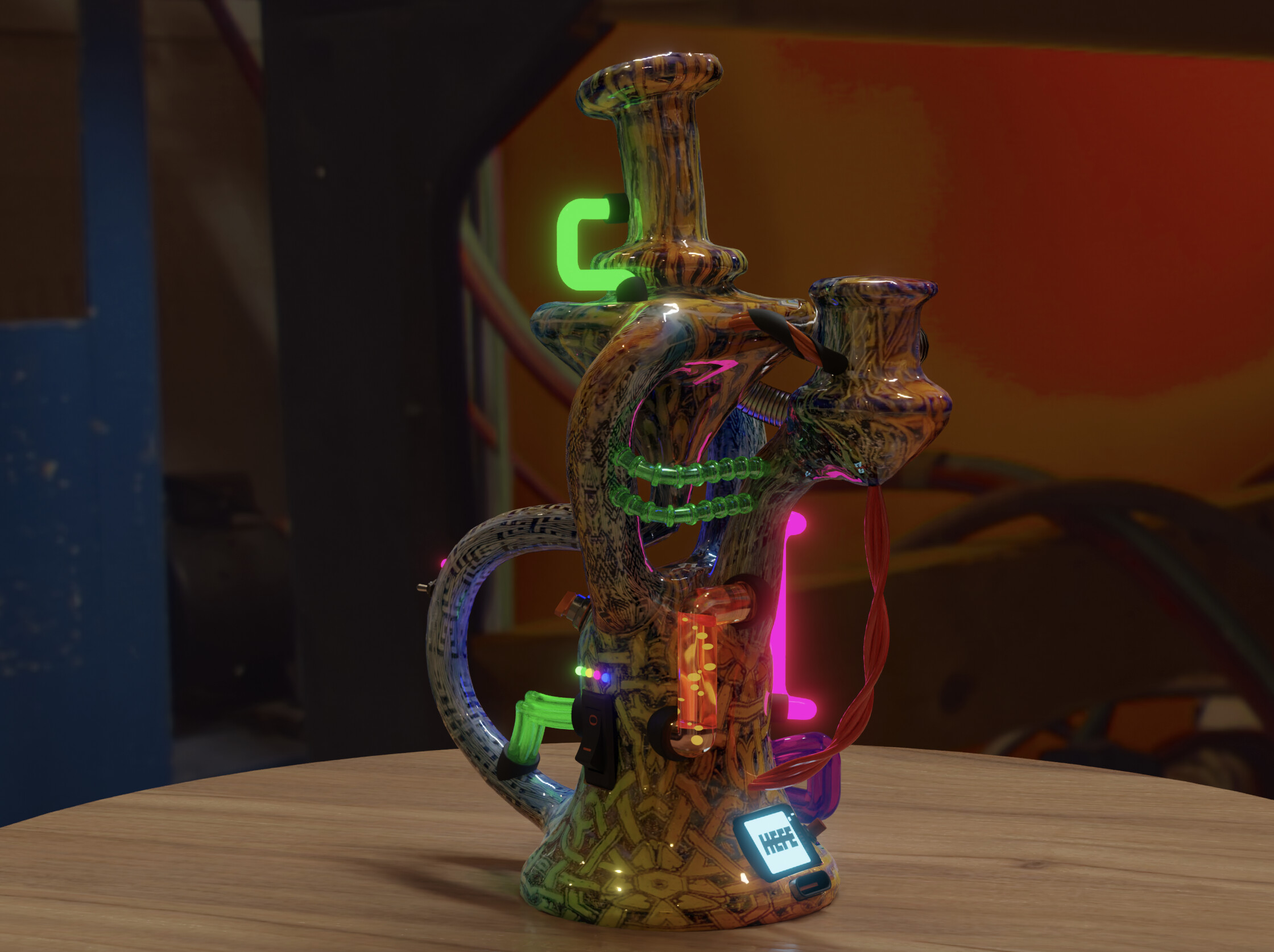
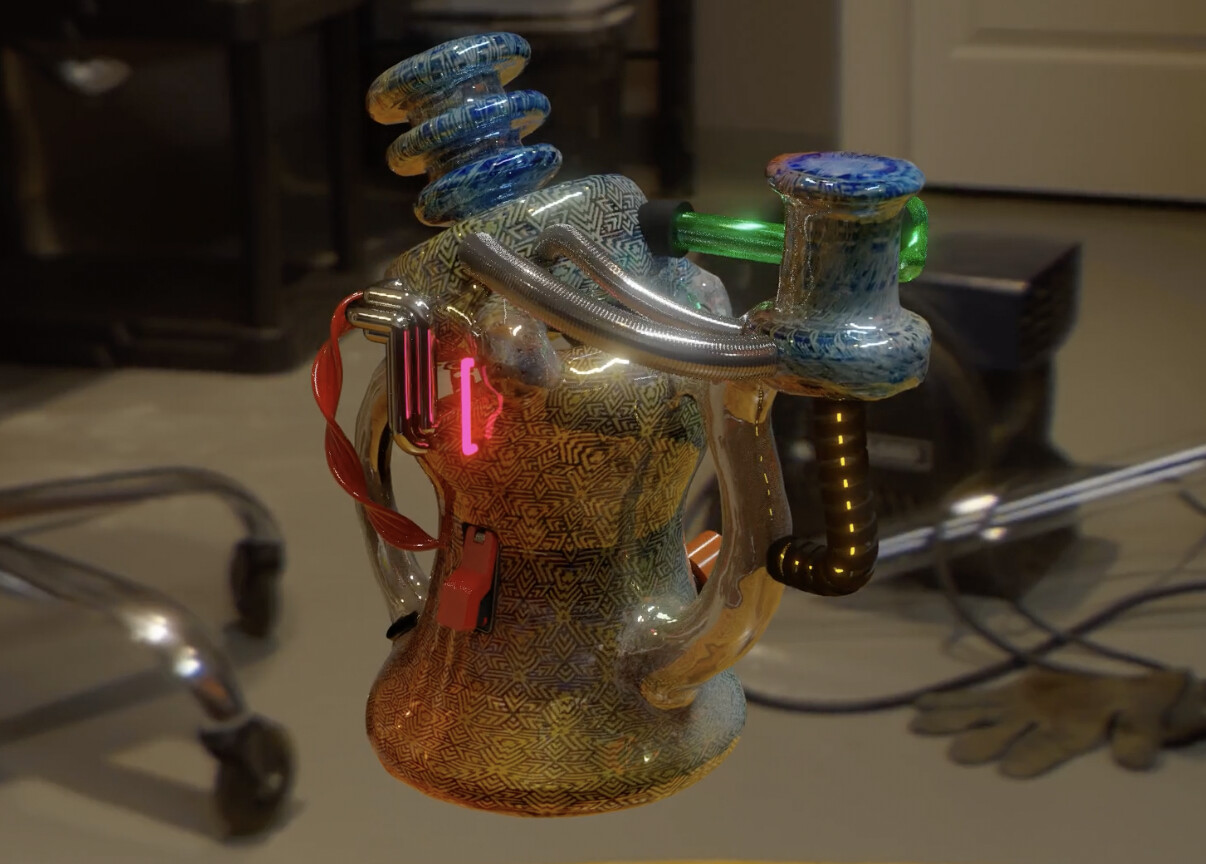
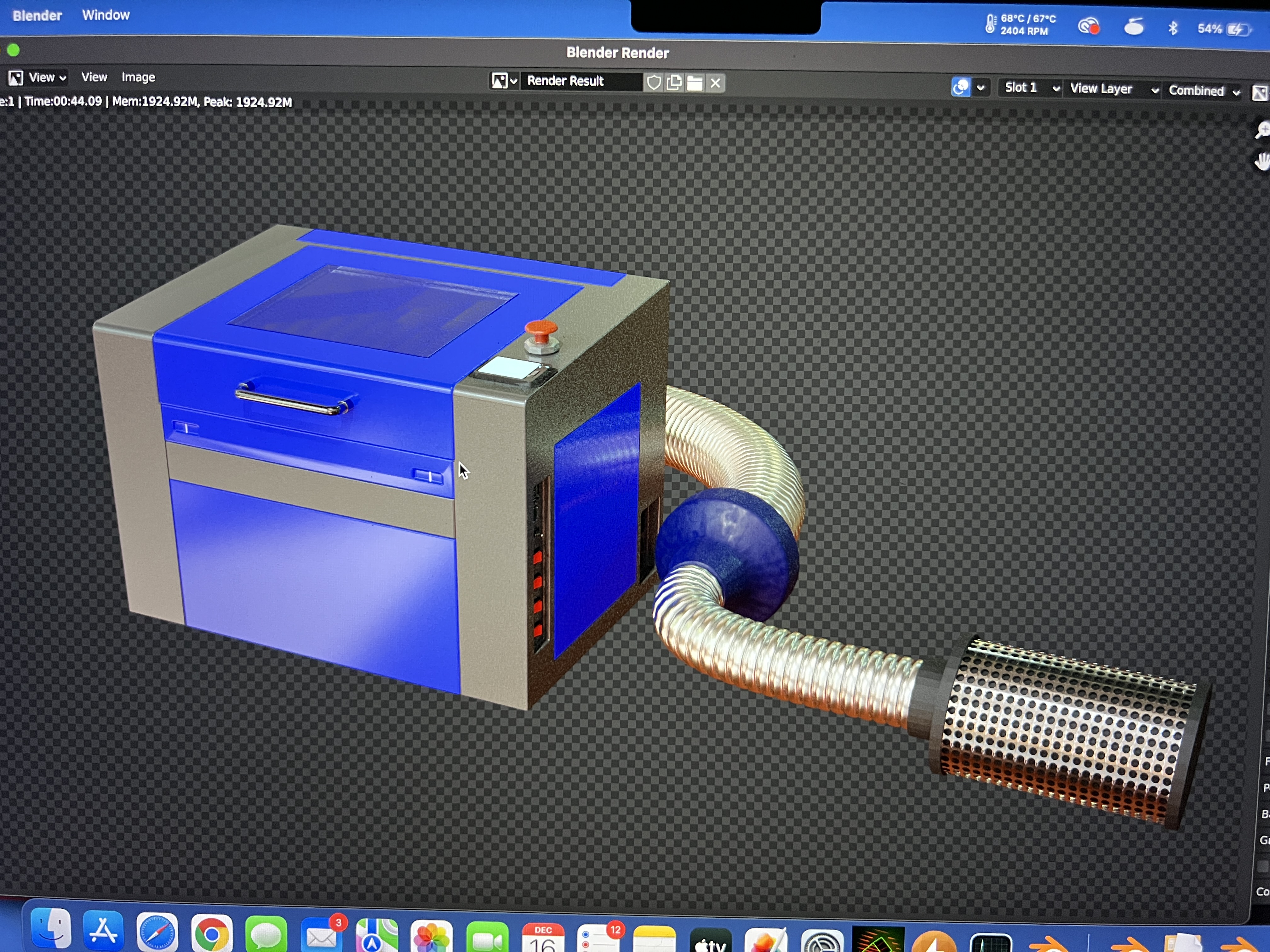
These are some things im working on for my glass-related collabs. Modeled after actual real pieces, textured and modded and lit with a HDRI I take with a 360 camera. these are animated but here is a screen shot. Third pic is a model I made of my 50w laser engraver
made all this stuff on the 3.1 alpha…love it!
I heard a rumor that if your cursor goes under the notch, you lose it forever, and have to pay Apple for a new one.
…is this true?
I am not sure.
At least I heard that Apple plans to solder cursors now and they won’t be
user replaceable or upgradable anytime again after you bought your device.
But I hope IFixit + Rossman are already searching for a workaround.
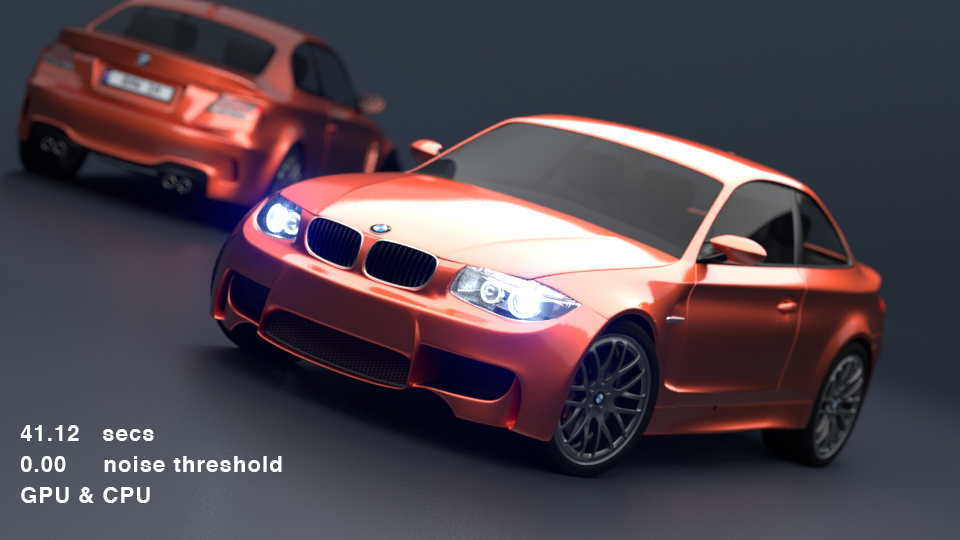
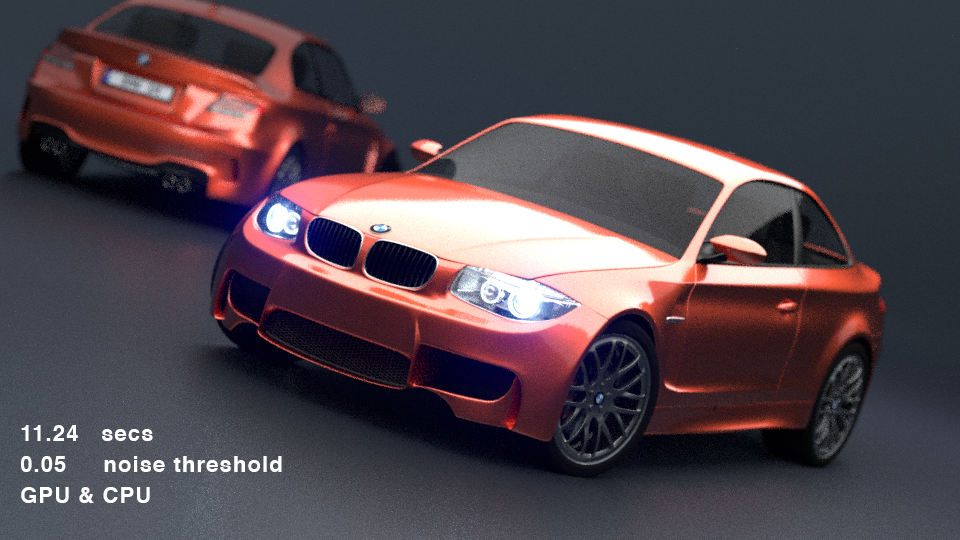
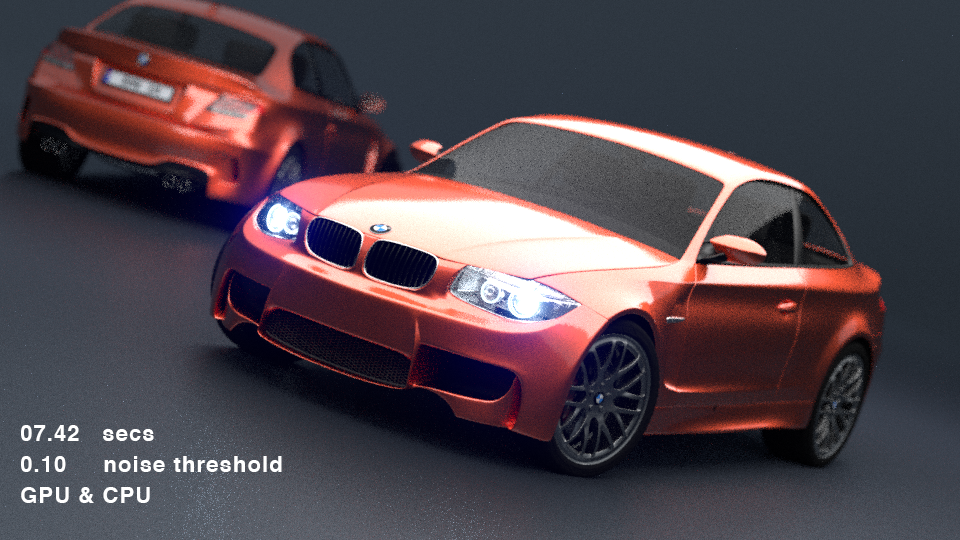
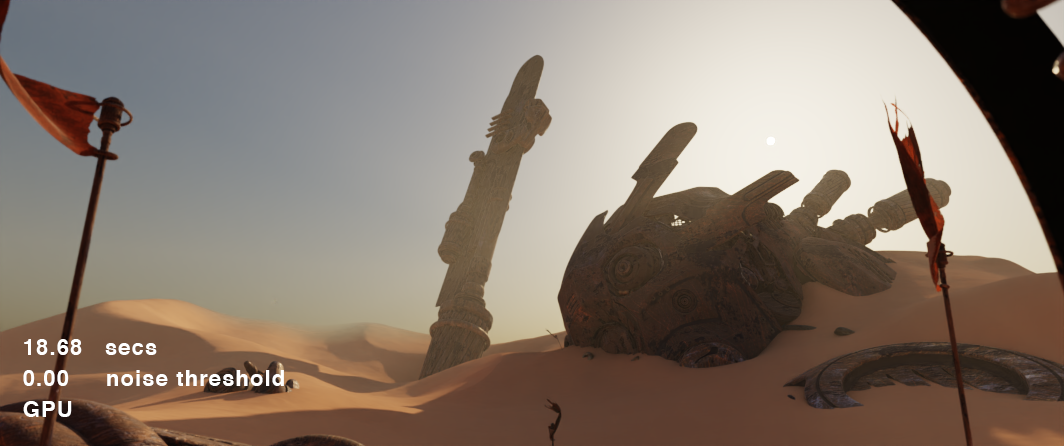
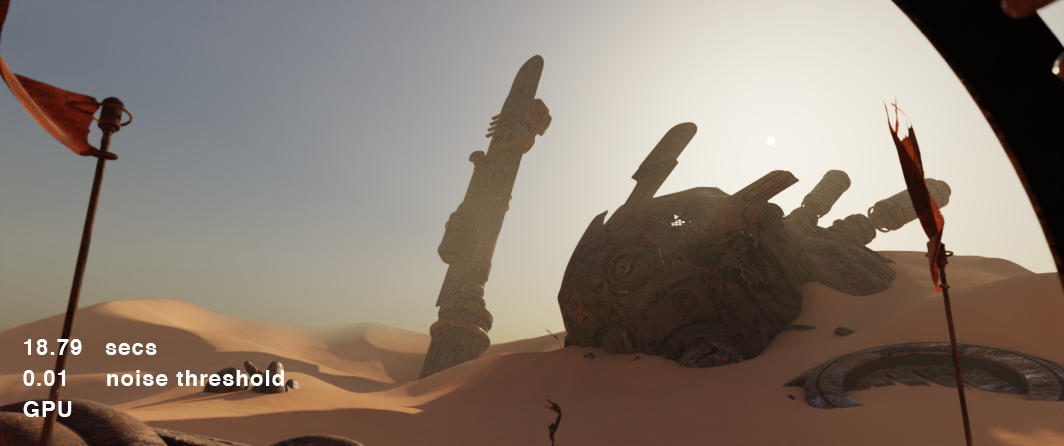
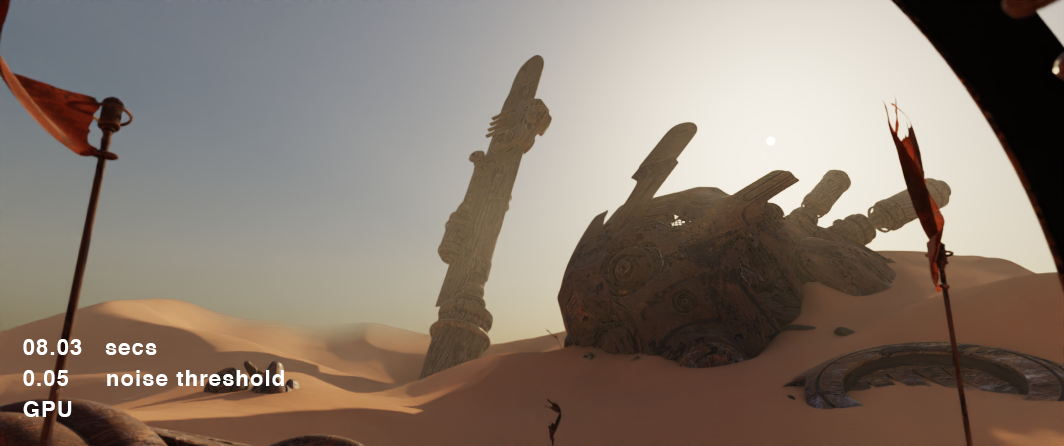
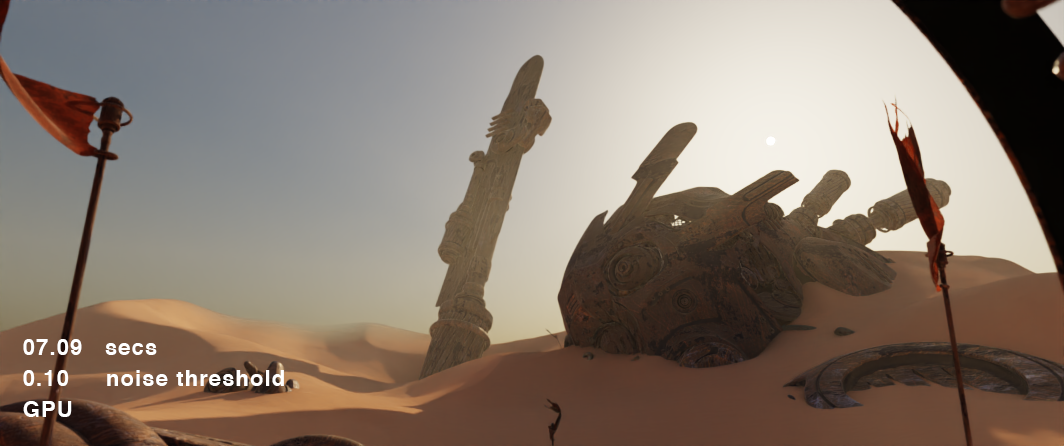
I’ve been playing around with the 3.1 alpha some more, and after watching some videos on ‘noise threshold’ settings in CyclesX, I wondered what, and how much, change it could make to GPU renders now we have the ability. Below are some tests using the ‘BMW’ and ‘Nishita Sky’ demos.
–
BMW
–
Nishita Sky
It was quite interesting seeing how much change it made, dependant on the scene - def not a one size fits all approach. The difference in the 41s and 24s BMW shots is very small, looking at the images at 200% or 300% will attest to that.
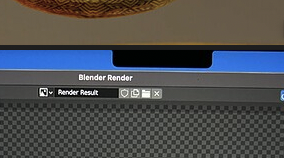
You might want to get new glasses - you seem not to realize the damaged part of your display ?!
Are this dead pixels or did somebody use a Sharpy ?
I think he is privacy aware and just put a black sticker over his Windows Hello detectors …
Yeah what a noob seriously - so silly
Everyone is talking about the performance of Cycles-X, but what about Eevee animation and physics simulation?
CPU performance is important for both of these.
I don’t use Cycles much, I spend most of my time creating, checking and adjusting animations and physics simulations, so I’m curious to see if M1 will improve performance over Windows (intel, AMD).
blender animations are still too slow for me.
I have posted a few simulations comparing the m1 pro/max CPU vs amd ryzen 9 5900hs laptop. The m1 cpu outperformed the Ryzen in every simulation I tried. The videos are somewhere in this thread. Eevee performance is GPU based and its also pretty good.
I concur with Remy. Animation work (character) and simulations is what I mostly use Blender for, and the M series Macs are extremely powerful in these areas in Blender.
Here’s this damn guy again…
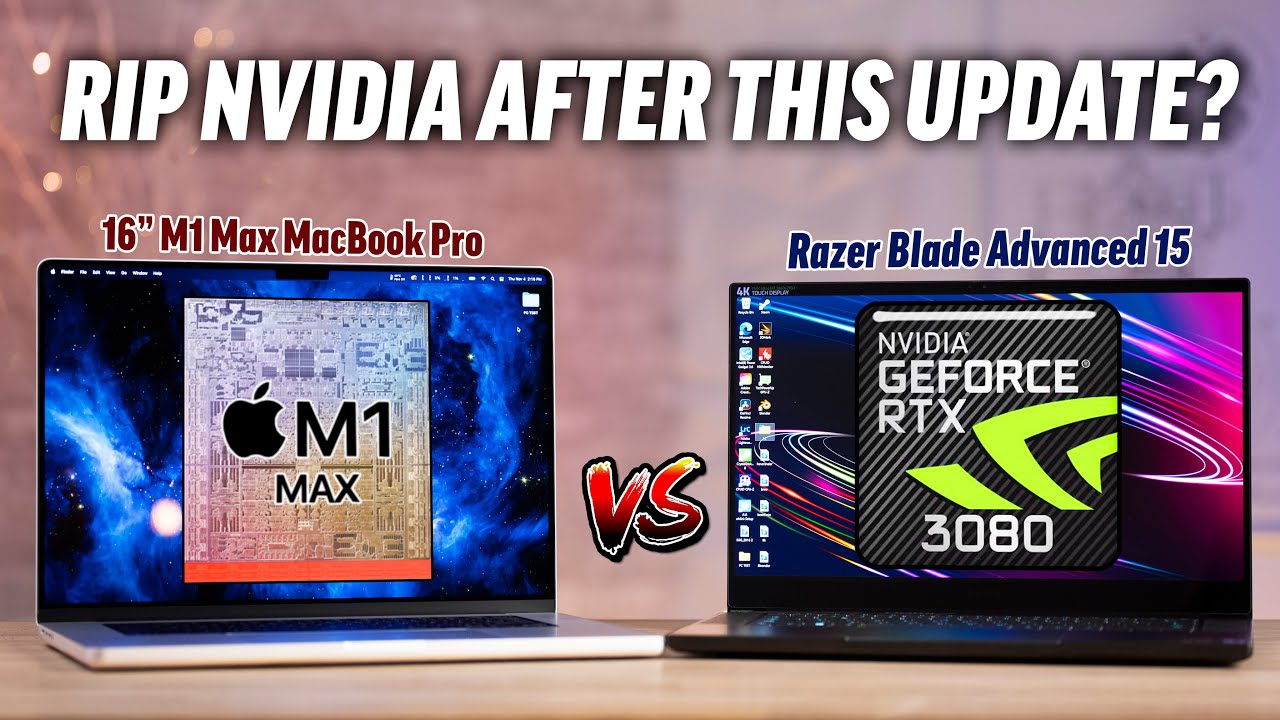
He’s using CUDA on the 3080, so he’s not taking advantage of those RT cores. Still, the M1 Max 32 core scoring in the same ballpark as a mobile 3080 on CUDA (really, more a 3070, considering how Razer has their power settings kitted out) is damn impressive.
This video is misleading. He’s not testing 3.0 on the Windows side so he’s still on 2.93 which means he’s not using the newer version of Cycles nor Optix. So that kind of puts Windows on uneven footing in the comparison.