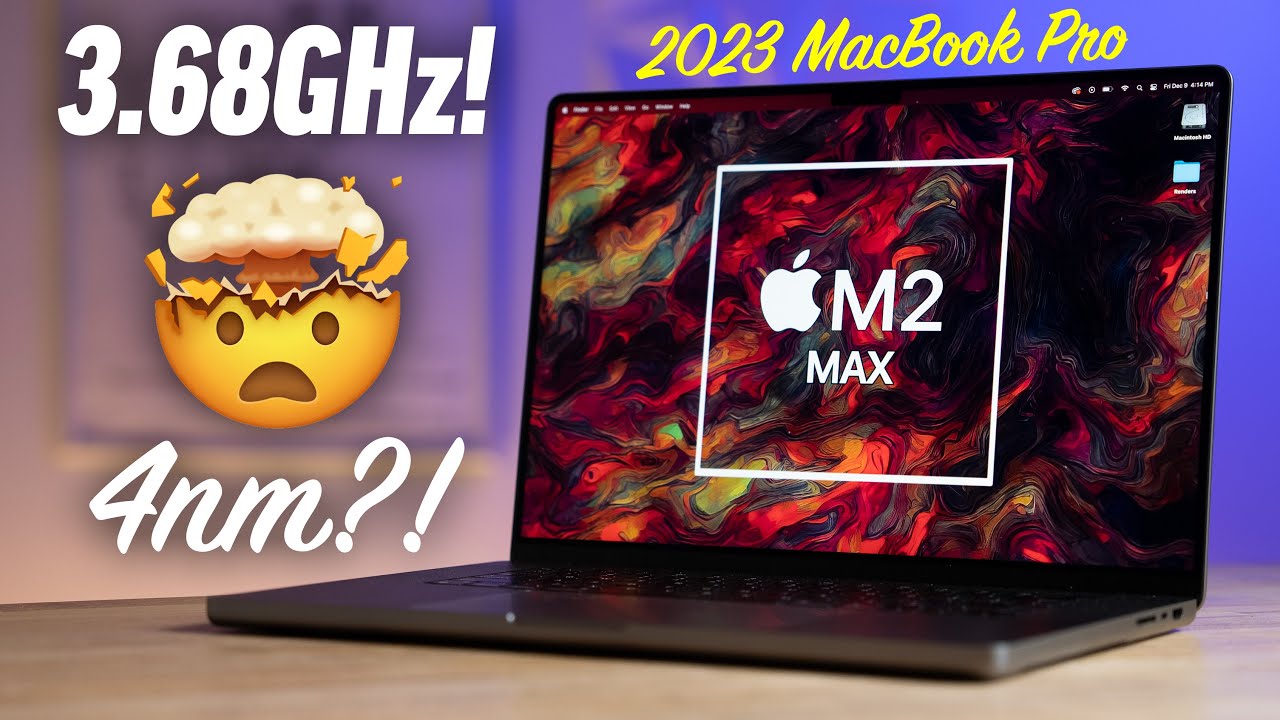
Yup, good stuff. M2 with 2027 (300) point increase on single core and 14888 (3700) point jump in multi all while sipping 3.5 GHz. Those are some pretty big jumps and that doesn’t include the GPU gains. I can’t find the GPU results anymore as they seem to have been pulled but initial results showed almost a 40% increase in performance for the M2 GPU.
Macrumors has an article on the M2 chip in the iPad with a Beta version of Resolve for iPad, and came to the conclusion that the M2 chip is handling files in Resolve 4 times faster than the M1 iPad.
Looks like Apple may have solved some of those bandwidth bottlenecks that was limiting the scaling of the AS chips that reviewers hinted on during testing. And which some of y’all noticed here with the mid range chips being very close to the higher end chips.
I’m only assuming and leaning on the positive side of the results, but it is exciting!
What you quoted are the last “overclockked” Geekbench result leaks (?)
I did not manage to show a comparison of these and M1 on Geekbench.
Do you have, by accident, both numbers, M2 (?) leaked + comparable M1
cores + frequency at hand ?
I would love to admit that I am wrong, if I can hope for a noticeable
speed bump for a M2 Studio …
Perhaps this explains it better if it is the same as in Unity:
Compute Shaders are programs that run on the graphics card, outside of the normal rendering pipeline. They can be used for massively parallel GPGPU algorithms, or to accelerate parts of game rendering.
I have no clue about programming however so who know.
Apple didn’t really focus on 3D in the past. Dropping openGL, kicking Nvidia out, not supporting eGPU, not adding discrete GPU to recent Macs…
In the 13 months since they started work on Blender, it already became way faster for Mac users. When Eevee is on Metal soon, expect another serious increase. Those are relative gains compared to other Macs.
If Apple sees a bigger market for 3D, they’ll add hardware Raytrace acceleration to the high end of the M chips to further close the gap. If they don’t, Macs won’t be tempting for high end 3D work.
But yesterday I updated all my Blenders (3.3.3, 3.4 stable, 3.5 Alpha …)
And now again, each time I close a Blender and do not save the file,
I get a crash message from Apple again - for all 3 Blender versions …
I am on Ventura Public Beta but AFAIK we are all on the same official 13.1
Ventura now.
I had that closing crash behavior recently too but only for some Blender versions.
And it was a known problem for Bricscad, when saving file was denied.
Blender closes fine even if I don’t save.
I did try with 3.4 and 3.5 alpha.
Also did try changing the interface language but that seems to make no difference.
Did you try disabling all non standard addons ?
I only got some active that come with blender, like bool tools, loop tools, node wrangler… and only custom one I have installed is Machin3tools.
Other than that perhaps try to go to /Users/your user/Library/Application Support/Blender and the delete the settings for one version and see if it still crashes ?
Ah, AddOns, good idea.
Quite likely.
And good to know that others do not experience this.
I think I was already the only one with the closing crash experience
when I asked for the first time few months ago …
Yes, the first thing after updating/upgrading my Blender Apps is to
install BlenderBIM and Speckle AddOns …
Has Blender something like Modo’s “Save Mode” start option to temporarily
start in a default Settings mode and without external Plugins ?
Of course I can also temporarily hide my Blender Settings manually.
But I think I already know what the result will be
I was pretty sure that an App like Blender would be configurable in such a way.
Good to know.
It was even easier,
just open Blender and deactivate Speckle and Blender BIM.
Restart, do some scene changes, quit and deny saving
→ Blender closes normally !
Went on playing and restarting Blender.
Speckle looks safe.
It was BlenderBIM on ARM Mac.
As soon as BlenderBIM activated, I only need to open, navigate in view a bit
and quit Blender → Apple Crash Reporter.
 Sorry can’t resist.