Guilty here of that.
That’s how I ended up buying mine… the 0% monthly payments make it all the easier even if cash is available (it really makes no sense to use your own money at 0%)
But then soon after M2 Max came out three months later and made it quite a bad deal (for most, I didn’t care, 20-cores have proven crazy), fyi.
Here’s what I did if it can help: I was on a very low tax city in the US when traveling and bought refurbished. Now, refurbished doesn’t offer the 0% payment plans out of the blue but with an Apple Card chat representative they can swap previously bought items as long as they comply with what’s “0%-able”. It was a risk I took but several important hundreds of dollars were saved that way.
I would be curious to try this tonight, is this just a project on the open Blender Data scenes? (Where the splash screens and others are)
I definitely don’t have that slow of Viewport times even with Cycles. BUT everyone’s scenes are completely different, and I totally understand this. I can at least show a few frame grab examples from my own personal work which happens to be an animated film.
I recommend shrinking the viewport window to 10% of the overall Blender screen. This is where I said me having a 32" 4K monitor comes in handy as the small viewport area is still workable and speeds up the viewport rendering.
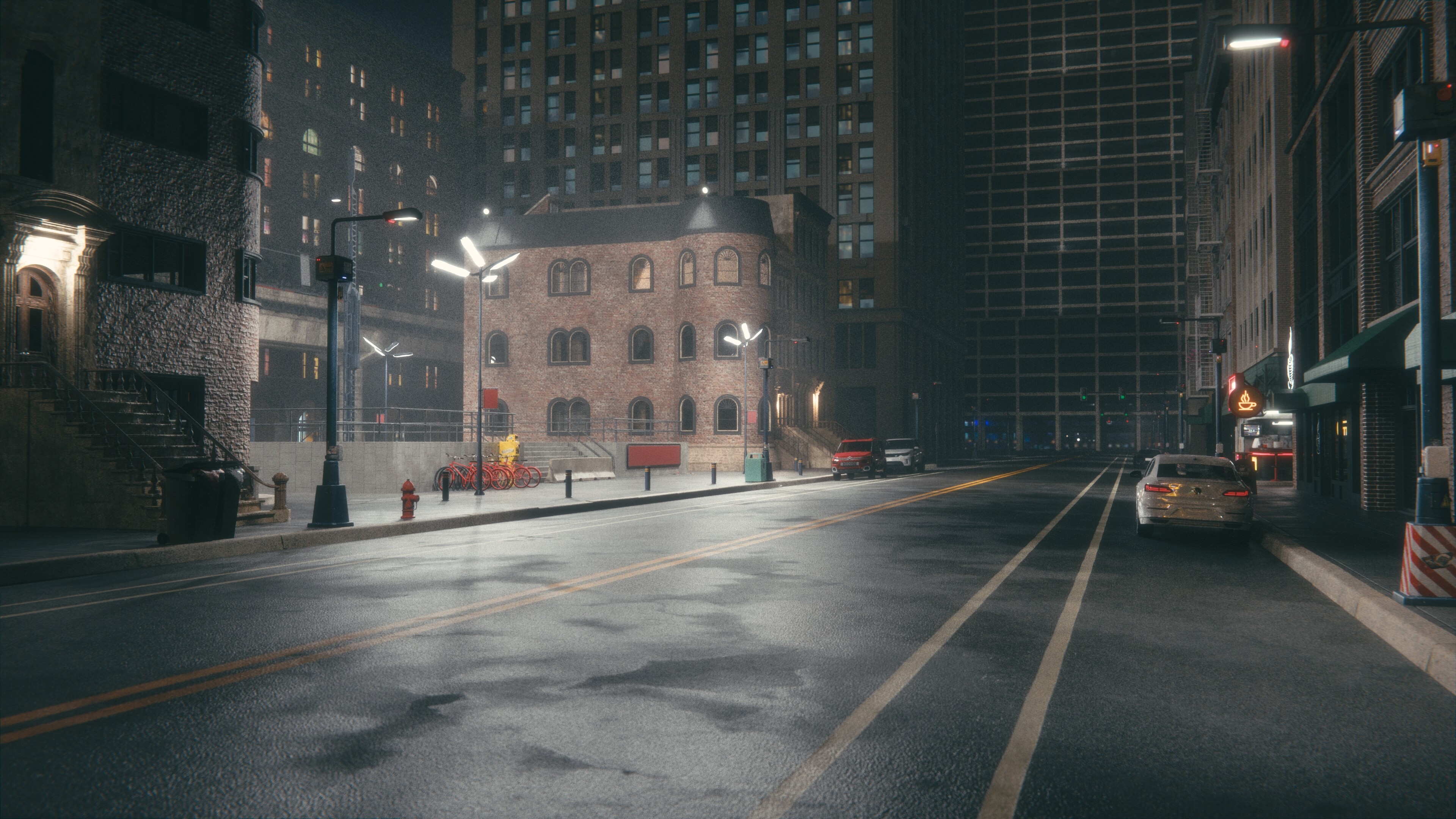
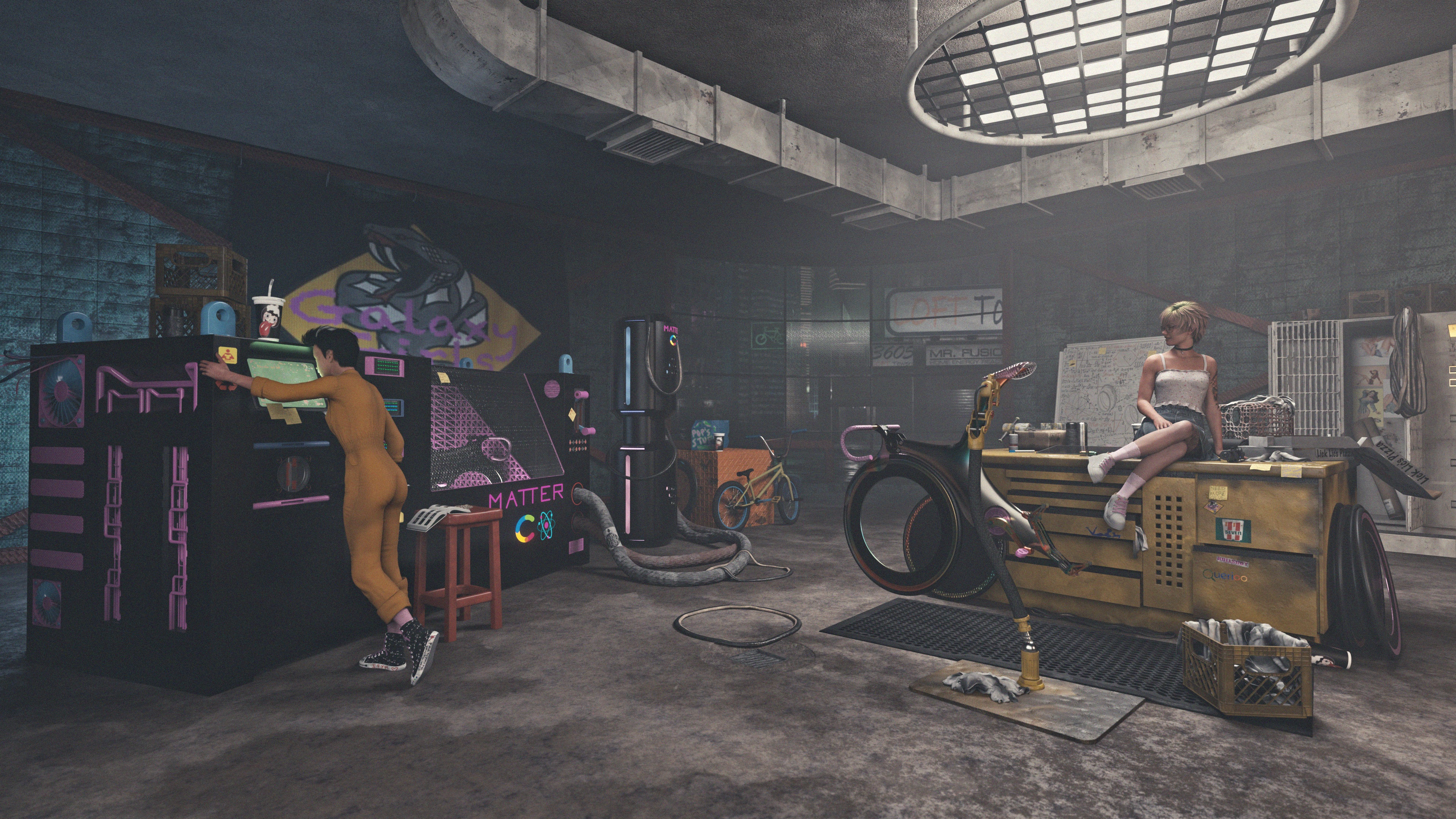
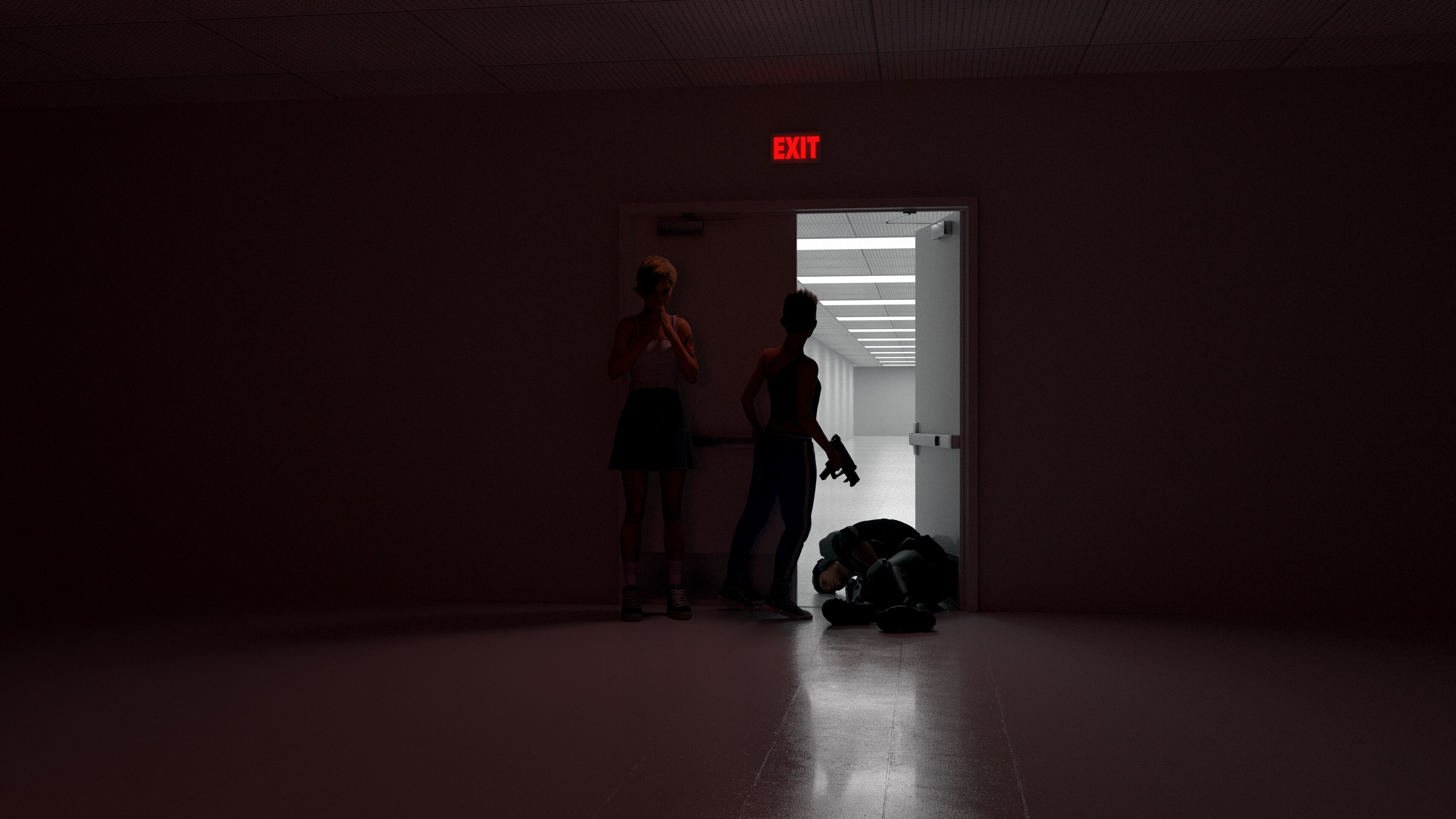
These three shots are all Cycles and lit while working on my Mac mini 16GB. These aren’t anything super taxing I guess but the first shot has close to 200 lights and over 5 millions verts (10 million tris), with volumetrics. (It’s actually a fairly big city that spans more than this shot including SOME completely furnished shops used in the scene) Probably my biggest location on the project.
Second shot is pretty heavy too.
Side Note: None of these shots fit into my 16GB of VRAM/RAM needing to render off of Swap memory minus the last, but only when the 8 separate characters that eventually fill the scene are hidden.
Forgive me for the following scenes as I’m definitely not great at environments, but as an animator I’m doing what I can on this front for the good of getting the film out.
I 100% agree.
And yes, M1 does usually not scale that well with more GPU cores …
and M2 seems to have fixed that mostly.
Except for Blender (only) !
Which works nearly linearly for M1 GPU cores in Cycles,
which is great (in Blender only)
So if you need an upgrade now, go for the Mac Studio M1 Ultra.
If you can wait - an undefined amount of time - and probably even
no M2 Ultra Mac Studio coming for years, or even a M3 Model in a
realistic timeframe - those will be a lot better of course.
I also would also usually tend to go for the 128 GB memory model,
seeing that the swap to SSD on my M1 Mini basically works fine,
as long as the Blender or other CAD/3D App’s File still fully fits in the
physical memory, and that Apple memory is extraordinary expensive,
I would even consider 64 GB memory only.
If you are unsure but need an upgrade urgently, you could also just
go for an interims Mac Mini M2 Pro with 32 GB memory or a base
Mac Studio for 1-2 years instead.
It all depends on the scene you’re working on, you’re right. I played with some nature scenes with instances grass blades and geometry, that’s closer to 30 million faces.
For client animations, usually 60-120 seconds, I always try to keep render times under 1 minute per frame at 1920p.
On my iMac Pro, I’m currently somewhat limited in what I can offer to clients. But NPR style makes many clients excited too and renders as we speak at 1 second per frame
MBP 16 M2 Max (38C): 63-65 fps (project framerate set to 120 fps)
MBP 16 M2 Pro: rock solid 25 fps, 53-56 fps (project framerate set to 60 fps)
MBP Air M2: 24-30 fps
RTX 3090: 21-22 fps (i9-7980XE PC)
RX 6800 XT: 24-25 fps (i9-7980XE PC)
External RX 6800 XT (MBP 16 2019): 15-16 fps
Blender starts on MacBook M2 Pro in 1-2 sec and textures load quickly.
On a PC Blender takes ages to start and load textures.
Yes, I confirm what I wrote earlier: Blender Open Data is a crap and misleading benchmark. It should be called Cycles Open Data and then it would be ok.
The MacBook M2 Pro looks like a great machine for animation in Blender. I wouldn’t be surprised if even the MacBook Air M2 performed better than the RTX 3090 and RX 6800 XT in Eevee/viewport… Unfortunately, I don’t have access to a M2 Max and M1 Max for now to do a comparison. I know there is a big difference between M1 Max and M2 Max in Cycles, but how does it look in Eevee?
I think ryzen 9 cpus are also very great when it comes to performance for 3d especially 7950x. M1 is a decent cpu but it cant beat ryzen 9 or i9 13900k in terms of rendering performance.
It is a simple technical explanation animation – about 250 objects, 2 million triangles, some modifiers/rigs/deforms. It is rather not possible to have a realtime animation in Eevee for complex scene and only then is it a pleasure to work.
I activate “sync with audio” to have auto frame dropping, allows me to work in rendered view in real-time. Top level of the scene are many collections, when the scene gets heavy I disable some background collections to focus on foreground animation. Usually 1 or 2 viewport samples without denoising, enough to see the light and rough shadows.
Of course, you can turn on Frame Dropping, but it’s like working while having constant hiccups. Unfortunately, there is often no other option. As well as other “optimization” treatments that actually detract from the work and its purpose - you lose time fighting the hardware and its limitations. That’s why I’m impressed with how the new MacBooks work. Especially considering that they have processors and graphics cards ported from the iPhone, and they beat the big and howling and creaking and gushing steam and hellfire of PC machines.
The M5’s will be so much better than the M3’s for sure!
This is why I tend to discourage recommending vaporware to people since we all have clients right now today and not in some undefined amount of time. And this is also why right now the situation with Apple is so damn frustrating.
It would be a bit better if Apple, like other manufacturers, tapered down the prices as time goes on, so that a soon-to-be-outdated Mac Studio Ultra was less expensive than it first came out. Unfortunately they tend to sell 4yo machines at the same exact prices as when they were first introduced which is IMHO insane.
I’m in a slightly different position myself since I do have a powerful Hackintosh that will effectively float me until there is a sensible Apple offering that isn’t a major step backwards (I am willing to side-grade, but not downgrade).
Oddly enough (I don’t know if anyone has been following the Octane vs. Cycles thread next door), I discovered that Octane for Blender (or Houdini) simply won’t work on Intel Macs anymore…so I’m completely cut off from that render engine…although it does run just fine on my Mac Book Air M1.
A lot of us here love Eevee for it’s performance special with the new AS Metal enhancements… I just saw that World Lighting now affects volumetrics. I’m assuming this means HDRI and the like.
What about the many Cycles improvements for macOS I’ve read about the past year? Is Cycles macOS on a fast Mac still by far not on par with Cycles for the better NVIDIA cards?
EEVEE is great for near-realtime performance, but it can’t compete with the rendering refinements of Cycles. Personally, I’ve rediscovered Octane lately. Isn’t the Metal version of Octane also fast on an M1 or M2 Mac?
For me it is still interesting …
(Like the Cinebench …
OK, CPU only, but still in use and I still have no promising experience
with Redshift GPU or CPU results)
I am happy that Eevee gets more and more compatible with Cycles
as a preview, but so far I think the final renderings would by Cycles
anyway ?