No problem
Well thats sort of a design question. Do you swap memory chunks or do you reroute the requests to the system memory. A moderate ddr4-3200 ram roughly has a datarate of 26 GB/s and PCI 4.0 with 16 lanes has roughly 32GB/s throughput in one direction or 64GB/s in both, so from a pure performance standpoint PCI express itself is not that much of a problem to swap some data quickly, but overall your system ram will perform much worse here compared to graphics ram. Mainly ddr or lpddr is massively different in terms of bandwith compared to gddr. And so its about the amount of requests it can handle well. With its high bandwidh gddr is designed to deliver a quite good latency under heavy load / many requests. And on the other hand ddr its rather optimized for a much better latency but with much fewer requests but delivers much better latency per request. They are simply made for different problems. To make a long story short yeah you can utilize the system RAM as sort of a memory extension but for a graphics related problem ddr its simply not made. ( from a performance standpoint)
1 Like
understandable, but in blender shouldn’t it be an option for gpu rendering? Better to be able to render a scene slower than usual, rather than not being able to render it at all
Well thats how its handled with Cuda and OptiX, no?
With CUDA and OptiX devices, if the GPU memory is full Blender will automatically try to use system memory. This has a performance impact, but will usually still result in a faster render than using CPU rendering. This feature does not work for OpenCL rendering.
Source: https://docs.blender.org/manual/en/latest/render/cycles/gpu_rendering.html
Oh I see, I used to render on an AMD card so that explains it. Sorry for my ignorance!
1 Like
Metal does have raytracing support built-in. It’s had it since Metal 2 I believe. They just don’t have the hardware right now but knowing Apple if they built it into their api its coming at some point. It’s just a matter of time and with that level of accessibility (every Apple user will have access to the feature at some point from the iPhone to the Mac Pro) it’s something that Apple can uniquely do that no one else can at the moment.
1 Like
Anyone else is getting this bug with the Mac ARM version?
https://developer.blender.org/T88386
If you hold shift and middle mouse button and move the mouse pointer off screen the viewport will jump a large distance. If you do it in the timeline the timeline will jump several hundred frames. It seems to be getting worse, as before you needed to coerce it a little; now just moving your mouse pointer over the edge makes it jump.
This doesn’t seem to be tied to mouse polling rate as others have suggested because Blender (Intel) on the M1 doesn’t have this bug.
It’s been going on for a bit and did get resolved in the Mac Intel versions for M1, so I didn’t report it. But it’s still here on the ARM version several weeks later. I don’t see anyone else talking about it in the bug tracker for M1 and only see a couple of other post for it with Linux. Just want to see if others are experiencing it.
Thanks,
Tim
1 Like
Hello, heres my results for the amy/rain rig scene :
i7 3770k@4x4ghz 32gb ram gtx960
workbench: 20fps
eevee: 10fps
i dont have a video , you just gotta believe me ^^
can you please relink your youtube video? i cant find it
At all amd users :
Please do this test and post your results, i dont have much money and am now in the position to either get a 5900x rig or the mac mini. (the 5900x hardware costs much more of course)
I also only care about cpu performance and animation playback.
My “Rain” playback isn’t the YouTube video I posted. The YouTube video is a comparison video between my M1 and and similarly priced Dell laptop.
Here is the Rain playback I posted. The Benchtest is to remove the left viewport and just hit play in solid mode, nothing more nothing less.
Playing it back in solid mode is going to tax the CPU the most. (For animations with rigs)
The reason for solid view playback is that it prevents someone only wanting to play it back in Eevee to mask poor CPU performance. Eevee needs the GPU and won’t get near solid view performance numbers, so at that point you’re just benching your GPU.
The M1 integrated GPU is great for what it is but it’s not a dGPU. 
On the other hand the M1’s CPU is proving to be incredible.
Here’s the YouTube

3 Likes
Just to make sure you know - you will want to wait till WWDC21 to see if a M2/M1x Mac mini drops - or if the M1 will drop in price further as a result of the new releases. There are already sales and refurbs so it may go down even further to clear stock.
ahh ok , then i was probably thinking alright. The M1 and 5900 are about the same speed for realtime playback ??
i mostly use grease pencil but it gets heavy too after adding several layers and its all done in cpu but it also needs to play back in rendered mode all the time.
… animation in 2d apps is also heavy on the single core performance.
of course a big rig is nicer overall but also costs so much electricity.
id still like to see the test done by pc users please ?
for scientific reasons too. im still on the fence. mac os is a little streamlined maybe , i have so many extra utilities installed on my pc , but of course blender and performance in art apps is most important.
and i bet when i now shell out the money , blender will come with multithreaded rigs or gpu accelerated deformers and turn round the game with the bad viewport performance and i could just have kept my good old rig lol
thats exactly what i did:
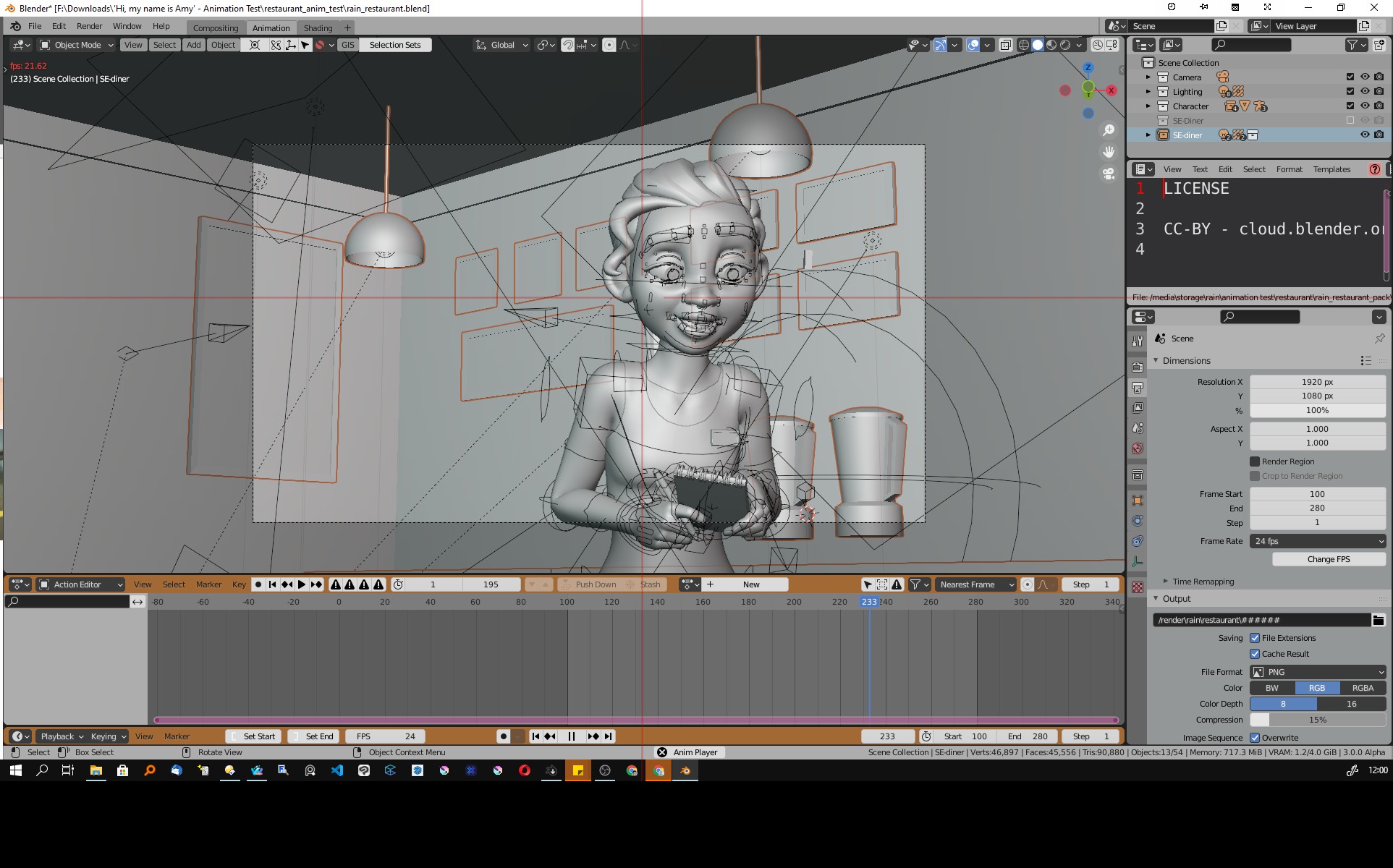
what fps do you get in this scene ?? around 45 to 50? and with eevee enabled ?
edit: the performance of m1 macmini vs intel 11000 vs amd 5000, should have even more benchmarks like this, like brush performance in photoshop , timeline snappieness and stuff like that , most tech reviewers dont know this is important
Yeah, I saw that bug. The workaround was turning off continuous grab, but I hope that gets fixed regardless.
1 Like
Thank you!
I didn’t know of that workaround. This will help so much because it is crazy annoying while working in the timeline.
43 ish if I remember correctly. Didn’t do Eevee but I did do material preview/workbench and it was in the 30s (?). Those numbers are in the short clip I post to your reply earlier.
Also these numbers are with the ARM version of Blender not the Intel with Rosetta. The Intel version will drop by 10 to 15 frames when running this test.
And to be clear, don’t get my and others excitement about the M1 chip as a reason to drop PCs for 3D work. PC with dGPUs are still king.
It’s just in some cases the M1 with an ARM version of Blender is performing extremely well for its value.
ok then the benchmark (cinebench single core ) and viewport fps in blender completely align. my cpu gets a score of 758 and i think m1 around 1500 1600…
i get 21,5 fps, you get 43 fps. basically double the performance. i just looked at one of my grease pencil scenes and to my surprise it was heavily multithreaded though.
1 Like
could you also benchmark this scene ? but rendered.
its a npr effect file and is based on shader animation.
a completely different set of methods on the cpu
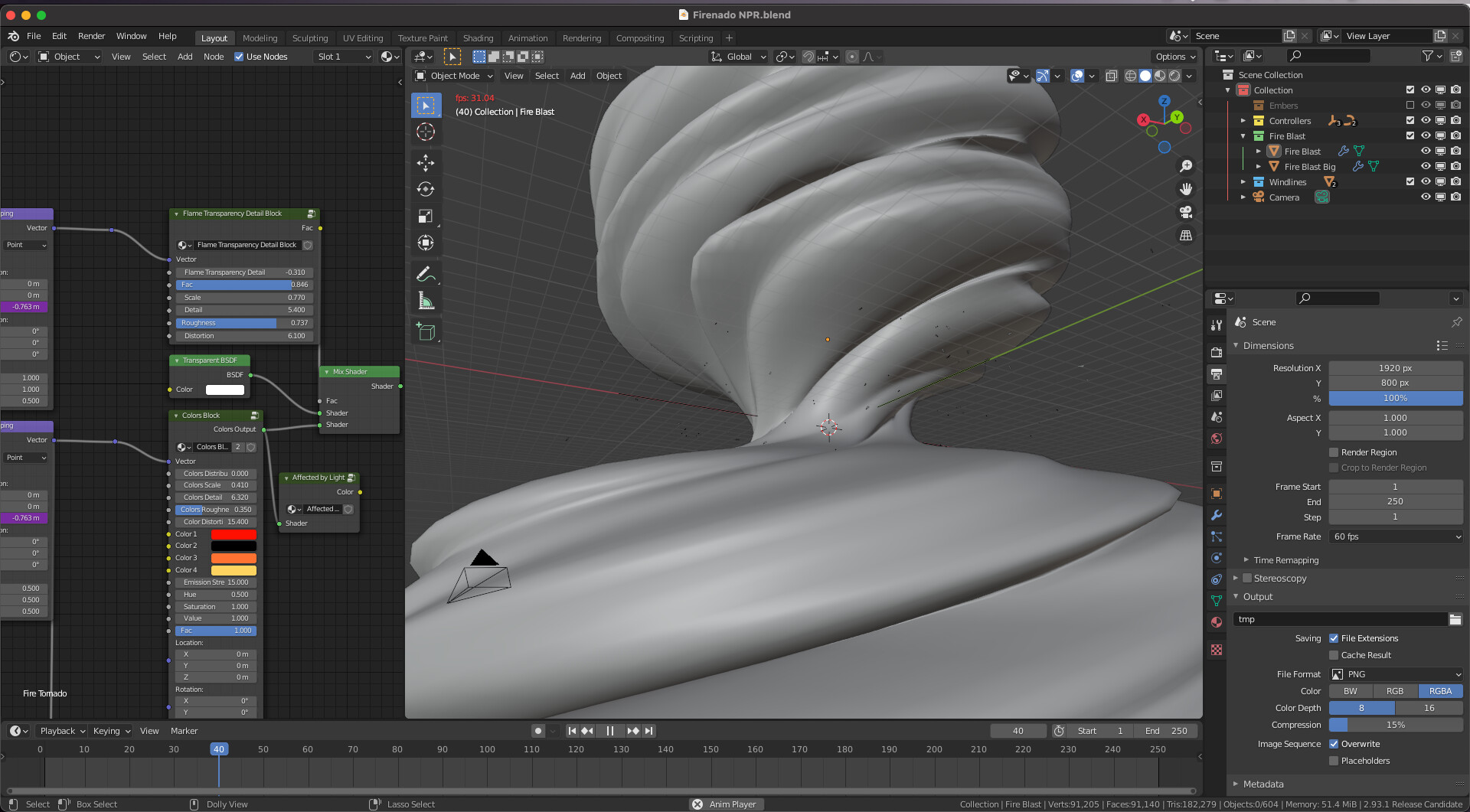
fire tornado
i get 7 fps in eevee with my cpu at 60% and my gpu at 30%
Which scene? There are several on the page you linked to.
firenado NPR
1 Like
Update for those who were concerned about the swap memory and SSD wear rates. It looks like it was an incorrect report rate and not an actual excessive transfer of Data. As those who originally reported, this is probably do to the independent software tool being used to test the newly designed M1 SOC.
2 Likes