Any chance to have the option to change the default mode of Object to Cursor for Cursor and Origin Pie? I use Object to Cursor > alt: Only Set Location more often than the default setting. Quite a speed bump to hold alt first the mouse over to the right…
edit: Noticed I could change this myself by editing the script but I have zero programming knowledge. Would be nice to get a step-by-step of where to find the script, what to change and how to save it. Cheers!
hey, I made an installer (plugget) to easily install MACHIN3tools (and any other addon) from it’s github repo
with just 1 command in blender. it’s still in alpha but thought i’d show you
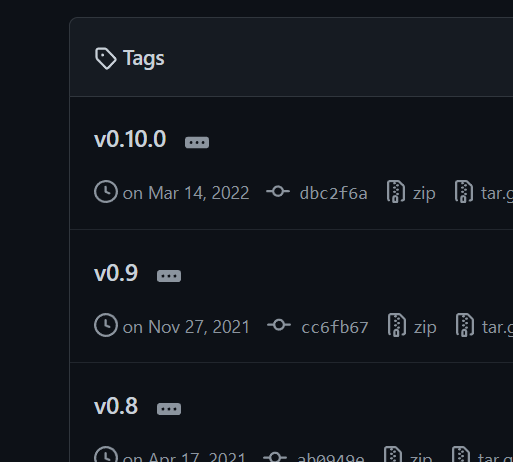
Cool. Is 0.10.0 the version? Because it should be 1.1.0 in the public repo, which I just noticed is outdated, and I need to push the latest to it from my private repo.
it is indeed the version. got it from your github release page
is that not correct?
(tbh right now it will jsut pull latest, since it pulls the repo not a specific commit. something i need to do)
It’s an interesting idea. Reminds me of the different (n)vim distros out there, which also just pull a set of different plugins from github and configure them. Or like Oh-my-zsh too.
it ll allow people to create more complex addons. e.g. right now most people are limited by blender UI, since pyside2 installation is complex for end users. But i don’t want to hi jack your thread any more, so if you want to discuss this any more feel free to do so here
Hi MACHIN3!
Would it be possible to add an option for the group creation, so that the newly created group empty would be place at location of the active object? I can’t find such setting.
Perhaps it might be a consideration defaulting machin3.mirror to Alt-X to have keymap parity with MESHmachine’s machin3.symmetrize?
I know it’s a quick job changing keys but I was just curious, since they accomplish the same thing except differ in modes of operation and destructiveness, maybe this is a better factory default?
For me, Alt-X is just mirror/symmetrize depending on mode – Shift-Alt-X becomes a bit of a mnemonic disconnect. There would be a key clash with HardOps Mirror but maybe that could be left for user discretion which one to prefer (for people using HardOps).
I can see the were you are coming from for sure, but it would clash with HOps yes, and it would also mean everybody else would do the switch to just Alt + X now. I can already imagine the complaints and support emails bc Mirror is no longer working now.
So, probably best to just keep it at Shift + Alt + X now, and leave it up the the user to pick a different mapping.
Hi, Machin3, Can I request a feature for the origin pie, a new option in the origin to geometry “bounds center bottom” of the object. Thanks for all your work.
What I do currently is set my origin to bounds center then align to floor and move the pivot to the grid.
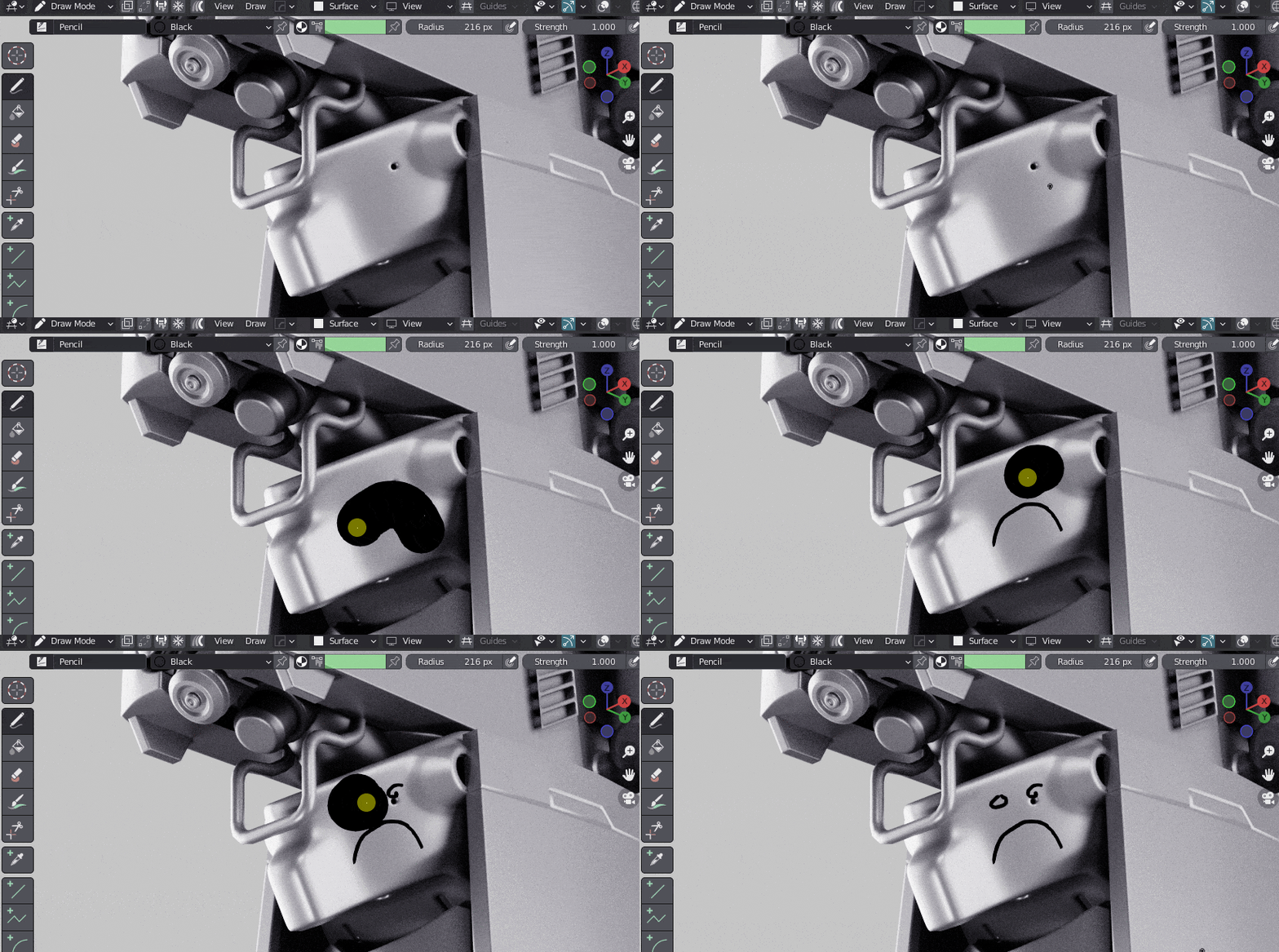
I’m sure I must be doing something silly here - could anyone please explain why my cursor is so big when I draw in Draw Mode (accessed from MachineTools’ modes pie), and how to fix this? Changing radius, or toggling tablet pressure on/off does not seem to affect this…
As for changing thickness, afaik that changes the strokes that are already created, but does not affect the strokes while you are drawing pressing down your tablet/mouse.