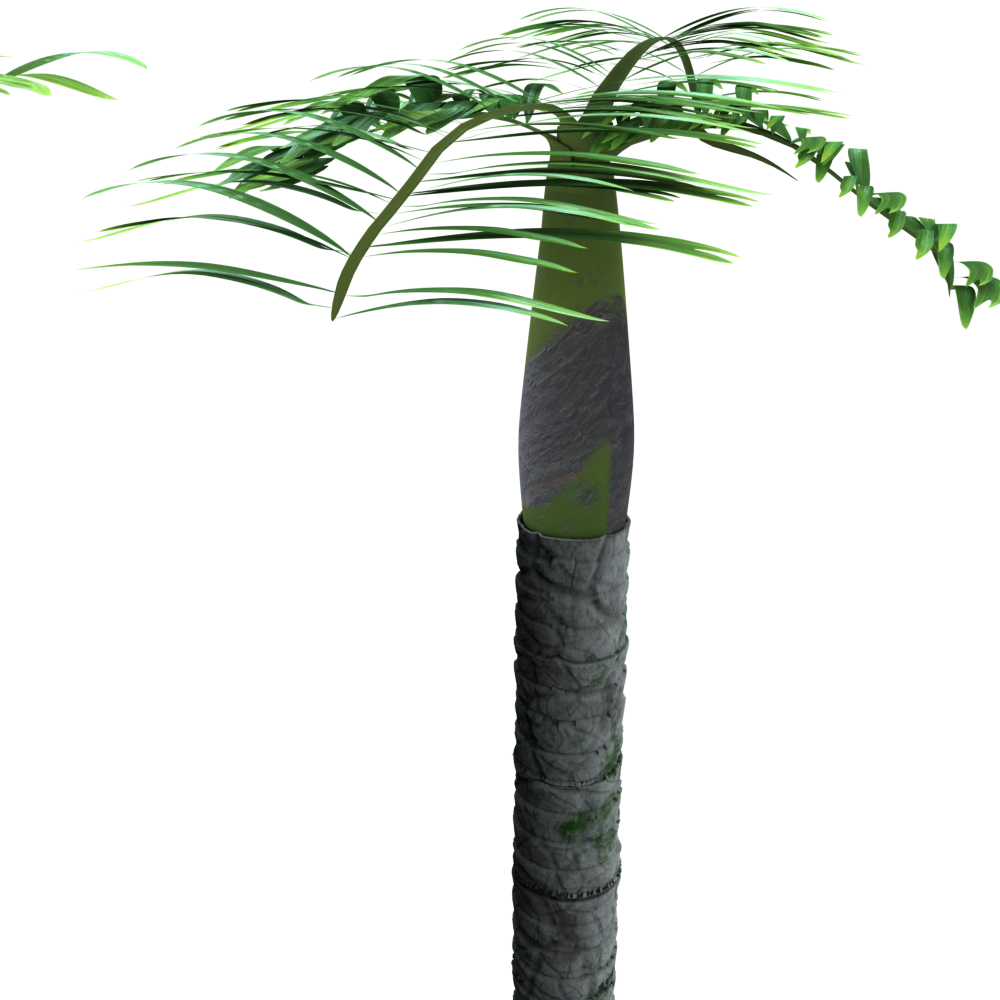
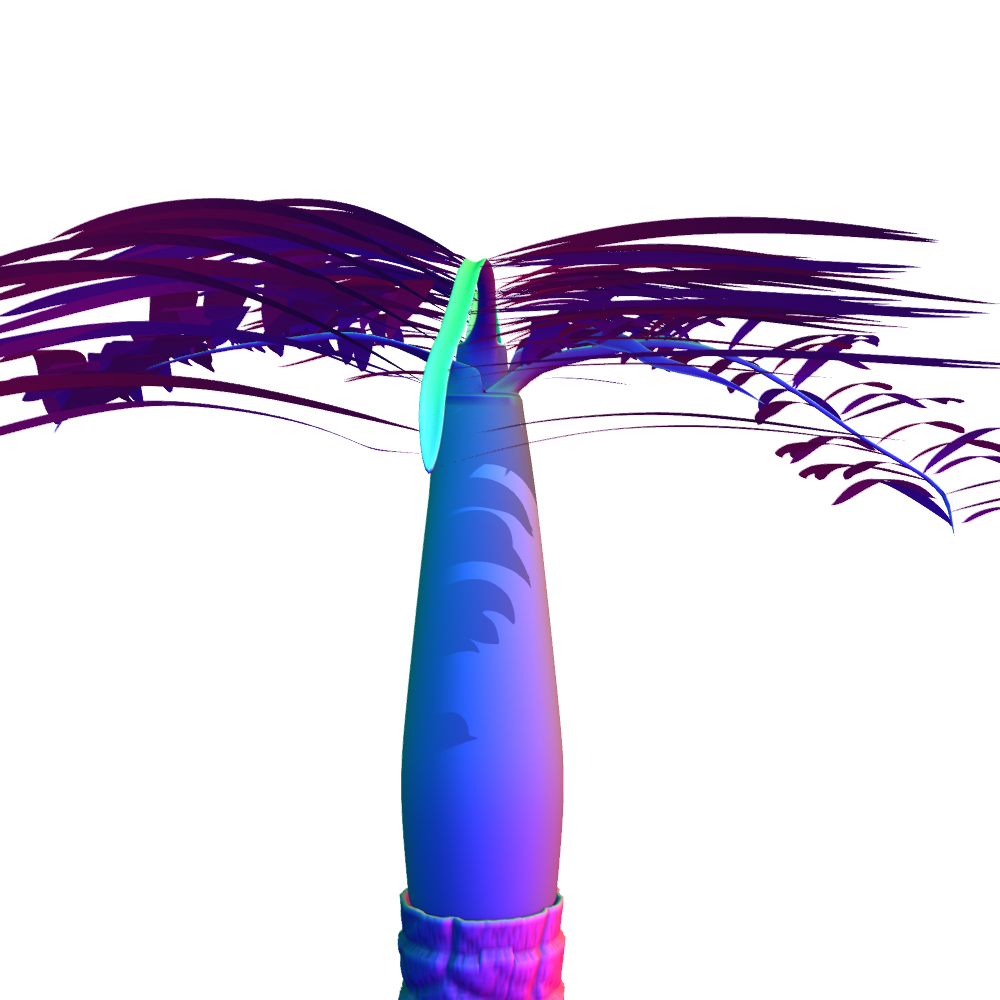
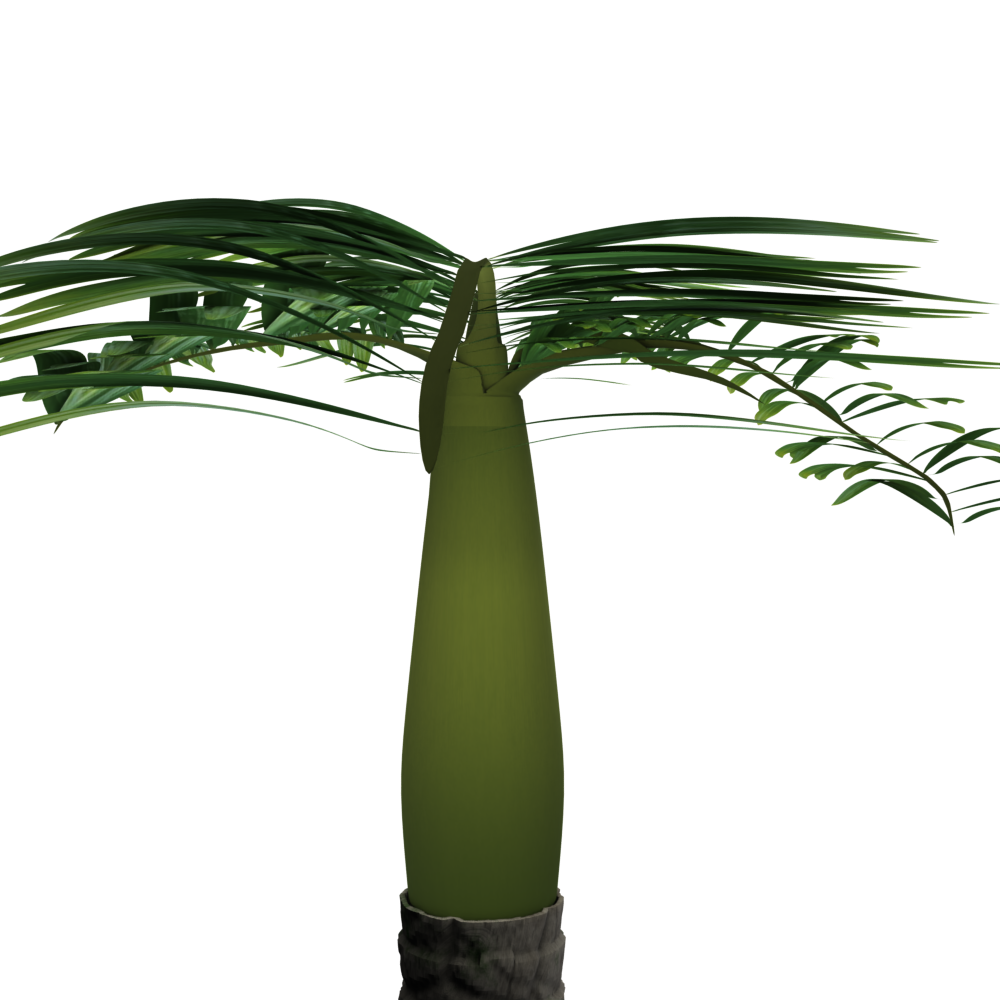
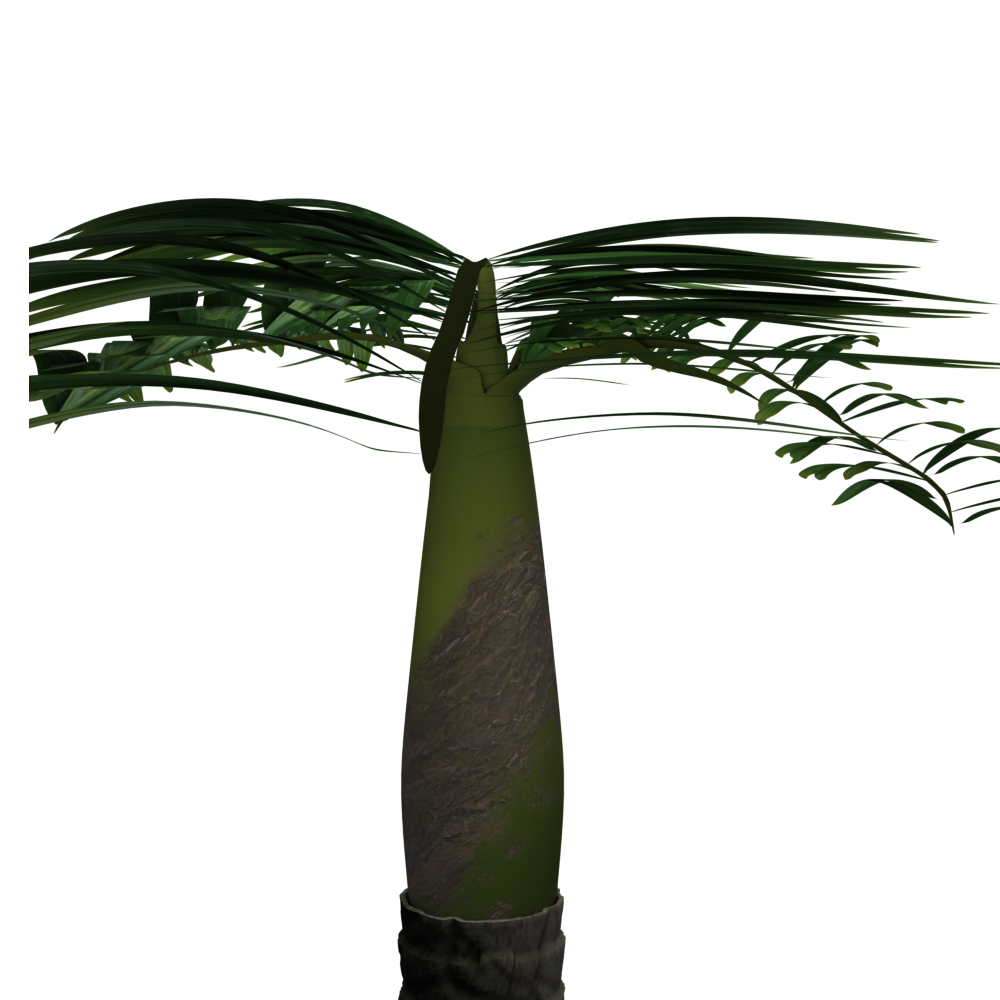
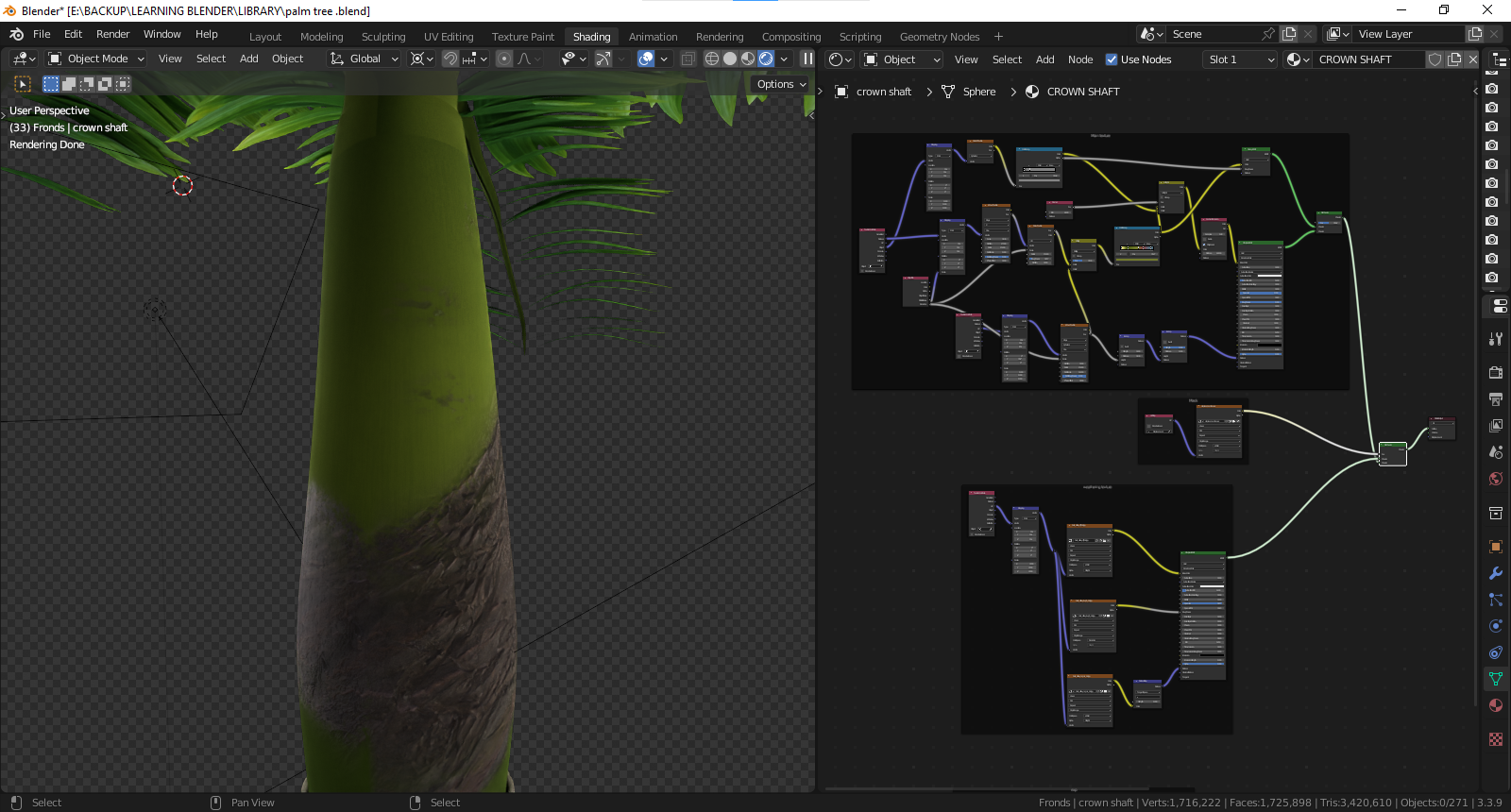
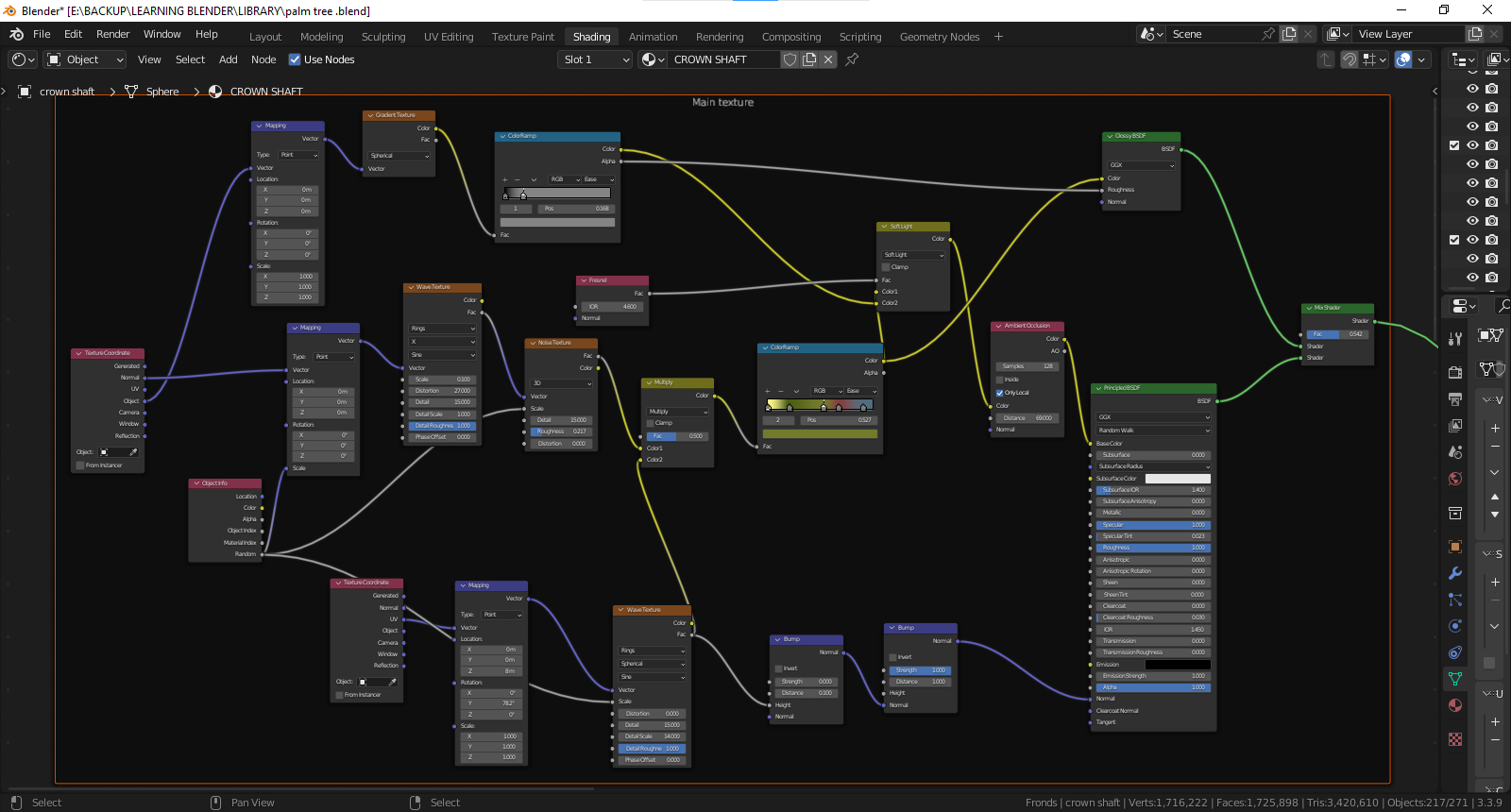
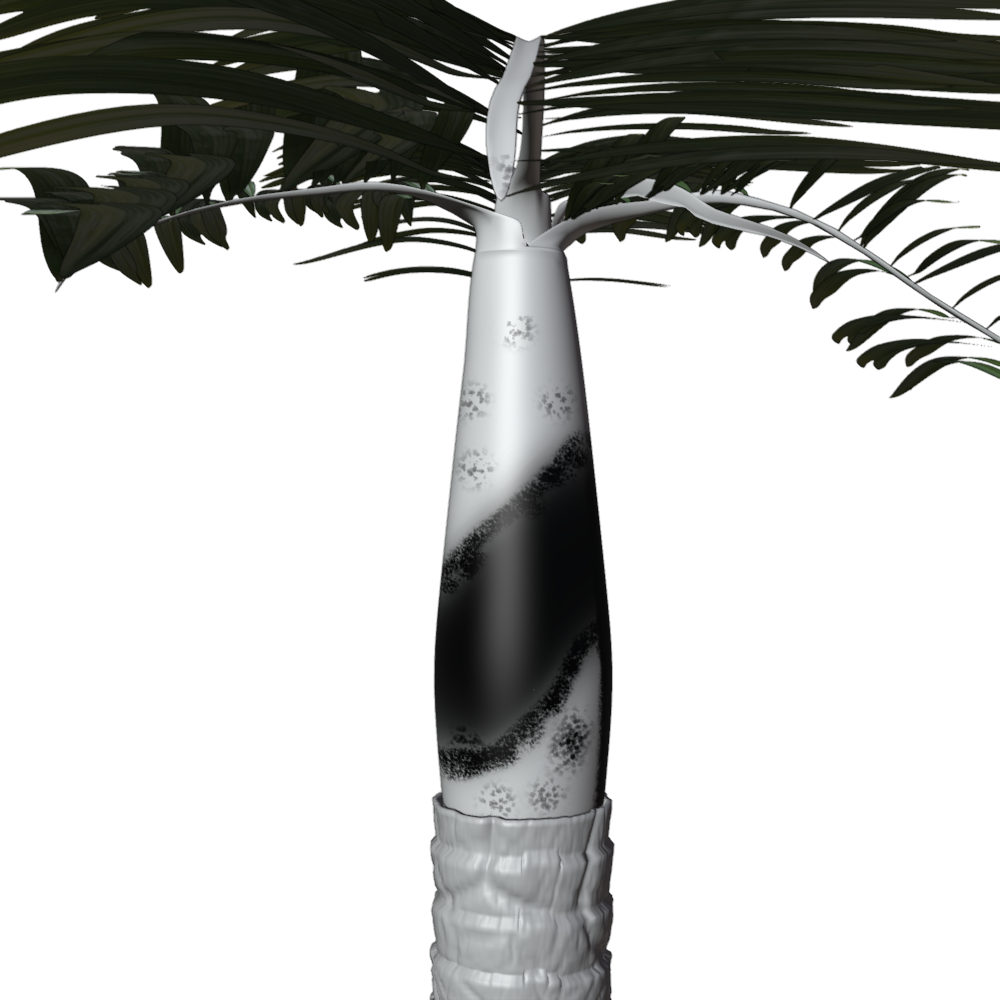
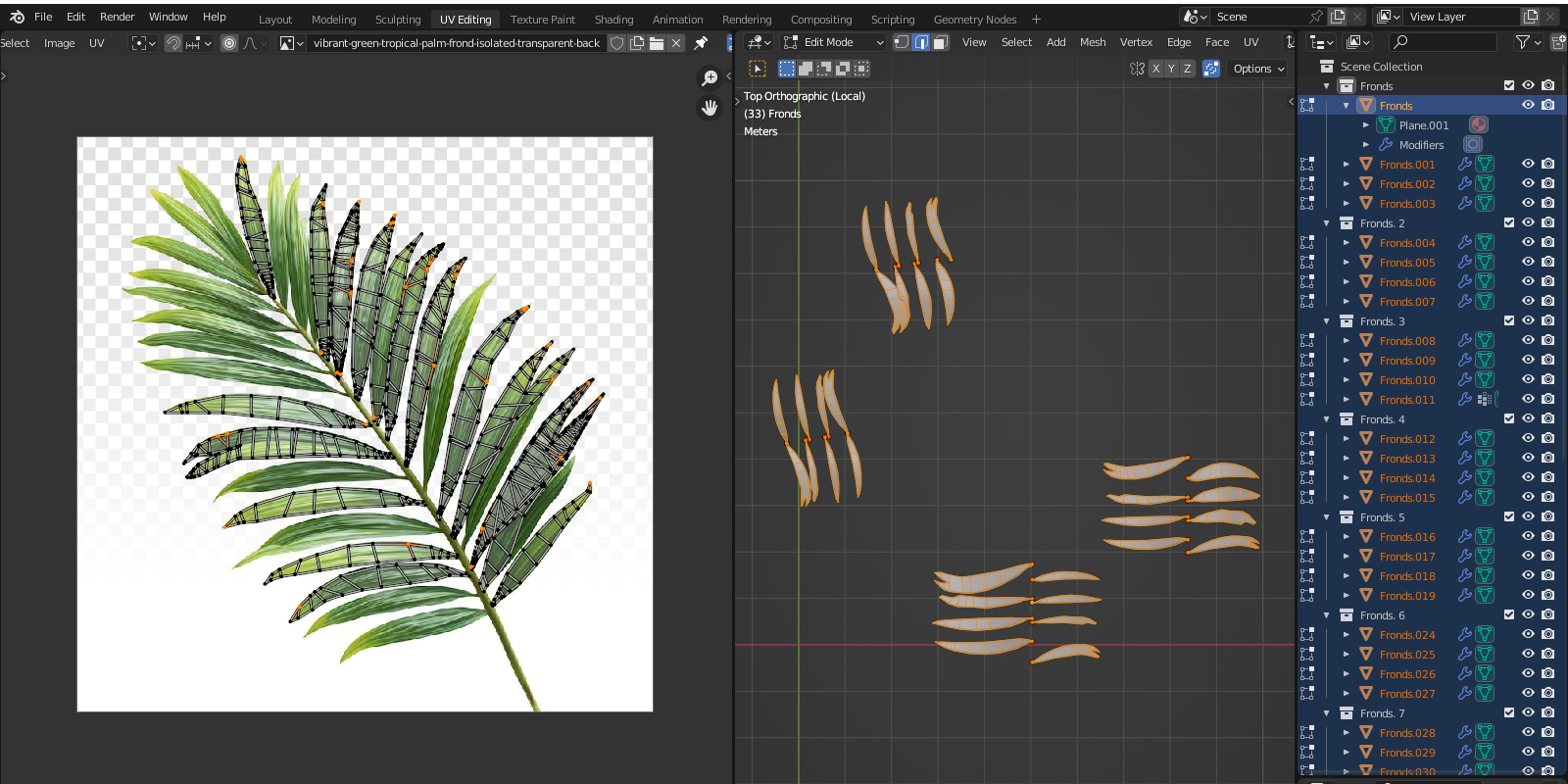
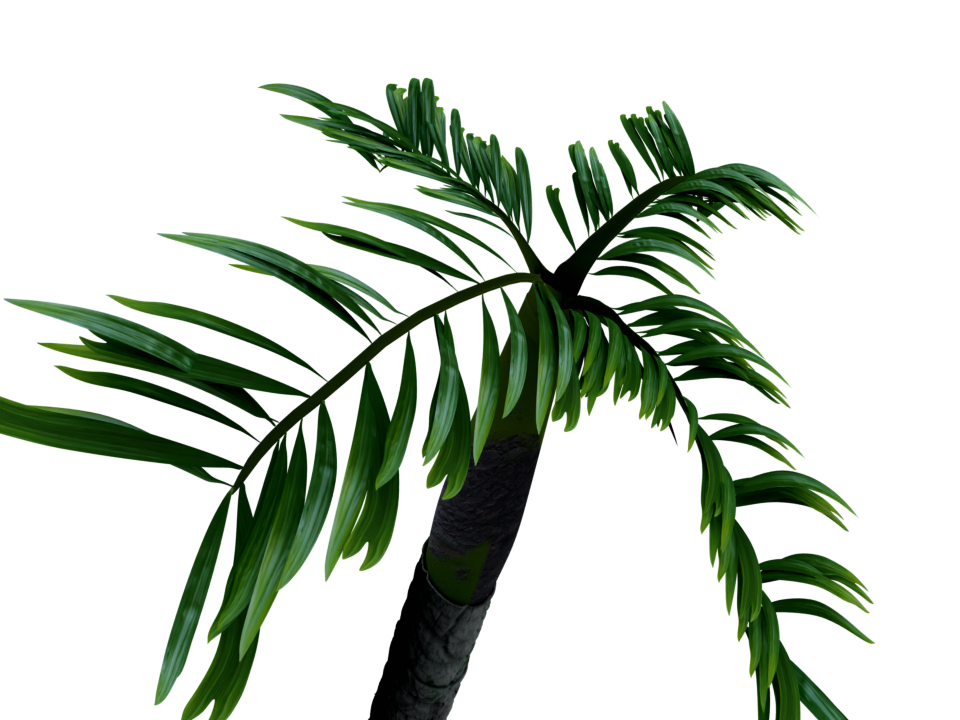
I still think i can do more, but i`ve gotten accustomed to the basics; (Modeling, texturing and particle systems) for the palm tree so doing it again isn`t going to be an unknown territory anymore.
Look at your leaves compared to your reference image. All your leaves are extending out from the center stem in the same direction, outward. In your reference image, they extend outward at the base of the stem, then they point more forwards at the tip of the stem.
Here’s the silhouette I see in your reference image
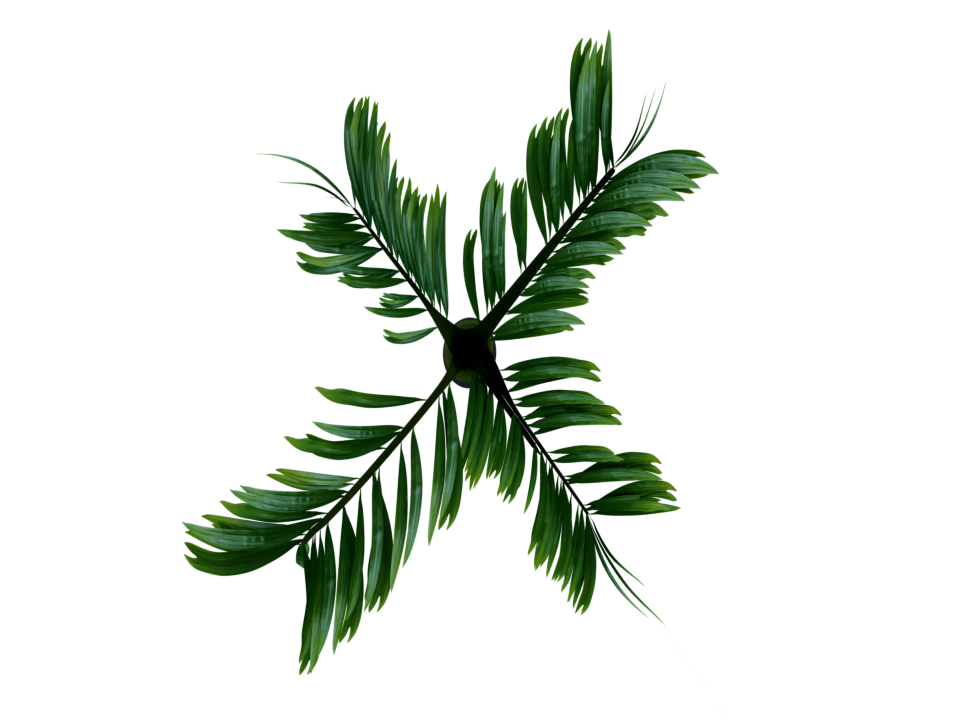
The silhouette I see in the ones you created are more like a square. They are all going in the same direction. Rotate the leaves at the tip of the stem to be going more in the direction of the stem.
It would be easier to place the leaves by hand rather than with particles. I would manually model a single branch over the reference photo, combine that into one object and then duplicate it to make the whole tree.
That`s true modeling is less stressful then setting up a lot of particles systems
but i wanted to give it a sort of procedural feel in case i wanted to make a slightly different looking leave pattern i could just tweak the particle systems.
Maybe because it`s a personal project, that`s why am doing too much.
I meant to respond back to you, asking if you are using the normal (not geo nodes) particle system, then why not just groom the hairs? You can brush the hairs into the direction you want them to go in.
If it was me, I do something like @etn249 mentions. I’d create 3 different branches, randomly place the leaves so that each stem’s leaves are different, giving me 3 different branches. Mirror those branches giving you 6 unique branches. Then randomly place them as needed on the tree model.
I would only use the particle system if I needed the leaves to respond to forces, like wind.
About brushing the particles… i don`t really know how to, but it does seem like a very good solution for especially the leaves at the tips of each stem because i just can`t get right.
and for what @etn249 said it does make sense but i feel for the leaves in particular that particle systems gives more variation than randomly placing them, and also i be animating the palm tree so it and its leaves can respond to forces (wind).
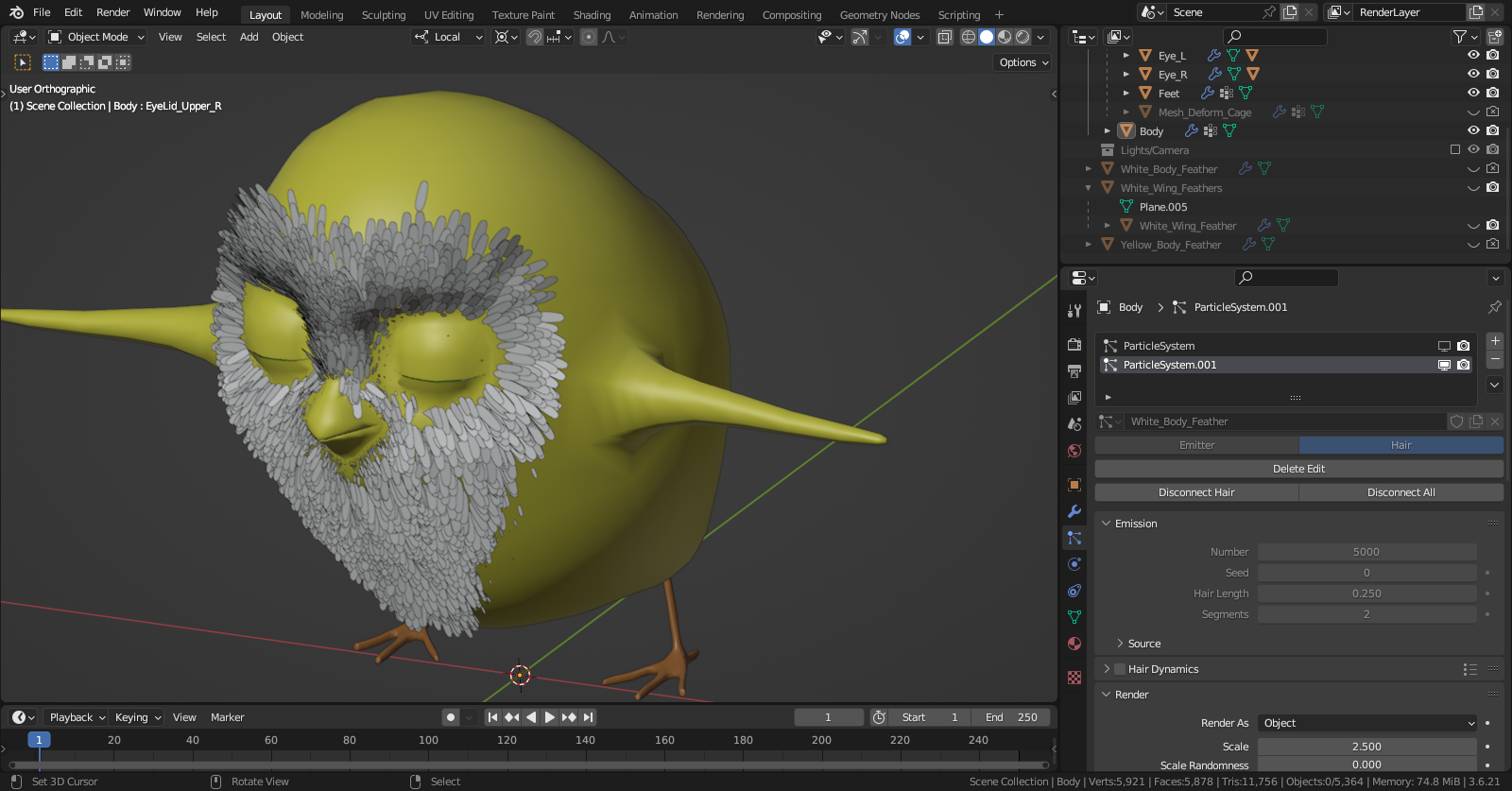
I have this bird character using the particle system for feathers on the body. 2 particle systems, one for the white feathers, one for the yellow feathers. Here’s the white feathers
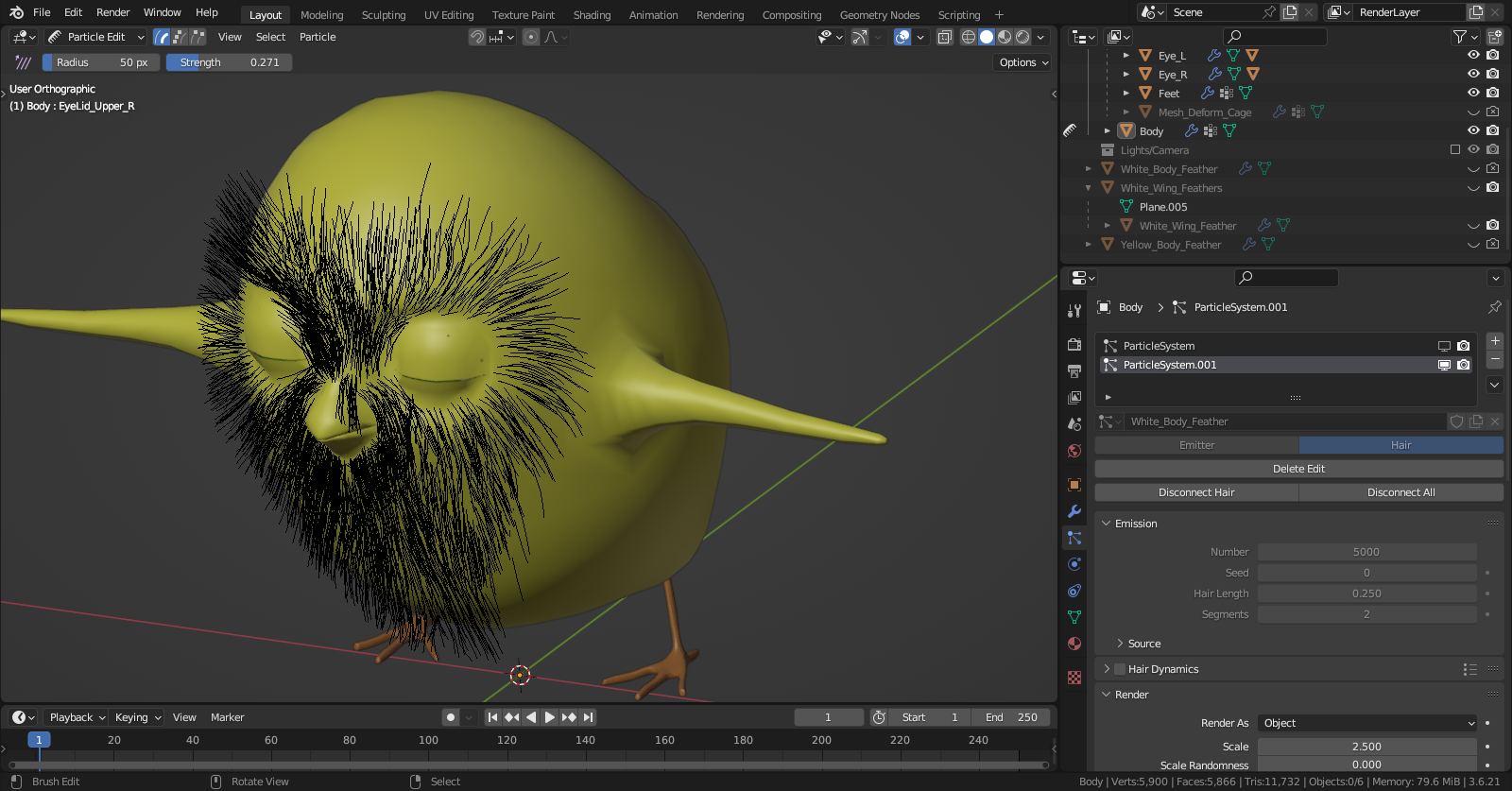
When that particle system is active, the mode selection dialogue will have an option for Particle Edit. In this mode you have grooming tools for the hair particles.