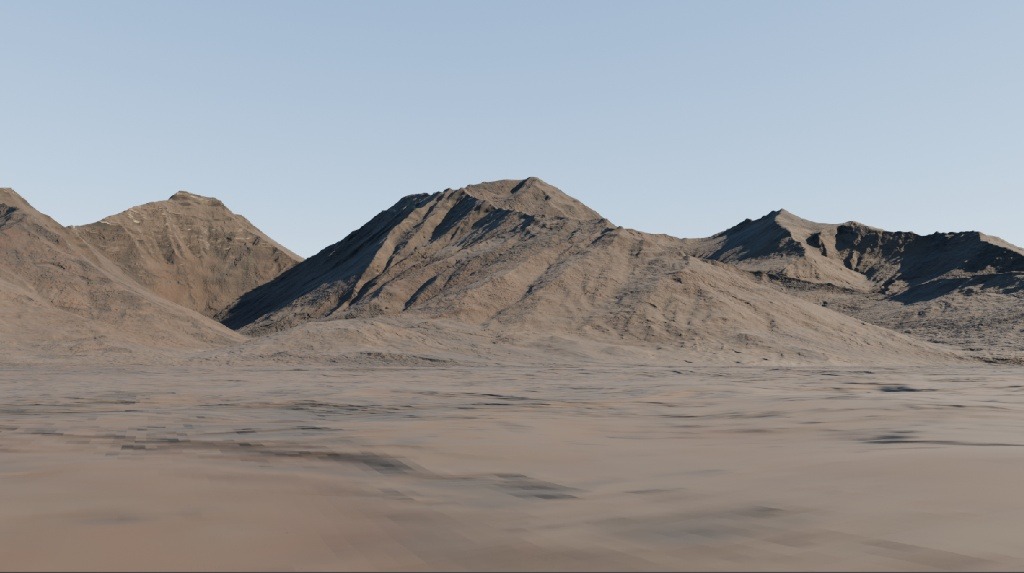
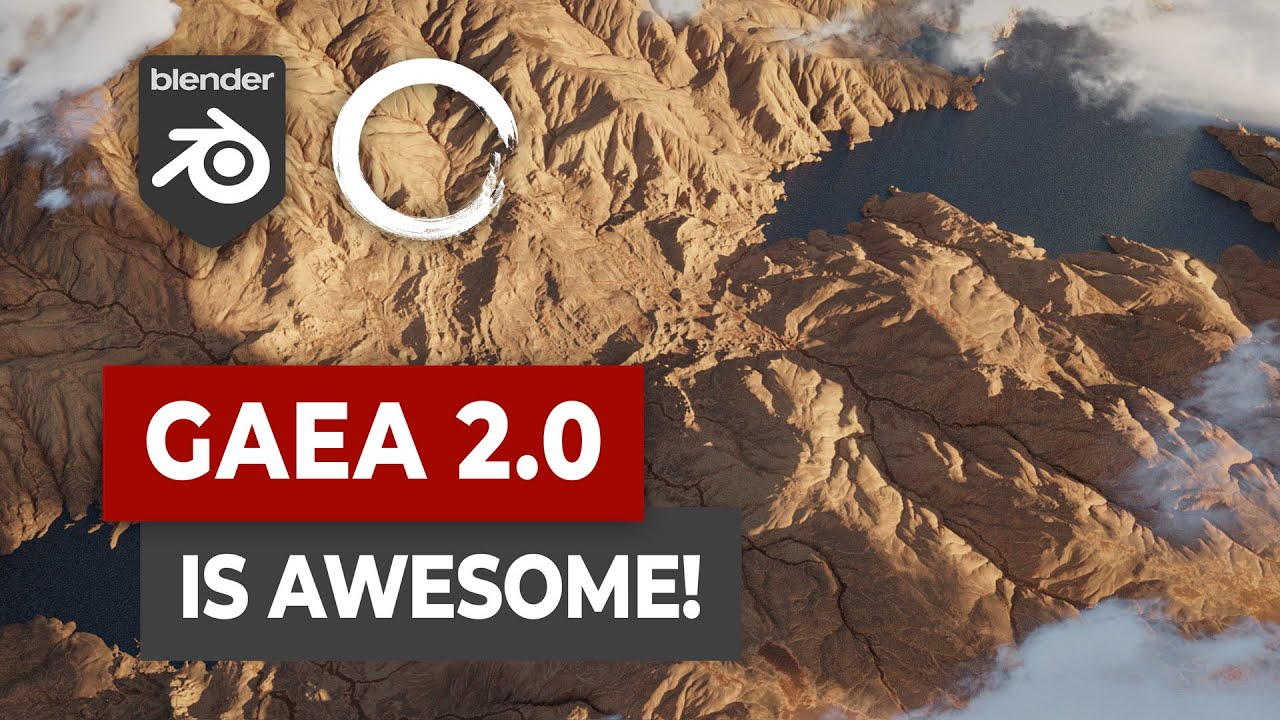
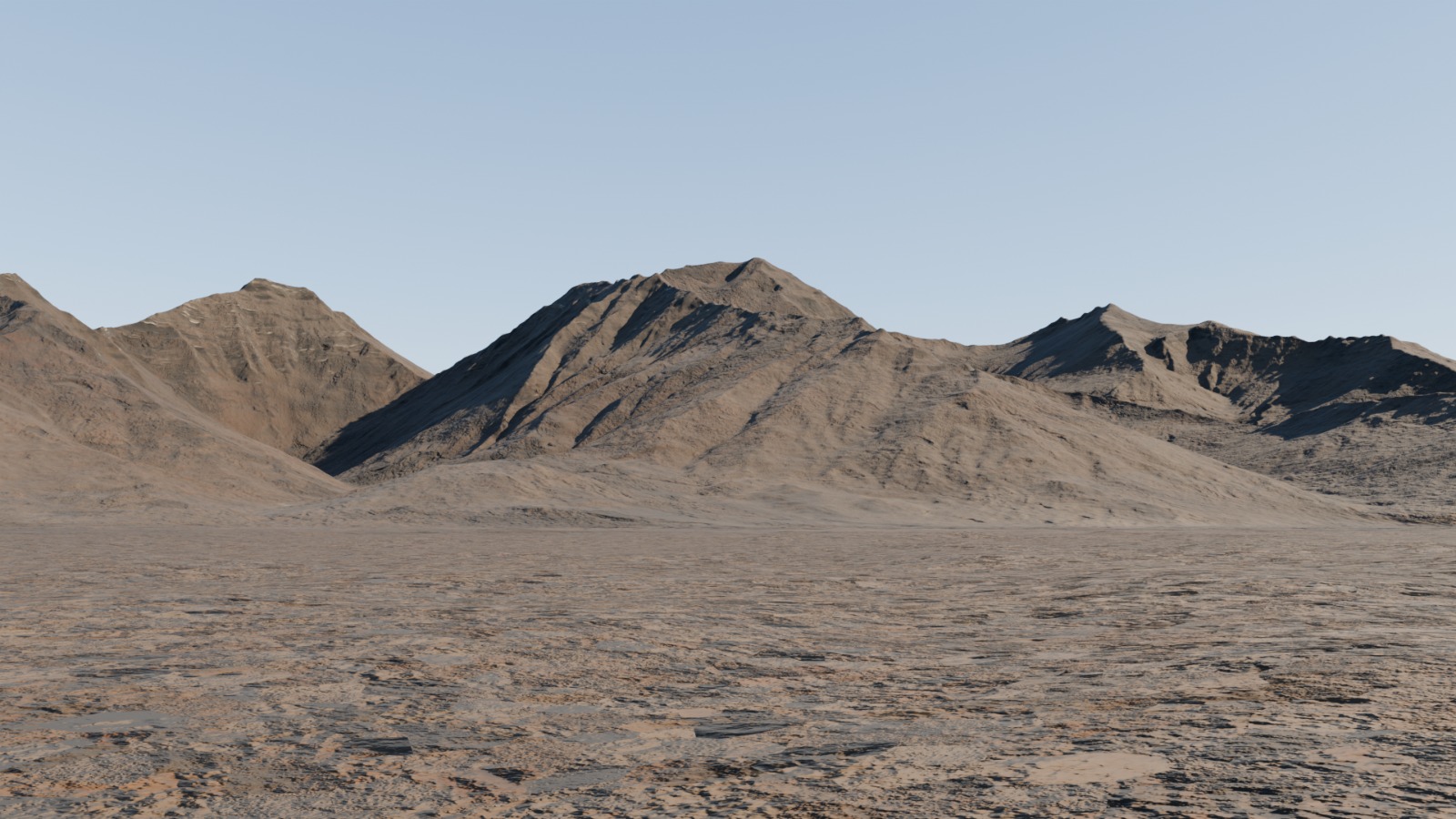
Hello, guys. I found gaea2+blender tutorial and in the shading part of the guide, this guy set simple 2k texture of damaged concrete on 8x8x8 km terrain and somehow got that nice detailed landscape on the foreground and not overloaded texture on the background mountains:
I don’t think Shade Smooth is going to help much here. This looks more like a texture scale or mapping issue than a geometry problem.
One thing I’d check is how the concrete texture is mapped onto the terrain. A 2K texture tiled across the surface can look much sharper up close than a single 16K image stretched over an entire 8 km landscape.
The tutorial might also be mixing a large-scale terrain texture with smaller tiled details, so the foreground stays sharp without making the distant mountains too noisy.
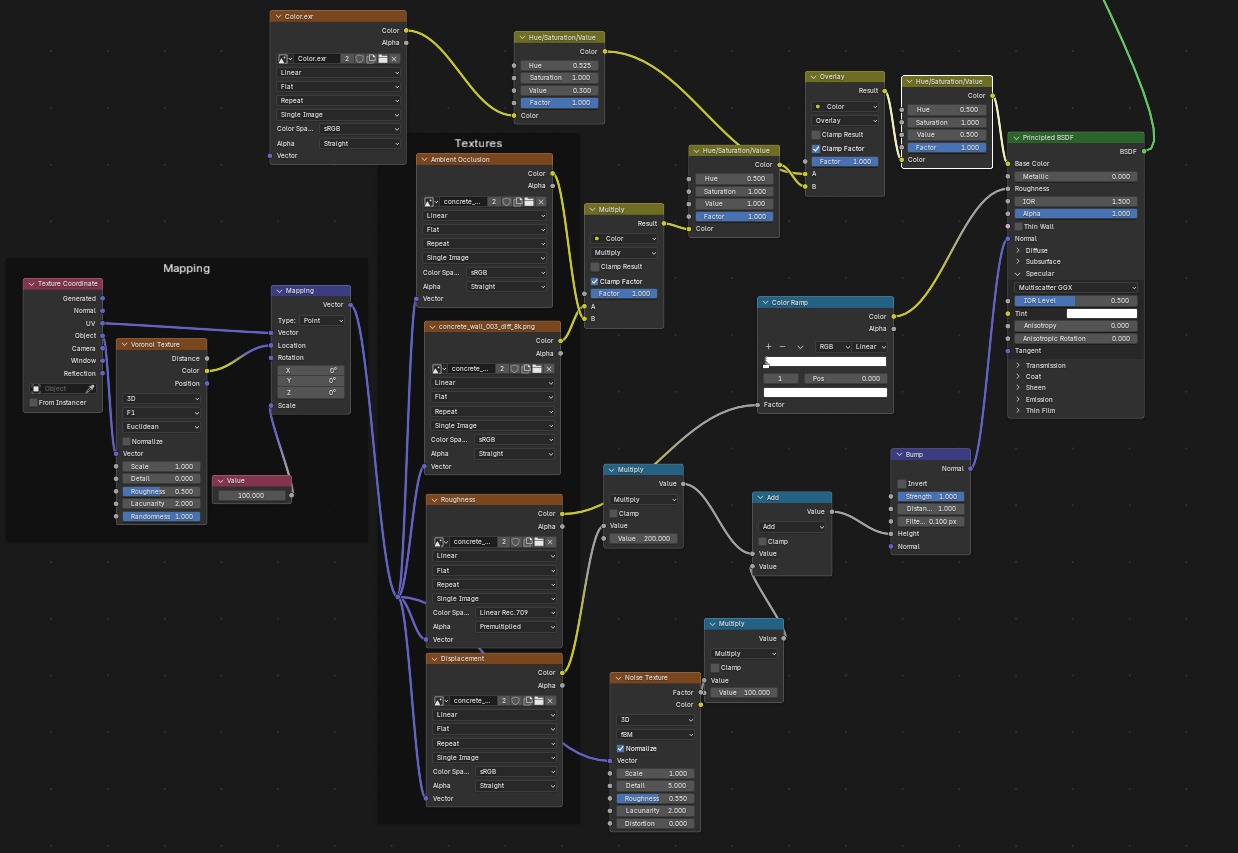
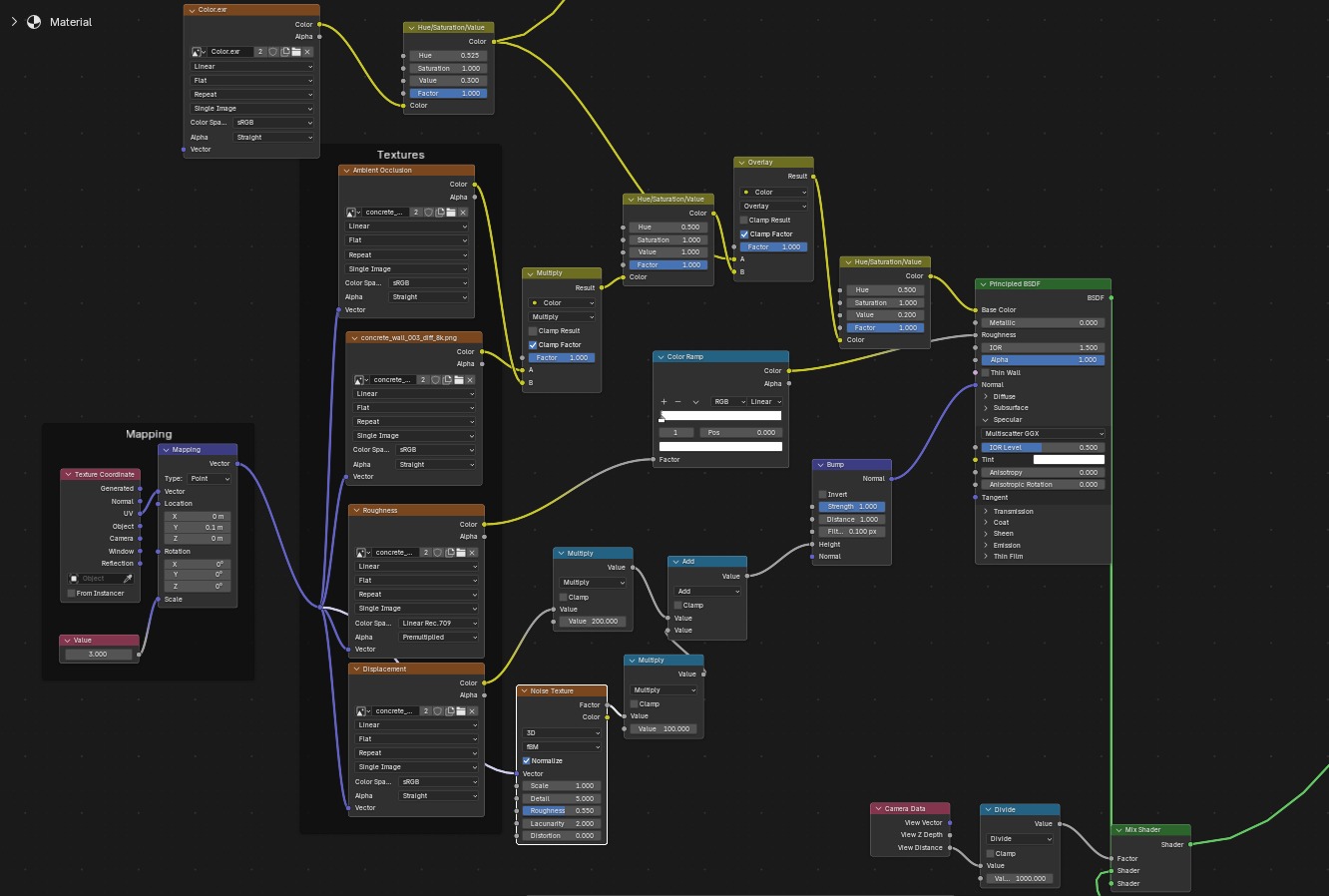
Could you show the Mapping and Texture Coordinate nodes from your material? That would probably tell us more than the texture resolution alone.
I noticed that the tutorial uses a software to generate the texture details, here we see a different texture mapped to geometry to get the same effect maybe?
I’ve hit set scale before applying the texture. My mesh has 33.5 million vertices, so I cannot add subdiv modifier without my pc blowing up. And setting IOR level in specular + 1.00 roughness didn’t help either. But thank you anyway:)
Didn’t got you… Like camera data node? It solved the problem partially, but I was wondering how this guy made it without linking texture to the camera distance.
Here is with camera distance + voronoi (between texture coordinate and mapping:
It’s because your pbr texture is scaled differently. You have to either scale the uv map of the terrain, or use the mapping node to scale the texture. Personally, I prefer scaling uvs so that if I have the same material added to different objects it will not affect the other objects.