MUZEN Speaker — Gundam Custom
Personal 3D Product Visualization
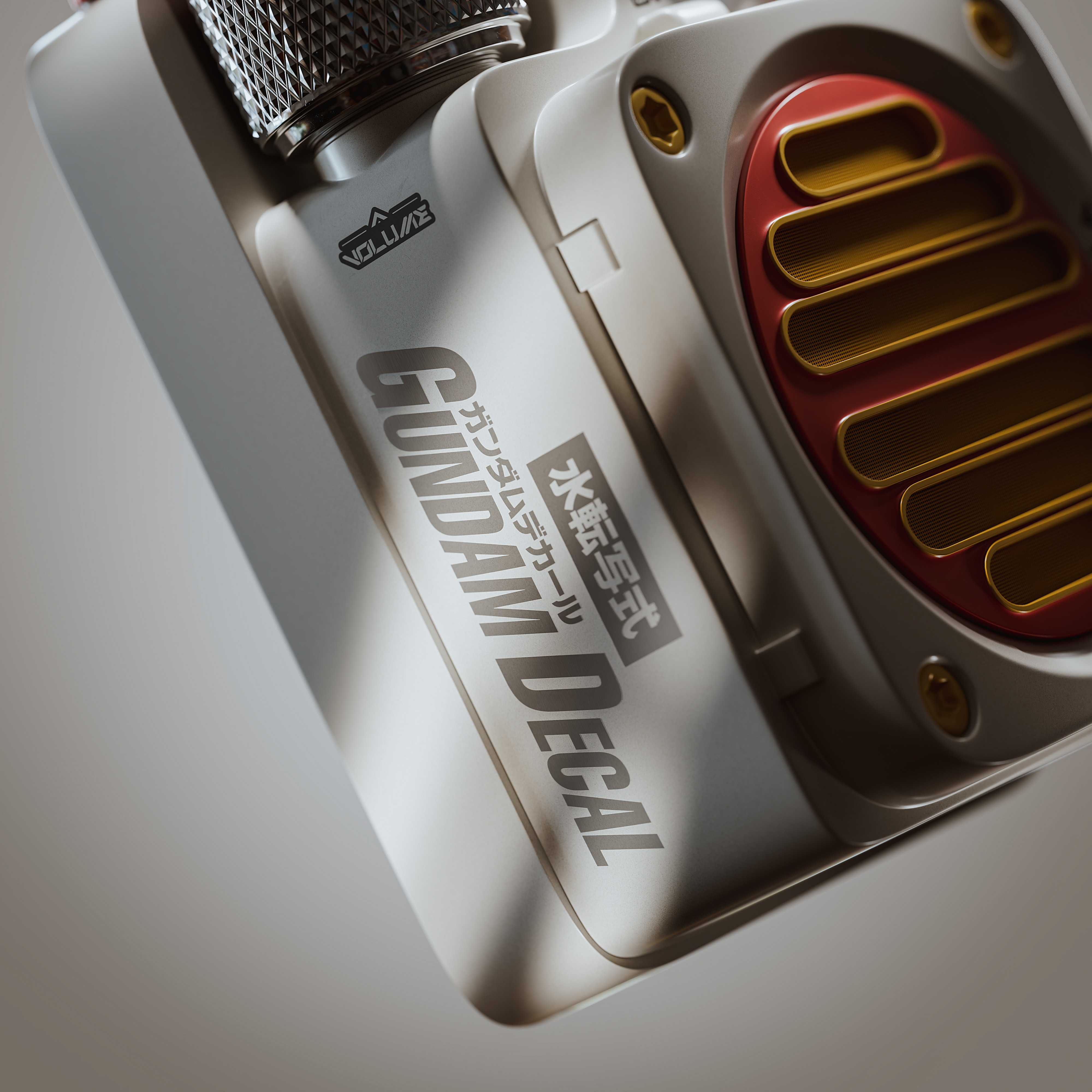
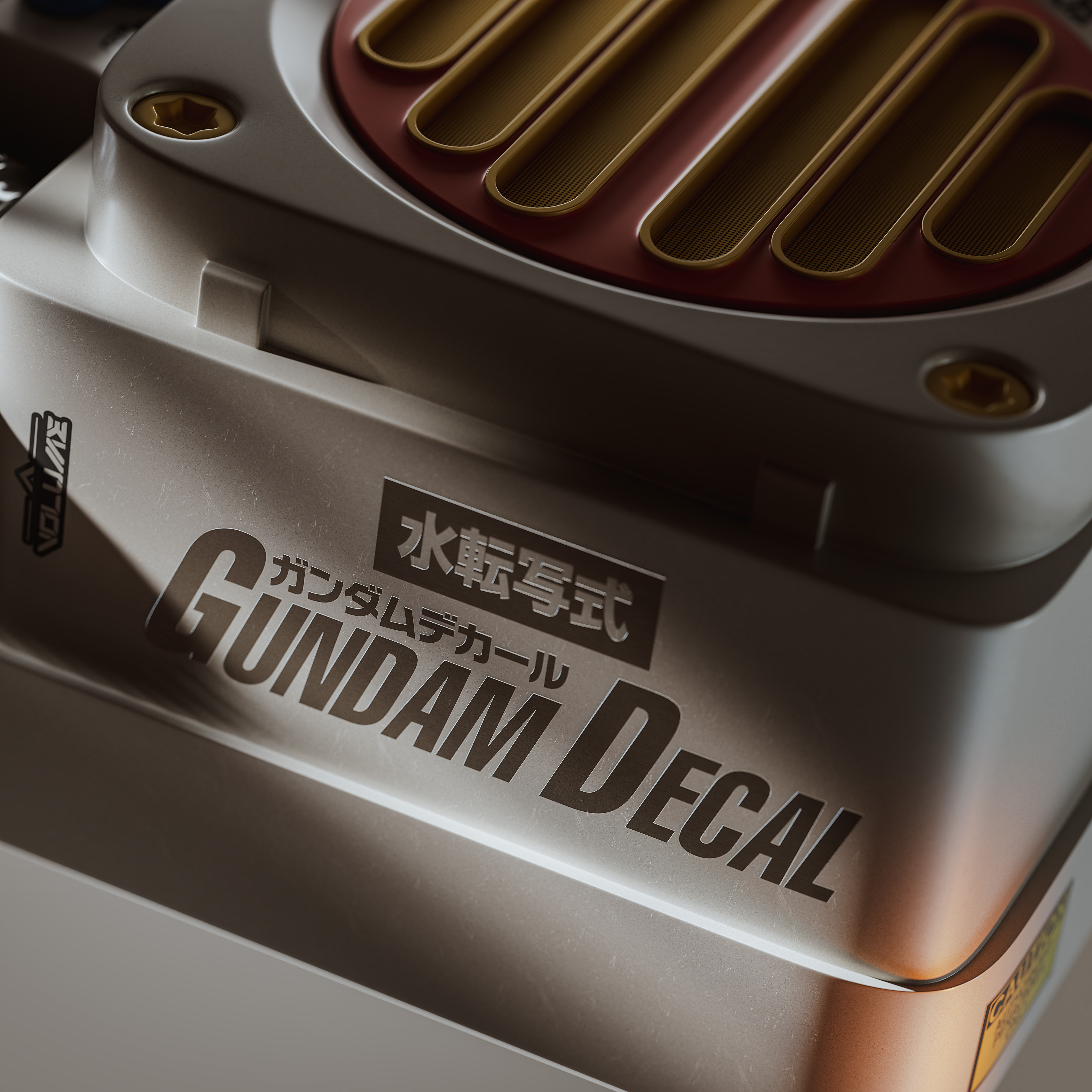
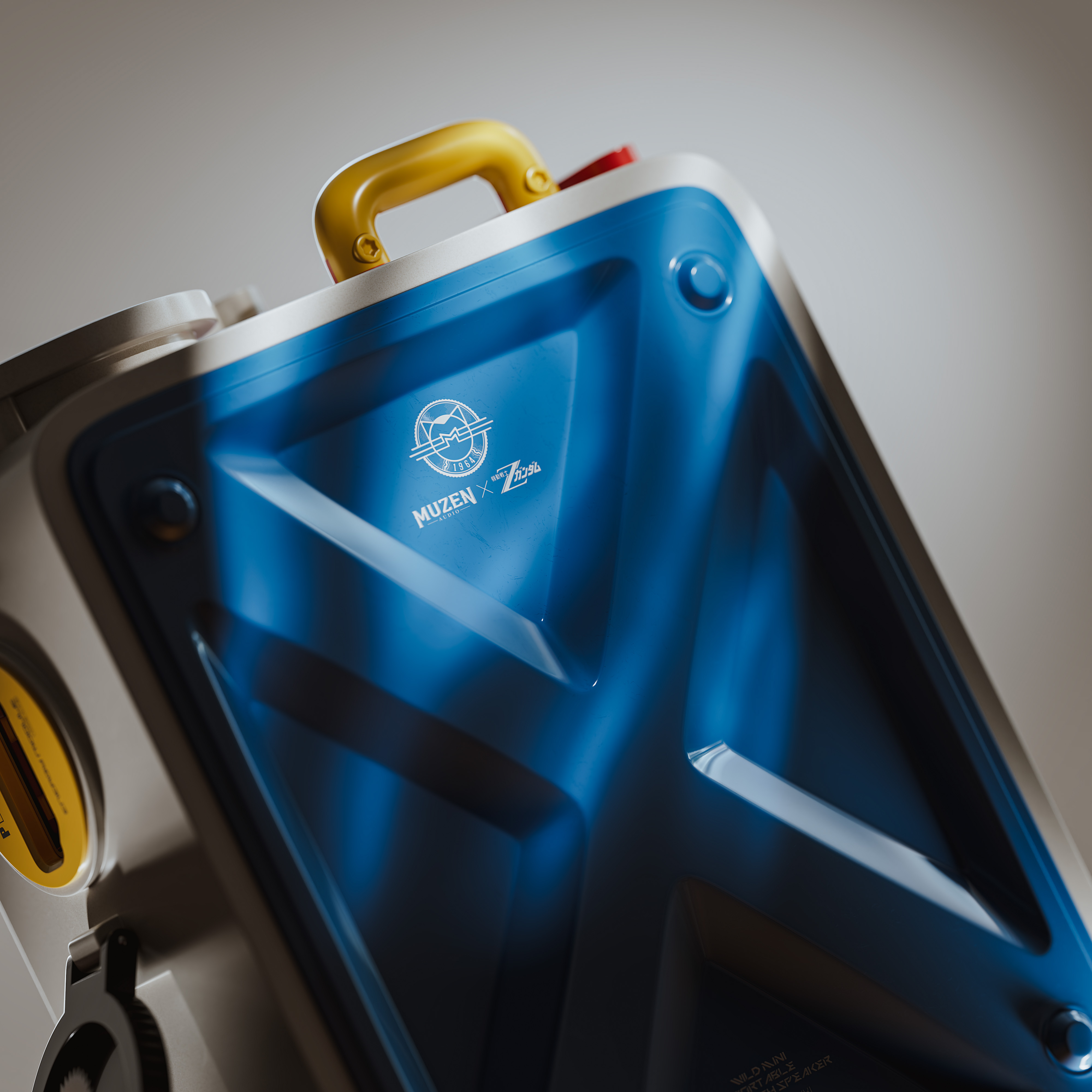
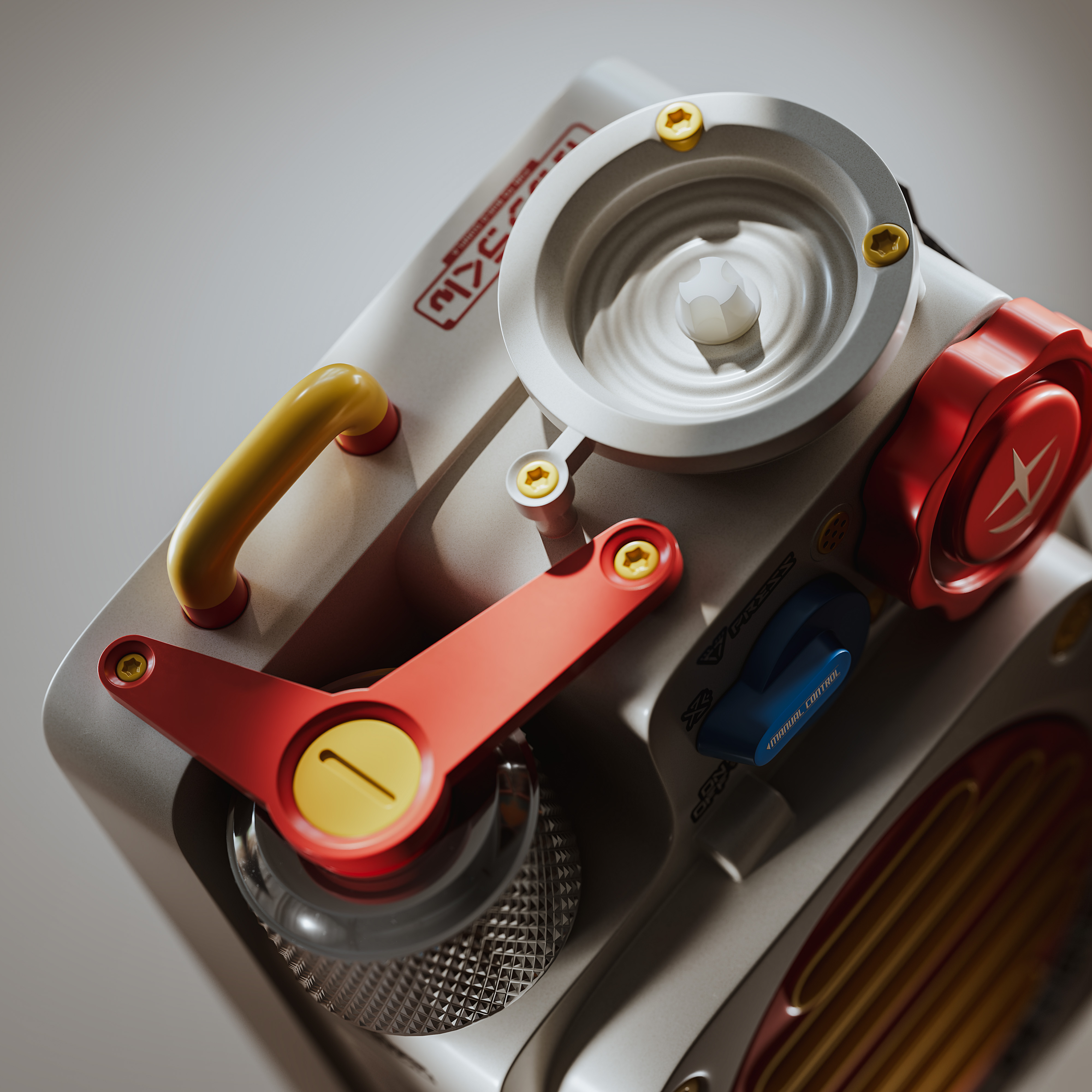
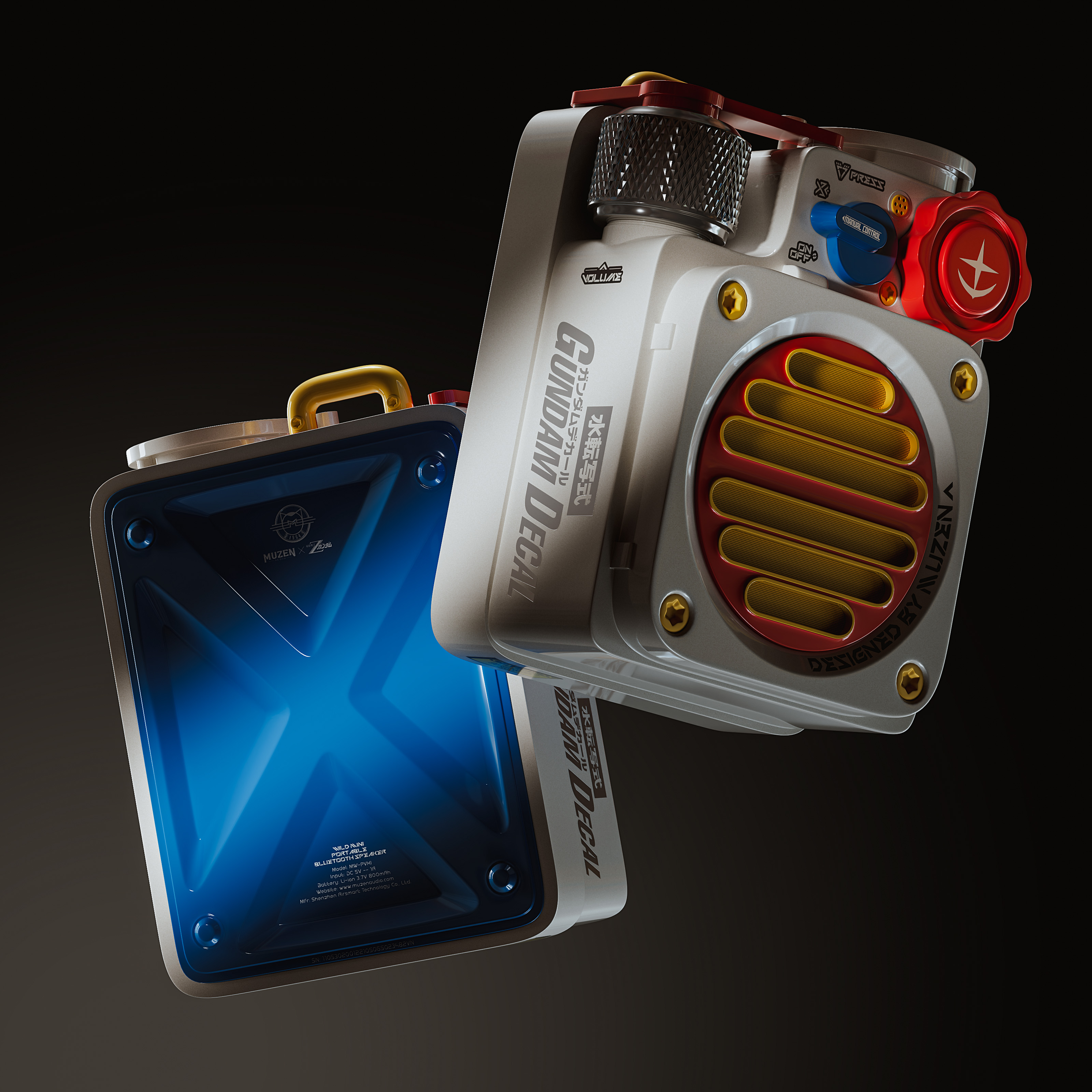
This project is a personal exploration of 3D product visualization, combining the compact and industrial design language of the MUZEN Speaker with custom Gundam-inspired details.
The goal was to create a product that feels both functional and mechanical, while maintaining the visual characteristics of a premium commercial product. I focused on the details of the speaker, including the hard-surface body, buttons, knobs, speaker grille, handles, mechanical elements, and custom surface details.
For this project, I worked through the entire 3D production process, from modeling and UV unwrapping to materials, lighting, rendering.
Modeling
I started the project by building the speaker model in Blender, focusing mainly on hard-surface modeling.
Since several of the final images use relatively tight camera angles, I also focused on maintaining clean topology and believable bevels so that the edges would catch the light naturally during rendering.

UV Unwrapping
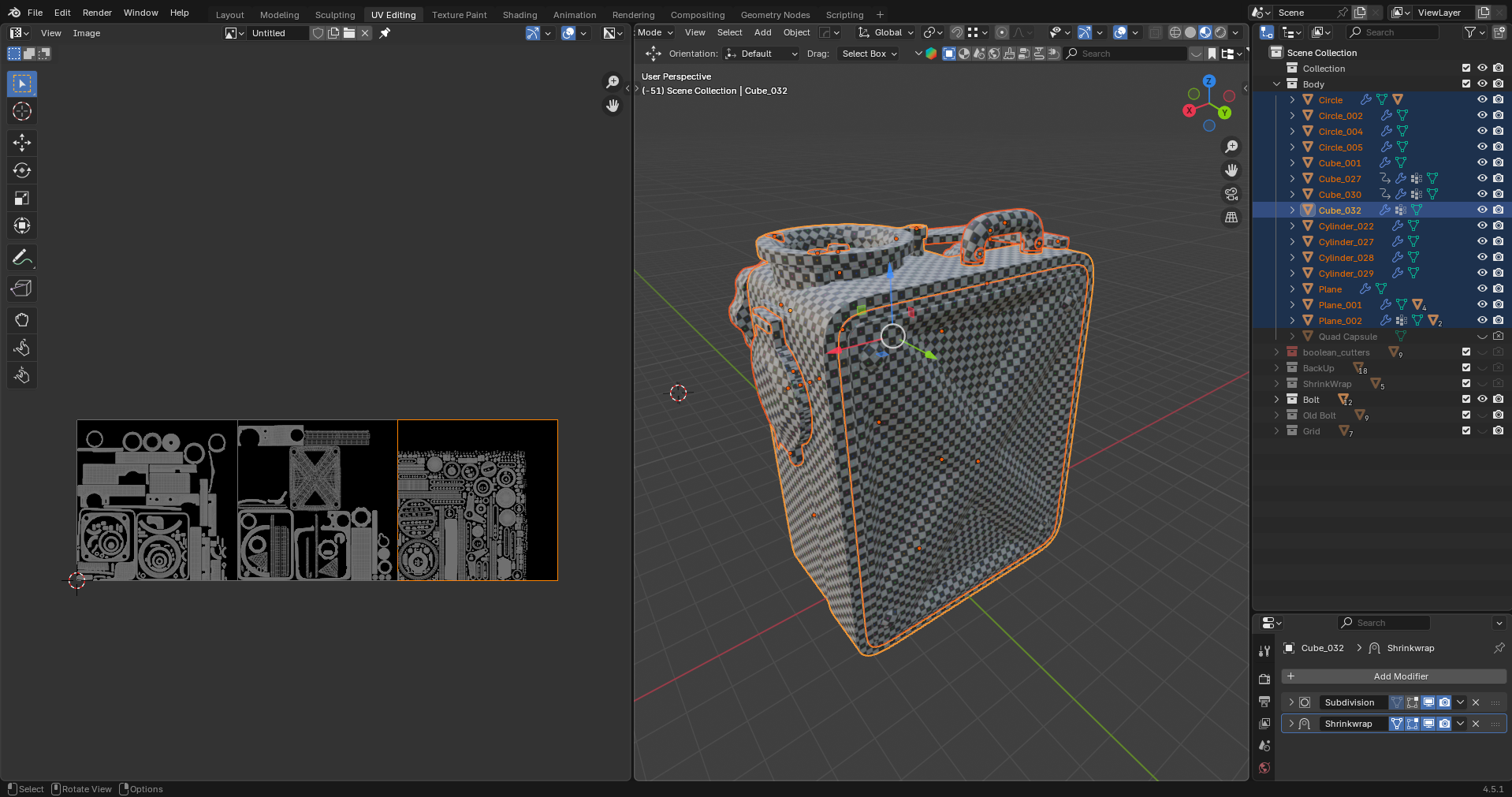
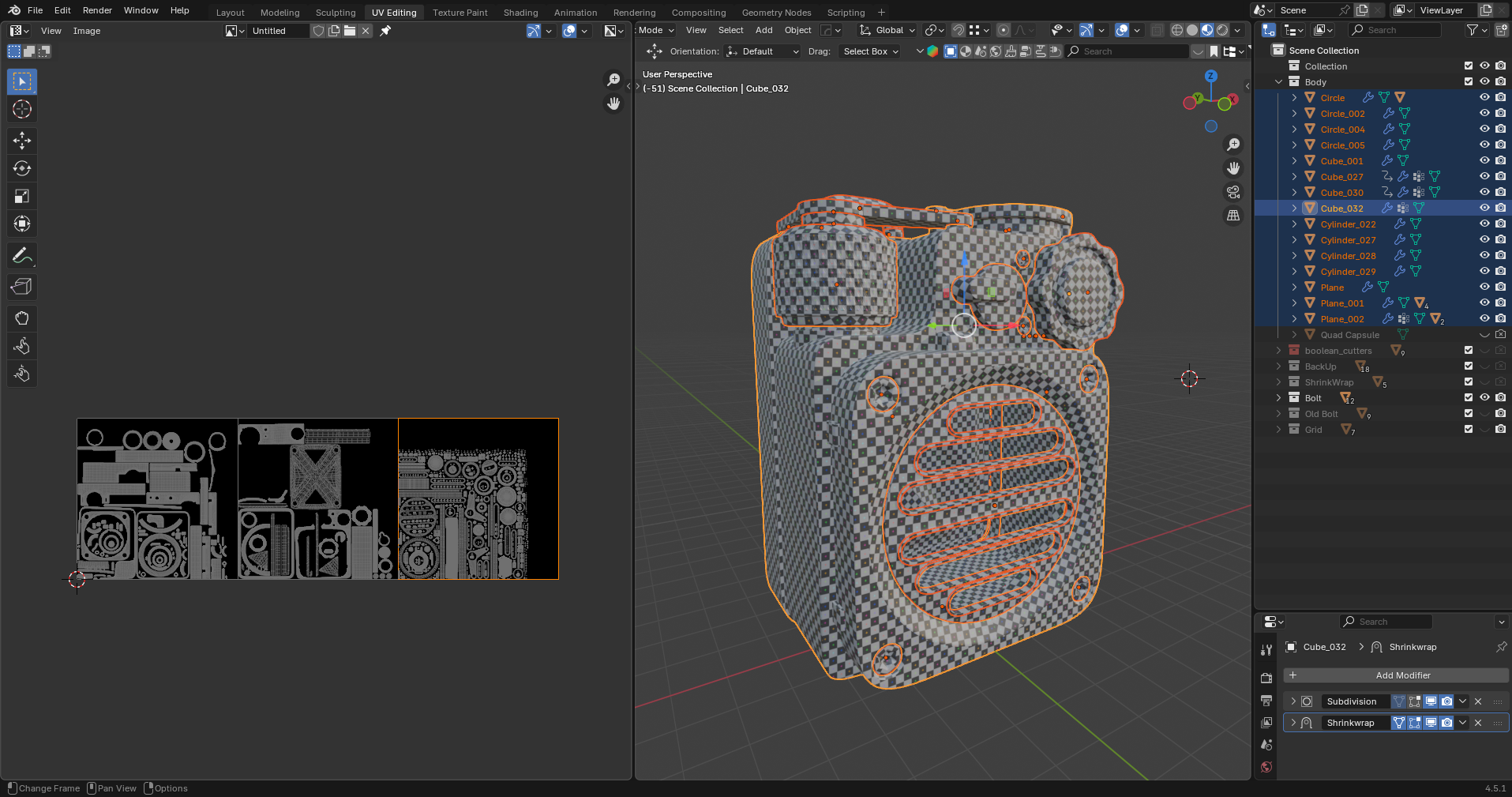
Once the modeling was completed, I moved on to UV unwrapping and prepared the model for texturing.
I organized the UVs according to the different materials and components of the speaker, allowing me to control the surface details more precisely.
Texturing & Lighting
I wanted the materials to feel realistic while still keeping the stylized appearance of the custom Gundam-inspired design.
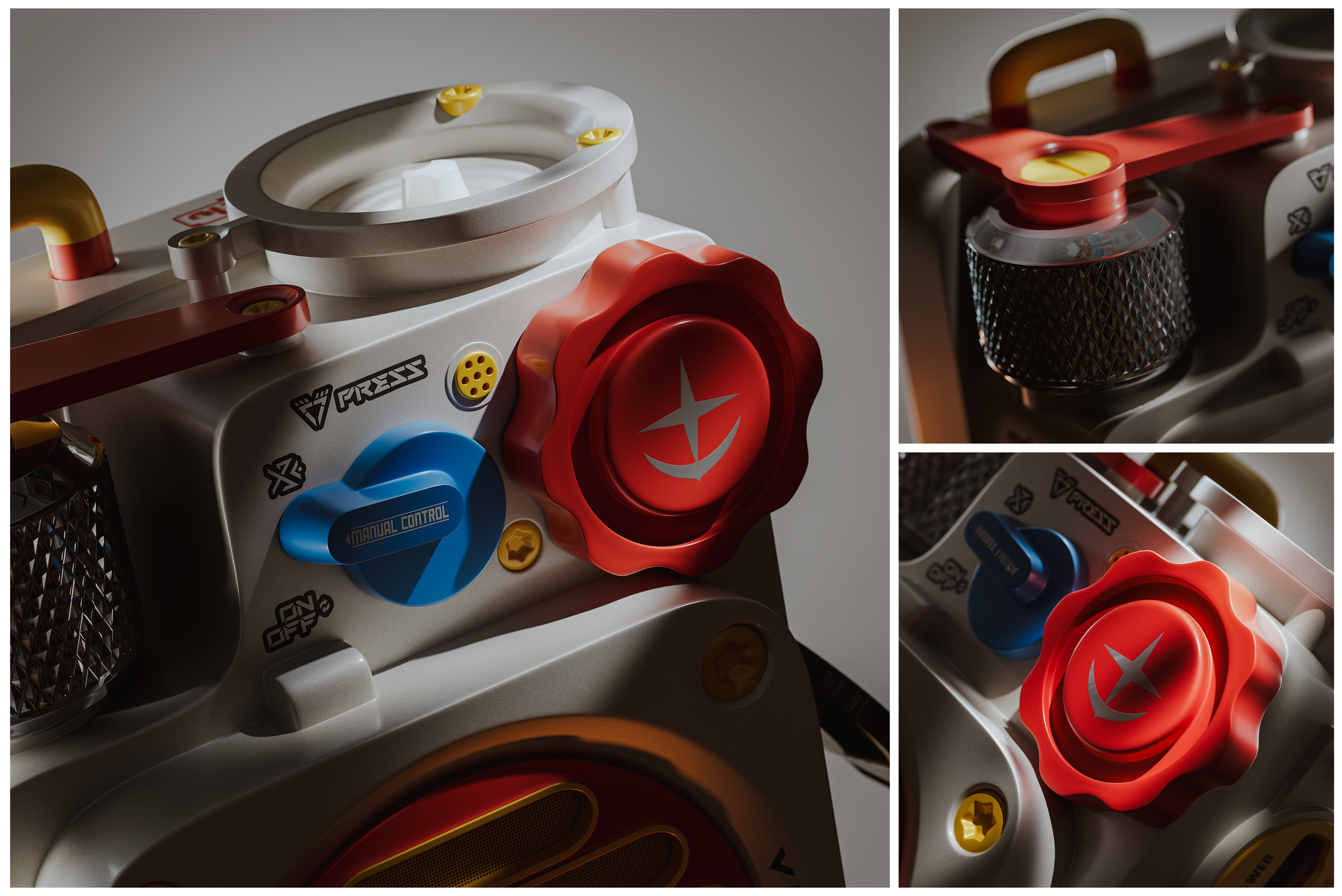
For the lighting, I wanted to create a clean commercial product photography style rather than an overly dramatic environment.
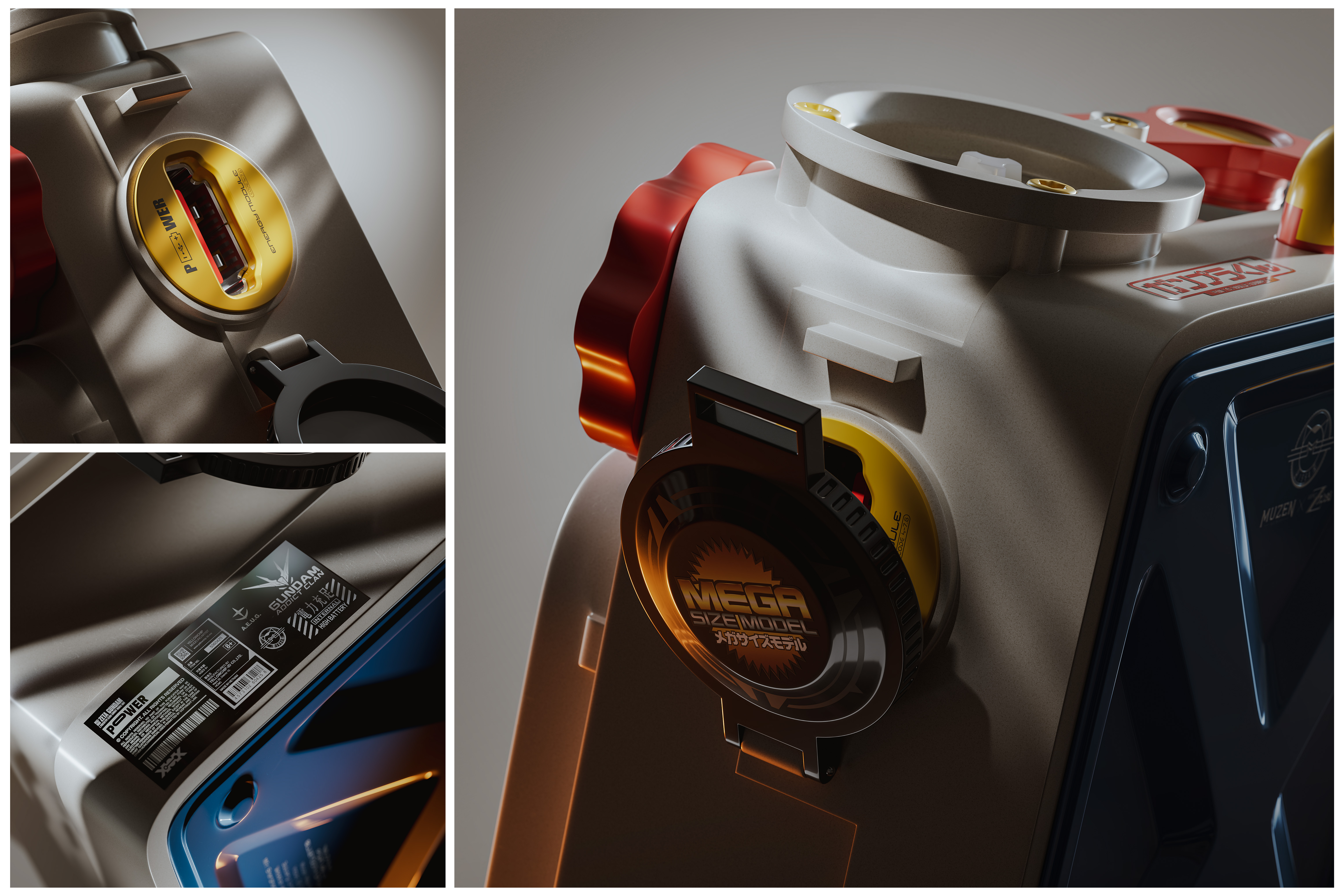
I used large and soft light sources to create controlled reflections across the curved surfaces of the speaker. The reflections were especially important for defining the bevels and hard-surface forms.
I also adjusted the lighting for each camera angle to make sure the important details remained visible while maintaining a consistent visual language across the entire series.
Rendering
Once the materials, lighting, and cameras were finalized, I rendered the different product shots.
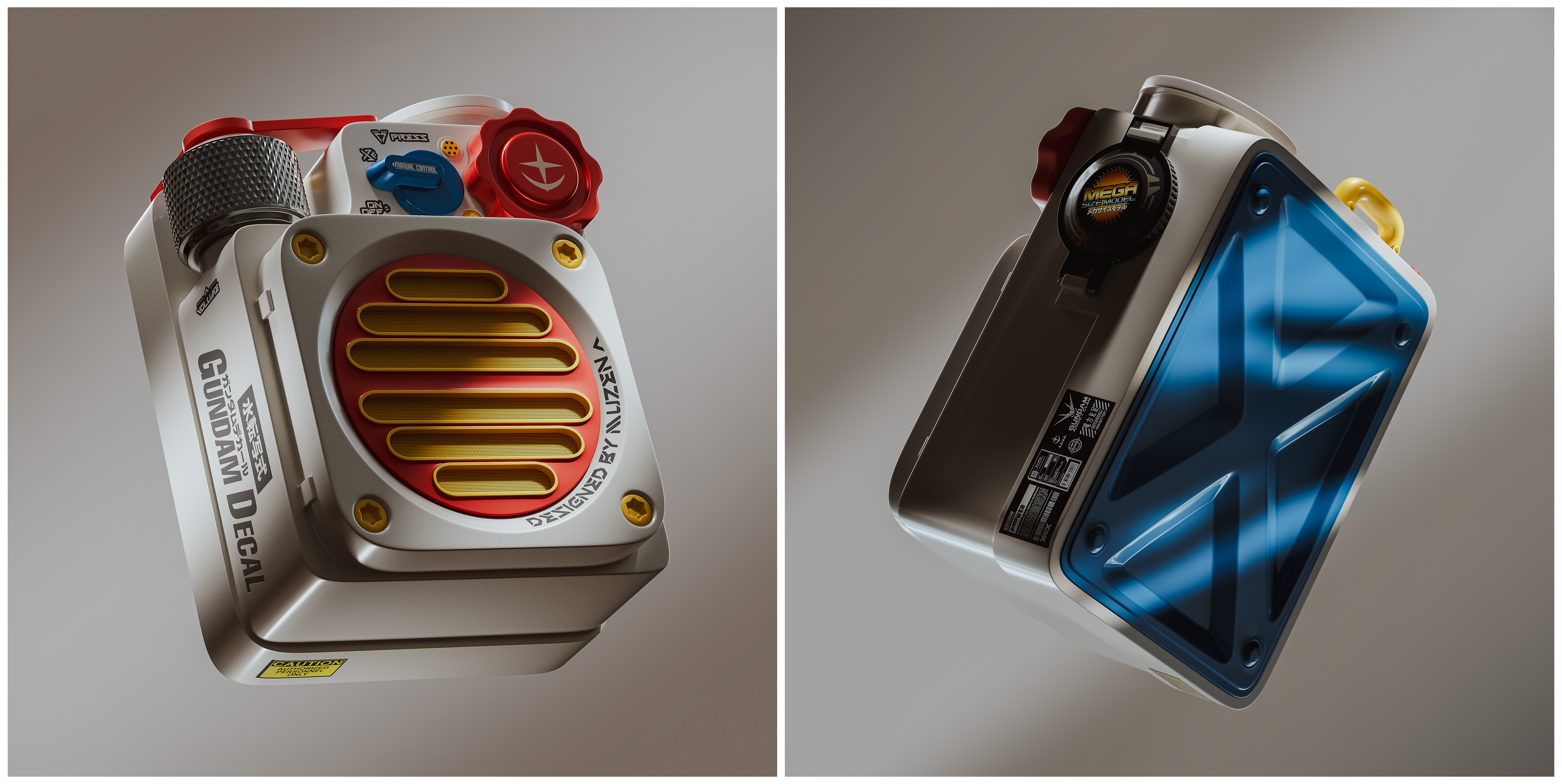
The main focus during rendering was to preserve clean edges, realistic material response, and smooth gradients across the product surfaces.