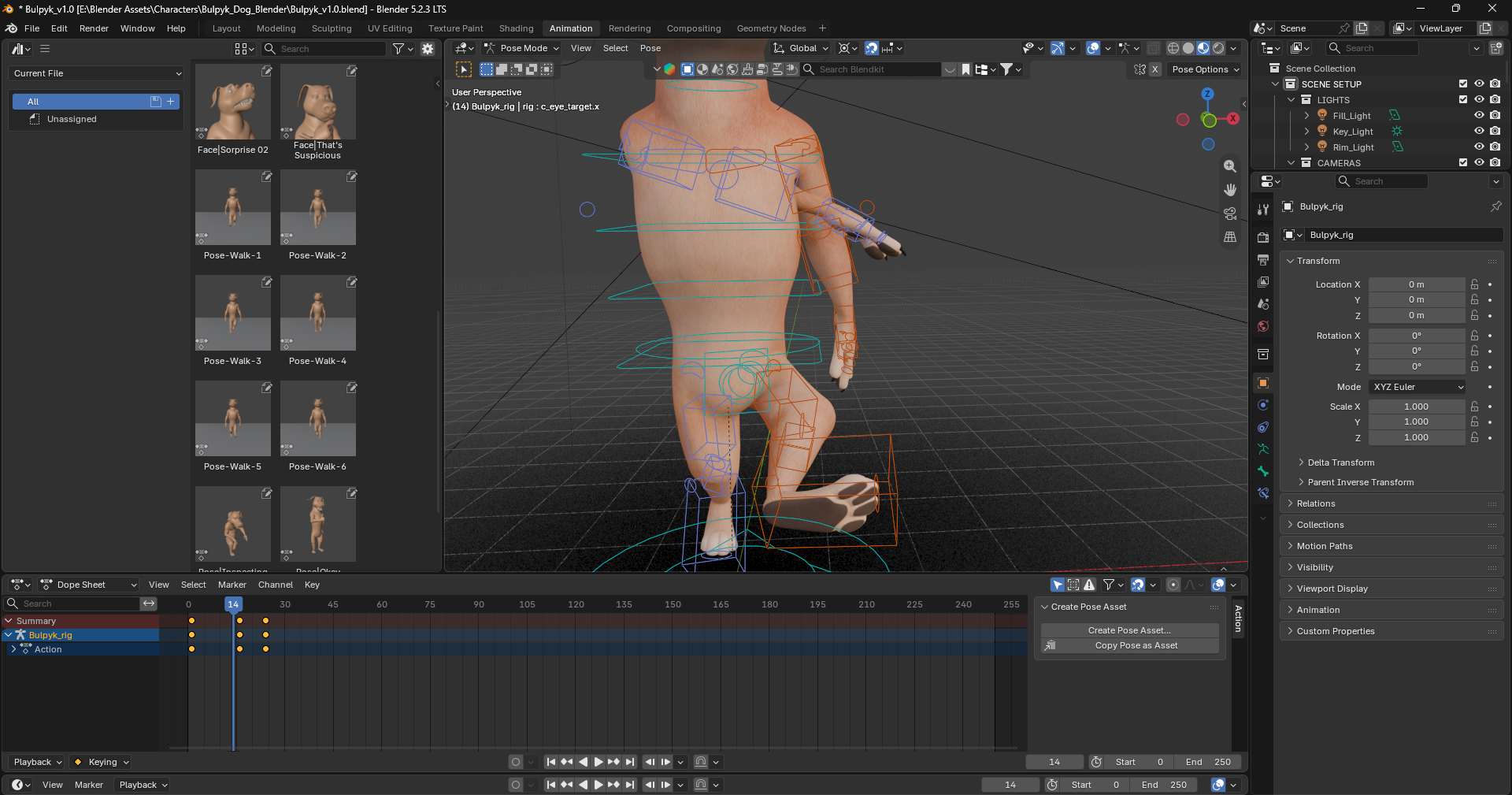
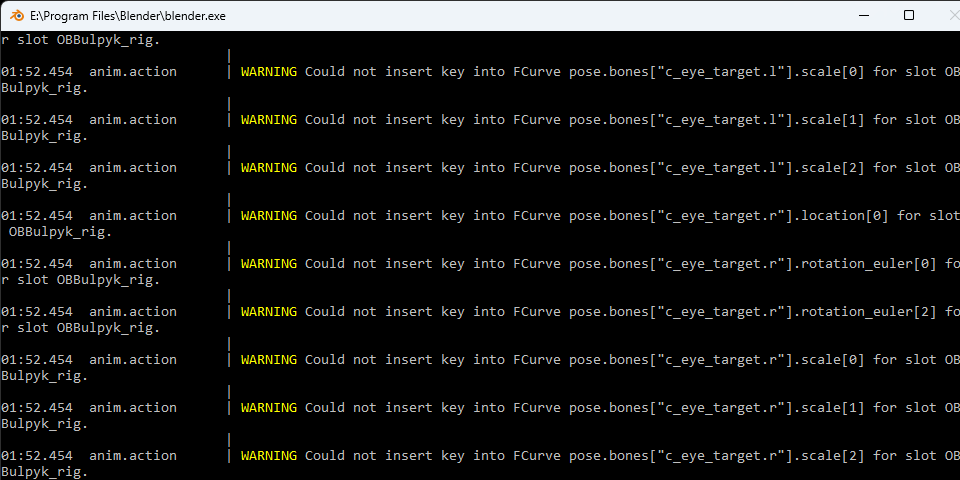
I’m having issues with this character when animating, I got this character to animate in Blender, I did not create this character. I contacted the creator and they are too busy and do not have time to update and fix this model so I want to fix it myself.
This was created in an older version of Blender and rigged using auto rig pro, as you can see in the screenshot when animating, his right arm and left leg glitch out. I bought auto rig pro and updated the rig to the current version but am still having these issues.
I am fairly new to Blender and have no idea what to look for or what would cause this or how to fix. Could someone please help? I was just trying to practice animating by doing a walk cycle.
How did this happen, then?
Didn’t you move them into that position?
Are the arm and leg like that from the beginning? Try selecting all bones in pose mode then Alt-R and Alt-G to reset rotation and location of the bones.
I did not move the limbs into this position and they were not like that from the beginning, these limbs glitch like this when playing back my walk cycle animation. The default rest position of the model is the standard A pose.
It doesn’t matter if I delete all the keyframes and start animating over, those 2 limbs still glitch out when I play back the animation. Could it be the bone constraints or something with those bones on the rig causing the issues?
did you start from the old file? you might try appending the scene then linking the object to your main scene, or just appending the objects you are using from the original file.
“Auto-Rig Pro maintains strong backward compatibility. If you open an older character rig in a newer version of the add-on, an “Update Required” or “Update” button will typically appear in the Auto-Rig Pro panel to safely upgrade the rig structure to current standards without losing your work or custom adjustments. A legacy popup or menu also helps preserve older behaviors.”
I did update the rig using the update button in auto rig pro, I just tried toggling on the legacy options and it is still having the same issues, those limbs still glitch out during animation playback. I think the latest version of Blender just broke something with this model and I don’t know what to try or look for to fix it without help.