Yes, ok, it is a general thing in trunk. I had the problem since 2.65 but it manifested differently, I cannot combine textures if not they all use UV maps.
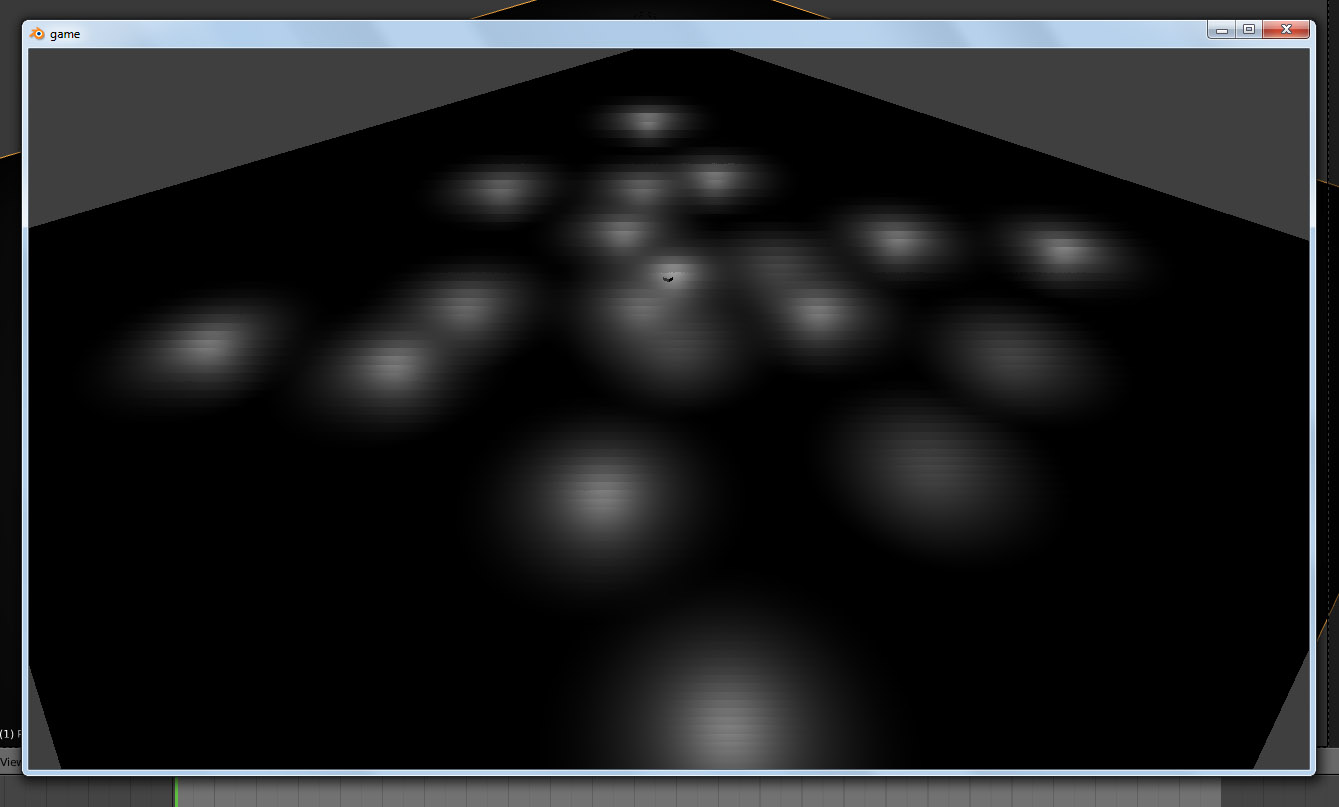
After a little more testing I noticed that the lights dont display correctly when the 3d view isn’t fullscreen.

Here is a stripped down version of my testing scene:
http://www.pasteall.org/blend/18657
Space rotates the camera. Moving around seems to work just fine (as long as the view is fullscreen)
I have did some more tests but all were fine,just the framerate…An issue i have seen was that when i started game everything was black,i switched to forward then back to inferred and things got well.
I was so expecting to be faster…but its good it works atleast.
Excalaberr After a little more testing I noticed that the lights don’t display correctly when the 3d view isn’t fullscreen.
- I have the same fault on my GTX 460.
It seams it don’t take the viewport size.
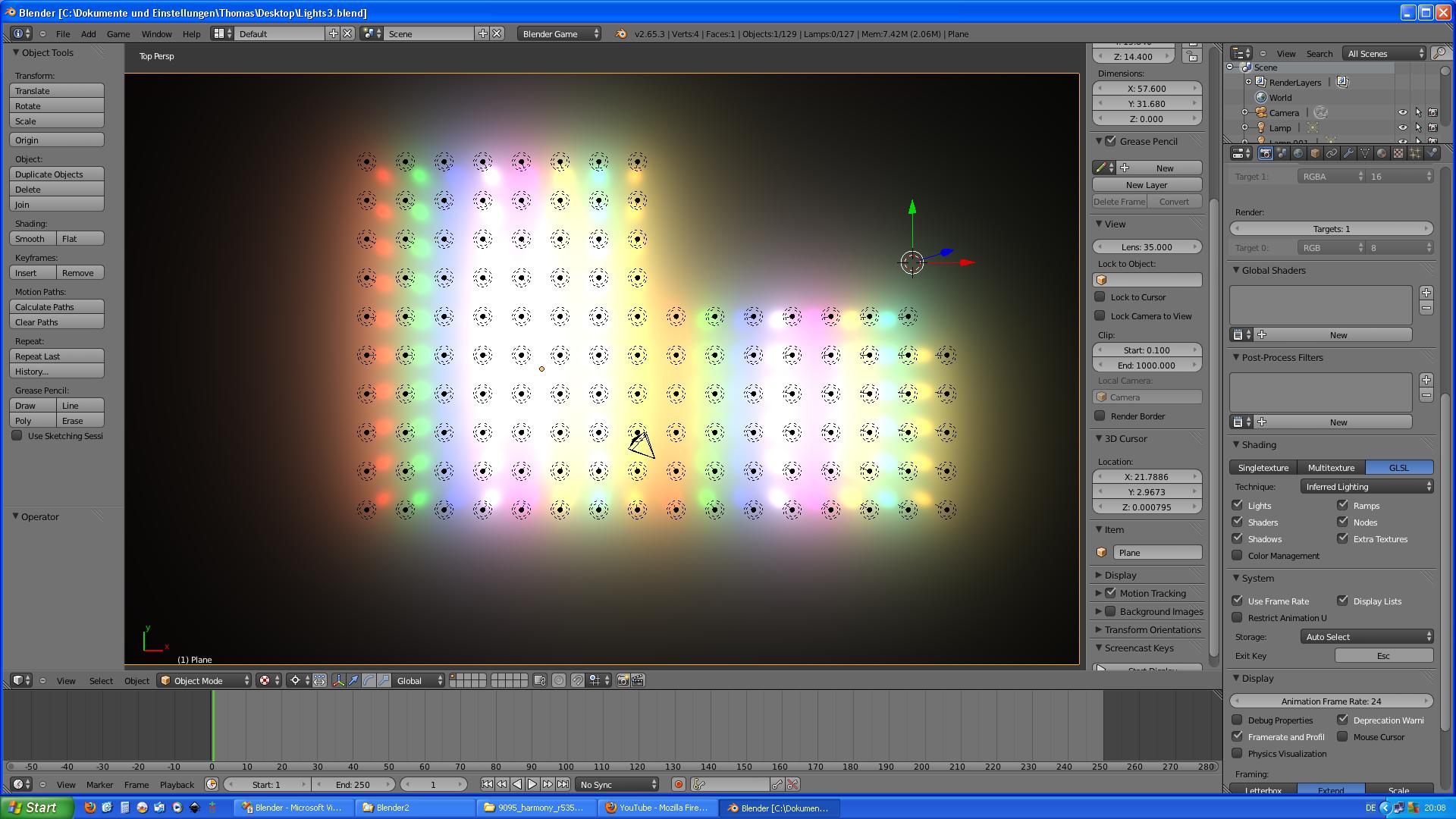
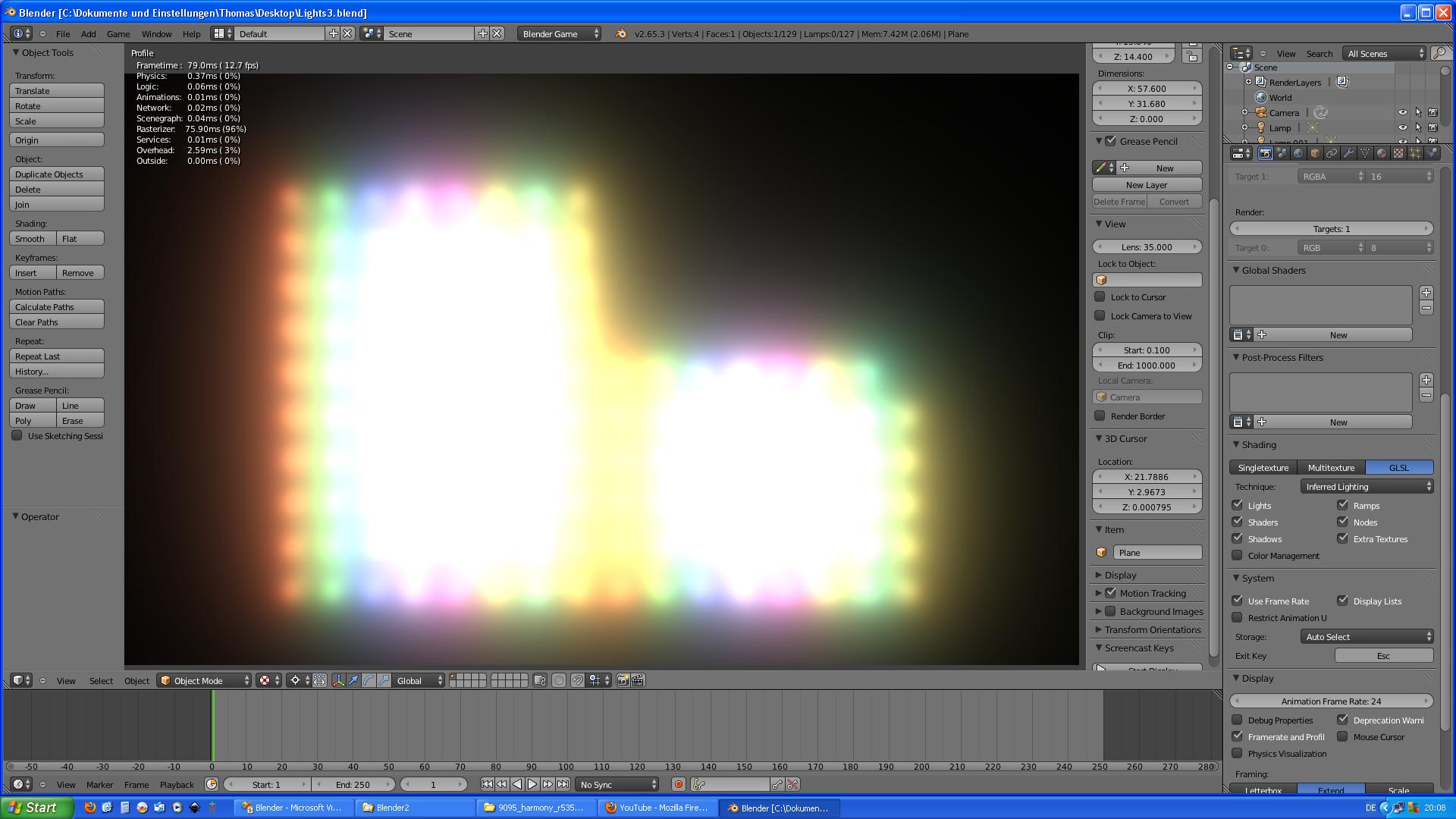
- If I rotate the view the most time it renders black. When I zoom in it renders the lights.
- The lights are the maximum amount for the viewport. If I add a lamp more the viewport don’t renders the light any more but in the game engine it works.
- The lights are not rendered in the game engine if I switch in orthographic view.
Attachments
Lights3.blend (104 KB)
Hi Kupoman,
I have updated the linux32 build with the new commits (https://docs.google.com/open?id=0B_aHdCLOBEQSQzFPajBXaGFodzQ).
You can upload it to graphicall if you want (I don’t have account). I’m in process to build a linux64 executable
rev53602
-
Blender Configuration *
Build Options:
- WITH_GAMEENGINE ON
- WITH_PLAYER ON
- WITH_BULLET ON
- WITH_IK_SOLVER ON
- WITH_IK_ITASC ON
- WITH_OPENCOLLADA OFF
- WITH_FFTW3 ON
- WITH_INTERNATIONAL OFF
- WITH_INPUT_NDOF OFF
- WITH_CYCLES OFF
- WITH_OPENCOLORIO OFF
Compiler Options:
- WITH_BUILDINFO ON
- WITH_OPENMP ON
- WITH_RAYOPTIMIZATION ON
System Options:
- WITH_INSTALL_PORTABLE ON
- WITH_X11_XF86VMODE ON
- WITH_X11_XINPUT ON
- WITH_MEM_JEMALLOC OFF
- WITH_SYSTEM_GLEW ON
- WITH_SYSTEM_OPENJPEG ON
Image Formats:
- WITH_IMAGE_CINEON ON
- WITH_IMAGE_DDS ON
- WITH_IMAGE_HDR ON
- WITH_IMAGE_OPENEXR ON
- WITH_IMAGE_OPENJPEG ON
- WITH_IMAGE_REDCODE OFF
- WITH_IMAGE_TIFF ON
Audio:
- WITH_OPENAL ON
- WITH_SDL ON
- WITH_JACK OFF
- WITH_CODEC_AVI ON
- WITH_CODEC_FFMPEG ON
- WITH_CODEC_SNDFILE ON
Compression:
- WITH_LZMA ON
- WITH_LZO ON
Python:
- WITH_PYTHON_INSTALL ON
- WITH_PYTHON_INSTALL_NUMPY OFF
- WITH_PYTHON_MODULE OFF
- WITH_PYTHON_SAFETY OFF
Modifiers:
- WITH_MOD_BOOLEAN ON
- WITH_MOD_REMESH ON
- WITH_MOD_FLUID ON
- WITH_MOD_OCEANSIM OFF
Added lin32 and lin64 builds to the first post. Thanks to Jorge Bernal and moguri for the builds!
Also, whilst we are on the topic, can anyone here build with 2008 express (msvc)?
Sinan,
you can try this new lin64 build that I have just uploaded to graphicall.org (http://graphicall.org/1038/download). I think it is more compatible.
I am glad to hear that you got a build that works for.
Graphicall.org has an upload limit of 50MB. You could try disabling things not usually needed for the game engine such as cycles, the compositor, the optional modifiers, etc.
Hi kupoman. I try 32 windows build, when i used my game project, the view port is ok, but if i hit P, blank white. I have the same problem with simple scene(1 cube, 1 light), just turn to white.
My video card is Nvidia Geforce 9500, Windows xp, i don’t have any problem with official build.
Sorry for my bad English,
Were you using a perspective or orthographic camera?
Sorry, this issue come up when i switch the screen layout to Game Logic, but if i Choose Default, its work fine.
Just tested the Post_Process Filters and everything seems to work just like it should. I did notice that you had to mess with the UI to refresh it after changing uniforms in an internal text source.
About the Render Targets, what are they called or how can I access them in fragment shader?
I tried:
uniform sampler2D bgl_RenderTarget0
and similar but no results
Ex.
Was this in a 2D Filter (from any method) or a custom material shader? Your uniform looks right.
As for the updating, I am not sure how to best accomplish that yet. I might just settle with a reload button like textures have.
Out of curiosity, what kind of rendering system is used in the trunk? In Harmony you can switch between Inferred and Forward, but what method is used in vanilla BGE?
Wow! I haven’t had a chance to check up on the game engine in a while and I am very impressed with the harmony project. Looks awesome!
I tested inferred rendering on my Radeon 5870m and either I am doing it wrong or there is a glitch somewhere. On a basic scene (default cube with unmodified material) inferred lighting gives no advantage.
With forward rendering I get 600 fps with 1 light and 550 fps with 5 lights.
With Inferred lighting I get 250 fps with 1 light and 120 fps with 5 lights.
From my understanding inferred lighting should give a higher overhead but little additional cost per light. In my tests it gives both a higher overhead and a higher additional cost per light.
@gruntbatch: I believe that vanilla BGE uses forward rendering.
Thanks,
Tyler
Vanilla BGE does indeed use forward rendering.
@Manti:
Your understanding of inferred lighting is correct. I have not yet focused on optimization. For some more details, check out my earlier post that lists some possible optimizations.
I am also getting the feeling that ATI cards aren’t handling something well, and will need some specific attention.
looks great so far, what exactly is inferred lighting?
Thanks for the explanation. This is the feature I’ve been waiting for.