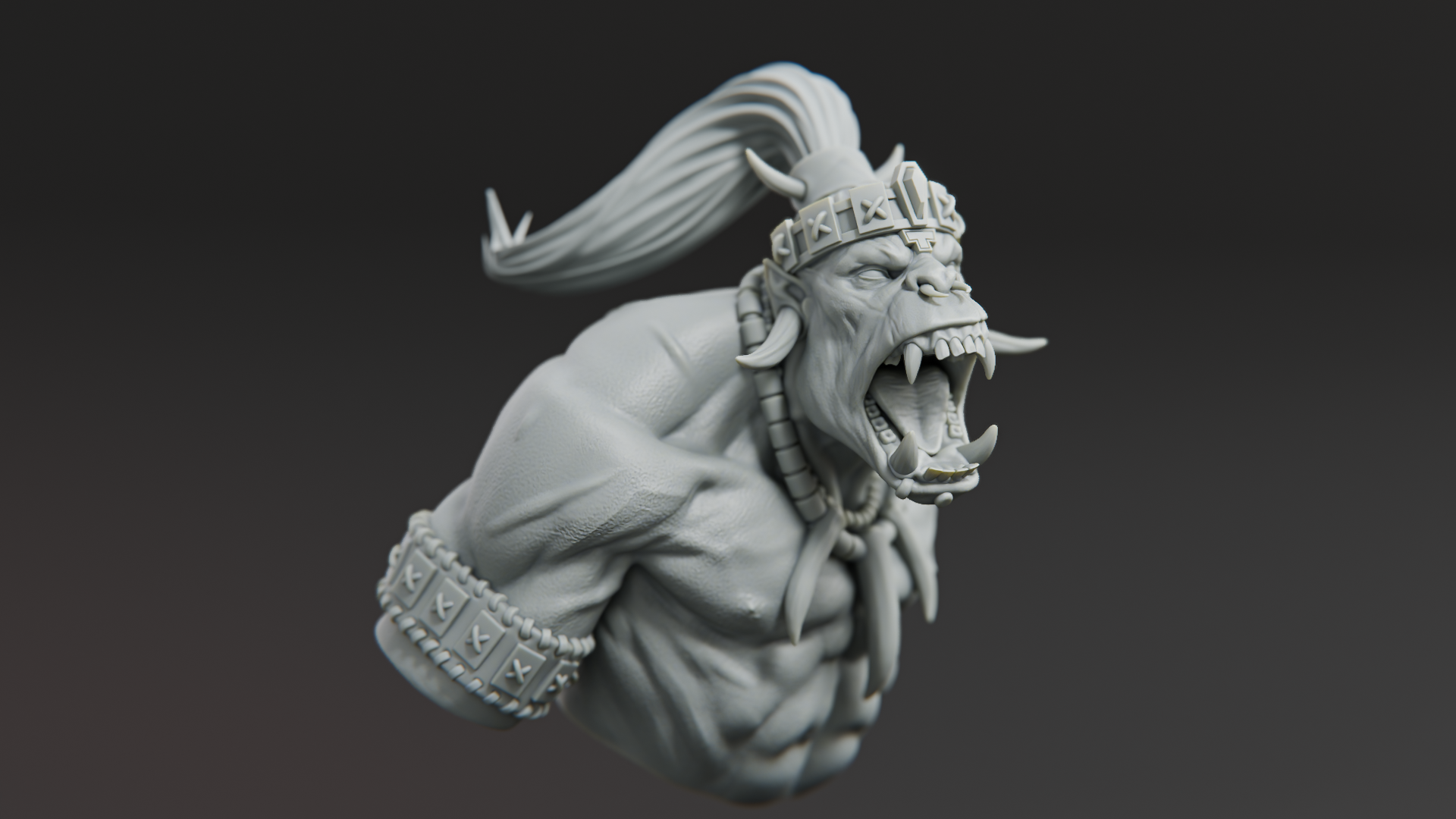
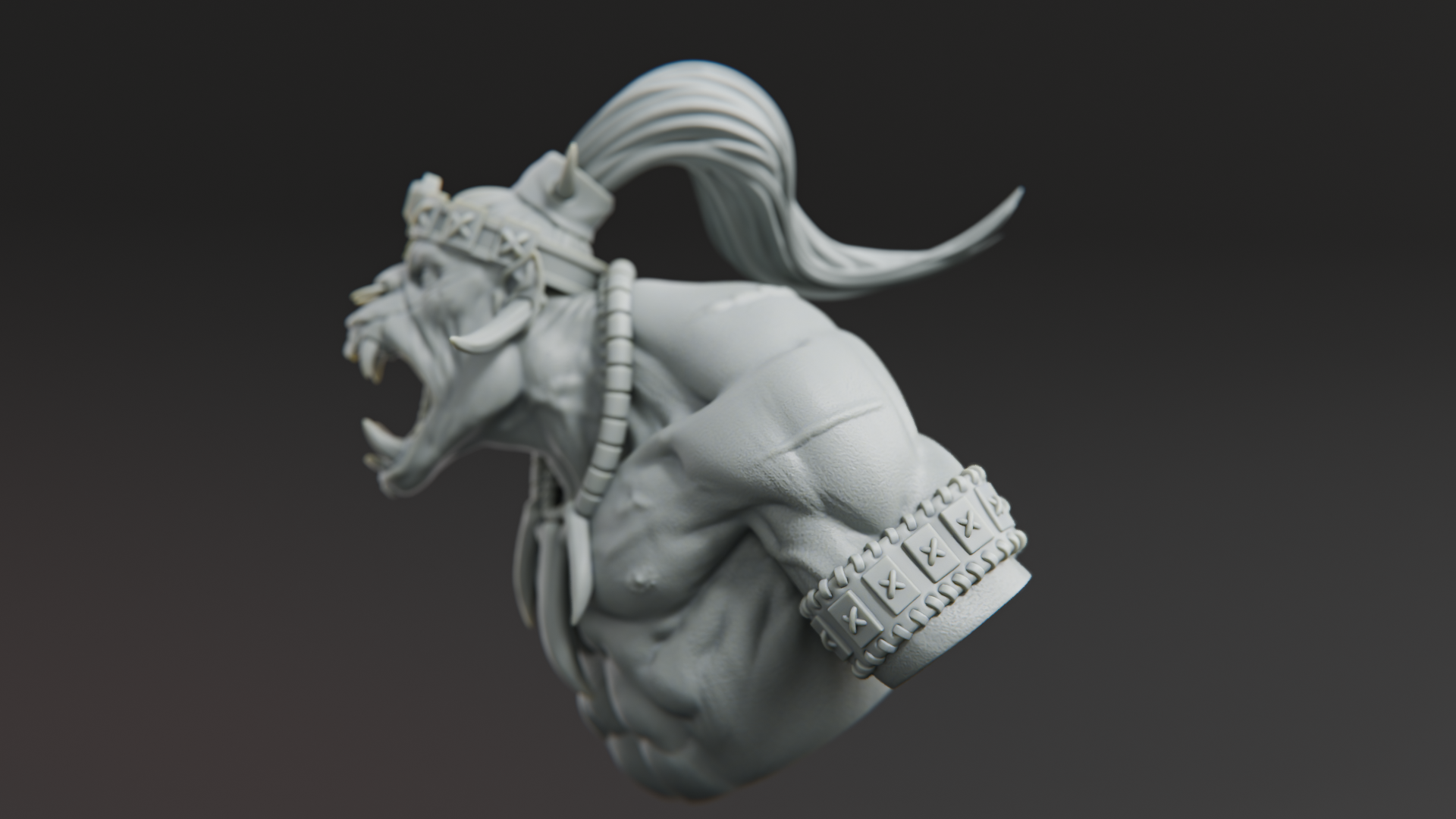
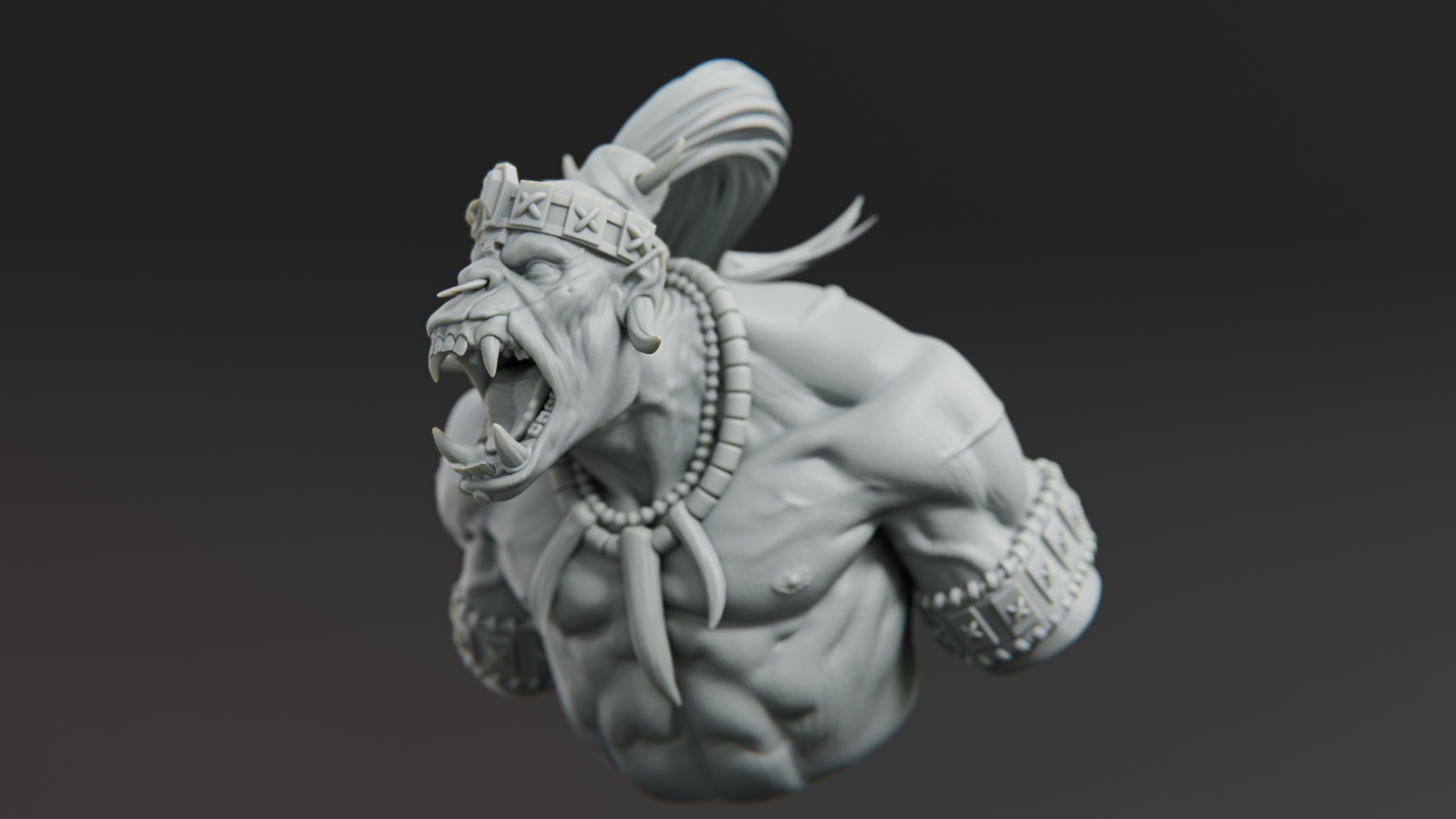
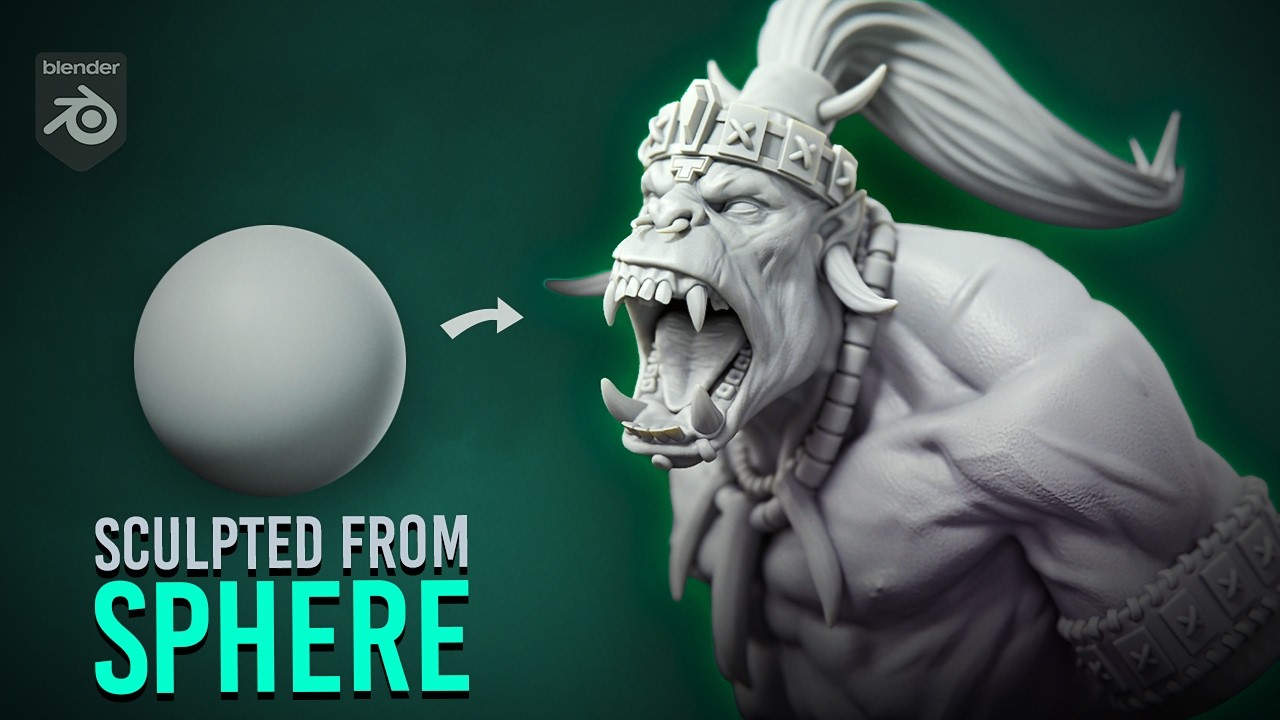
Here is a recent character study I did of an orc chieftain bust in Blender. My goal was to dip my toes into sculpting busts for 3D printing with a project that was right in my visual wheelhouse, keeping the friction of getting a clean, printable model as low as possible (more bandwidth to troubleshoot technical issues) while documenting the process for my channel.
Great sculpt and even better video. Fun to see you work and I learned a lot from watching you. Love how you did the eyelids from one sphere, also the tooth you did at the side of the head. Logic now I’ve seen it, but I never thought about doing that. Will definitely borrow some methods from you. Thanks for posting this!
Thanks for checking out the video! I use a Cintiq for most of my sculpting, along with a plain old mouse when I need to manipulate shapes with precision. Nothing crazy on the hardware side, but I have upgraded my rig recently to make sculpting and rendering more enjoyable.
As for studying, I don’t think it ever really ends. Keeping a curious mind and trying things out keeps you on your toes and keeps you humble. There is always so much to learn and so many great teachers, nature being the ultimate mentor of course (anatomy studies never get old etc.)
My workflow is mostly about keeping an open mind and experimenting while I sculpt to keep things fresh. Sometimes I combine an anatomy study with a creature design to keep it interesting, and other times I just want to sculpt a demon head and go to town. I tend to follow a similar process like i show in my videos, but i’m a bit more chaotic for sure when not recording.
It depends, i think getting to a satisfying result probably would take time with a basic wacom, But i don’t think it’s a necessity to have a high end Cintiq by any means.
3 Likes
MichaelColina
(The "Mr. Polygon Punisher" is your)
8
Think of a graphics tablet like if it was your mouse, do you have to look at your mouse while you draw to see where your cursor is on the monitor screen? Nope, because you look in the monitor and hand coordinate yourself to place the cursor and draw where you want with some practice of the spatial wrist/shoulder movements.
And the drawing tablet (graphics tablet with screen incorporated) has the feature of drawing on the screen with the pen just like if you did it on a paper while looking at the paper you are drawing to. With the downside of course it’s a more expensive device but not really necessary if you are getting started (of course if you can afford one you are free to have as your first device)
If you want to buy a graphics tablet in the future, avoid the smaller size factor models because their drawing area is very small for your wrist to move around, therefore it may increase wrist strain over time. Therefore get either between middle to big size factor models.
Very cool, thanks for sharing! I haven’t had time to watch your videos - yet! - so apologies if you’ve covered this there but are there any preferred stamp/texture brushes or sets you use for detailing? Or perhaps you just make your own? Sculpting is something I’m itching to try and seeing your work definitely adds to my interest. Keep up the great work!
I rarely use any stamps or alphas, mostly because i do pretty quick speedsculpts, and i like to keep them a bit more loose. But It’s something i’m planning on making a video at some point!