Hi everyone,
I’m working on an environment scene in Blender 5.0 and running into a strange particle scattering issue on a downloaded terrain asset.
Scene Setup:
-
Main Terrain (Working): Standard ground mesh containing a church/house blockout. The particle system scatters pine trees here perfectly without any display or rendering issues.
-
Side Mountain (Bugged): An external mountain asset downloaded online (source website unknown).
-
Asset Hierarchy:
Mountain (Scatter).002>Plane.001(flat base mesh) >Mountain.002.
The Issue:
-
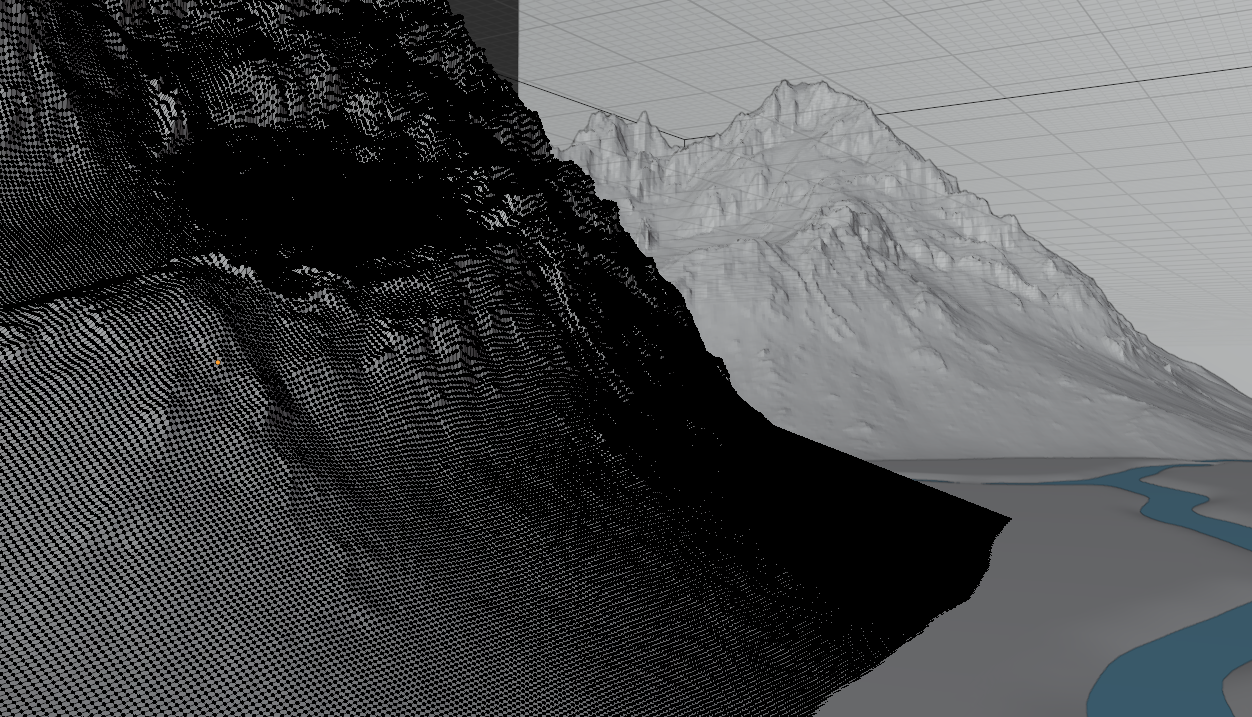
Overlay Dependency: On the side mountain, the trees only appear as dark dots/points when Viewport Overlays are turned ON. As soon as I toggle Viewport Overlays OFF, the trees on the mountain completely disappear, whereas the trees on the main terrain stay visible.
-
Weight Paint vs. Edit/Object Mode: The trees show up fine as high-density orange instances while in Weight Paint Mode, but fail to evaluate properly in Edit Mode or standard Object Mode without overlays active.
-
Flat Base Plane Scatter: Because the downloaded mountain uses a flat base plane (
Plane.001) with displacement/modifiers generating the peak, the particle system initially scattered trees on a flat plane instead of conforming to the 3D mountain slopes. -
Cycles Pitch-Black Render: In Cycles Rendered mode, the scattered pine trees render as pitch black silhouettes or disappear entirely depending on overlay toggles.
What I Have Tried So Far:
-
Set Render As to
Objectand selectedpine_tree.01as the instance object. -
Checked Use Modifier Stack under the Particle Emission settings and adjusted modifier stack order.
-
Set Viewport Display to As Rendered.
-
Verified vertex group density assignment in the Particle properties.
-
I also tried geo nodes but noting happened
please help.

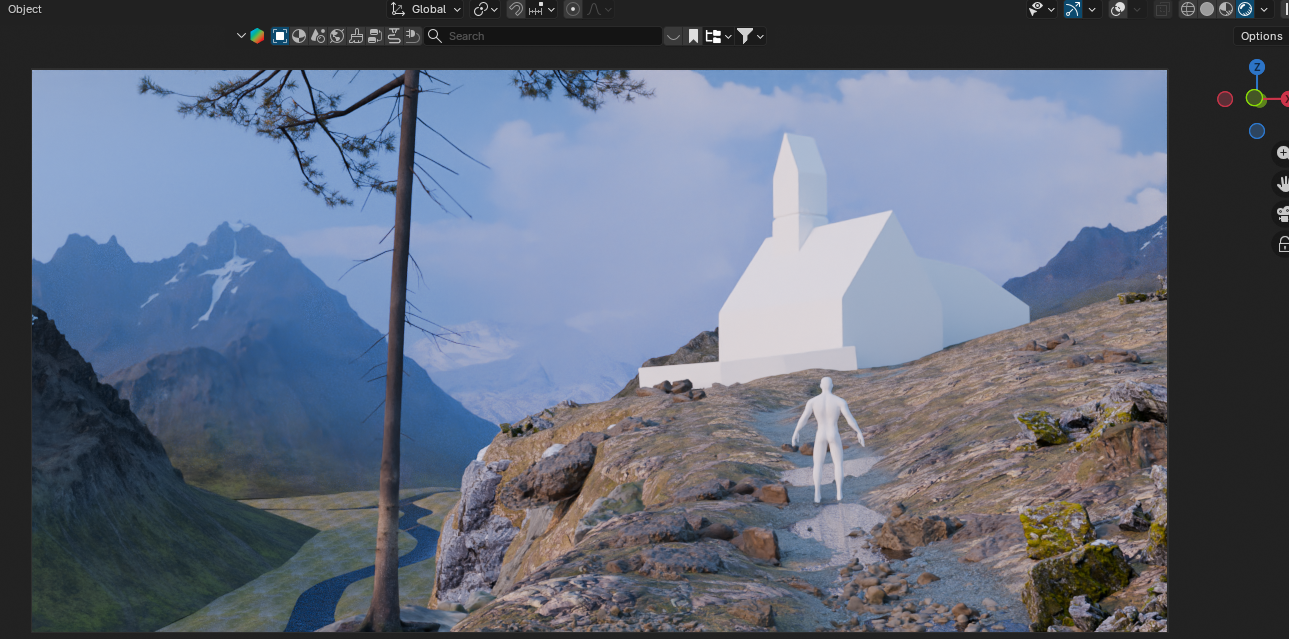
overlays off
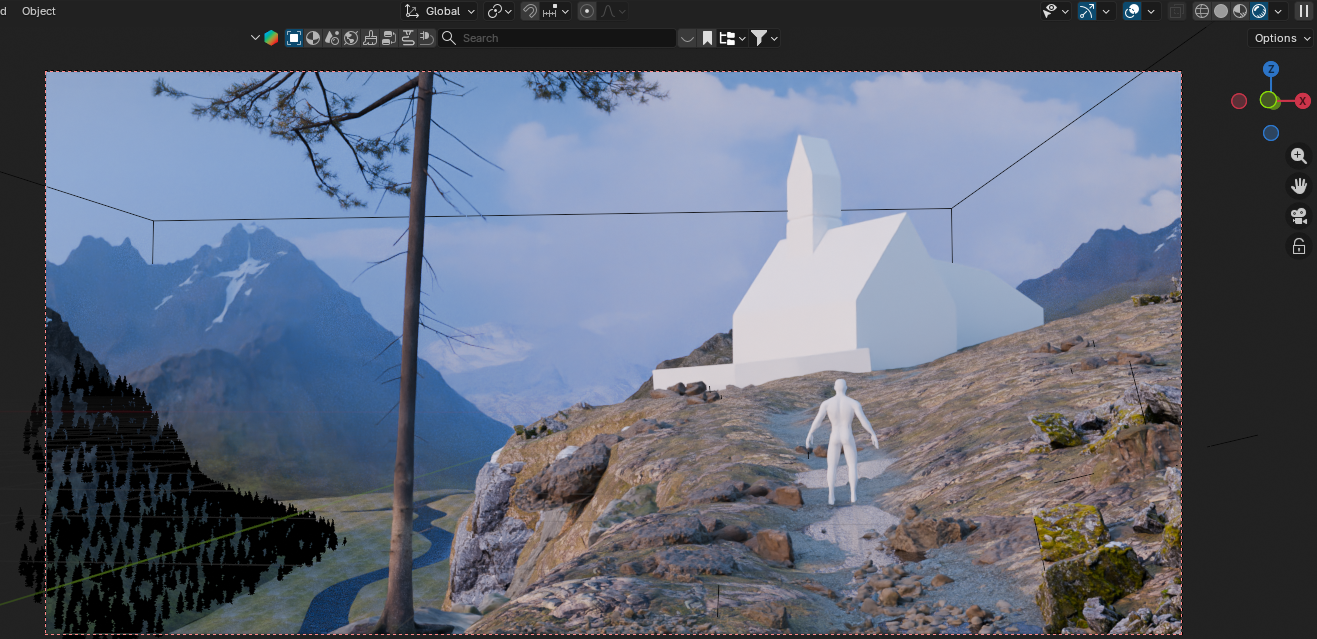
overlays on
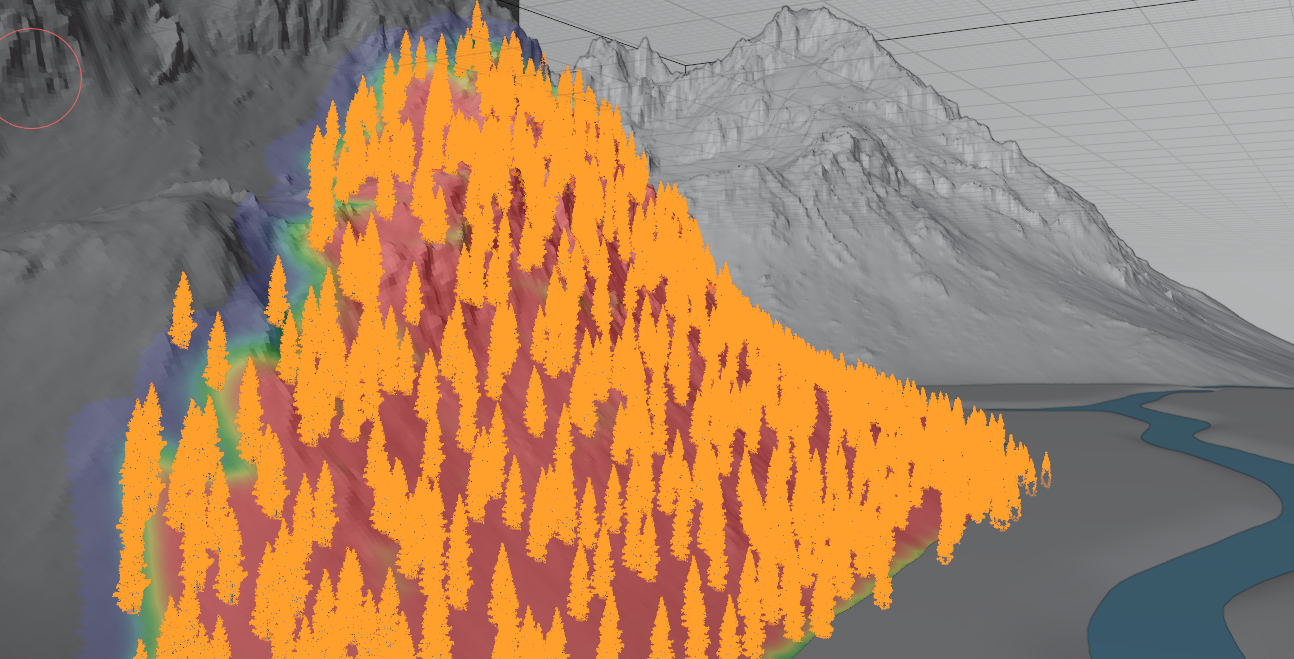
weight paint mode
edit mode