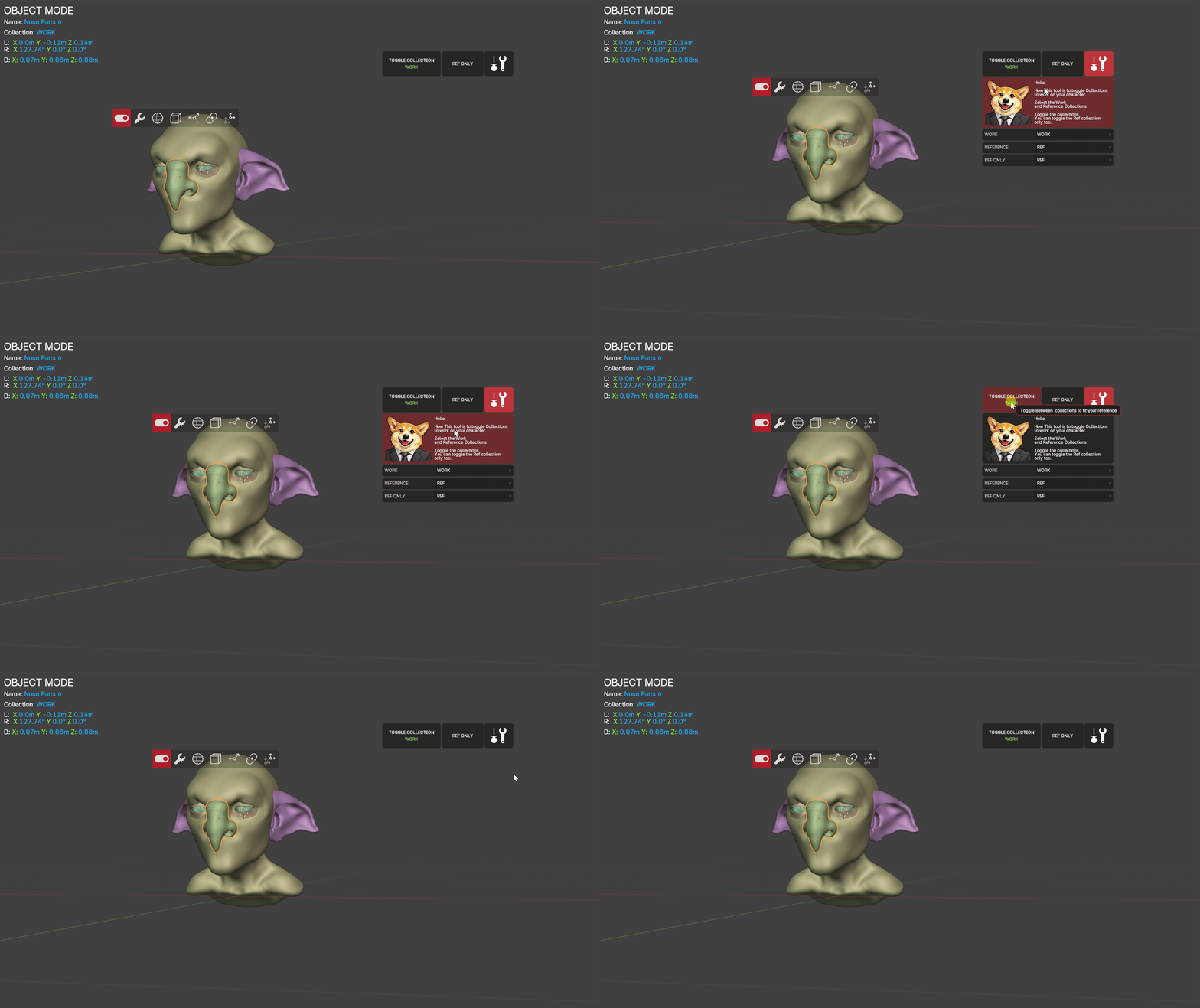
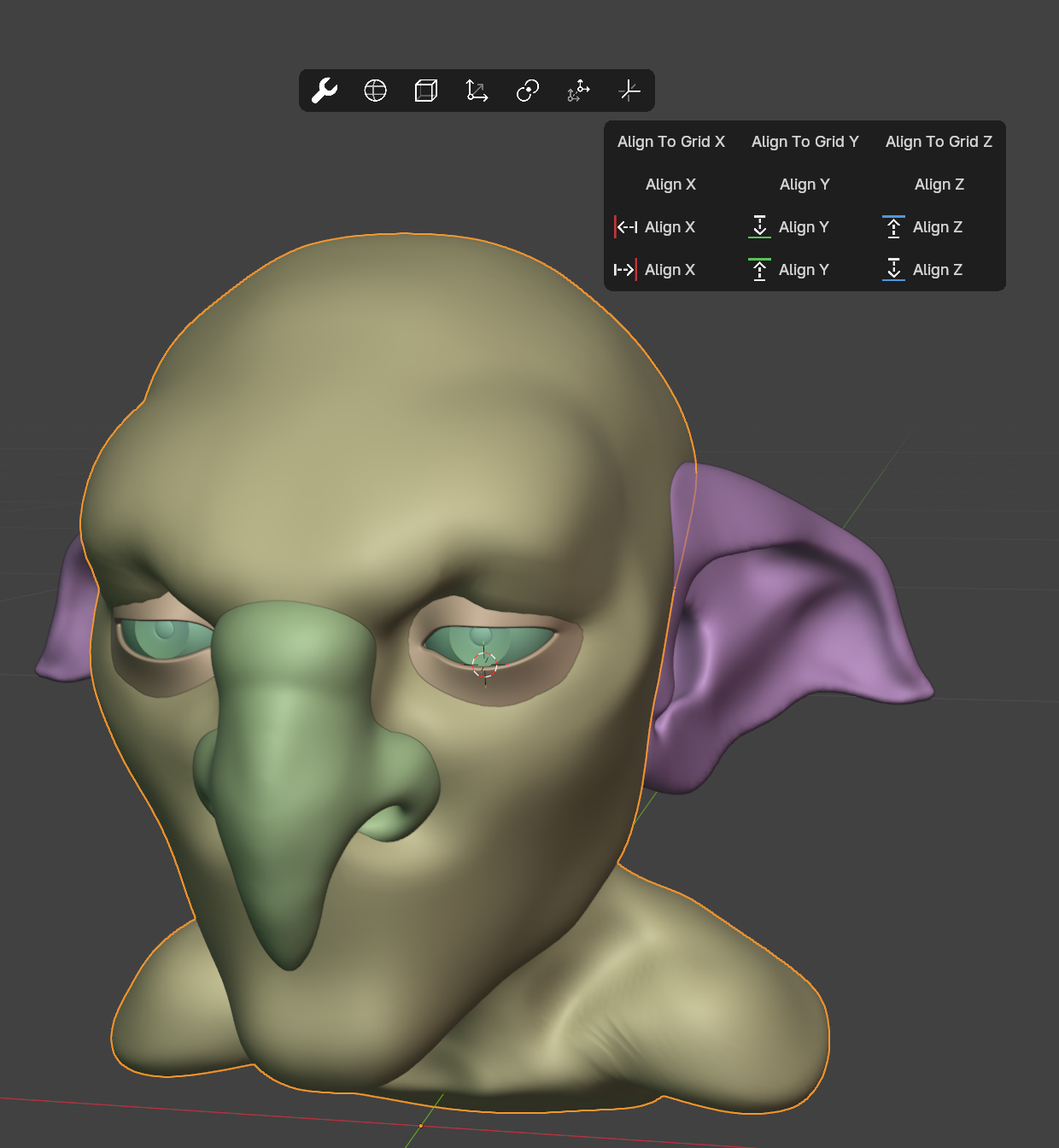
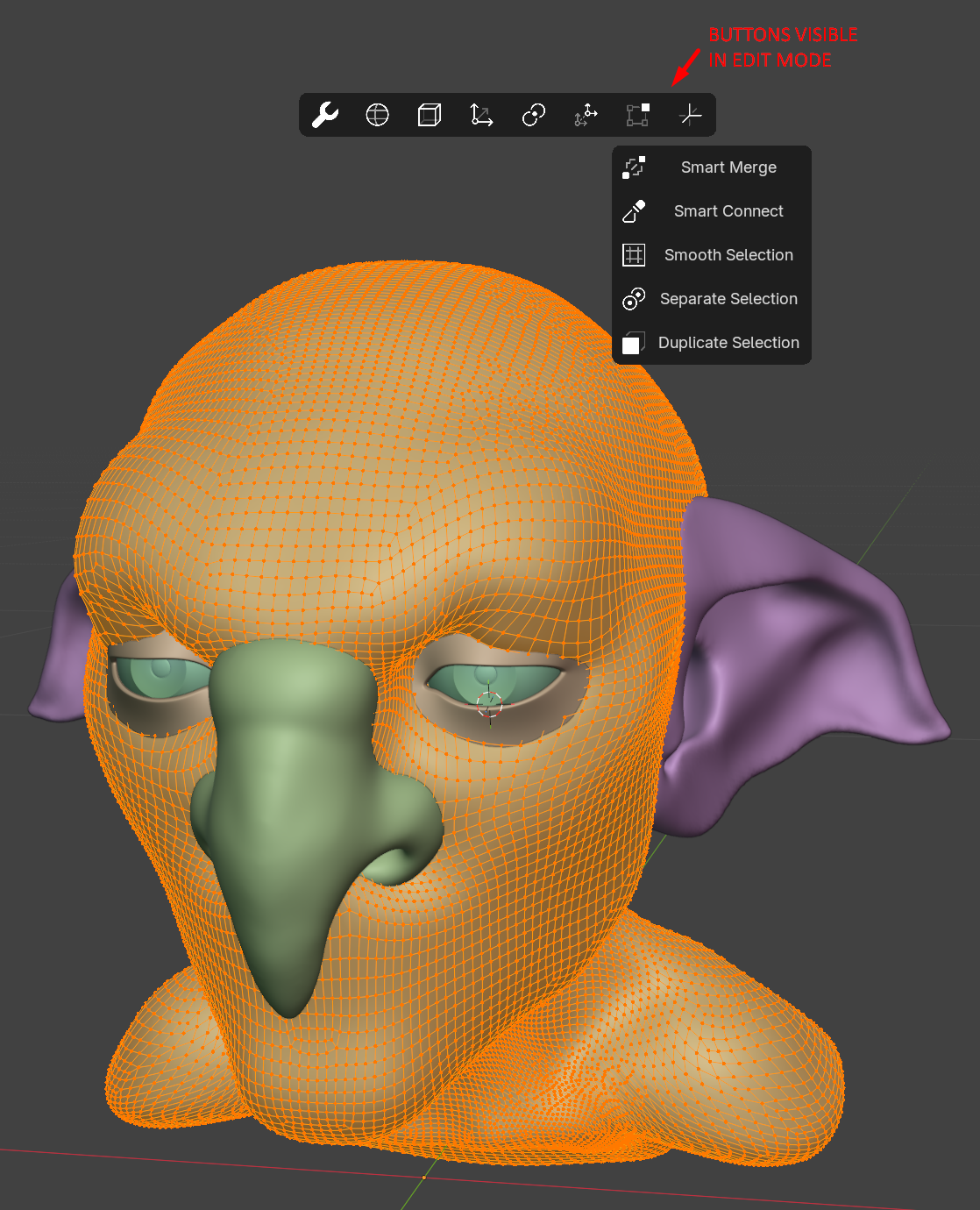
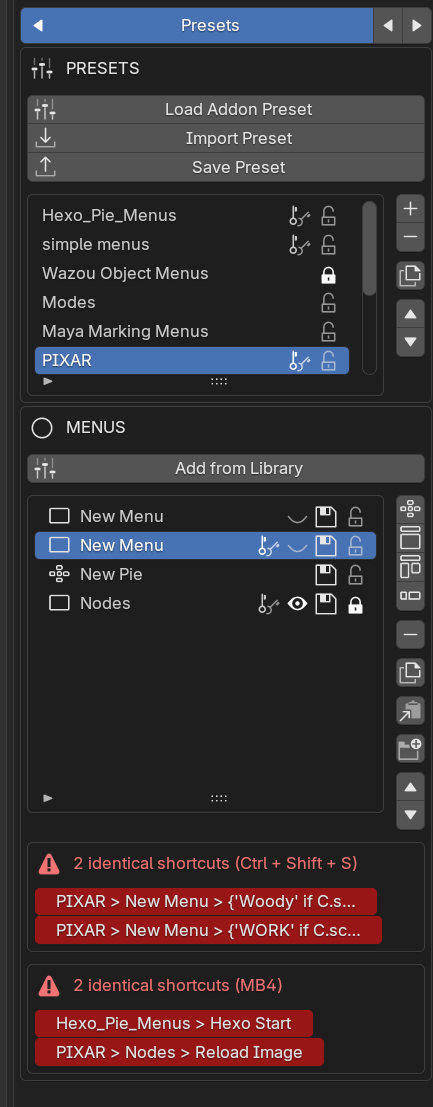
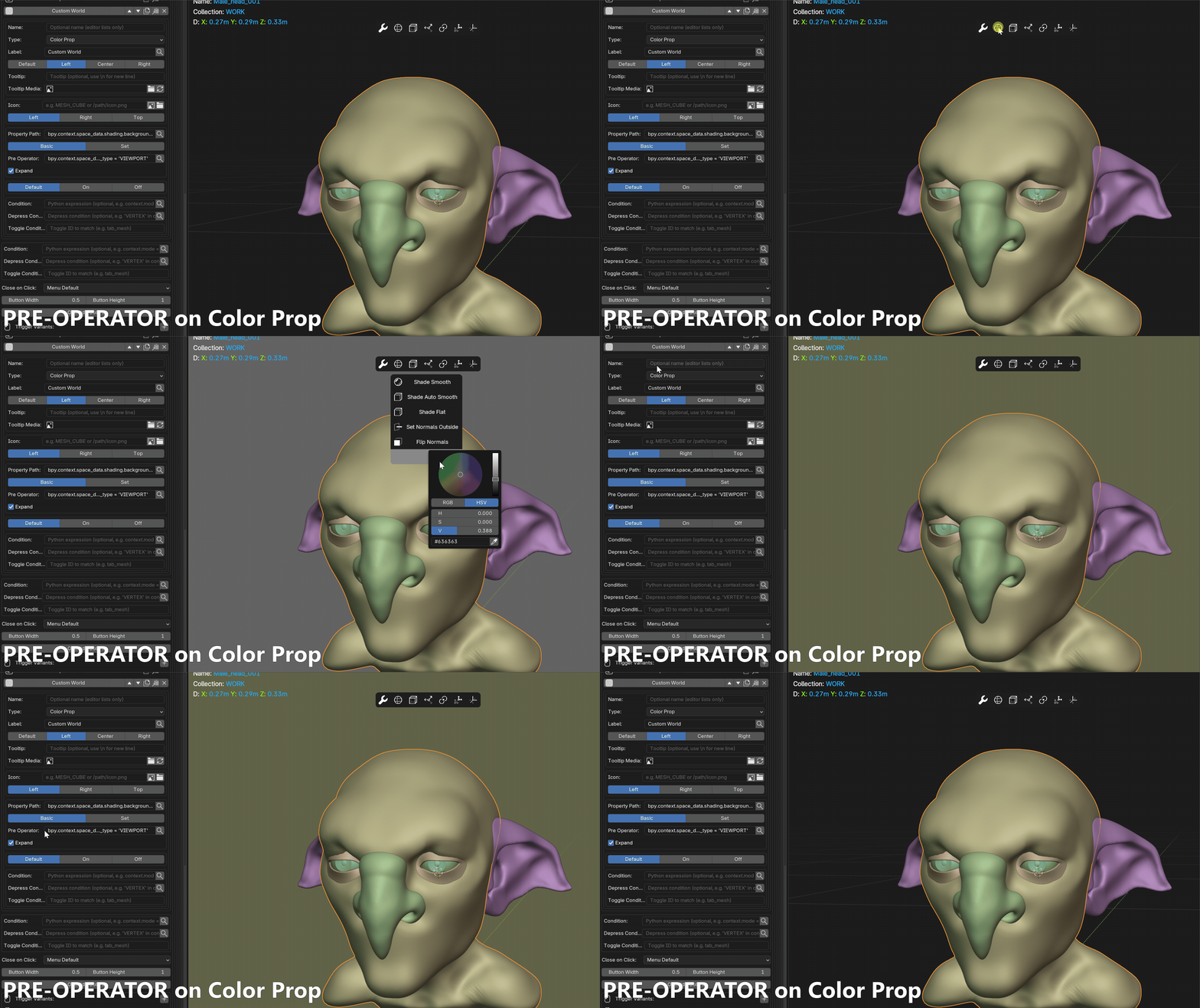
This menu is like an add-on; in fact, it uses Python files, and the files expose some variables that I can use in the prop_search in the menu preferences (in the GIF).
I added this possibility to give us more options.
Import the preset, call the menu, and select the collections you want to use >>> Done!
It’s less now with bpy.context.tool_settings.mesh_select_mode = (x,x,x), but still getting some random crashes here and there, particularly when switching fast between edit modes and object mode, even using a fresh Blender install with pmaster in a portable folder install setup. 4.5.12, Doesn’t seem to happen in 5 but I have issues with PME on 5. I’ll try and play around with it over the weekend. Maybe I’ll move to 5 and switch fully to PMaster if I can’t figure this out.
By the way, regarding the scale, is it not possible to sync it with the settings of the Blender UI scale? I use multiple computers, sync my settings with git, and the UI looks really varies because of hte resolution. I know I can scale the UI, but was wondering if it was possible to have an option to hook it up the UI scale instead of being independent so I can just slap on my setup and not have to worry about it.
It’s less now with bpy.context.tool_settings.mesh_select_mode = (x,x,x), but still getting some random crashes here and there, particularly when switching fast between edit modes and object mode, even using a fresh Blender install with pmaster in a portable folder install setup. 4.5.12, Doesn’t seem to happen in 5 but I have issues with PME on 5. I’ll try and play around with it over the weekend. Maybe I’ll move to 5 and switch fully to PMaster if I can’t figure this out.
I can’t reproduce the crashes at all in Blender 5.2.0 or 4.5.4.
I’m using this:
Label
{'Edit Mode' if C.object.mode == 'OBJECT' else 'Object Mode'}
By the way, regarding the scale, is it not possible to sync it with the settings of the Blender UI scale? I use multiple computers, sync my settings with git, and the UI looks really varies because of hte resolution. I know I can scale the UI, but was wondering if it was possible to have an option to hook it up the UI scale instead of being independent so I can just slap on my setup and not have to worry about it.
That’s what I’m using as well (although not dynamic/not a toggle) . I did notice that there was a slight millisecond delay when switching, which might be causing an error (maybe because it’s triggering and the state isn’t changed yet? I don’t have this delay when using pme. The delay isn’t with the menu, it’s with the command, the menus are really fast.
Thank you. I don’t know if this will help, but one more thing I noticed, it might have to do with the macros? I tried calling the old macro operators I have setup in PME, and it seems to run faster, no lags. What’s interesting is it’s the exact same macros I put in the operator field, with an additional overlay text, so if anything it should be slower. No crashes yet. I’ll continue to play around with it and investigate if that will stay true.
I mean when I noticed the lag of the commands, to call my old PME macros. PME has a macro editor (which is just multiple python operators that you can organize). In there, it’s the same code I had in the PMaster operators (e.g. set object Mode), and it when I call it from PMaster via the operator (bpy.ops.pme.macro_blabla) it runs fine and doesn’t crash. I’ll continue to investigate. I’ll send a crash report too.
Edit: Seems like it really doesn’t crash with this method. . For now I’ll use this because I do like the overlay temporary text of PME and I think PMaster doesn’t have this. It also means less work for me since I can still reuse the old macros I have setup, but I will try to look into the stuff so it can maybe be fixed, because I’m thinking of shifting to PMaster completely.
I don’t have PME installed, I don’t know what this temporary text means ^^
I updated the addon to Version 0.2.3, with some changes, new button types, a better UI, and a new debugging section.
Add a path to where you want the debug files to be saved and do whatever crashes blender!
You’ll be able to send me the file.
To update:
Remove > Restart > install
Don’t forget to save your presets and add-on’s preferences.
V0.2.3
New
NEW - Added a SEARCH_PROP button type: a field with a filterable dropdown, like Blender’s prop_search. Type in the open dropdown to narrow the list; Enter takes the first match.
NEW - SEARCH_PROP lists any Blender collection (collections, objects, materials, vertex groups, bones…), or PieMaster’s own pies, menus, layouts, toggles and variables.
NEW - SEARCH_PROP writes its pick either to an RNA path - string and pointer properties alike- so modifiers. object and friends work - or to a named PieMaster variable, with nothing to register.
NEW - PieMaster variables: read them from a Python button with pm.var(‘name’), from any command line or operator argument with {{name}}, and from conditions, labels, and dynamic icons. Stored in the scene, the session, or globally next to user_pies.json.
NEW - Close on Click now applies to SEARCH_PROP: Keep Open leaves the menu visible behind its open dropdown.
NEW - Menu type icons in the menu list and the menu library now use the shipped PNG icons.
NEW - Added Node Editor entries to the unified search: reload the active Image Texture node’s image, on its own or with a viewport render refresh.
NEW - Added label and dynamic icon to unified search
NEW - Added per-button shortcut (Global Shortcut)
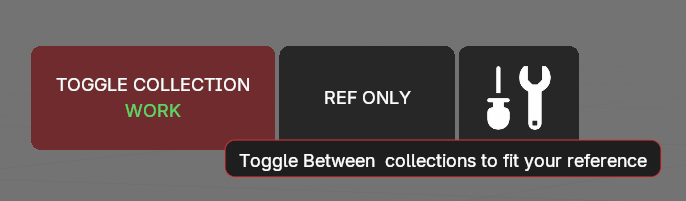
NEW - Added support for images in tooltips.
NEW - Drawers take an optional Name, as a pie slot does. Editor lists only.
NEW - Added custom name for any buttons in the UI to better see what is in the lists.
NEW - If the label of a button in the UI is an expression, the label name is truncated
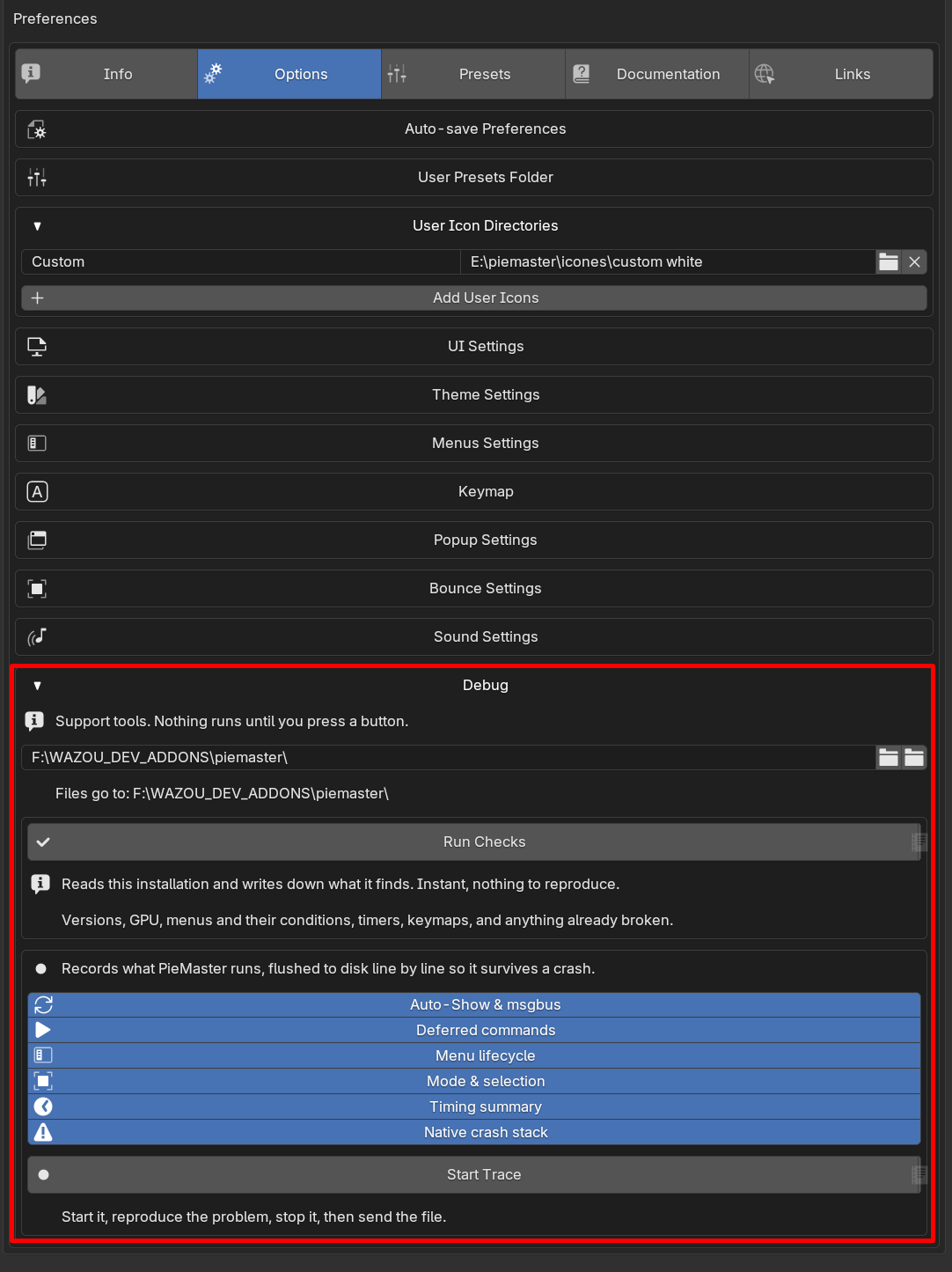
NEW - Debug section in the Options tab, for reporting a problem without touching the console: a Run Checks button that inspects the installation and writes a report, and a Trace recorder that logs what PieMaster runs to a file. Set the log folder, tick what to record, and open the files from there.
NEW - Run Checks lists Blender, OS, GPU, and add-on versions, the menus and their conditions, the timers and the keymaps, and flags what is already broken: a condition that raises, a frozen menu, a dead shortcut, a folder that no longer exists.
NEW - The Trace is written line by line and flushed on the spot, so the log survives a crash: start it, reproduce the problem, and the file is on disk even if Blender never comes back.
Fixed
FIX - Icons keep their aspect ratio: they are fitted to the button’s height and drawn as wide as their pixels ask for, instead of being squeezed into a square. Wide images stay wide, and auto-width buttons grow to hold them.
FIX - Simple menus and layouts no longer auto-close while one of their own dropdowns (SEARCH_PROP, ENUM_PROP) is open — the cursor moving into the dropdown was counted as leaving the menu.
FIX - Fixed bug on drawers with auto-open on hover; it was not possible to move them with ALT + RMB.
FIX - Fixed Override Colors; it was broken.
FIX - Crash when leaving Edit Mode. The auto-show monitor reacted to a mode or selection change by opening or closing a menu straight away, from inside Blender’s own notifier flush - which is a hard crash, not an error message. That now happens one tick later. Only menus with a condition that follows the mode or the selection were affected, which is why it hit some users and not others.
The temporary text is just an overlay text in the viewport. When switching to object or vertex/edge/face/mode in my old pme macro, there is text displayed in the 3d viewport for a few seconds saying what mode I’m in. So if anything, it should run slower because it’s multiple operators, but it ran without lag compared to directly typing in the Pmaster operator field.