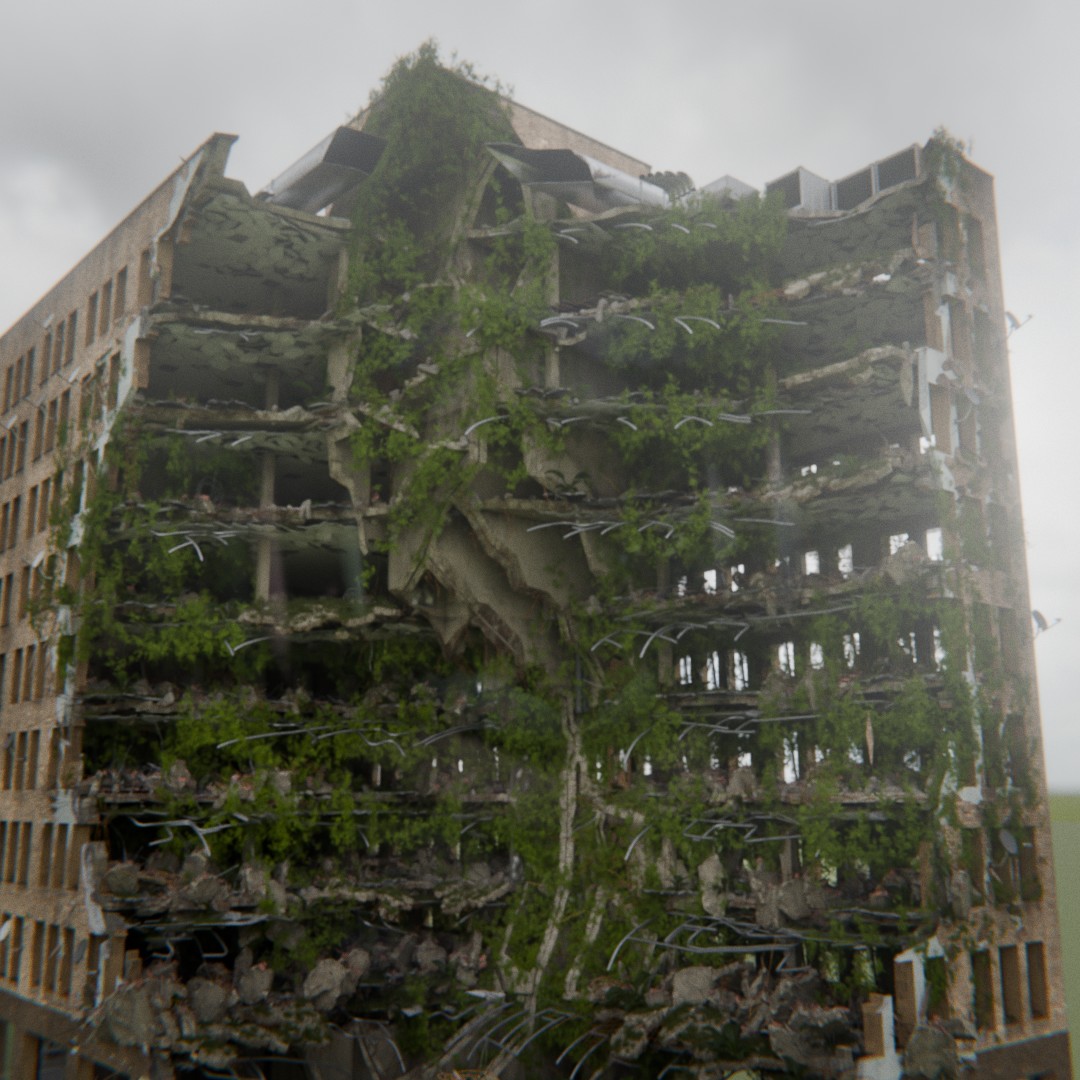
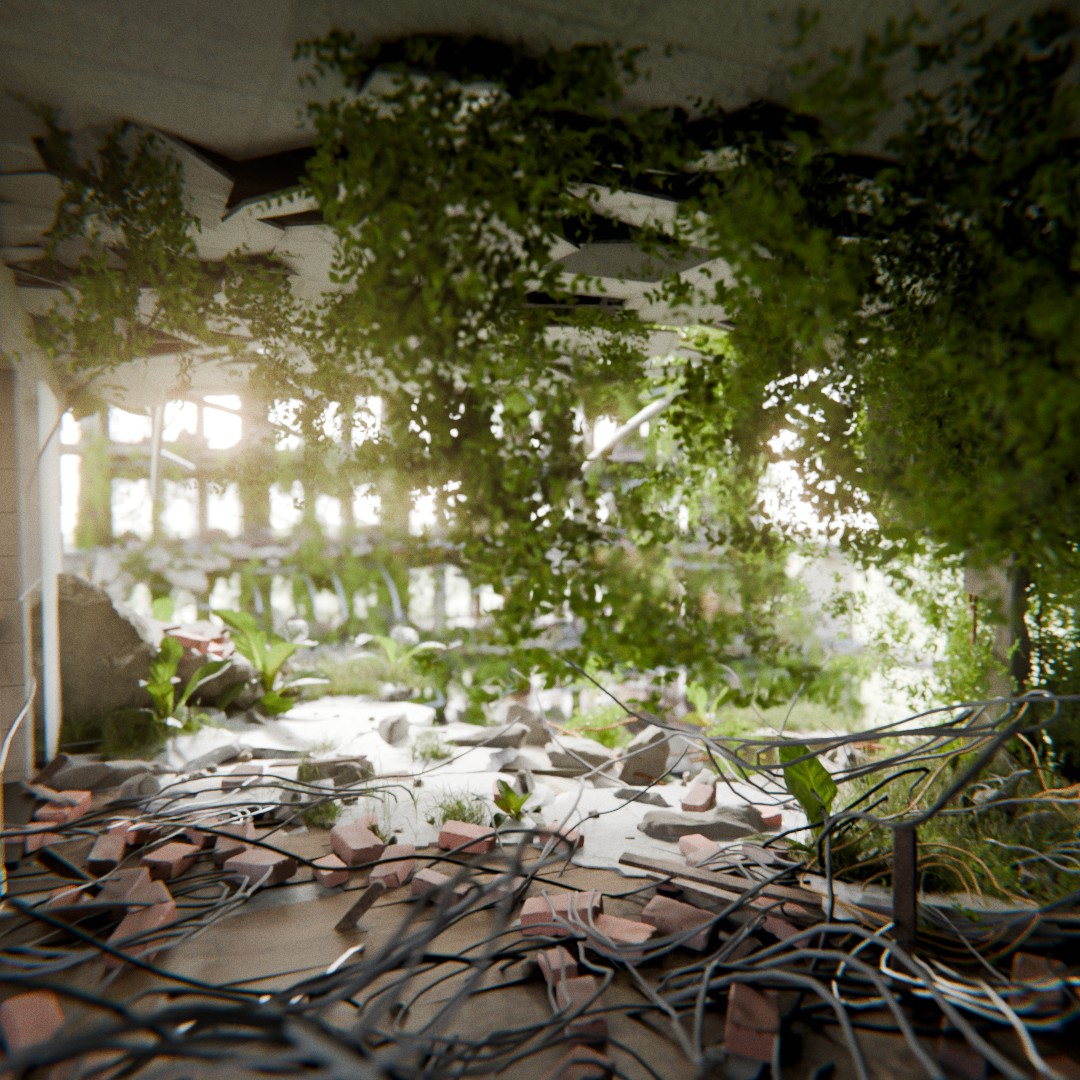
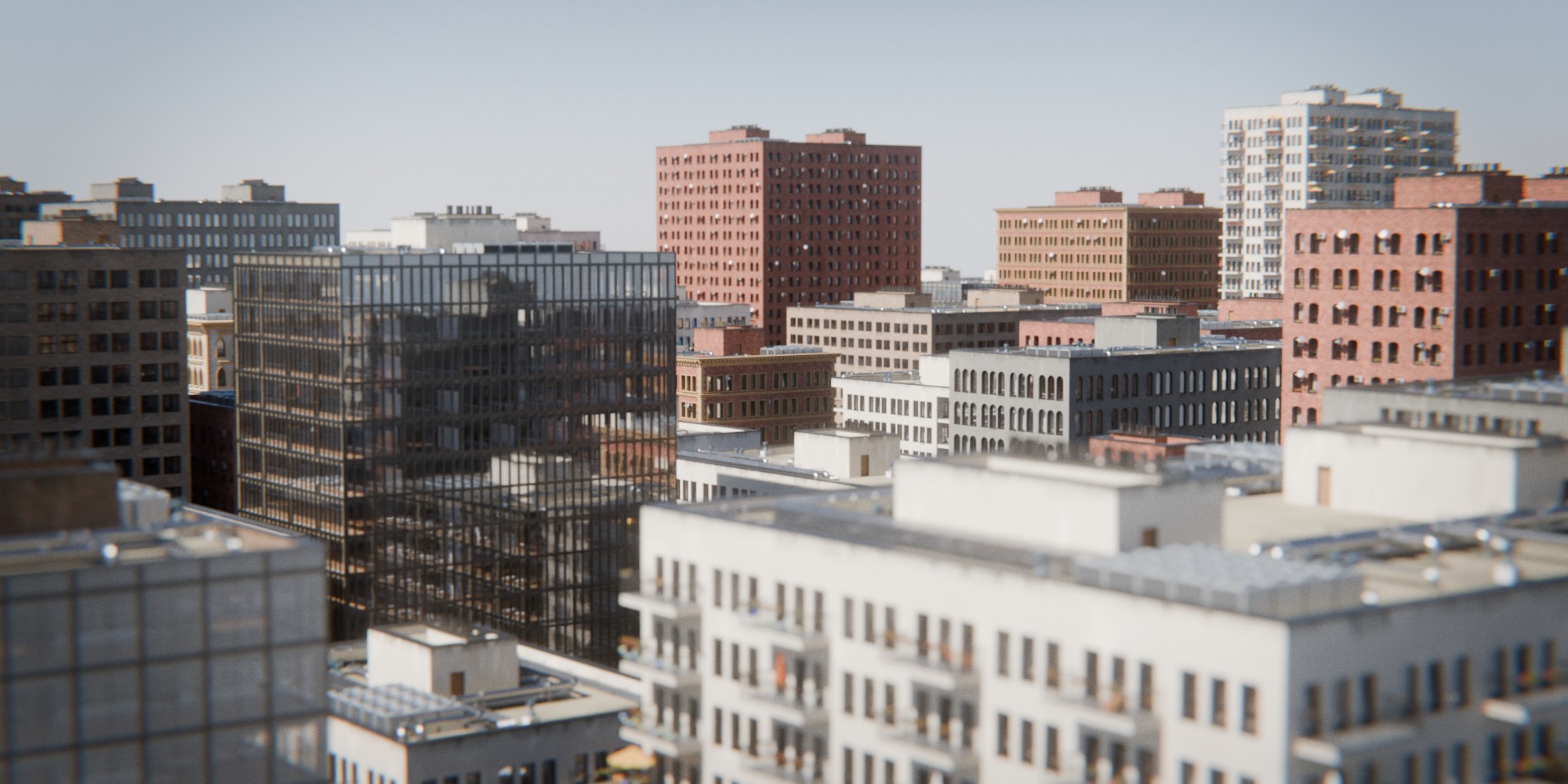
I wanted to show you my latest project that I spent a lot of time working on: a fully procedural building and destruction generator built entirely in Blender Geometry Nodes, heavily inspired by the post-apocalyptic climate of “The Last of Us”. I did this looped animation to showcase architectural style transitions:
Here are key features that I managed to include into a single geometry nodes modifier:
Procedural Geometry: Generates meshes dynamically from scratch instead of instancing pre-modeled wall modules, allowing a lot of customization and works great with the next stage - destruction. Some things are of course instanced and pre modeled like AC units, plants etc.
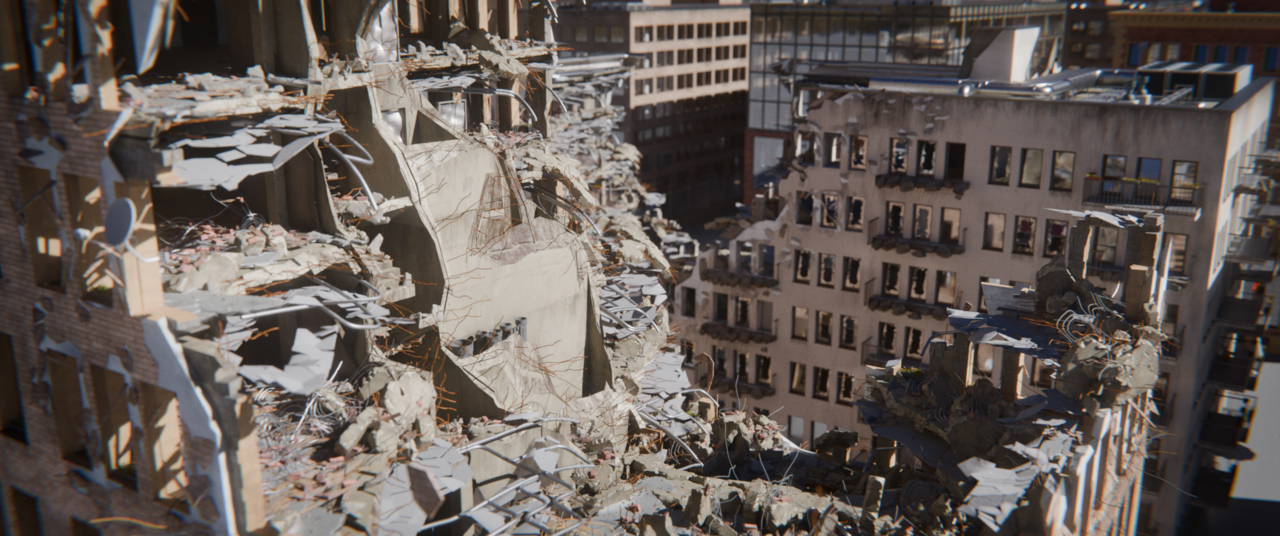
Complex destruction system: I’ve tried to the best of my knowledge realistically recreate building construction and use that to create a realistic damage system
“Influence Volumes” Workflow: I created this system that allows me to alter the result of the main generator with other objects for things like placing an entrance, editing specific windows, etc. Basically something like gizmos.
LOD System: To manage bigger scenes I spent some time on an LOD system that allows generating a few different levels of detail.
Here I rendered a little animation that showcasees the “InfluenceVolumes” that I mentioned earlier, in this case for adjusting the entrance to the building.
And a sneak peek into the nodes:
Everything made in Blender 5.1.2
I’d love to hear your thoughts and feedback! Happy to answer any questions about the setup in the replies.
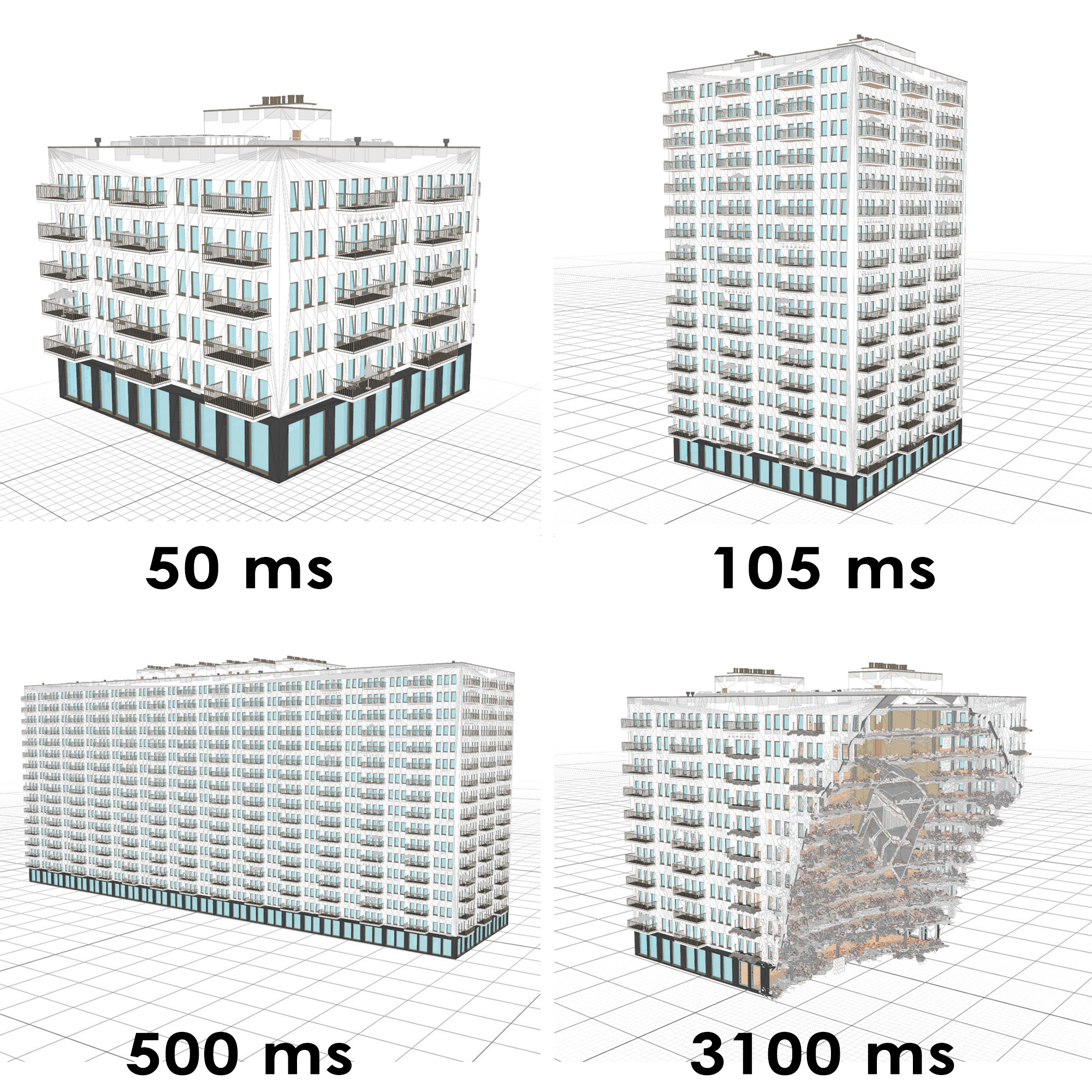
I actually did most of the work on this system on my 5-year-old gaming laptop, which has an RTX 3080 and 32GB RAM, but I tested it on my M2 Pro MacBook and it worked well on it too. I would say rendering in Cycles is the more demanding part than the geometry generation. In fact, I don’t know if Geometry Nodes aren’t even faster on my MacBook! I was really impressed by how capable Geometry Nodes are at handling such a massive amount of nodes. For example, I did this comparison of the time needed to generate a building on my laptop:
For buildings that aren’t too big (roughly under 80m long) it’s basically real-time. The destruction of course takes a bit longer, but that should be expected. The addition of the Manifold boolean solver to recent Blender releases was a lifesaver for my destruction mode.
After the initial design, I took some time to try optimizing it. For example, there are, I think, 3 different solidify node groups because you can save up to 60% of the time by solidifying things differently, but it all depends on the scenario.
And how do I keep track of things? Well, the most helpful things were:
Naming node groups intuitively so I can use Ctrl+F to find them.
Adding names to reroute nodes so I’m able to search for them too.
Dividing node groups by specific tasks, like: BalconyAssetsDistribution, WindowGenerator, LoggiaDestructor, etc.
Keeping core elements together: there is a single node group that generates an entire floor and all the points needed for other scattering (balconies, wall AC units, windows, etc.). For example, I know it will output points at the bottom-middle of each window opening. I don’t need to worry about how it’s doing it anymore, just utilize it - with this modular approach, it doesn’t matter if I forget how the underlying effect was made.
Familiarity: and finally, after spending so much time with this node tree, I just know it quite well haha.
Thanks! Yeah, the destruction system was actually the initial idea for this project, but I needed a building to test it on first. Once I started working on that, I just kept adding more features until it turned into a pretty customizable building generator itself.
One cool feature for the destruction that really helps with art direction is the debug mode, which is more or less real-time and let’s you block out the main shapes quickly:
I believe you qualify for the Guinness book of records largest Blender Geometry nodes graph! I thought mine were large but alas I am just a weed hopper.
I have an object generator built in Unity Archimatix (go view their demos) that I have been pondering migrating to Blender and I think you just pushed me over the edge to do so. Thanks.
I’ve just started to learn geometry nodes. It is hard.
What you have done is mind boggling.
Look at this cobweb of links… I think, we can start new genre of painting: “geometry nodes chart art”
Cool stuff ! I like how diverse any given building can be, and the rubble & rebar peeking out. Are you able to generate a floor plan that’s not a rectangle ?
No shade on the author, because the art is great and that’s what matters, but node networks can be much clearer than this : minimizing long connections, color-coding and arranging frames, commenting frequently, using bundles, etc. can help clear out the mess and make sharing with collaborators easier.
I am not afraid of nodes, I am using Houdini after all, but this thing looks like an absolute nightmare.
That’s no criticism of your node organization skills, but more like an systemic Blender criticism.
I don’t really like how GeoNodes by virtue of their architecture demands that wires go all over the place. There is no way in Hell my brain would ever be able to trace the functionality and logic.
Thanks!
I tried to count individual nodes without double-counting nodes in node groups with a script, and it gave me the result of 22342 nodes haha. That Unity Archimatix looks interesting, porting something like that to Geometry Nodes sounds exciting!
 Are you releasing this addon on any market?


