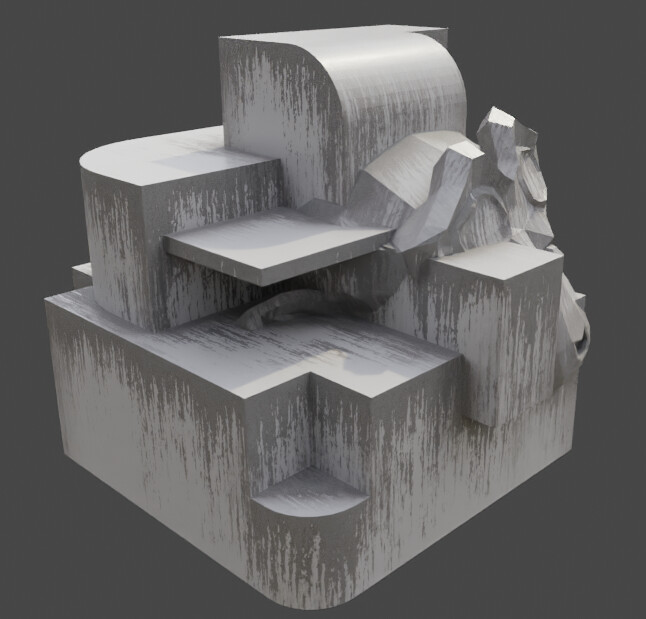
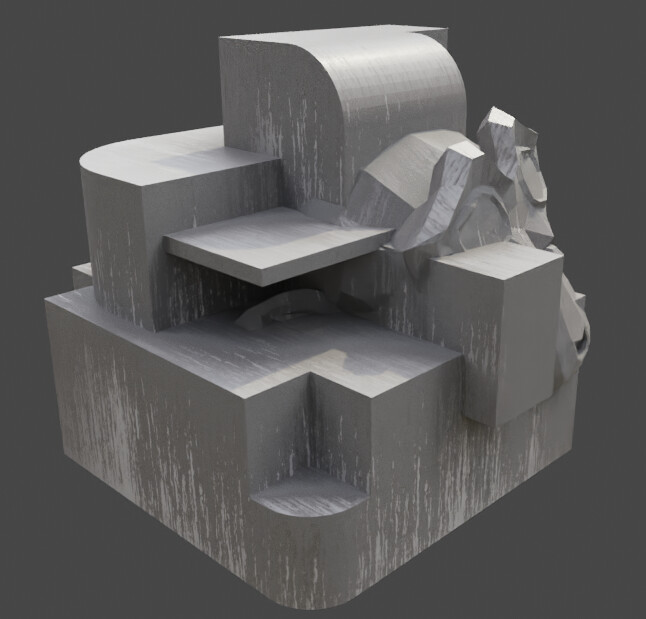
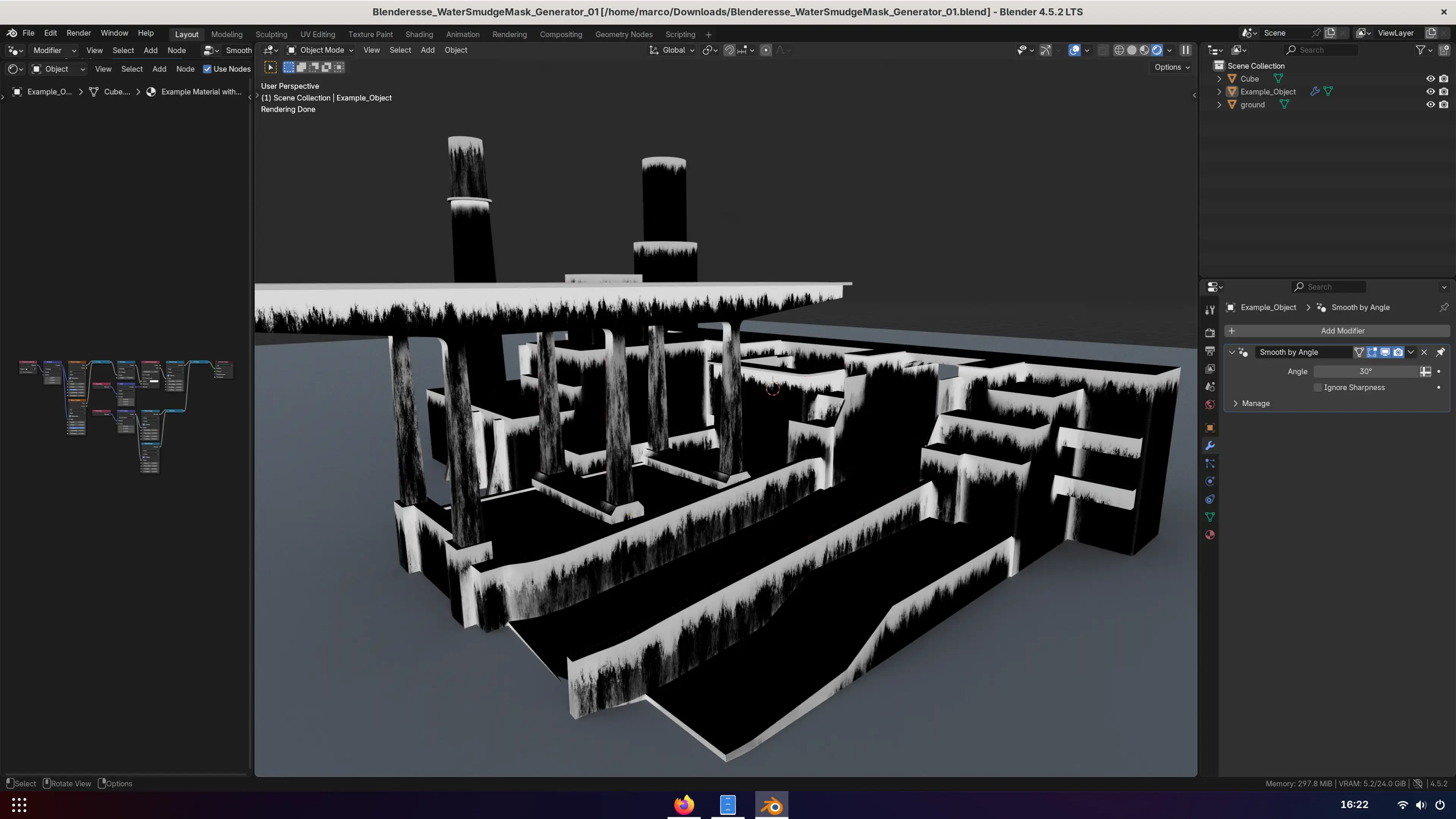
Procedural streaks / leaks in Cycles

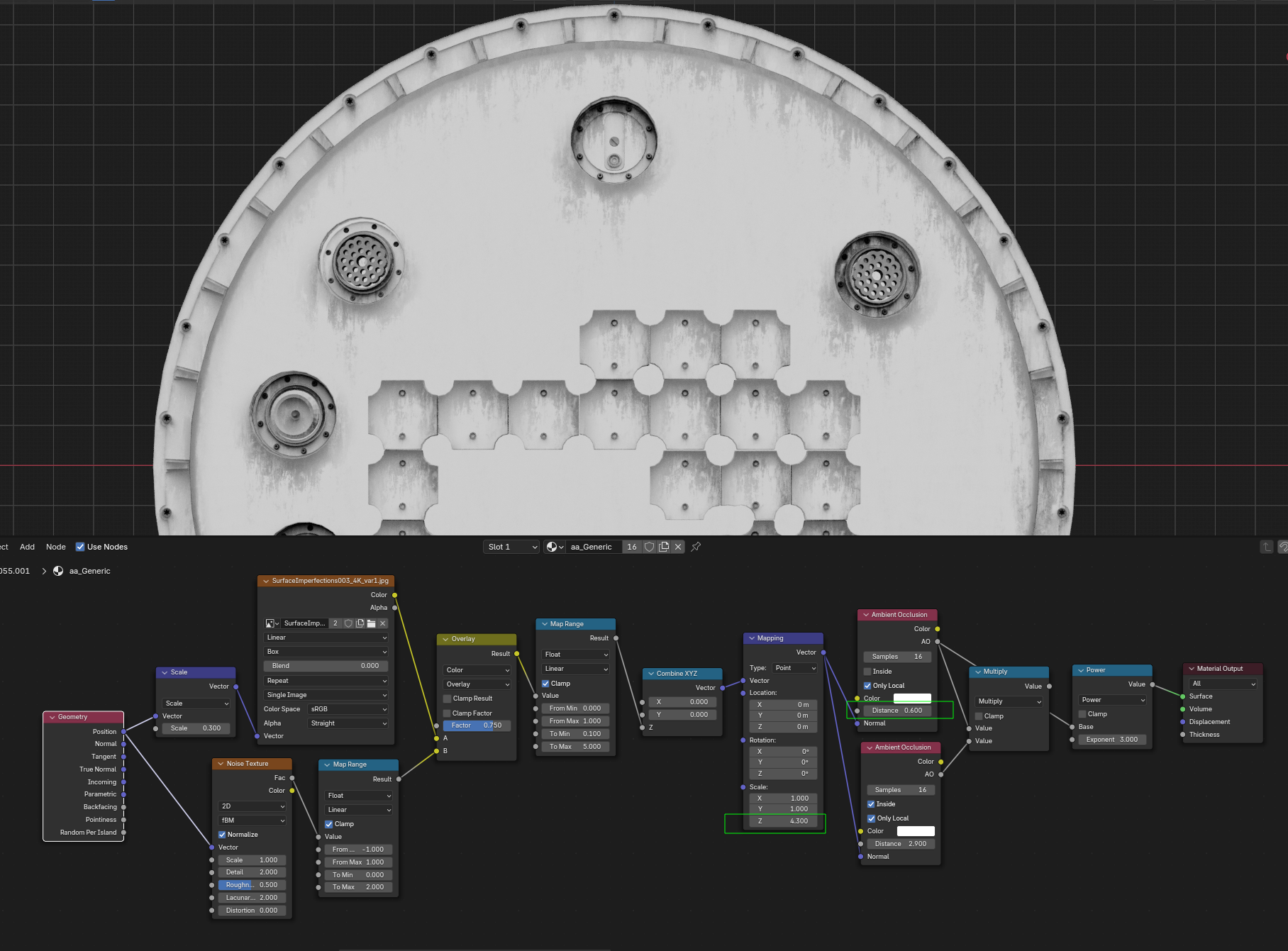
Here’s a quick tip: Use the ambient occlusion node in a “magic” way to generate procedural leaks / streaks, for large built objects.

You can experiment with different textures for different looks. Works well, but is a bit slow due to the AO node. Does not work in Eevee.

(I also posted this on twitter)

47 Likes

Brilliant.

2 Likes

Awesome tech !!!
I give this a try right away ! :smiley:

And no idea why this topic got so few posts :confused:

happy blending !

1 Like

I added your nodes setup to my dirt textures bake :smiley:

It is really amazing !

I did do some tryouts but didn’t manage to handle sharp-edges on a soft shaded object :-/
However the result is really amazing !
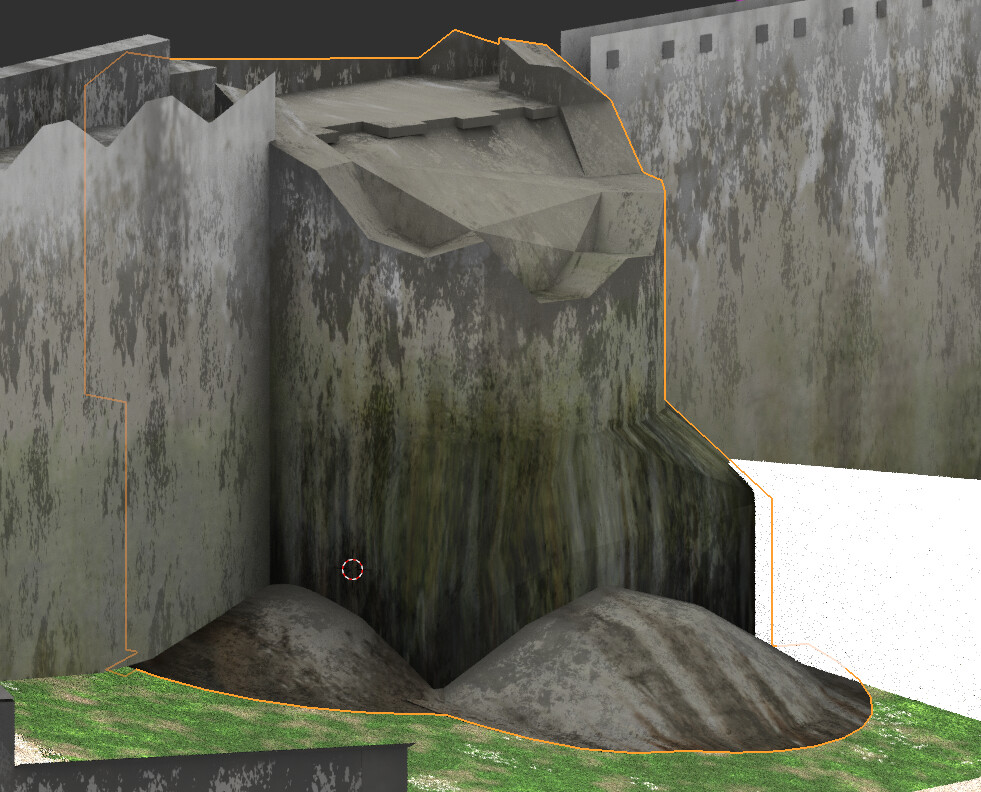
In blender:

And in unity3D:

I wish that one day, leaks on surface in blender are as realistic and straightforward as fluids :wink:

Thanks a lot for this great piece of realism enhancement :slight_smile:

2 Likes

hey

Is it possible to do this effect in EEVEE?
since blender has been updated since this post was published

Is it possible to exchange the .jpg map for a procedural map?
How can I subtract the runoff from the side edge?

thanks

This method does not work in EEVEE, since it relies on of-screen data.
However, there’s this:

Which uses geometry nodes to achieve a very similar result.

1 Like

In this resource, is it possible to make dirt drip from the concave holes of a mesh?

thanks

I’m not sure, best to ask the author of the generator on gumroad

I’ve found some issues with this technique and I’ve been trying to improve upon it but I didn’t achieve much.

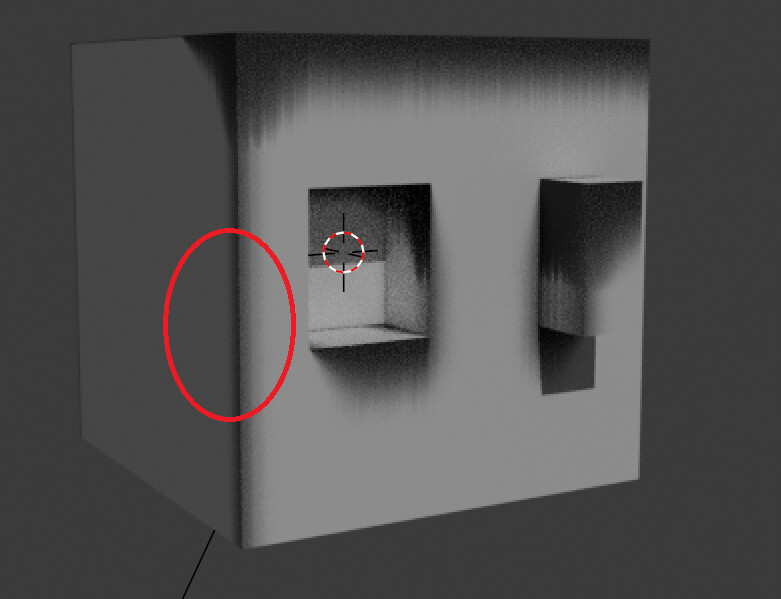
With the original nodegroup there is a visible darkening along -xyz to +xyz position. I don’t know how visible this is in large variety of models, but this is what I have found:


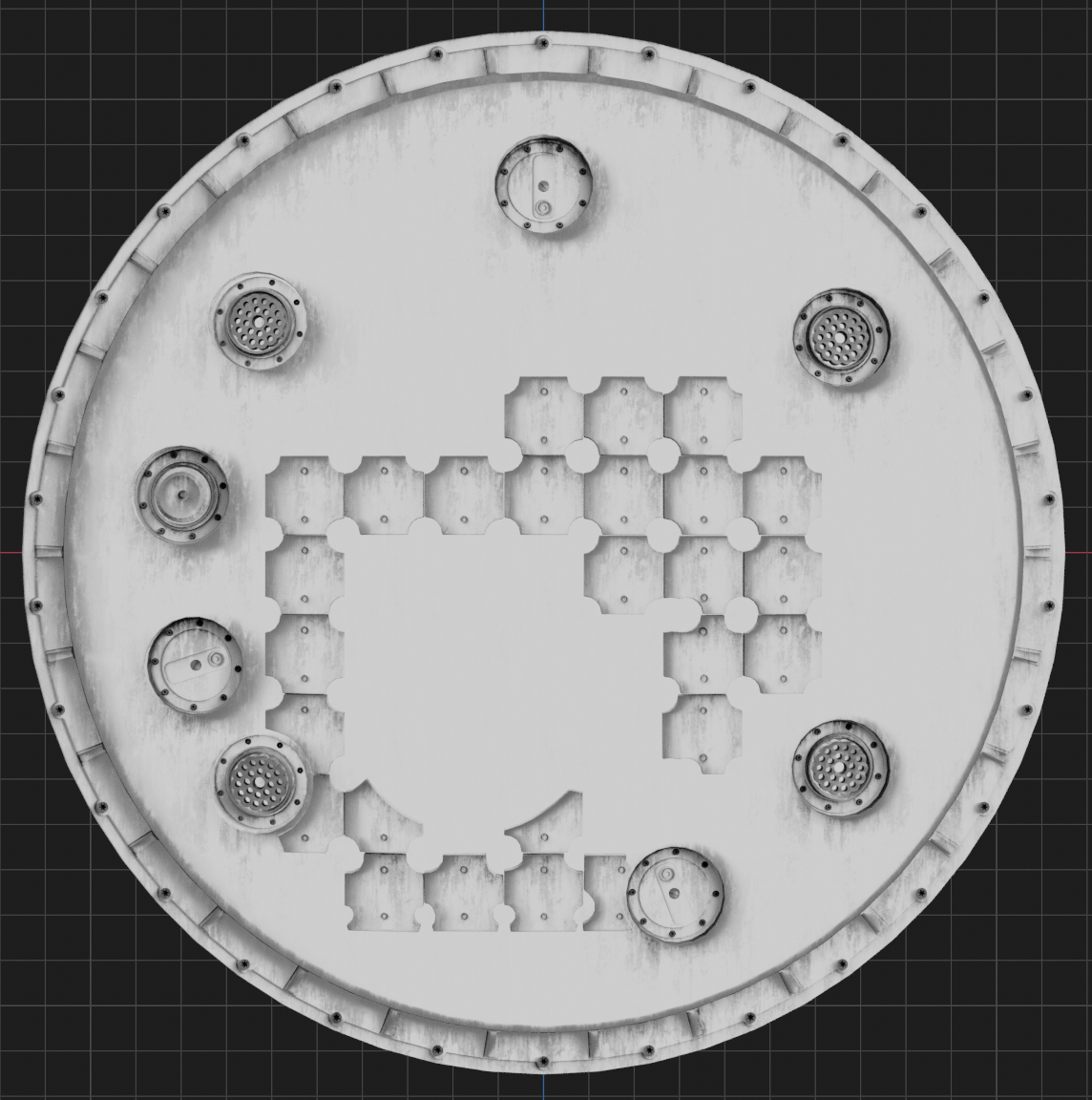
In this example it is really visible with shifted dark spots to the bottom right:

This can be mitigated to some degree with vector mapping node but it’s very finicky as the position vector is tied to the geometry and the values need to be set differently for each model. To my eye this still does not look good.

Maybe someone else could get this a try on some different models?

There seems to be a bias in the AO direction indeed, when z > 1.
I don’t think this can be mitigated. For my projects I have just accepted it.

1 Like

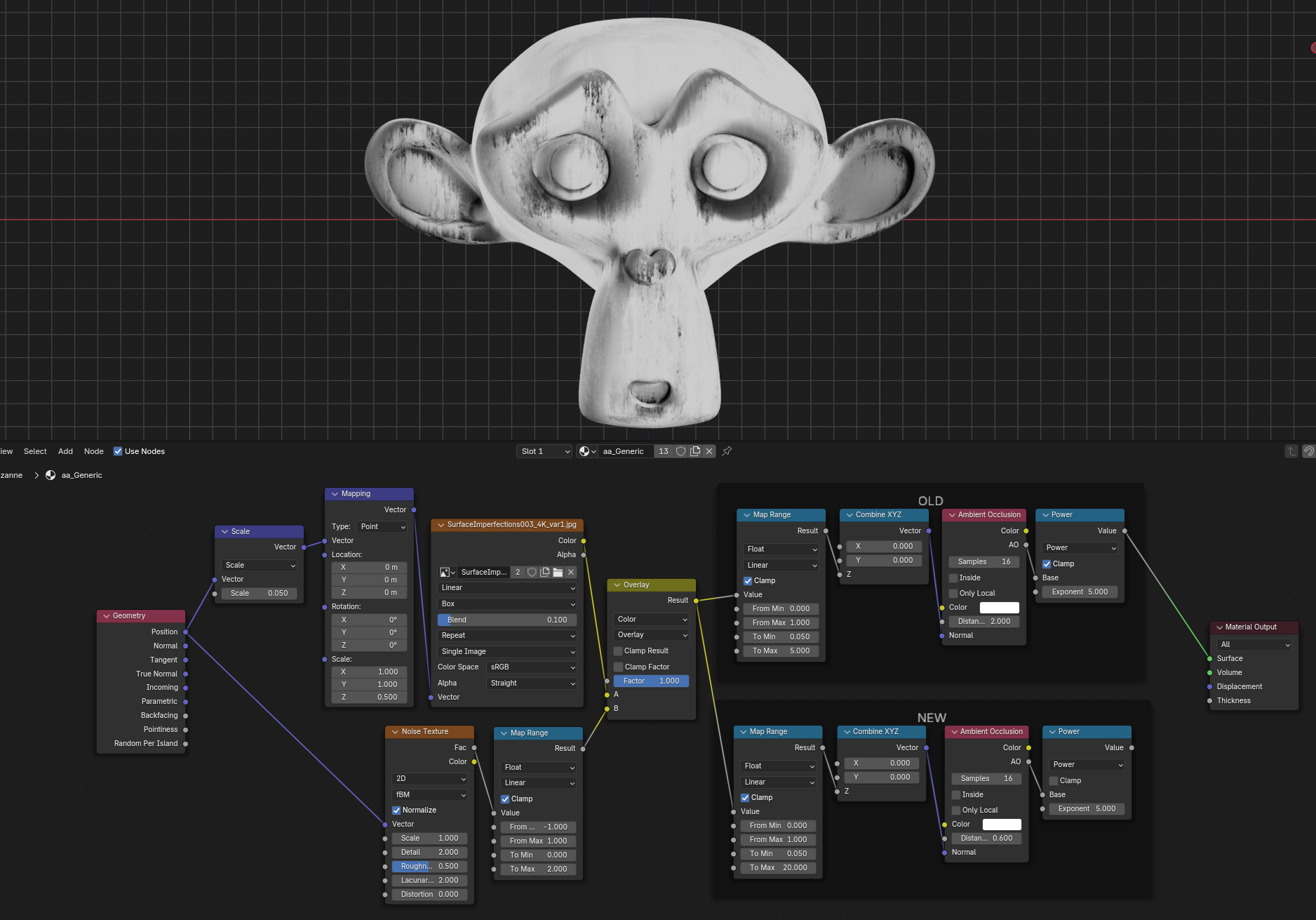
I gave this problem another try and it looks that increasing Map Range To Max value to something around 20 yield much better results. This also requires lowering the AO Distance to get similar amount of streaks.
I haven’t tested this with a lot more models, so YMMV.

2 Likes

I have some bad news and some good news.
Bad is that this diagonal bias I posted about earlier is needed for the effect to work in the first place. I didn’t know that before I reported this issues to the bug tracker: https://projects.blender.org/blender/blender/issues/136303
The devs fixed the issue, but his will break any setup that used this hack to do procedural streaks - including Tenochtitlan project.

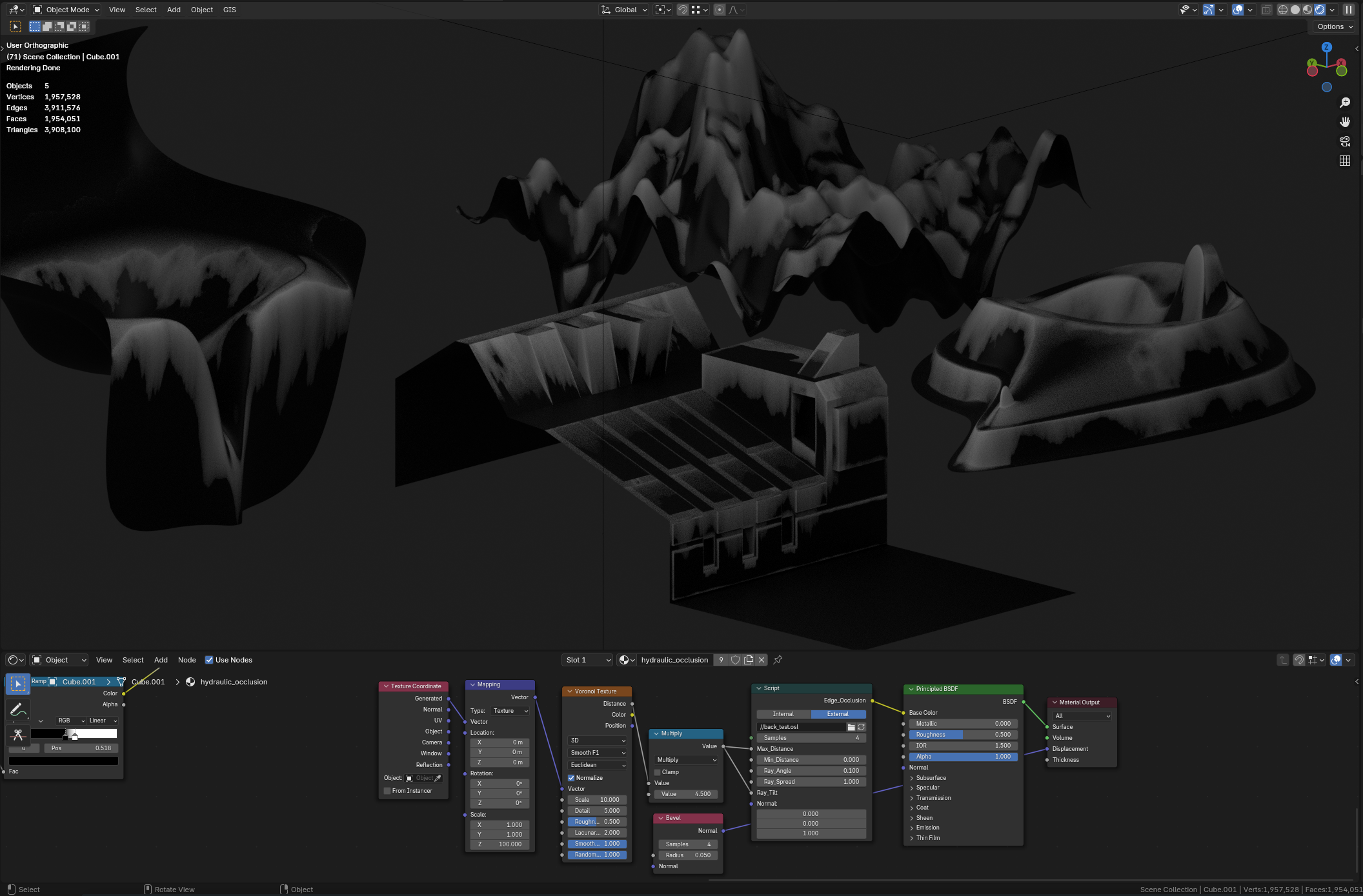
I’m still not happy how limited and finicky the original procedural streaks technique is, so I started to develop similar thing in OSL.

I have working prototype and so far it works quite well but I still need to fix all the corner cases and controls.

2 Likes

Ooh, that looks promising,

How fast is it compared to using the ao hack?

After optimizations it should be faster than standard AO with the same number of samples.
I’m using the same mechanics for the streaks that I used for Hydraulic Occlusion OSL shader I posed here on the forums, so you can check for yourself. Its partially optimized and should be on par with the AO node.
Just beware that plugging a lot of stuff to the inputs can slow down the node, but this is the same with AO node.

Where both differ is how sampling hemisphere is used. In both of my OSL shaders you can control how wide and high you want the sampling arc to be (Ray_Spread and Ray_Angle - also those names could change). And with the streaks effect we sample faces that are withing quite narrow range so most of the samples contribute to the image.
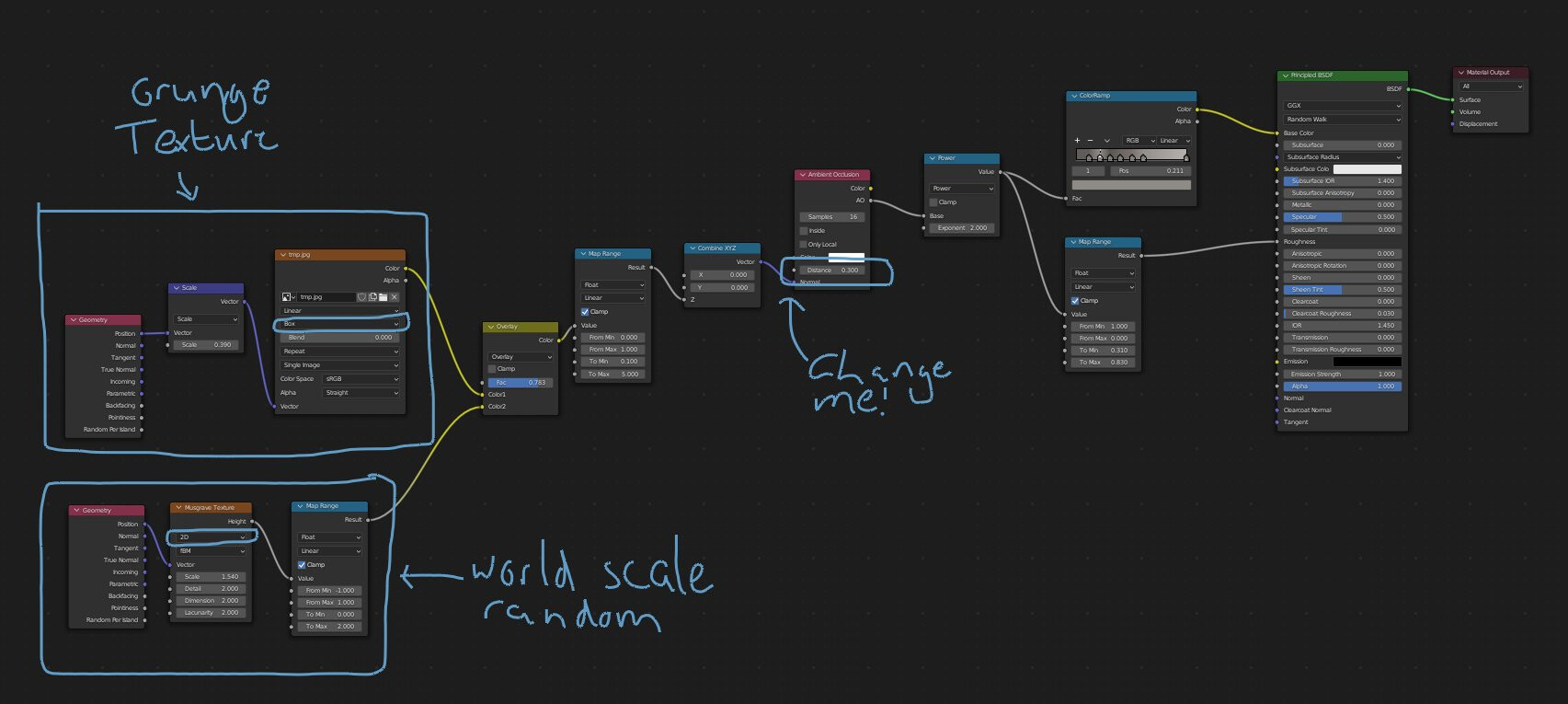
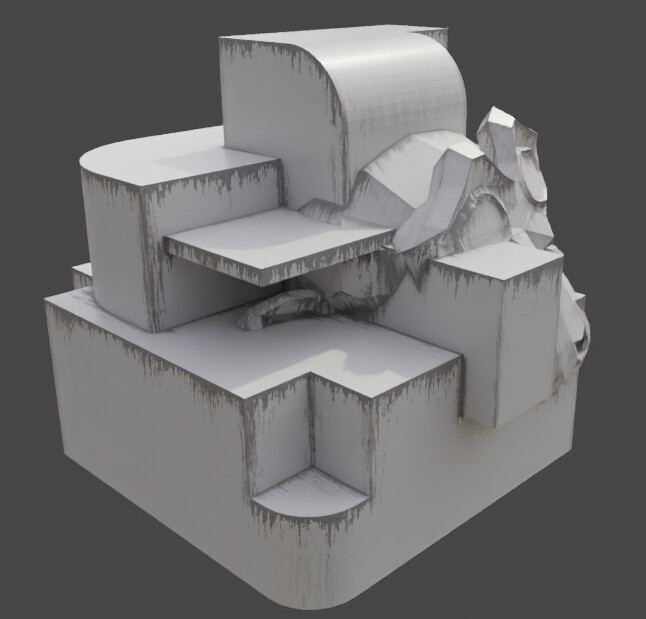
1 Like

Hello

I have some questions:

I can’t get it to work, can you make the blender file available?
it is leaking at the edges of the object

Please find attached file for you to correct:

streaks.blend (574.5 KB)

a question:
Is there a way to turn on/off the concave and convex effects?

I also wanted to make just the gradient in the dirty parts, so I could customize it with my procedural maps, is that possible?

Thanks

Attaching my try at it :wink: . Thank you for sharing your setups.
Streaks.blend (2.0 MB)
This is Ambient Occlusion shader only based.

3 Likes