Hey hey I am kind of new to Blender. Not entirely new but I still consider myself a newbie. I am currently trying to progress my skillset with a project based learning approach and create things I want to feel a sense of accomplishment and I have hit many roadblocks that I have been able to solve so far however this one has left me scratching my head. Now I am using Blender 2.79 because I am currently without the funds to buy a great computer so I am using a potato pc but it is up to date and runs the software fine but the most recent version of Blender it can run is 2.79 which I know is about a decade old so it’s legacy however it has been doing well so far I will upgrade eventually.
I have roadblocks I have ran into and both are similar in that they involve render issues
Node Render Problems
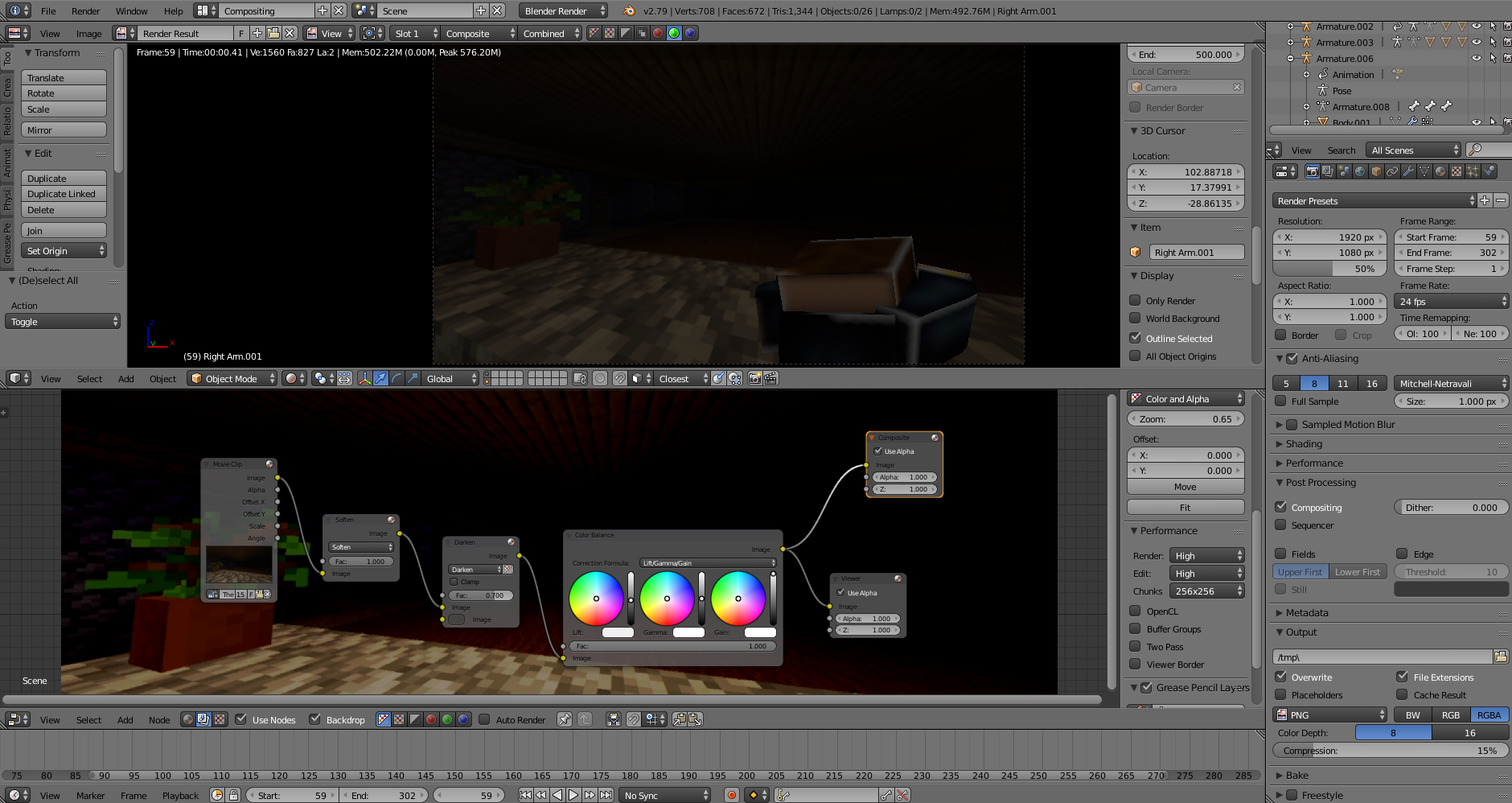
I am creating a Minecraft animation but for this one I decided to record B-roll in game instead of creating a scene and I used camera tracking and a camera solve and added some characters on top.
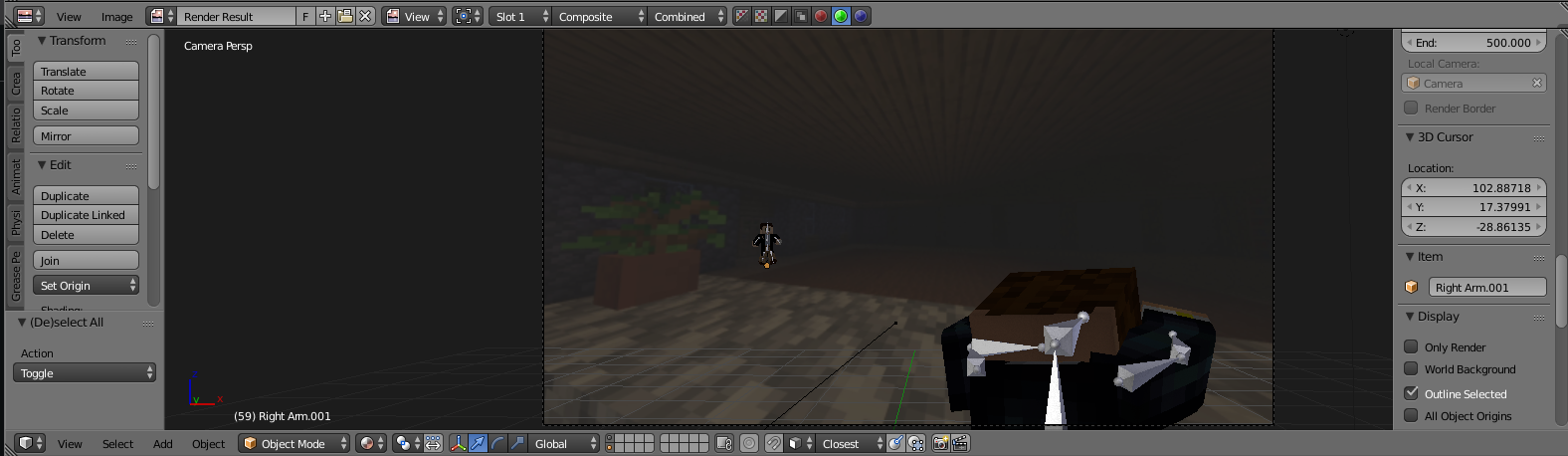
Now I didn’t want the B-roll to be bland so after tracking a scene and solving it from the movie clip editor I decided to go into the node editor and composite my scene and the scene turns out quite well in the viewer but it does not show up in the render and it’s the same thing for the character in the second image.
Character Render Problems
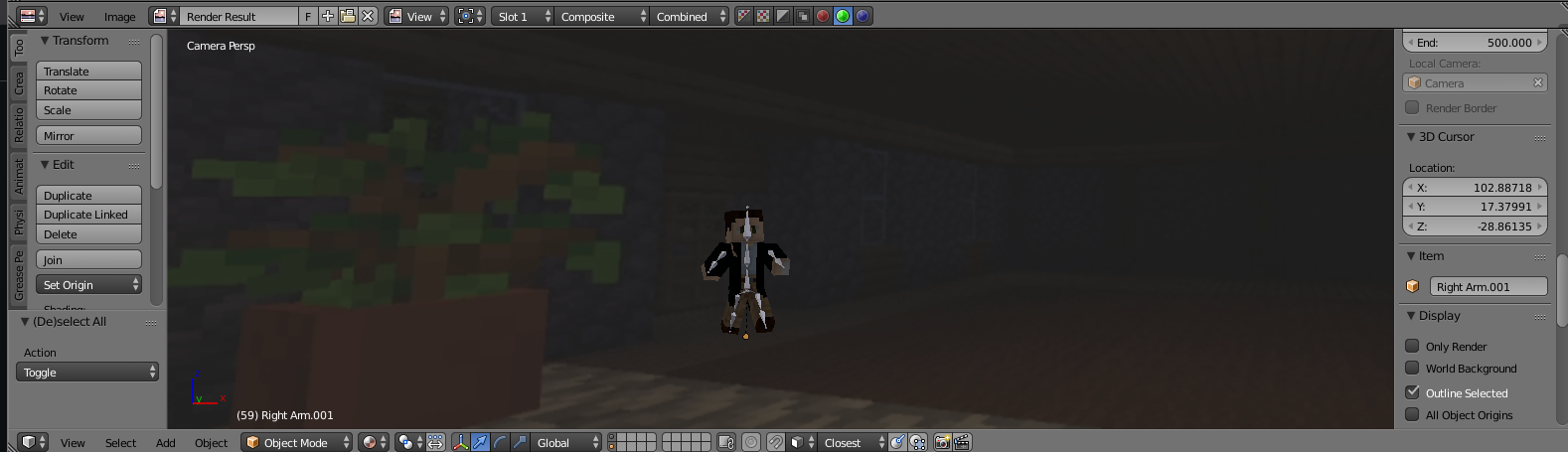
So all of the characters are the same mesh imported from Blockbench as an .Obj with a png texture from the Skindex wrapped on top as the texture. Now the character that is passed out on the counter was the first character imported and it’s also the character that I created the armatures and weight painted them on so what I did was I copied and pasted his armatures and joined them to the other fellow near the door which is the one that isn’t showing up in the render.