I am facing an issue with resolution in my renders in the video sequencer of blender.
My workflow is that I make a png sequence of my product animations in blender and open a new file and put the png sequence in it to change it into a mp4 video but from past few times the video is not of the proper resolution that i want (mostly the vertical resolution 1080x1920)
My png images are of the same resolution and also the scale percentage and aspect x and y are at default then too I dont know what mistake(most probably silly mistake or some glitch) am I making.
When I convert the images into video sequence in da vinci and it works fine.
Attaching the screen recoring below so that someone can help me out.
You are absolutely sure that it’s the same size and using 00% and no scaling node in the compositor (in both).. ?
Because.. this would be really weird.. 
yes its the same size the png’s r 1080 and 1920 too and it works perfectly as a video when i convert them in da vinci and i guess you meant 100% and yes i am using 100% and also I have not learn anything about compositing as of yet so no question of using any nodes for compositing
you can also see the png image resolution of a frame from the video in the image i attached
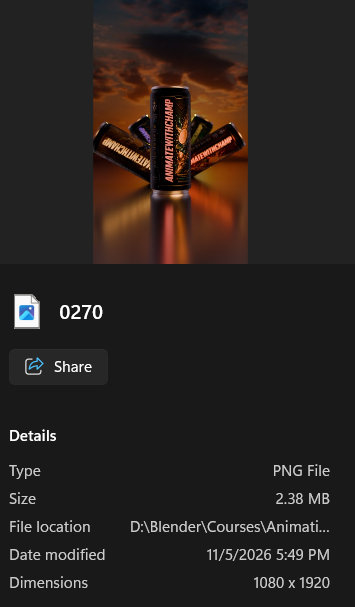
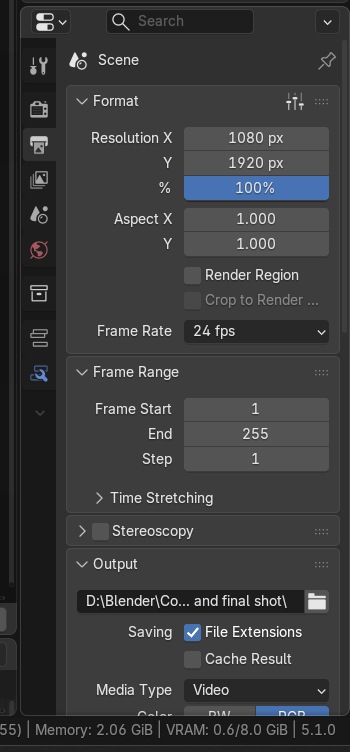
Yes i meant this % … so if there no scaling in some compositor node.. again.. weird. 
yes its weird as its happening with me for past 2 or 3 renders not just this one (i will try in some other resoluyion too) or may be convert in da vinci itself till I find a solution for this
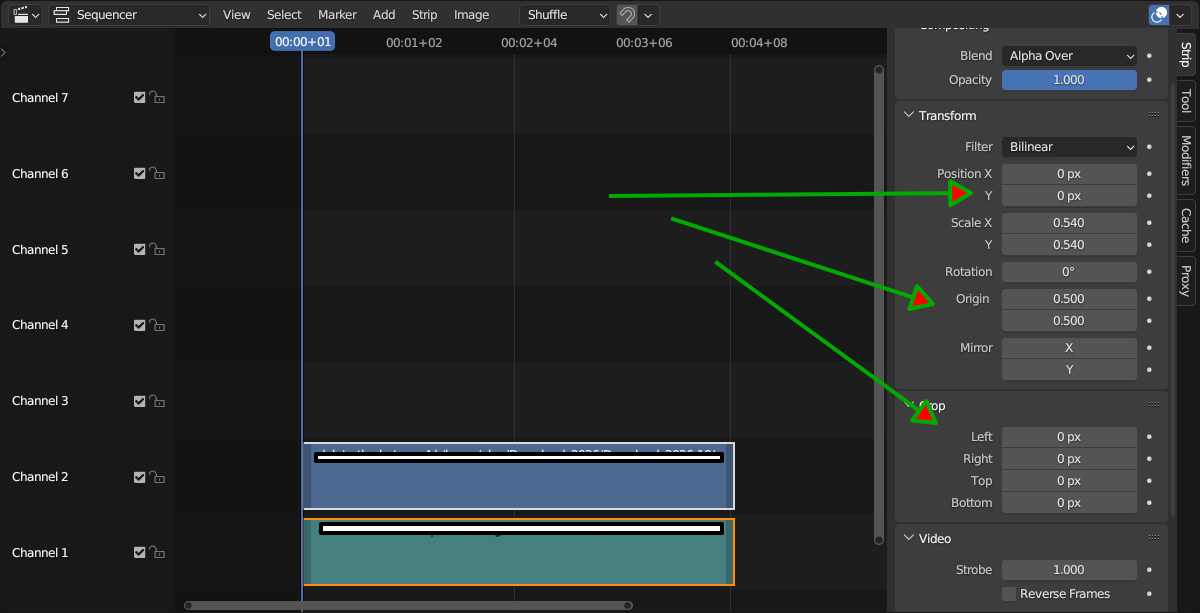
lol thank you so much you resolved the issue as I never touched it but the scale x and y in transform panel was somehow set to .562 for x and y I set it to 1 and it worked
Thank you so much (idk why it happened because I have never touched these settings as I have not learnt them yet but the default was se to .562 in my case)
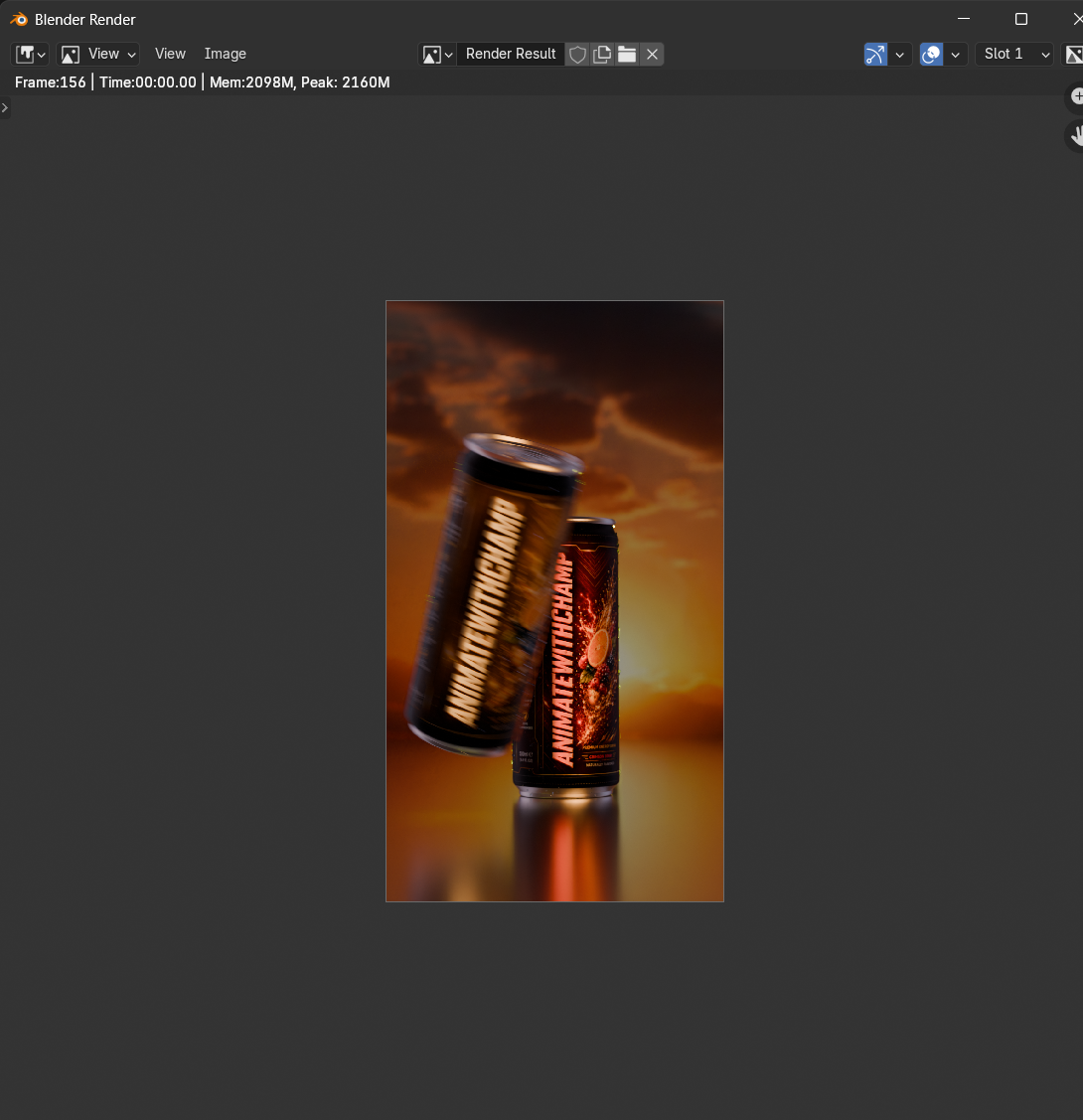

You are welcome.. and i’m happy that this worked because.. out of ideas 
If you imported images with a resolution that’s mismatched with the render resolution that’s currently set in the output settings, this can happen. The image will be rescaled to fit.