I just put out Texture Diffusion v2, a full rewrite of an addon I released a couple of years ago.
It textures 3D models using cloud AI image models, directly inside Blender. You pick a provider (Replicate, Google Gemini, or fal.ai), pick a model, generate, and project the result on your mesh.
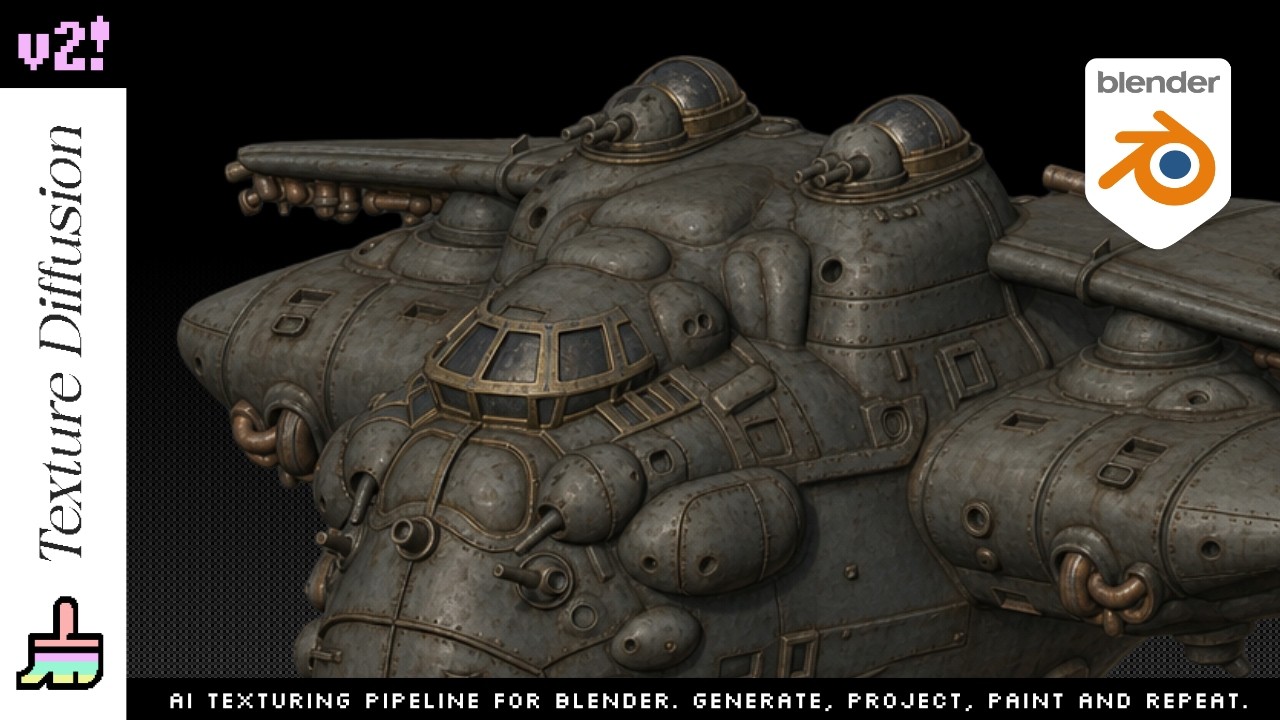
There are two workflows that share the same Generate panel:

- Global Texture: you place duplicates of your object at several angles inside a single camera frame. The AI sees the whole object in one shot, and the addon assembles a coherent texture across every viewpoint. Single frame instead of separate per-view generations, so the seams don’t show.

- Live Paint: you frame an area, generate, and paint the result on the mesh with Blender’s stencil brush. Good for adding detail to a specific zone.
The two feed each other: lay down a base with Global Texture, then refine zones with Live Paint.
A few things worth noting:
- No subscription. You buy the addon once, then pay your provider per image (a few cents each, usually $0.02 to $0.16).
- No heavy GPU needed, the generation runs in the cloud.
- Works on Blender 5.0 and 5.1.
Launch week pricing is $19 until May 27, then $24.
Gumroad: https://adriflex.gumroad.com/l/texturesdiffusion
Superhive: https://superhivemarket.com/products/textures-diffusion
Happy to answer questions.