Another external painting software which can show the complexity of texture is Rebelle I am not affiliated in any way, just a user of the software.
2 Likes
Well I have to say the new 3D brush is a joy to use. Been playing with it in experimental and the first stroke delay was pretty severe, but now it’s nice and snappy.
I guess I’ll be going back to substance way less frequently with being able to do texture fixes easily now.
Looking forward to see what’s next for texture painting.
9 Likes
Would love if they can improve the blur/smudge algorithms, it breaks textures around seams sometimes i think due screen projection, doesn’t blur very well most of time, and instead i use smudge as workaround in a back and forth “stroke accumulation” that similarly does a “blur” but not exactly good enough. Also, the screen grab feature is broken for example with krita, e.g adding a destructive blur filter in stroke or a fill doesn’t export as is (WYSIWYG) in the krita canvas to blender canvas.
In the Experimental brush, we don’t have support for Brush Mask texture yet - it shows up but has no affect on the brush tip like Brush Texture does.
I am looking forward to that being possible but even more so looking forward to having the wetness controls for the brush tip that will allow it to mix what is underneath the brush tip. That woudl be amazing.
2 Likes
I find after experimenting with a cube that the Scene projection doesn’t magically round the corner and create a perfect circular arc as the paint is still projected away and arrives at a stretched stroke. It is still very useful to be able to wash the edges more cleanly than using View projection.
2 Likes
Layered Texture Format support and this brush are not connected, as in this brush doesn’t bring us closer to a format support of say Ora or XCF in a painting container that would allow us to use Photoshop like layered image format. For now and even in all the addons that have come along, we are using multiple image textures connected with color mix nodes using Alpha as the mix factor. The Ucupaint authors have managed to get a really consistent and compact design out of this but I look forward to the day where we can have multilayer support inside a complex node that allows interconnection to an Ora or XCF or even a PSD.
3 Likes
Couple of tests for me too. I cannot believe how nice it feels now.
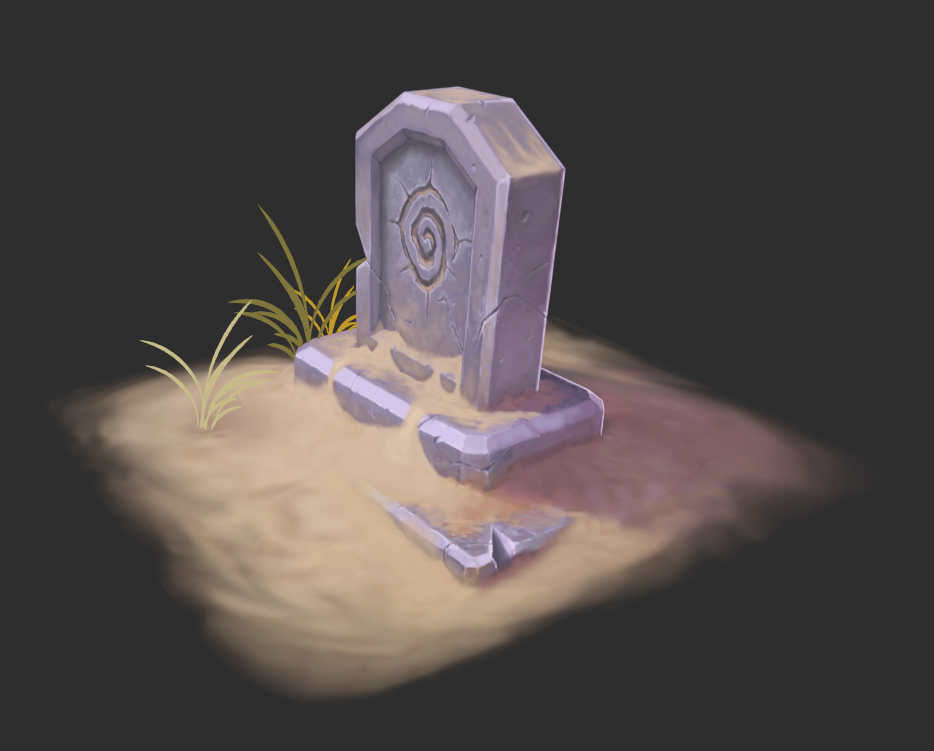
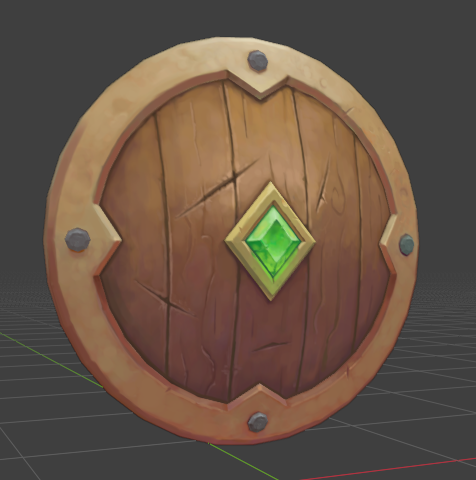
Notes:
-
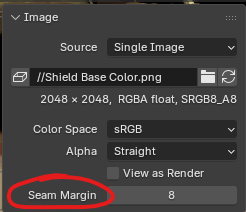
I couldn’t figure out how to control bleed/padding. Bleed setting disappears when 3d brush is active. Is it something that just isn’t working or is it a depreciated thing?
Edit: It’s located in the image settings under “Seam Margin”
-
The brush can paint through thin models. Maybe a “front faces only” toggle like sculpt mode? Is there a use-case for painting through? Maybe it doesn’t even need to toggle?
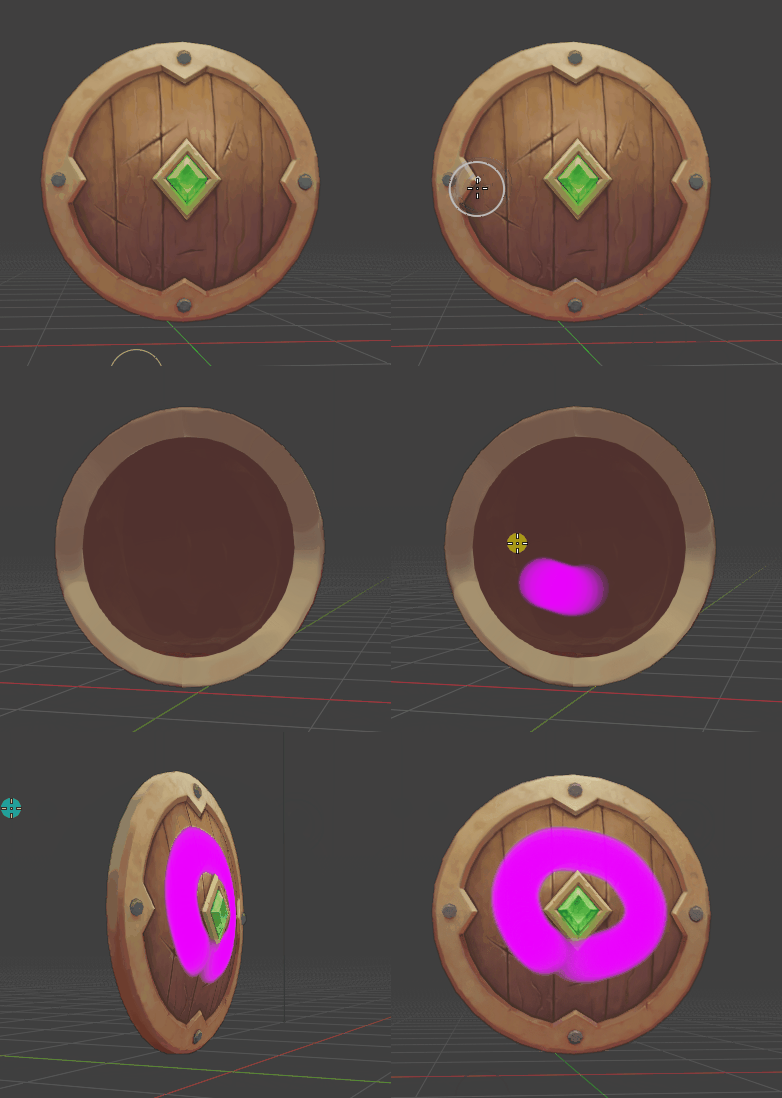
12 Likes
I don’t see why there should be no usecase for painting through. 
One might need want to “flood fill” some area independent of UV-layout and mesh topology for any number of reasons. I.e. if you wanted to paint a hole on your shield on an alpha map (like a bullet hole or from spear impact).
greetings, Kologe
6 Likes
In Sculpt mode there should be the usual Sphere and Projected falloff stroke modes, but when Projected Falloff is On while Front Faces Only is On, it overrides/doesn’t work the projected falloff as a paint projection mode therefore it works as sphere mode but the cursor appears locked in place to the view, same behavior should apply for the texture paint draw brush now 3d cursor based.
And yes having front faces only is necessary, there are lots of cases when you are painting something with thin face area/distance and you need to not paint the negative facing normal faces around the positive facing normal faces, or the other way around.
Just as well that sometimes you need to paint through all the faces with projected falloff and front faces only turned off.
3 Likes
Currently, the 3D texture paint brush is exposed as an experimental option that changes behavior of the
Paint Brushinside Sculpt Mode. While this has been efficient for initial development, we need to eventually move this into the existingTexture Paintmode, to actually replace the existing implementation.
Additionally, there are certain features that make less sense when “sharing” modes with Sculpt, such as being able to use the evaluated mesh positions from a Subdivision Surface Modifier.
9 Likes
I’ve been interested in ArmorPaint for awhile, but I’ve heard it’s only so-so. Have you used 1.0 yet? How capable is it?
The end results look a little simple, but it could be the assets they’re using.
Nope, never tried armorpaint… I just like to keep an eye on it… 
But yeah, it’s not substance… but it looks like it has potential…
1 Like
It’s just $17.99, so I figured I’d go ahead and grab it.
…for the iPad. 
I haven’t played with it much, but the UI is easy to navigate, and it seems to offer the all the basics you’d expect from a decent texturing app. My only complaint is that it comes with NO assets whatsoever, but it looks like it’s easy to add brushes and materials in without any problem. The node editior should be familiar to anyone who’s used Blender at all.
I’ll dig up an old UVed model, and run it through its paces here in a bit.
3 Likes
Is it really less than 2 MB in size?
Have you considered Material Maker ? Despite it’s name it also has some painting abilities.. but even if i’m a “big fan”  of it, i never really used this special feature. (Seams also to be never mentioned in this topic..).
Would be interesting to hear about any experience with it (at least for me  ).
4 Likes
On the iPad, it’s 25 meg. Small, but not that small.
It’s possible it’s that size on the PC. The tablet version is still considered experimental, so it might have some debugging code or something running behind the scenes.
Oh, and I started using it. I’m still learning the ins and outs of it, and it can be a bit finicky sometimes (at least on the iPad), but it seems to be a pretty solid basic texture painter.
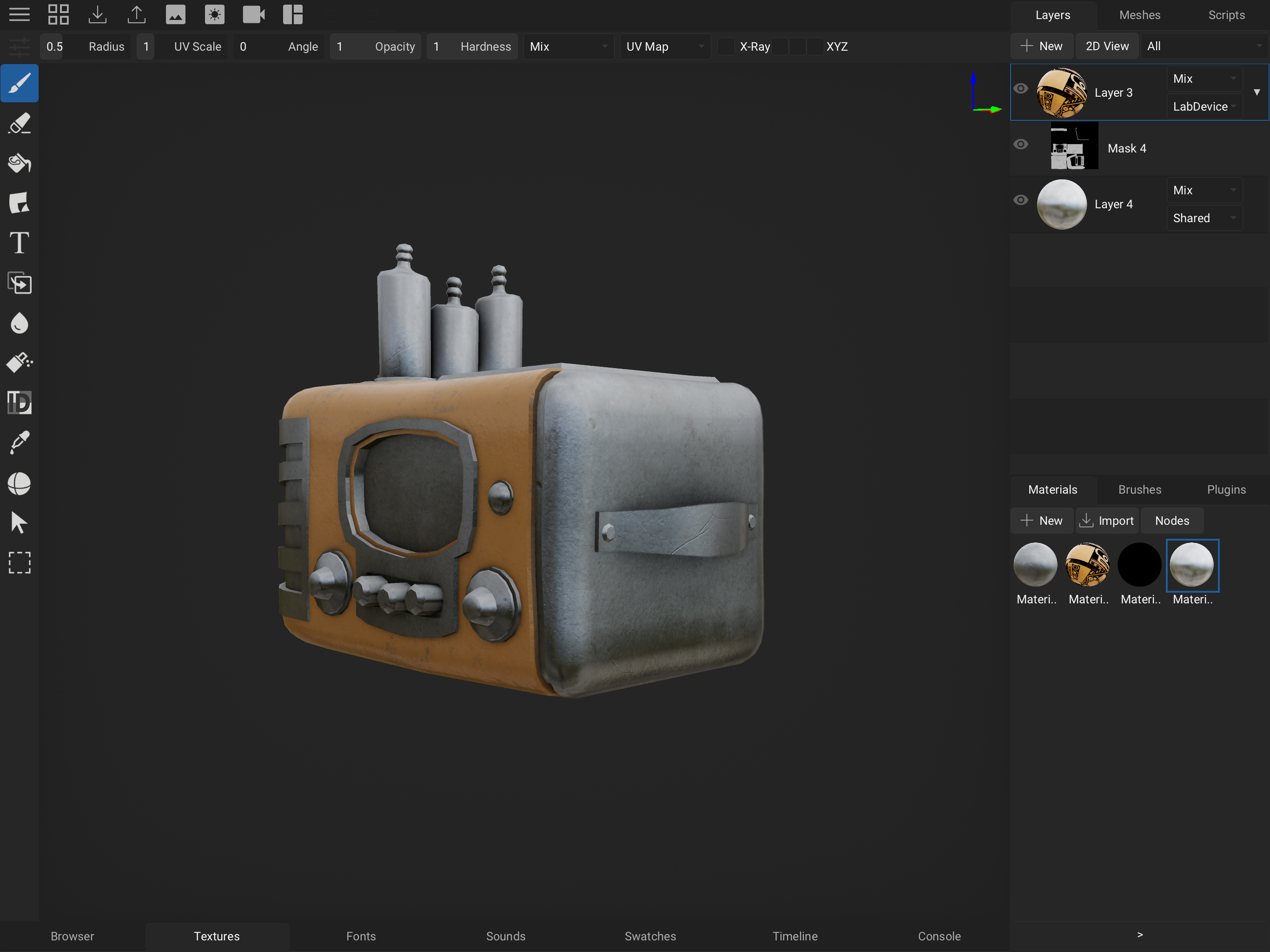
I have it installed, but I haven’t played with it yet.
6 Likes
12 Likes
My final take on Armorpaint on the iPad?
It could be good, but it’s pretty buggy. There are lots of instances where I’m goofing around with layer stacks, or dragging nodes around, and the app will decide to not render some materials anymore. Even worse, if you save out your work, it’ll continue not rendering that material when you load it back up. Your only choice is to either delete the material, or close out the app whenever it happens.
Keep in mind that I believe the iPad version is still considered experimental, so what happens there may not happen in the PC version.
Overall, I’d say it’s a lot like a standalone version of Ucupaint in Blender.
2 Likes
Texture Paint info in Meeting Minutes ~
7 Likes
Not sure if useful to others but since it came up lately… Here’s a morph brush (based on Pablo Dobarro’s idea, except made in python so not a robust integration), in case its useful to others as well (can capture multiple morph states, brush is in the bottom of T panel as python support for assets is a bit patchy.
morph_snapshot_brush-1.4.0.zip (17.7 KB)
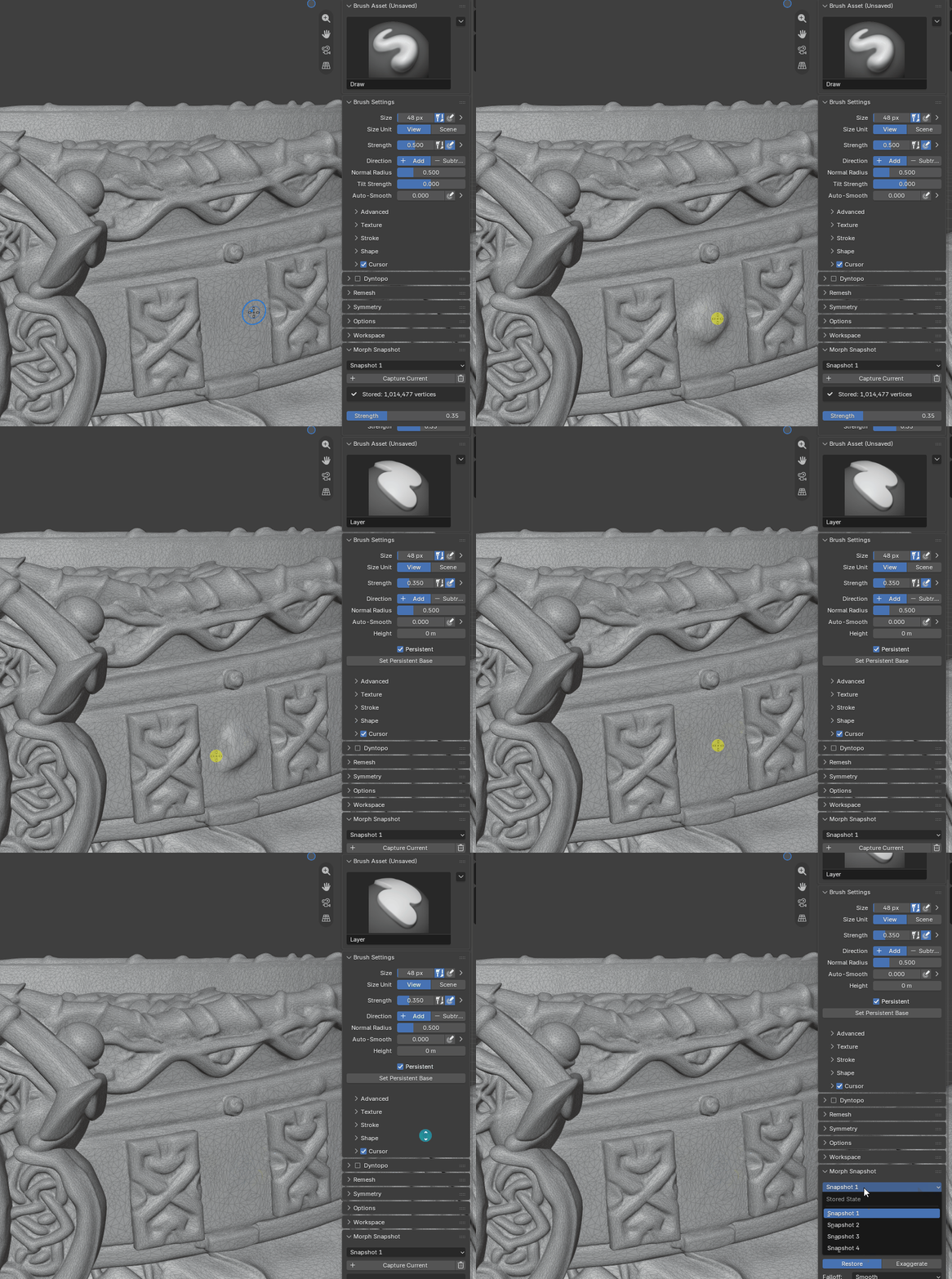
it may be buggy, so take it with a grain of salt, but works for my needs atm.
7 Likes