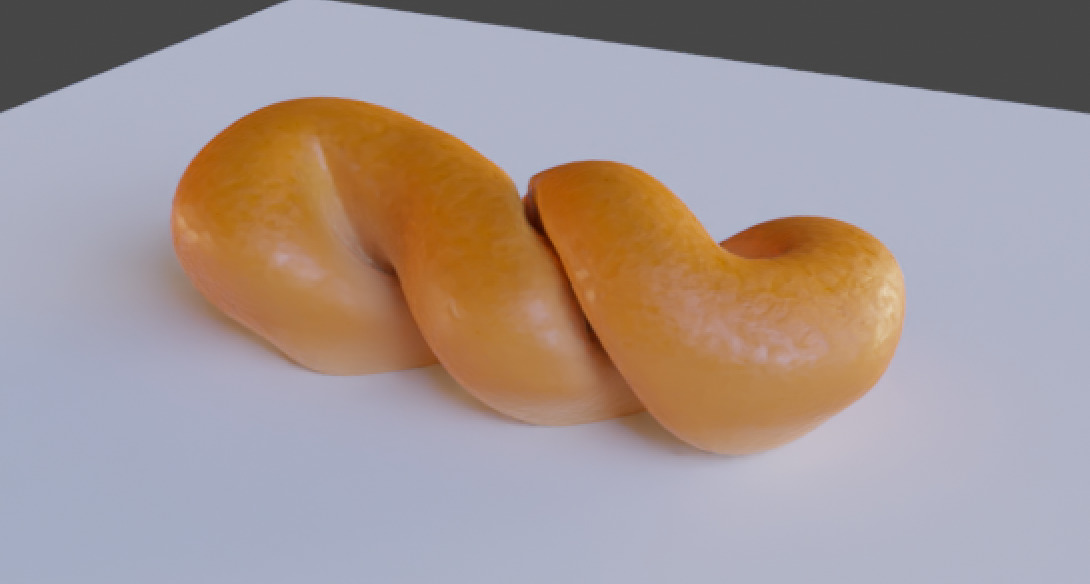
saving as an exr file gives very very different appearance.
Need to follow many steps in Affinity Photo to get a 90% identical image I assume if I followed ALL the steps to the end I would have a 100% identical image but I got tired.
A longer camera lens/focal length lets you to punch into your subject and capture it in a way that highlights the details. It flattens the composition and creates a shallower depth of field typically improving the composition and drawing more focus to the subject.
Next time you are setting up cameras for interior render try to step back and increase the focal length.
It can be easy to revert to a wider-angle lens, but remember what you are trying to achieve. The purpose of a vignette isn’t to show the whole space, it’s all about the fine details and close-up shots. Keep in mind that interior renders and photographs typically use focal lengths that range between 15-35mm, for interior vignettes we recommend using between 70-150mm


 saving as an exr file gives very very different appearance.




 … I usually don’t get visitors in here.


