https://drive.google.com/drive/folders/1MTs_hhql-Q3gvi002pG3c1mWyWIkT6gT?usp=sharing
^Files, warning naked men
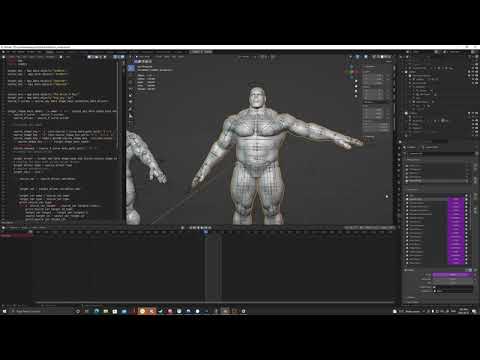
They are layed on top of each other so it is easier to transfer things but you may have to apply transforms.
In regards to Blend file B, I have two meshes that are identical in topology, save the clothes, which is irrelevant here.
The clothed model has rigify face controls with shapekeys controlled by drivers. I want to transfer those shapekeys from the clothed model to the nude model.
If I can’t I could always just remove the head from the clothed model and merge it with the nude model.
Similarly, with file A, it’s the same thing, except I’ve already started making modifications and manually put on a rigify rig for the face. The clothed and nude meshes are different in this file because the clothed model doesn’t have eyes. I want to know if I can transfer only a portion of the shapekeys and their drivers, specifically the ones for the lips? If I have to get rid of the existing rigify rig around the mouth, that’s fine.
I mainly want help with file B though, since that will make doing the other mercs much easier. Thanks.