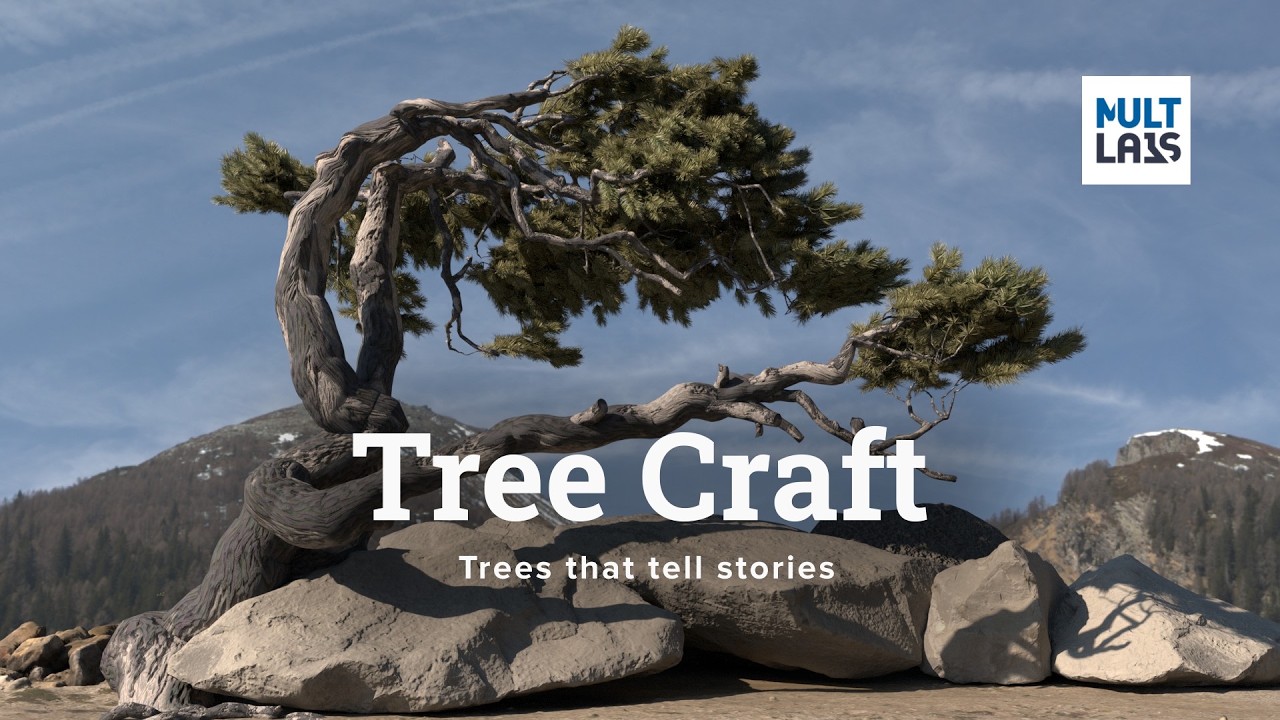
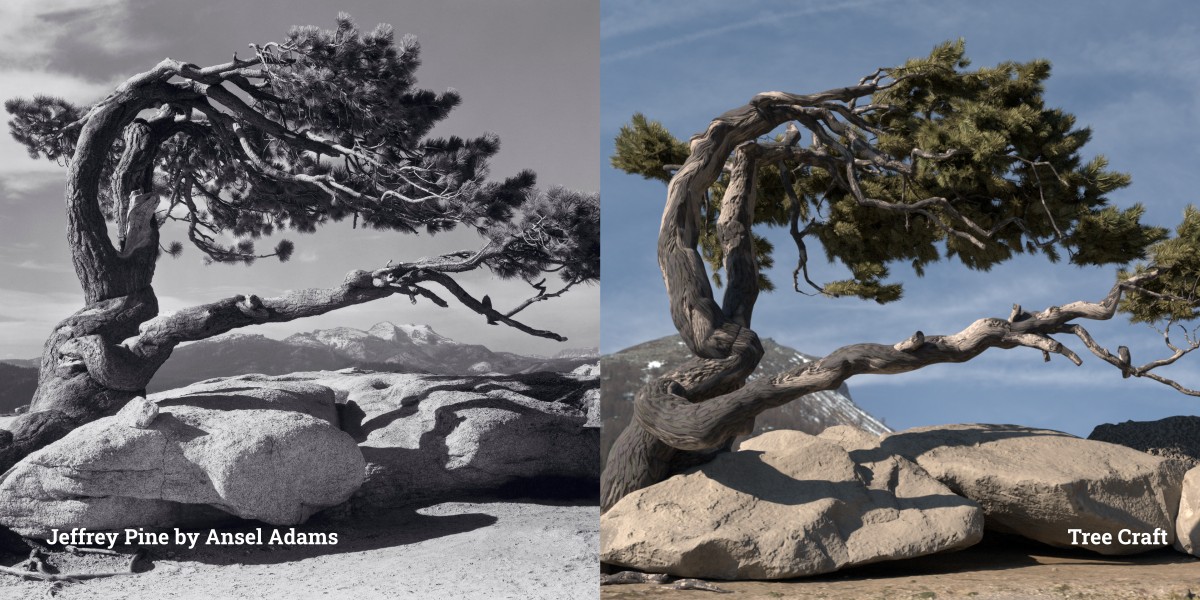
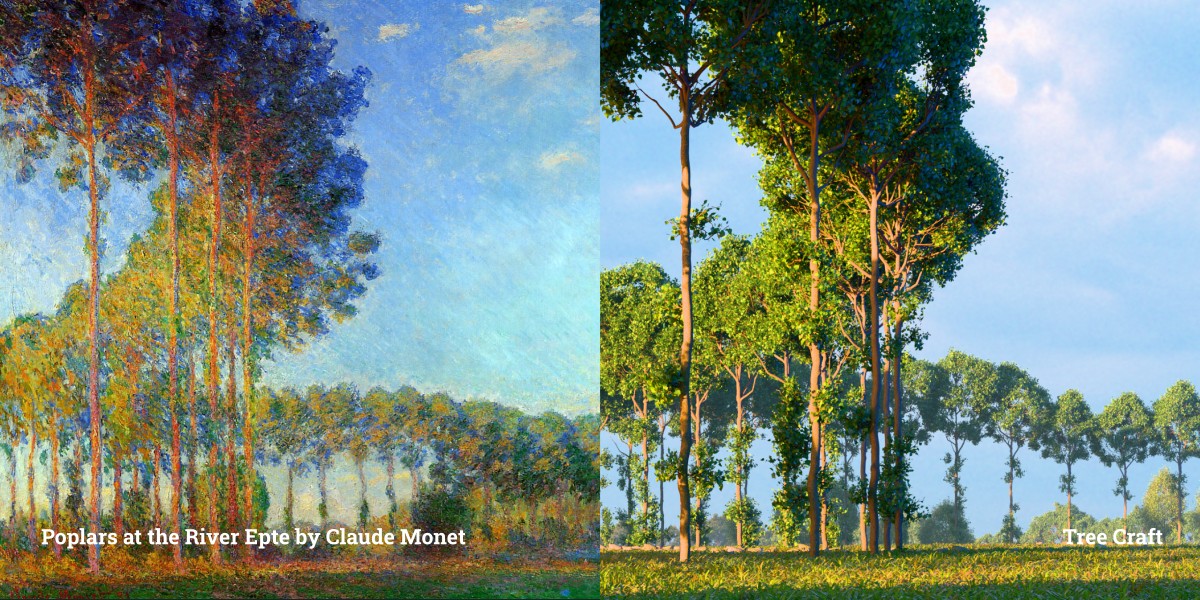
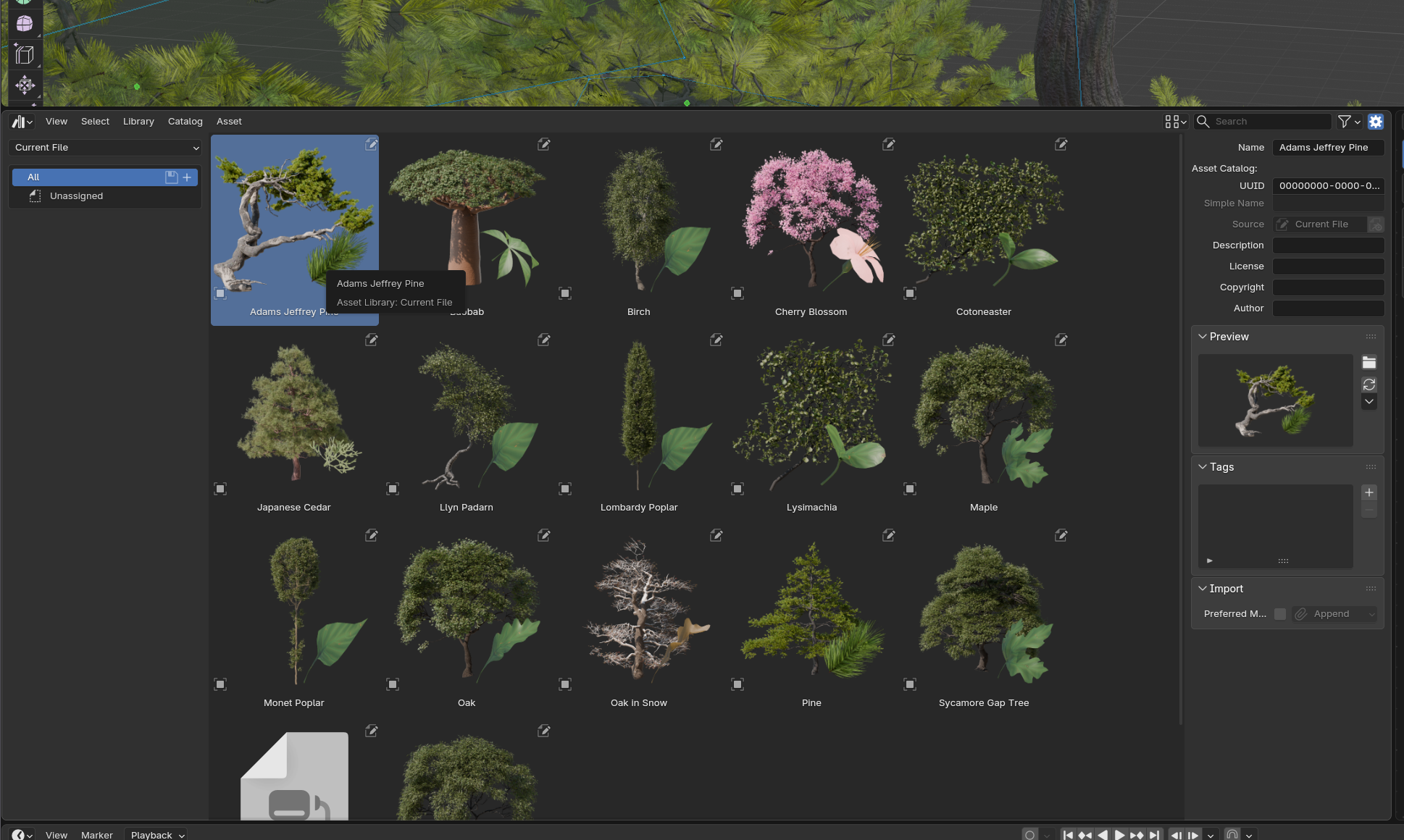
I’ve been working on a little add-on called Tree Craft, and I’d love to share it with you.
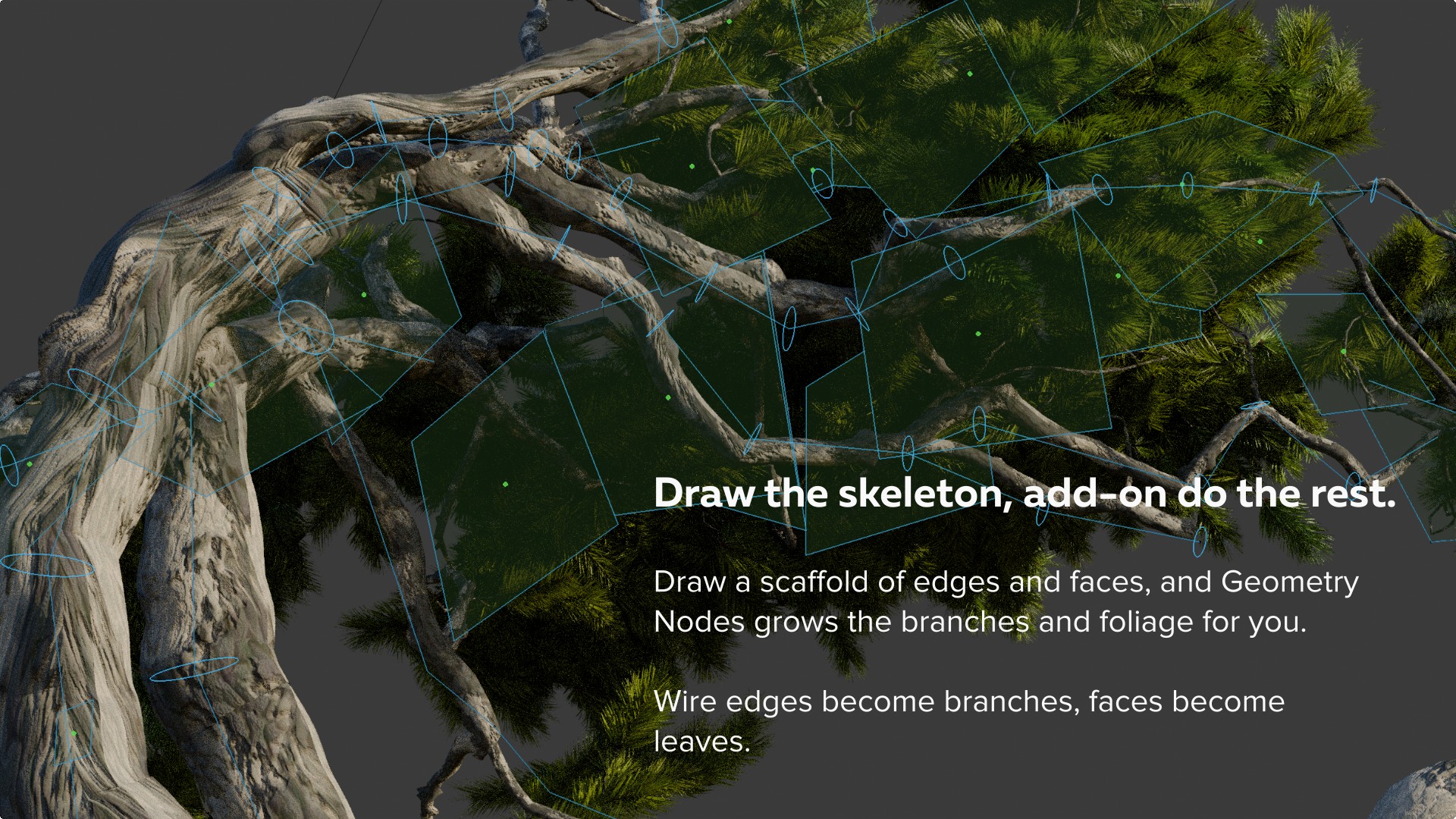
How it works You build (or start from) a light mesh scaffold:
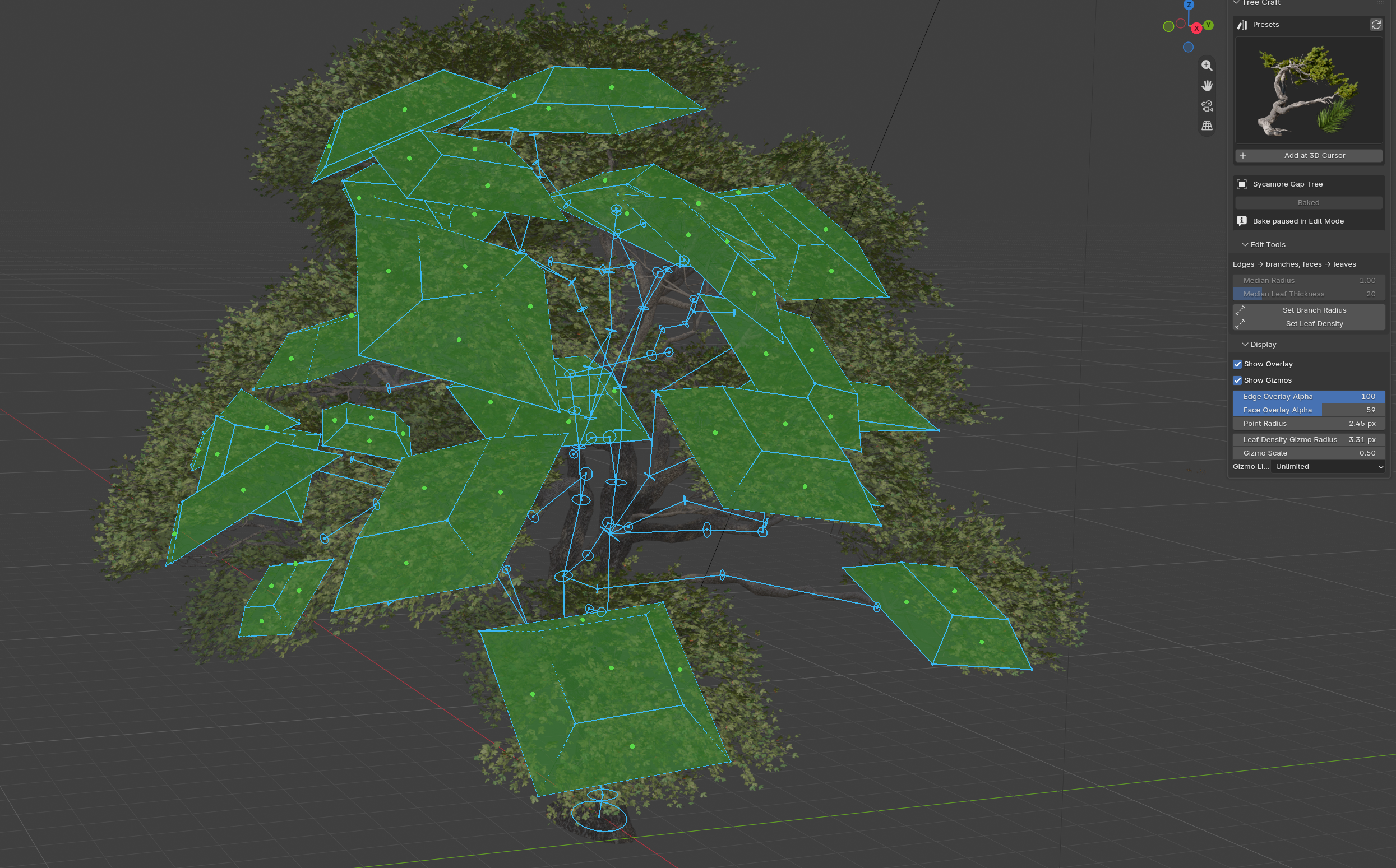
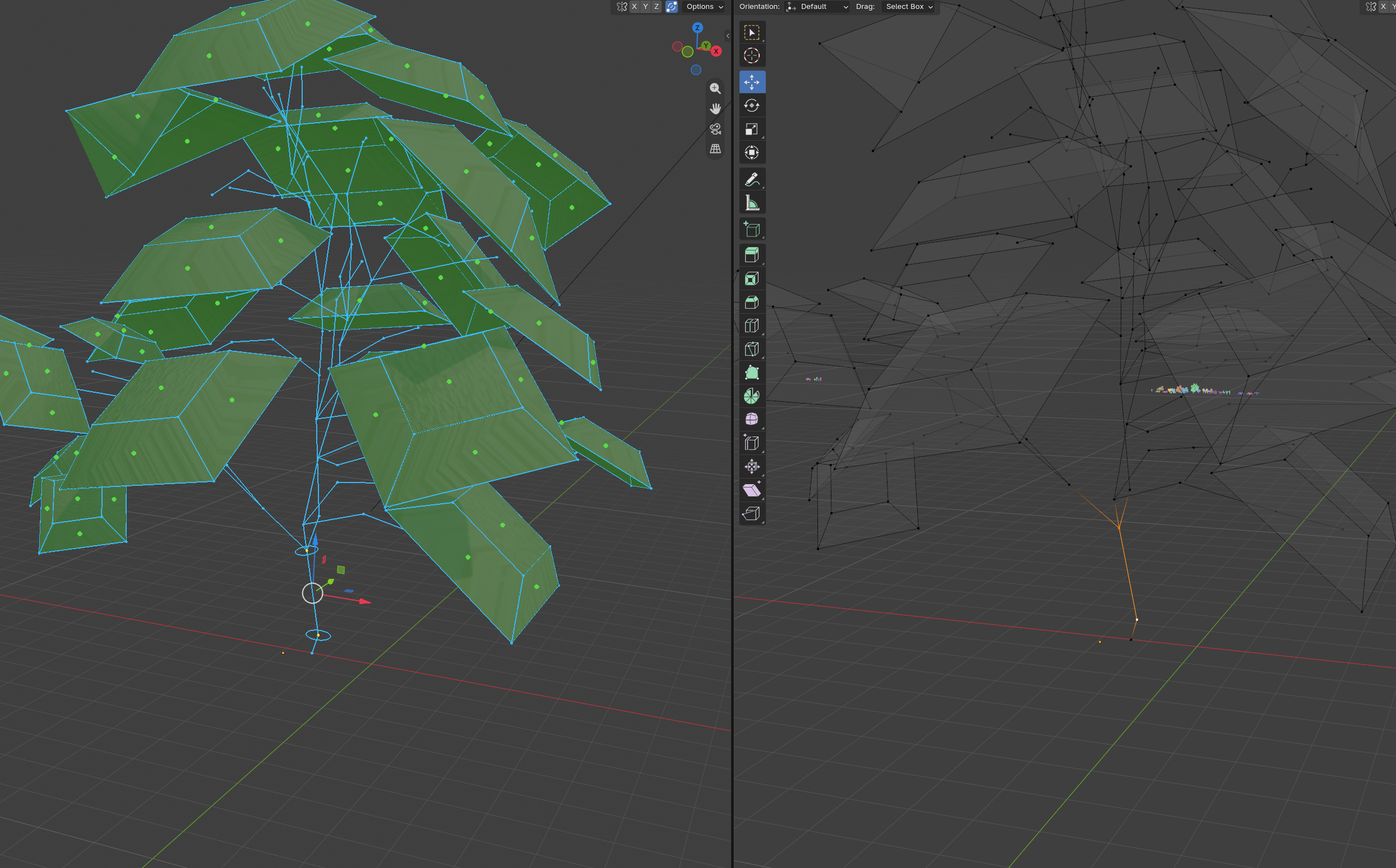
Free edges → branches / trunk lines
Faces → foliage
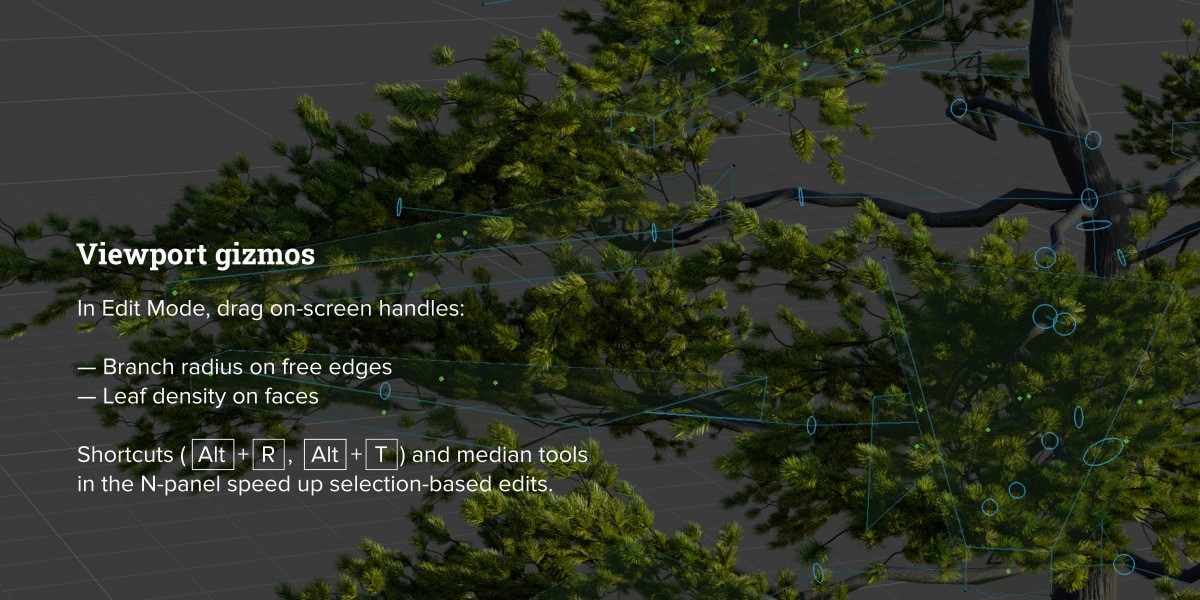
Geometry Nodes turns that into the visible tree. In Edit Mode you can drag viewport gizmos for branch radius and leaf density, so shaping feels closer to editing a mesh than fighting a seed slider.
A few bits I’m especially happy with:
Procedural bark that scales with the local branch radius (thick trunk / thin twigs stay believable)
Soft wind built in — gentle motion without hand-keyed animation
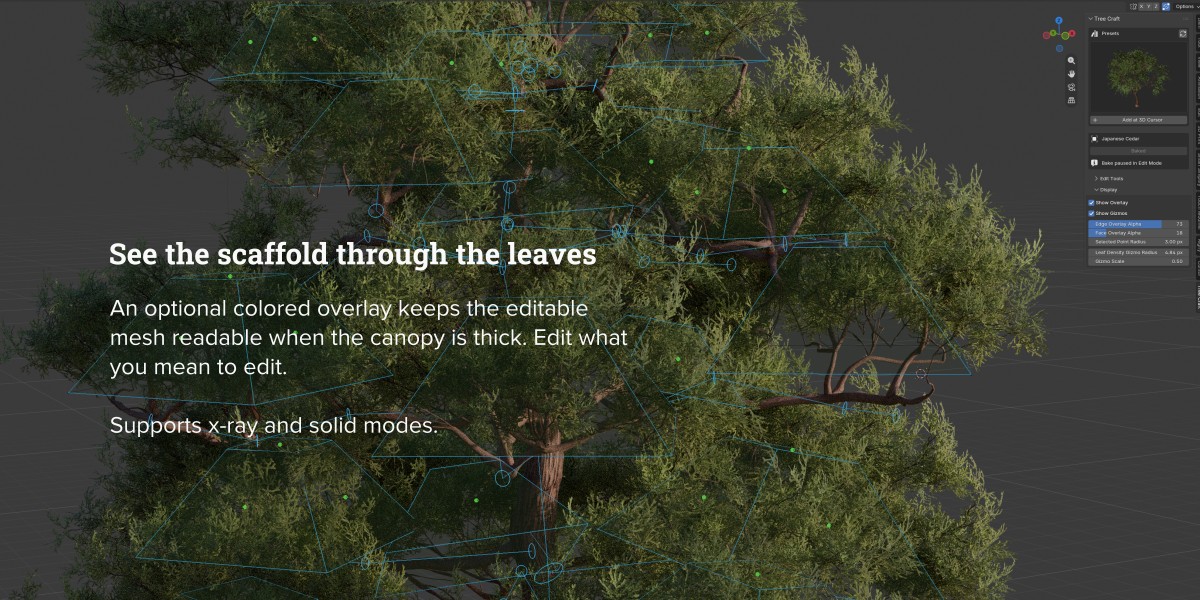
Scaffold overlay so you can still see (and edit) the structure under a dense canopy
Optional bake for smoother viewport playback, without locking you out of further edits
My only doubts seems that, when you have a dense and complex tree full of branches (primary and secondary), the overlay view to model it starts to become crowded and not so easy to use it.
Another thing is about the UV scale of the trunk/branches. In the example above where you show that you can change the scale of the single segment of the trunk, it seems that also the texture is scaled…while I think it could be better to keep it unscaled.
2 questions:
1.Is it possible to add/delete the control gizmos per tree element? For example..again watching the trunk local scaling..is it possible to add/remove a circle gizmo increasing/reducing the control on modelling?
2. You wrote “if you want to try it:” but I’ve checked at the superhive store and I can’t see any demo. Am I wrong?
Except these points, it seems really well done and a nice alternative to the full procedural ones.
You wrote “if you want to try it:” but I’ve checked at the superhive store and I can’t see any demo. Am I wrong?
Yes, it is good to have a demo version with a sample tree. But I can’t do it in Superhive. So If you want to try demo, you can get it here: https://gitlab.com/multlabs/treecraft