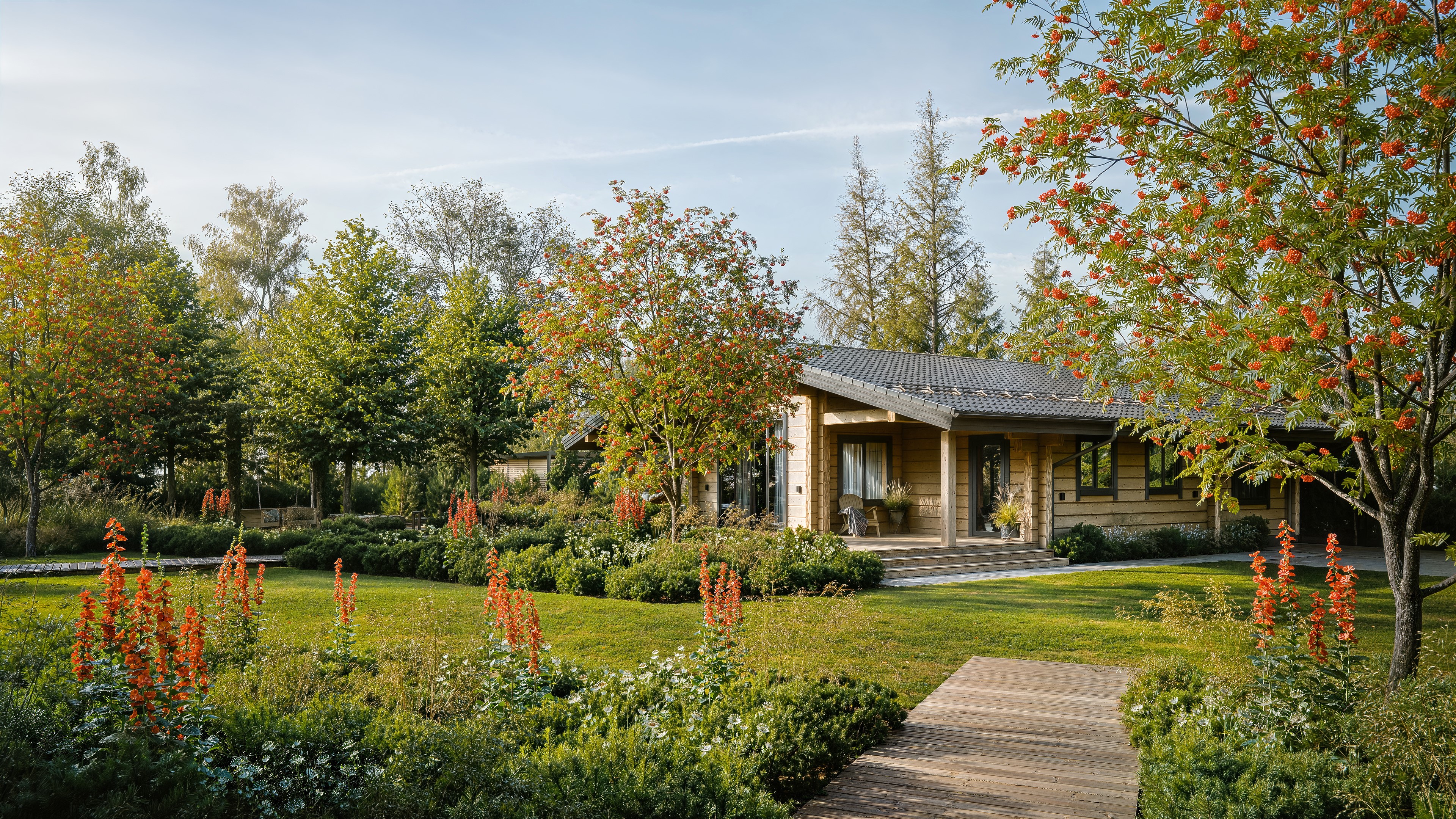
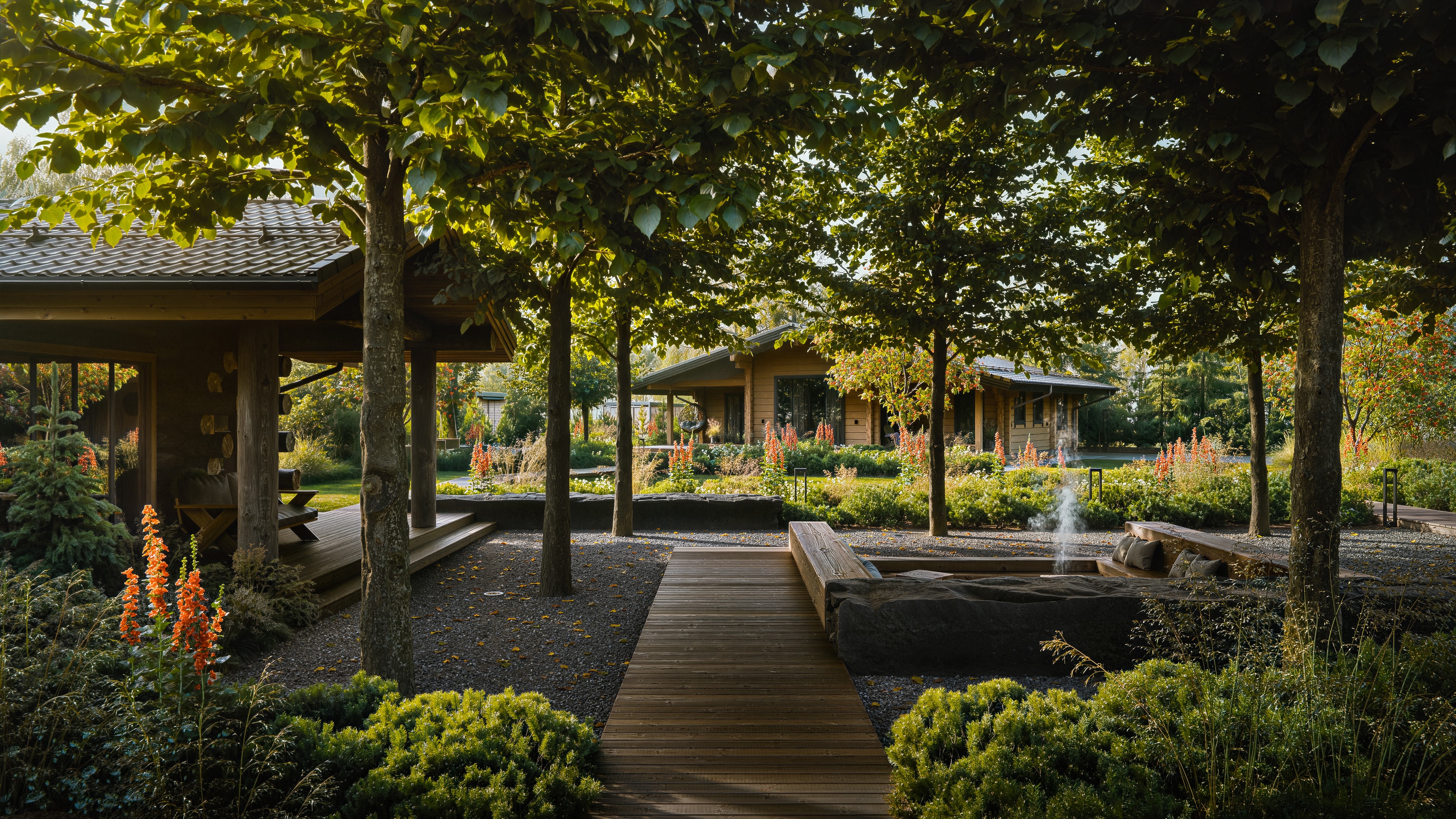
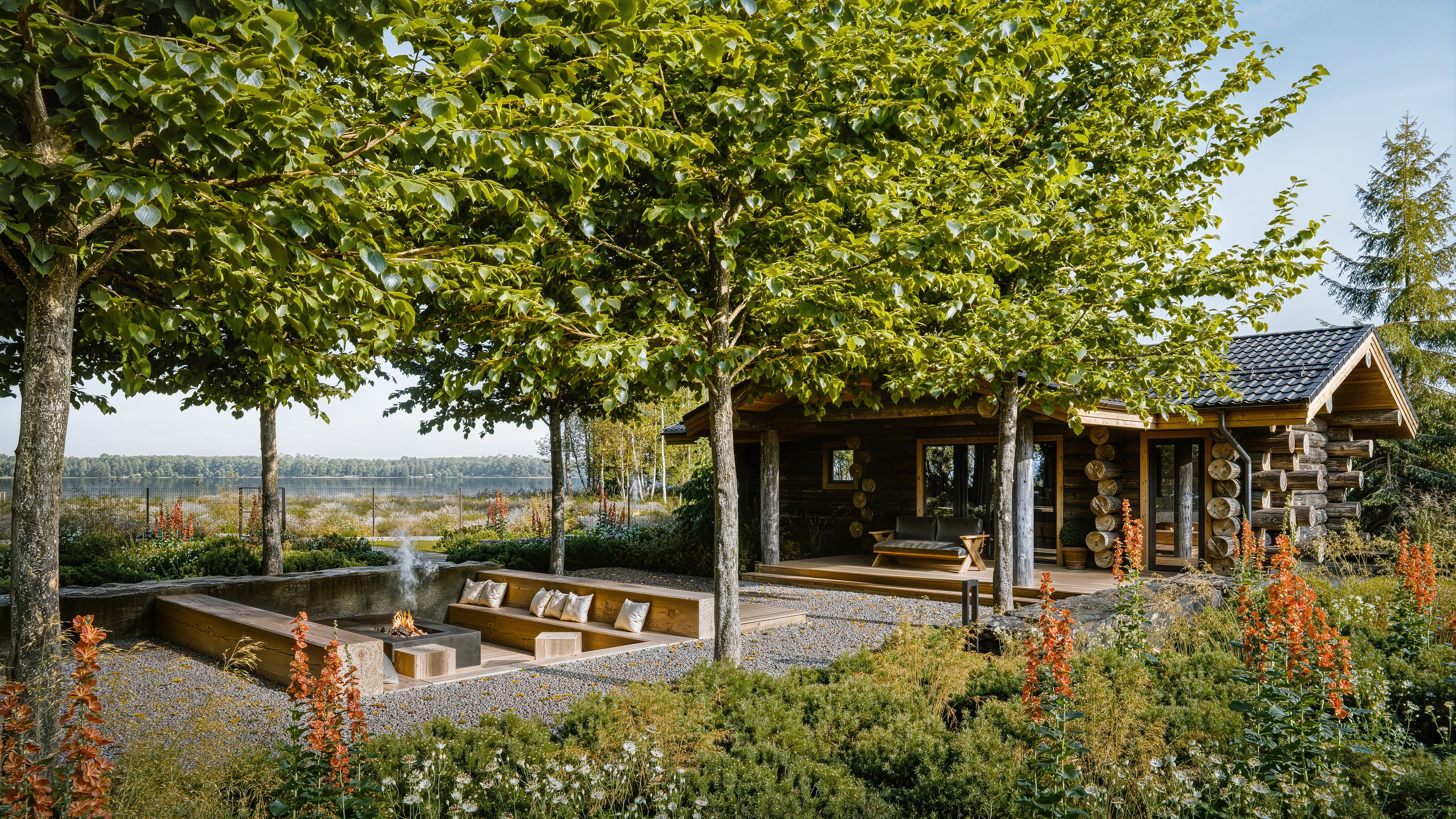
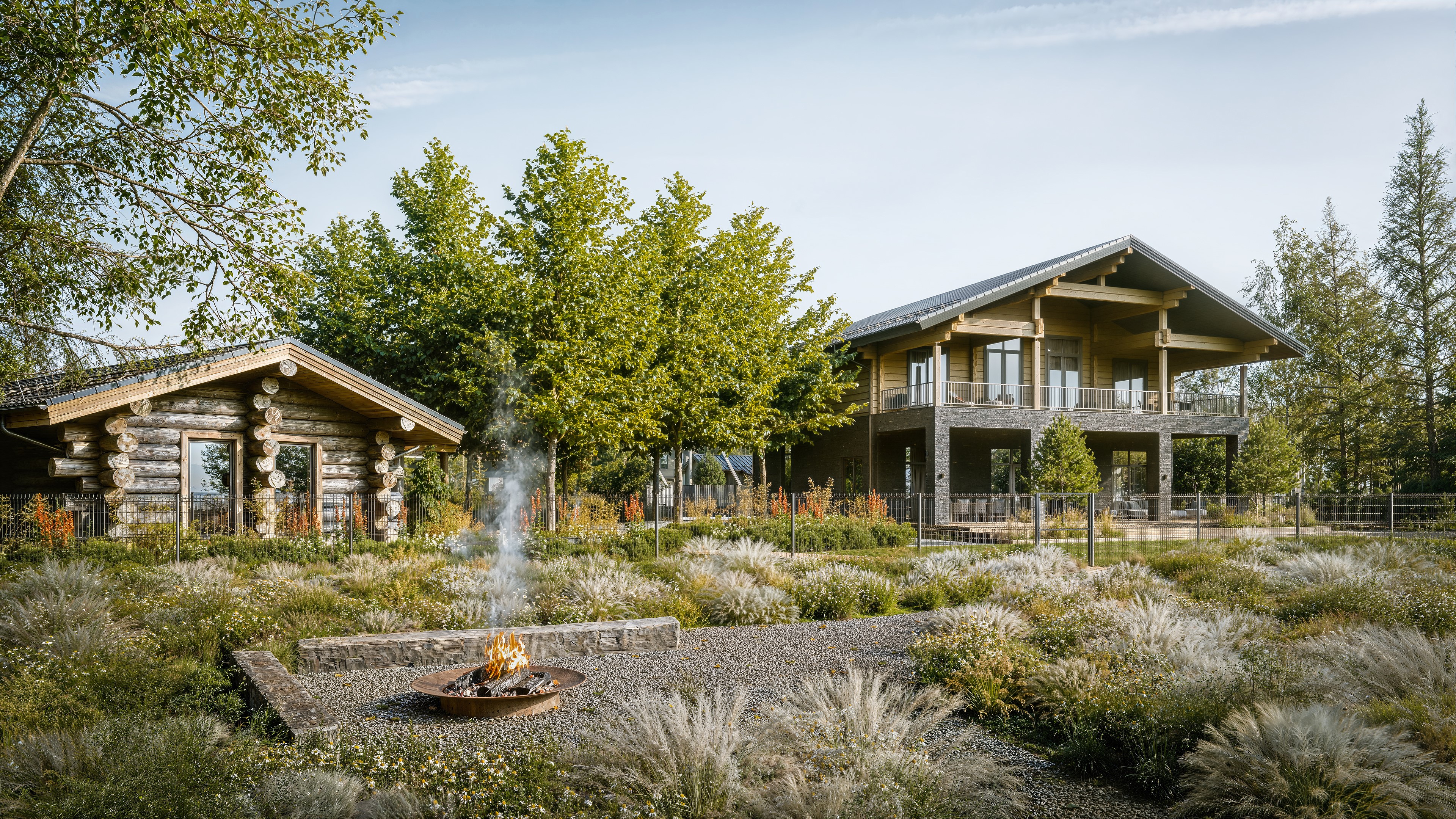
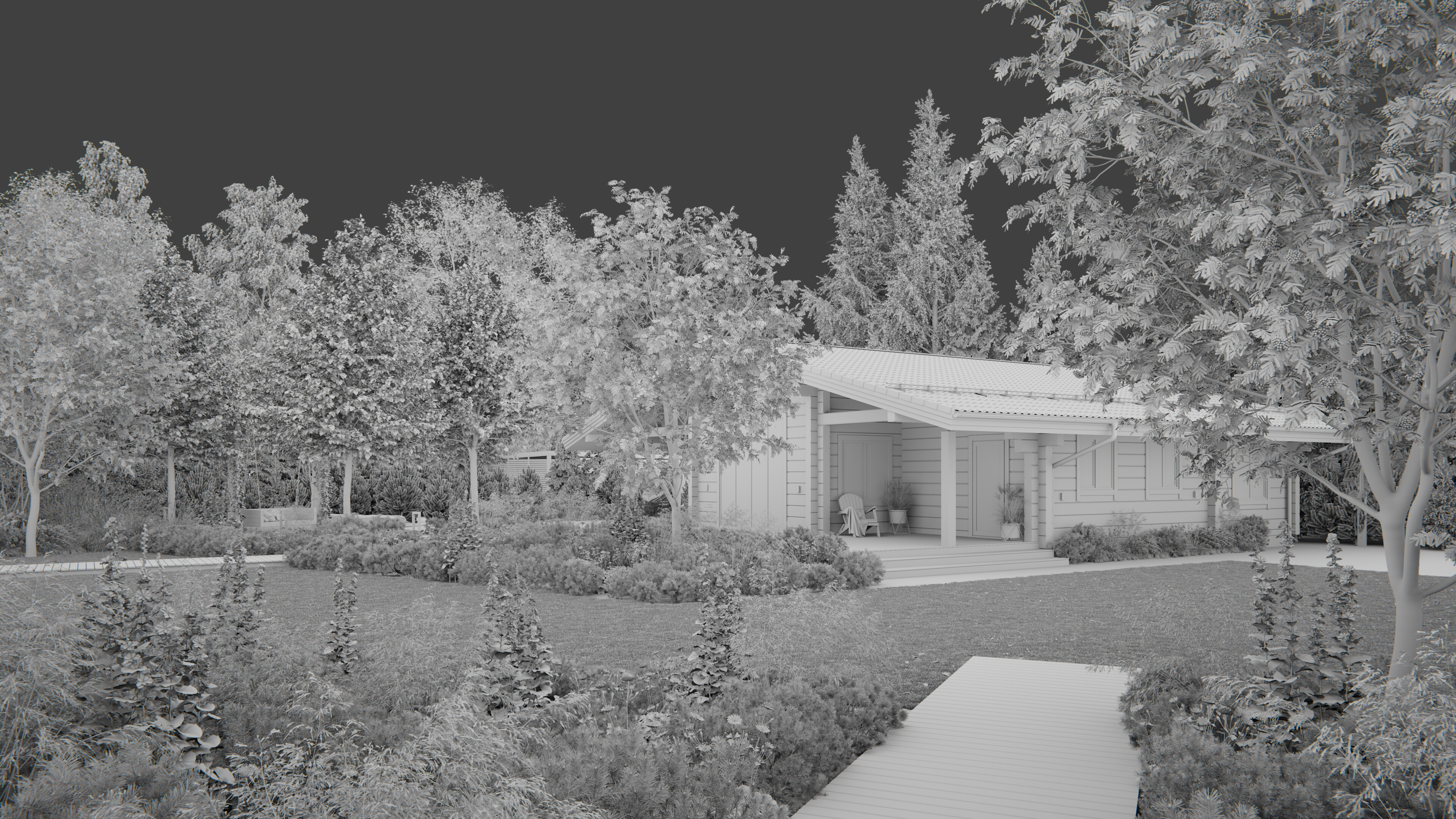
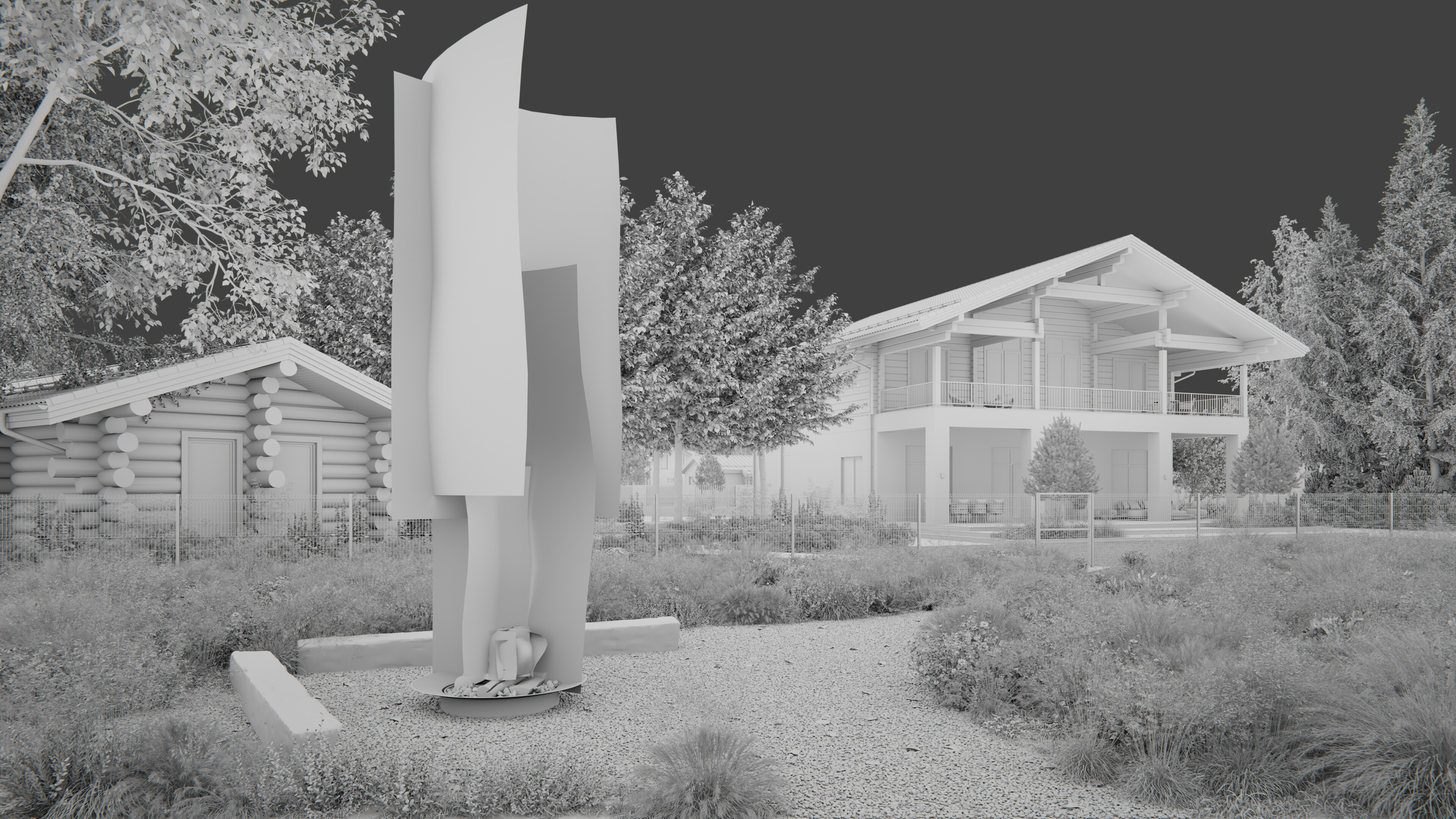
3D visualization of a landscape project
Soft: Archicad | Blender 5.2 | Cycles render | Photoshop
Behance: https://www.behance.net/scapeviz/projects
Instagram: scape.viz
Nice..very nice.
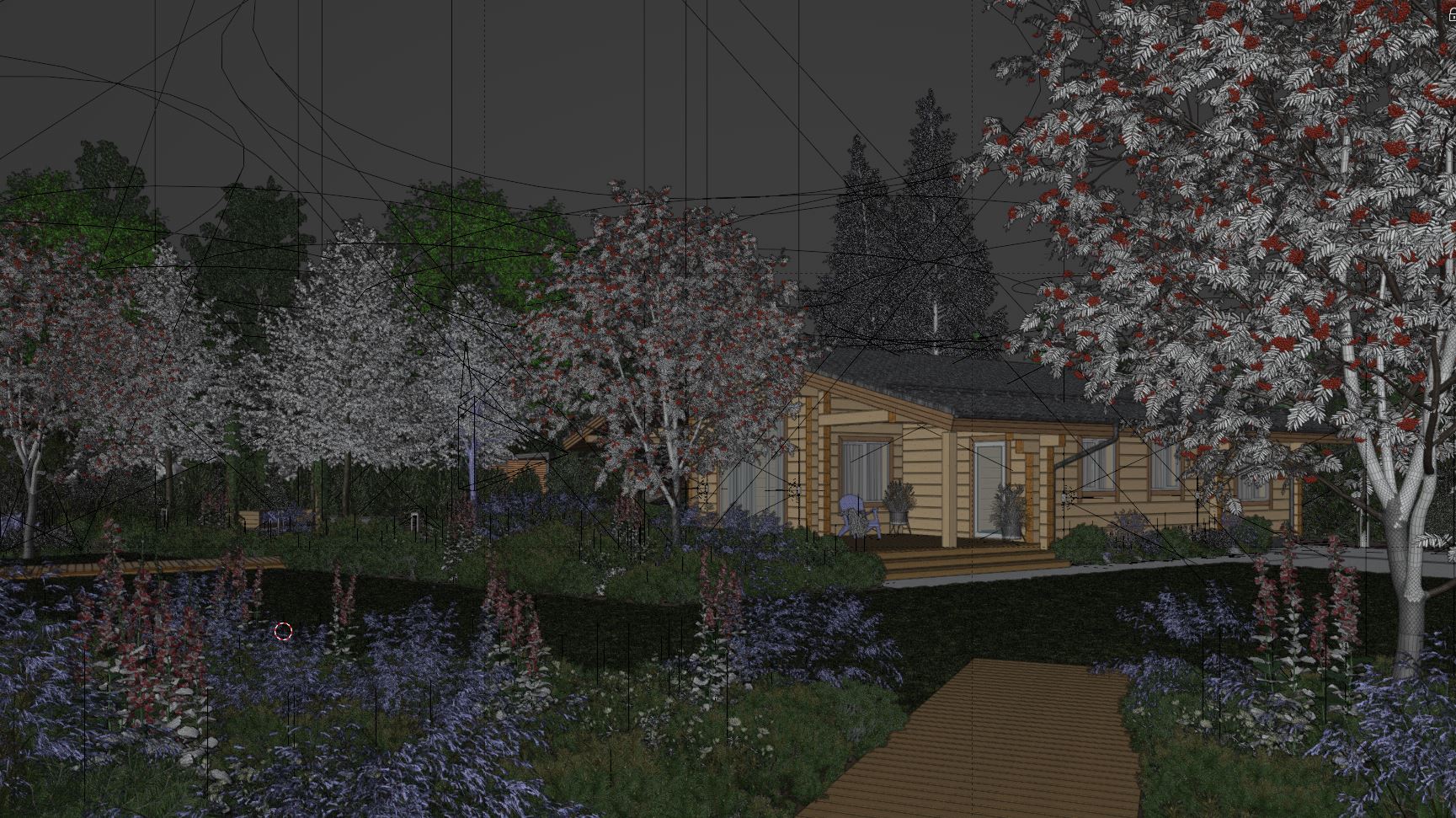
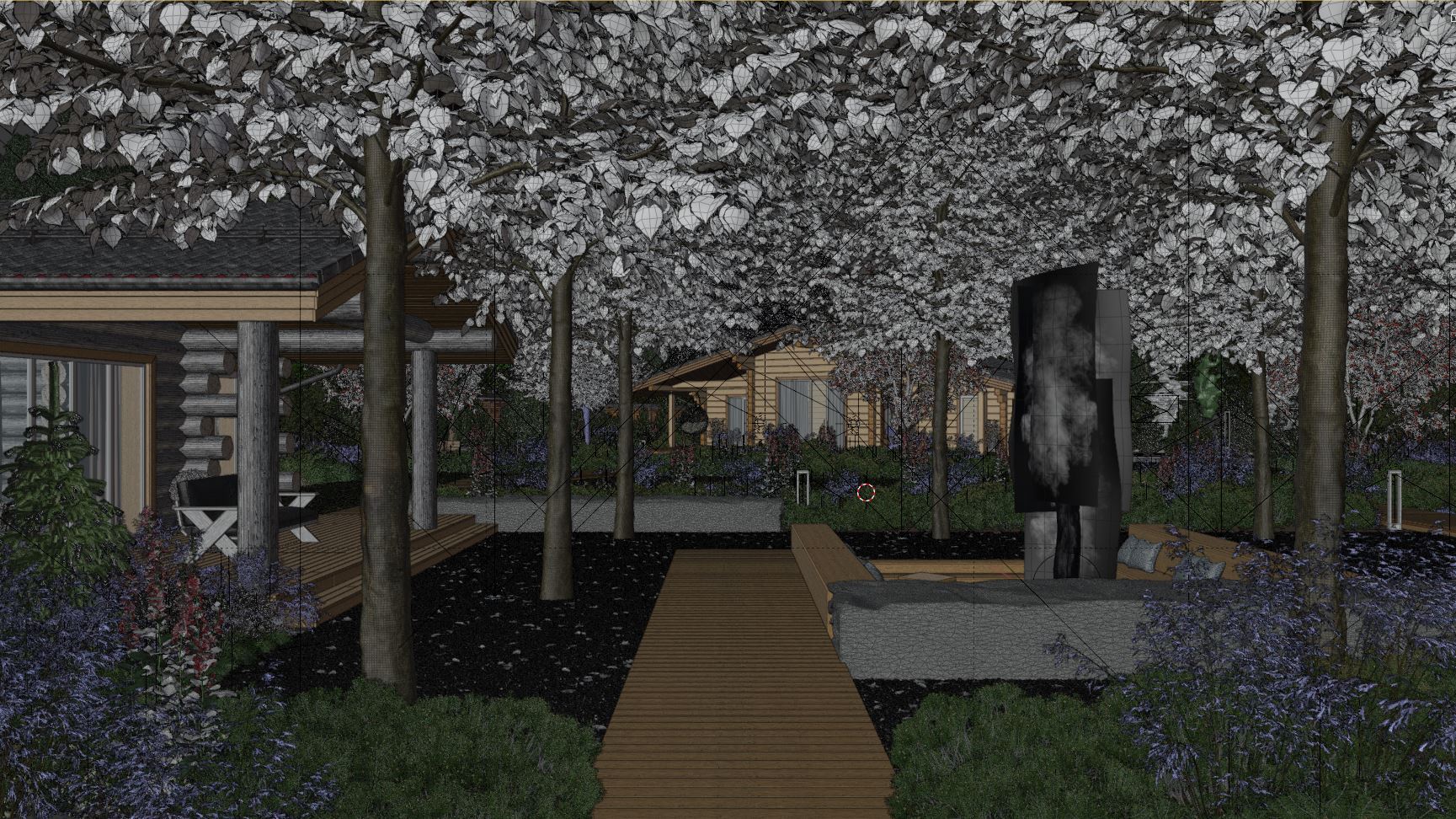
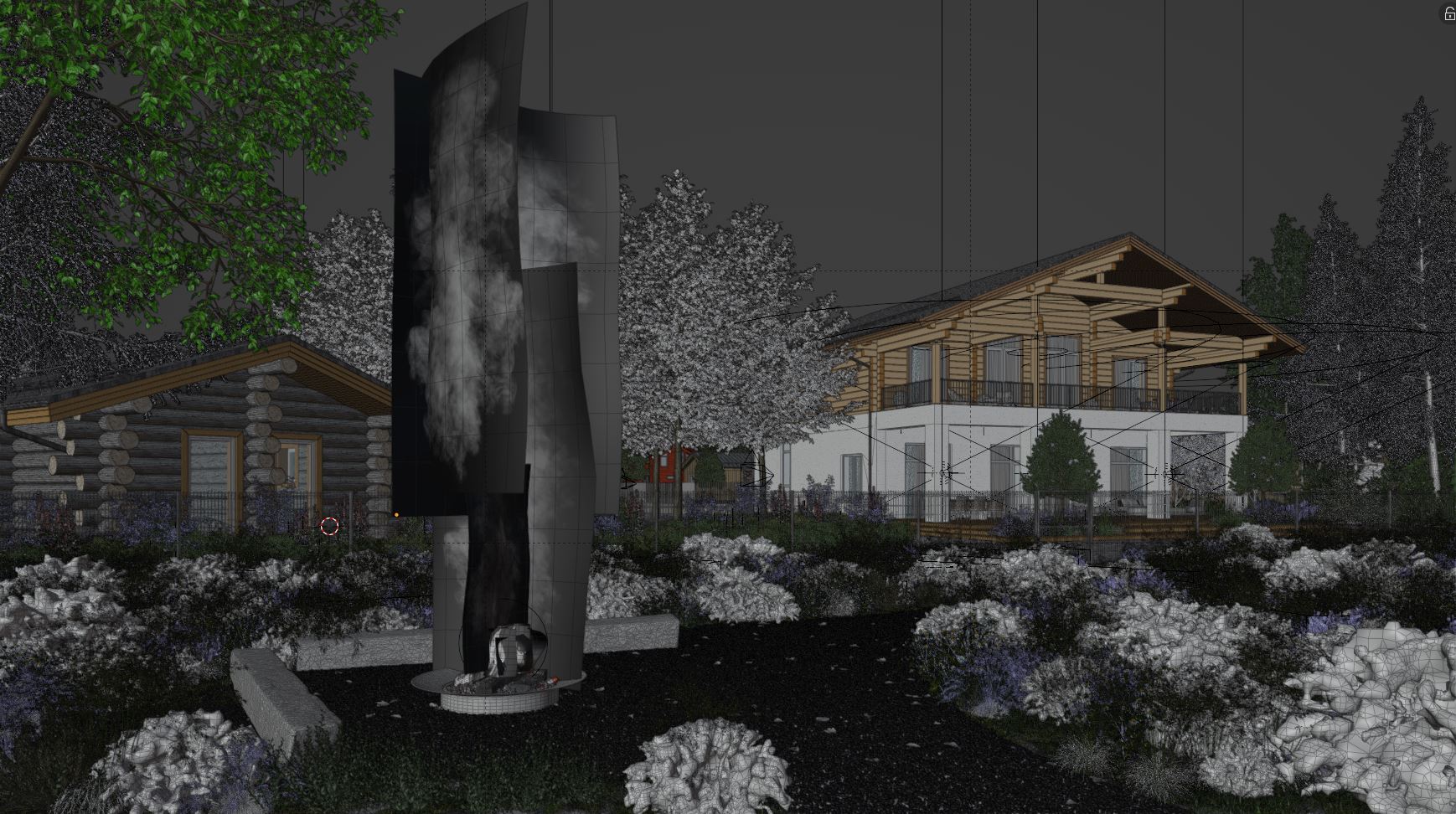
Would you mind to share some wireframes?
About vegetation, did you modelled by yourself or comes from some library?if latter, which one? Seems really good and welldone.
I really also like the wooden bench near the fire camp…is it all modelling or did you use some bump or displacement texture?
This looks really good, as @marcatore said it would be great to see some wireframes.
Thanks! See in the comments, I sent
Thanks! See in the comments, I sent it.
I took plants from different libraries, but I set them up myself for blender, because they were originally for 3dsmax.
There are models from the 3dsky(3ddd) website, max tree, grass - the ins gras addon.
Which bench are you talking about? If you look at the last angle, then it’s from the Megascans library.
That one… sorry I was missing that there also the other wooden benches.. anyway…the one I was referring was the one on the last image.
And thank you for detailing your 3d library for vegetation.
I featured you on BlenderNation, have a great weekend!
This is a really good job! I would like to spend some time in this place.
Very elegant work in the lighting.
Thanks! I am glad that I managed to convey the comfort of this place in visualizations.
You’re on the featured row! 
Wow, this is probably some of the best Blender exteriors I’ve ever seen.
Incredible work, I love the lighting it really makes the vegetation stand out. Makes me want to be there :). I always struggle in my archviz work with the dark and light areas of the image, I love the contrast and tones on your image would you care to share how do you manage color for this kind of shots? I mainly do archviz and use photographer or sometimes render raw but i always find my images to have some too bright or too dark spots, and when I mess round with conrtast end up getting some wahsed out results  .
lovely work.
Jc.
WOw the folioge is so breath taking! is that all your design or is there some inspiration or help with that. It looks so realistic and well balanced
I think thats just a custom build. It seems sort of a raised flooring aside or sunken section. Its basically a concrete pour with big wooden beams. Pretty basic in terms of shapes
It looks like a megascans beam.
Thanks! It’s definitely better, I still have a lot to grow)
Thanks! You need to work with lighting, try different options, and play with light and shadow.
Black shadows are always a pain. To get rid of them, you have to adjust and adjust a lot of things, for example, to adjust lighting, falling shadows and reflected light differently for each angle. Somewhere you have to remove or thin out the plants so that they do not darken the scene. To darken the bright areas, on the contrary, you can put trees and hide them during rendering, so that only shadows fall from them on places where too much light falls, for example, on white walls or a lawn. There are a lot of different techniques, and you always have to come up with something new in each scene for the best result.
Thanks! I did this work for a landscape designer, I tried to bring her project to full effect on the renderers as intended by the project.
Do you mean, its made with the use of sketches from such a designer? ust be quite hard, because they use specific trees, plants, bushes and what not. Those are not always available in 3d