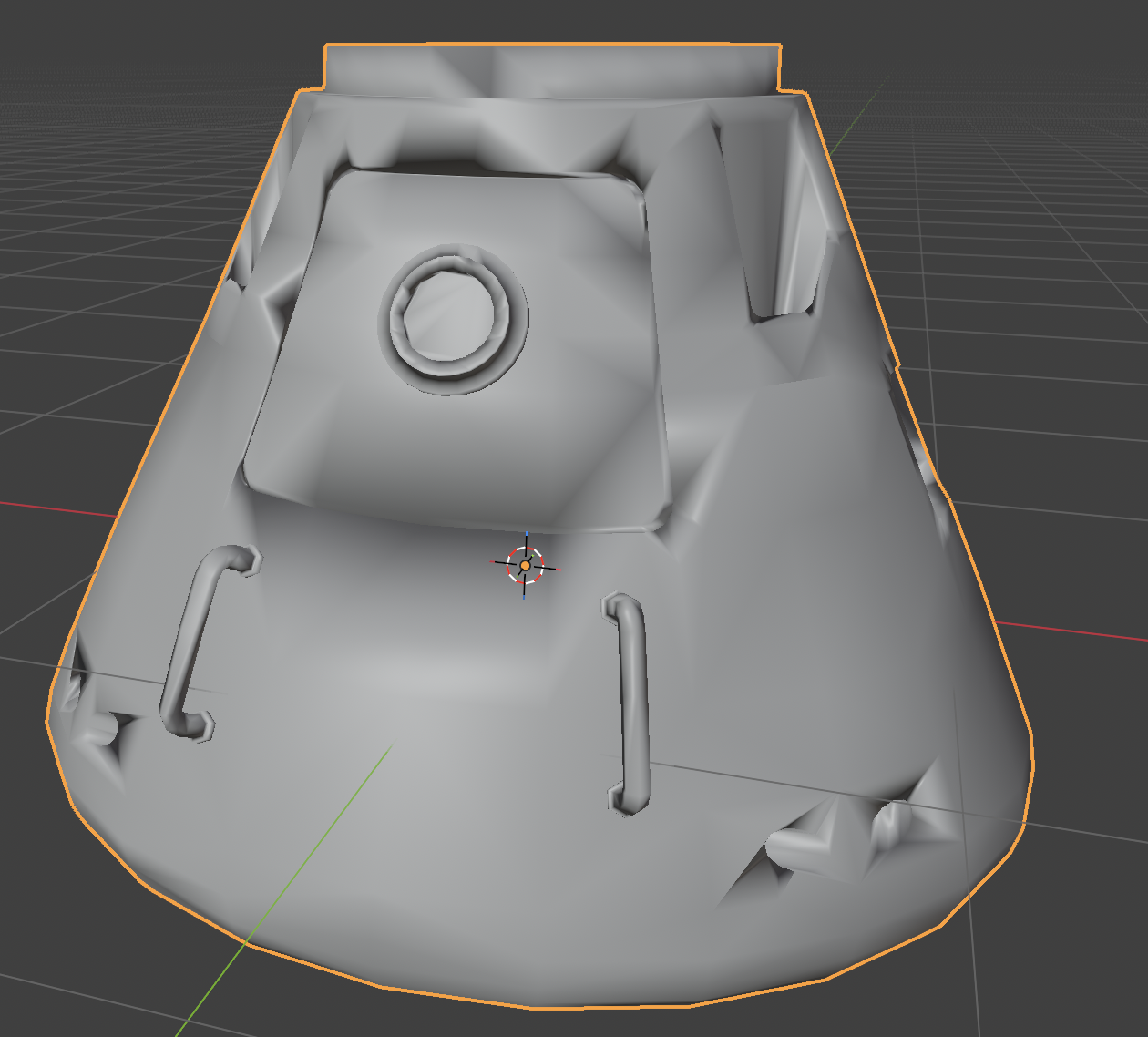
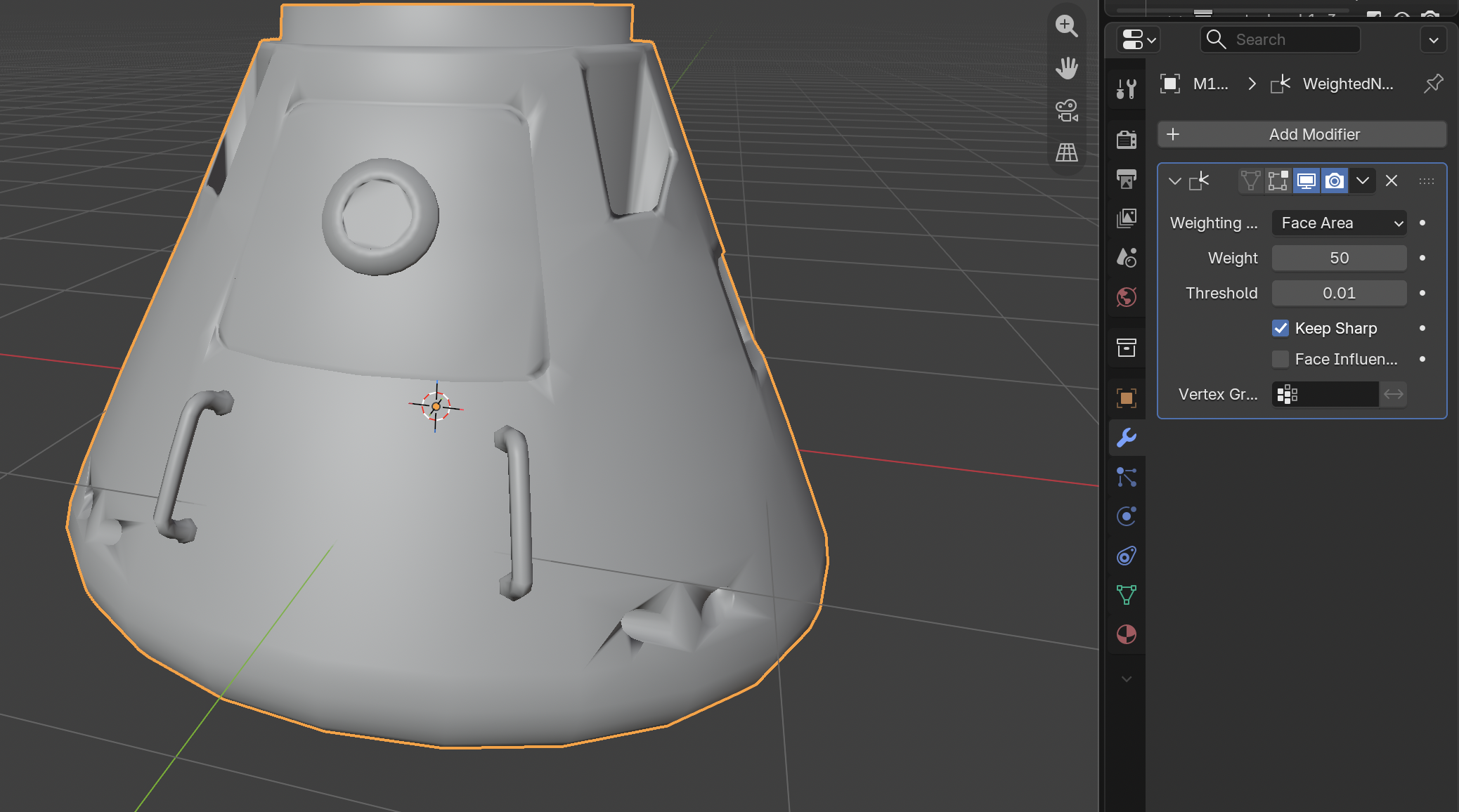
How do i smooth out those surface creases? I tried shade flat/ shade-auto smooth and I tried to recalculate normals (inside and outside) but it did not fix it.
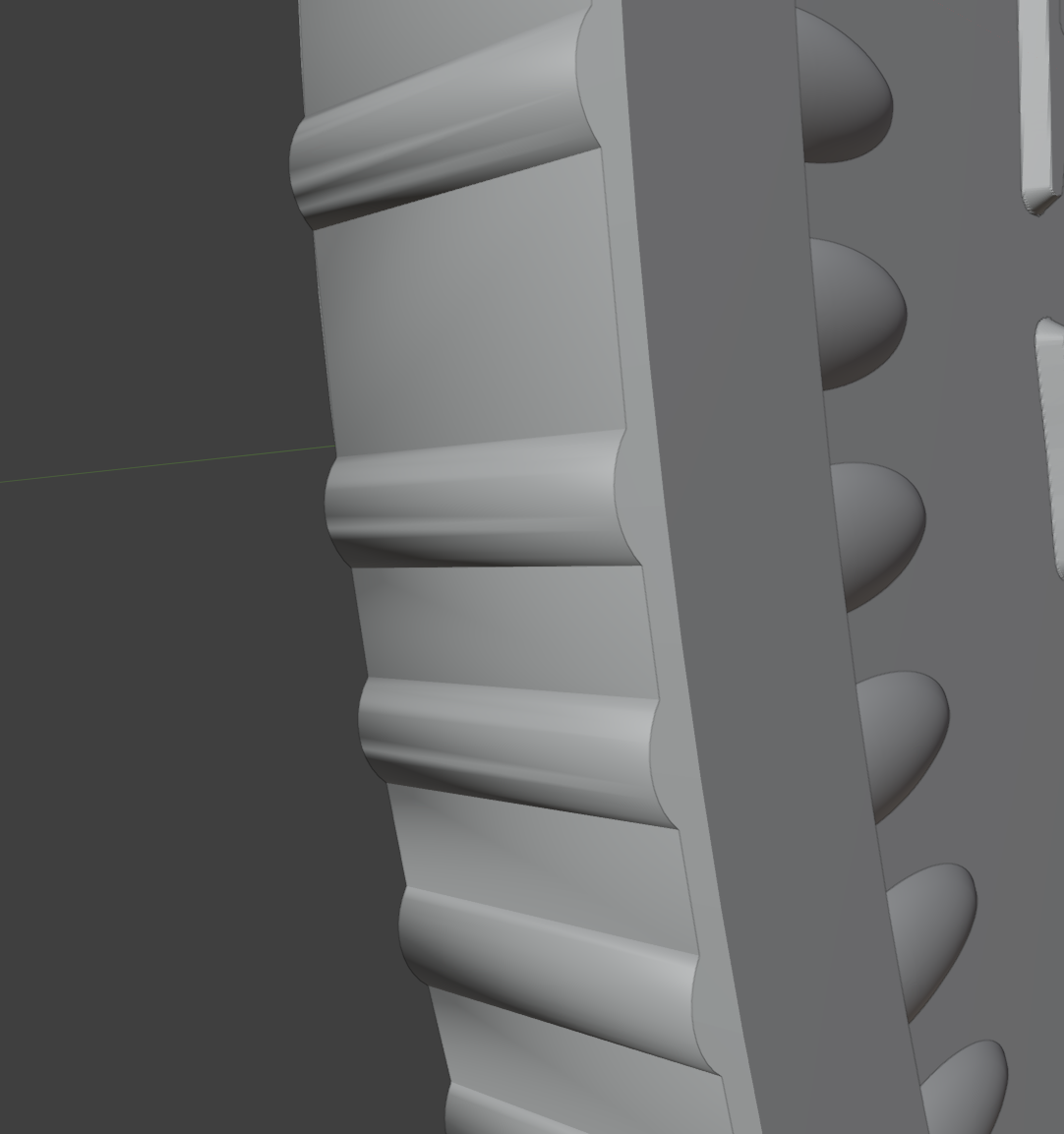
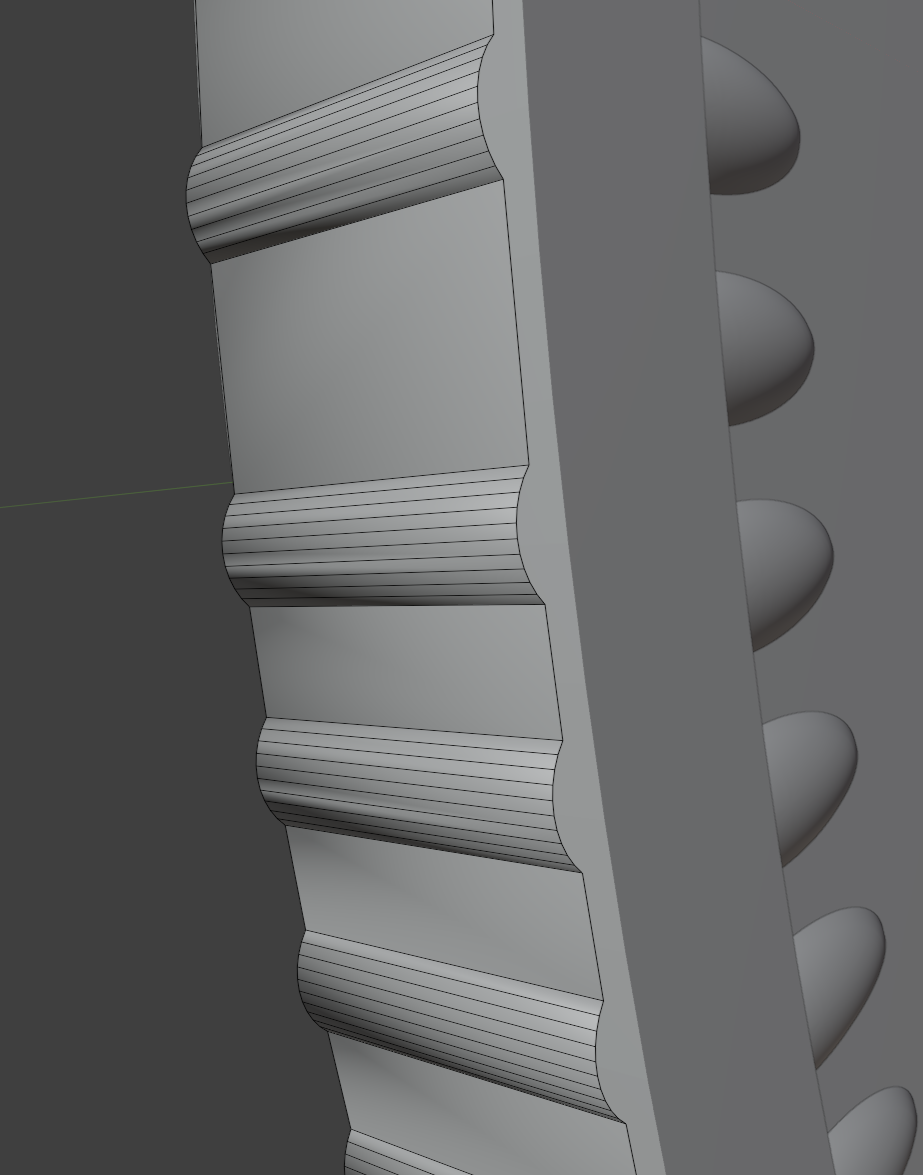
Hi, try Mesh>cleanup>delete loose. Or link the file?
Yes indeed there seems to be some geometrical problems.. or do you have “wrong” custom normals.. so try to delete them and have a look ?
Try Alt+n> Reset Vectors.
I’d manually mark the sharp edges as well (the edge either side of the cylinders where it hits the flats).
Try extruding your left vertical edge just the tiniest bit. I have had similar anomalies before end extruding (or beveling, depending) the edge has helped many times. And you might be able to dissolve the original edge after extruding the new one. Just curious; does your geo continue around over on left side and that is actually a corner there at that edge?