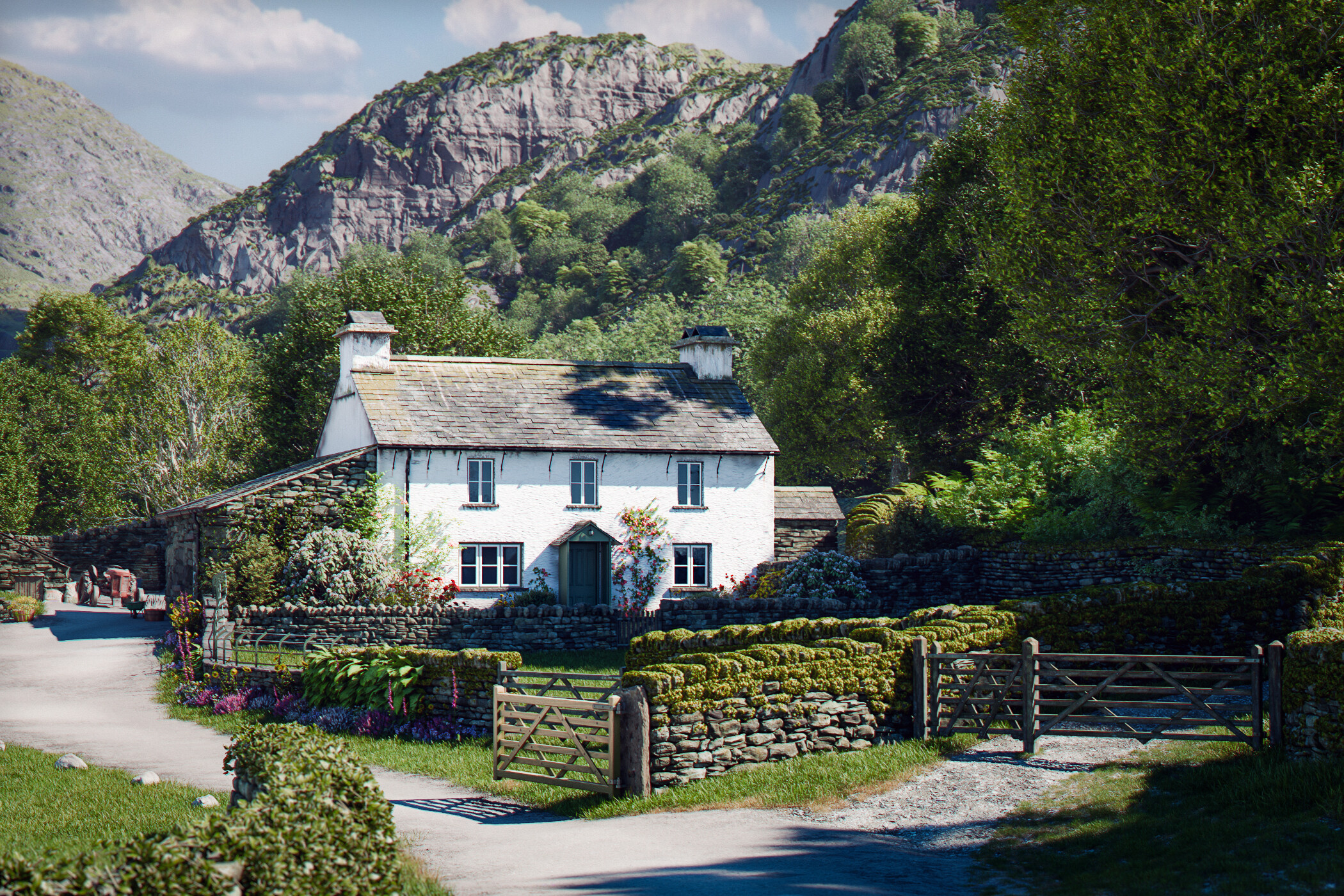
Introducing my Yew Tree Farm image. Yew Tree Farm is a farm in the Lake District that was once owned by Beatrix Potter (https://yewtree-farm.com/). It is extremely well known and oft photographed and, while my attempts fall a long way short of reality - even excusing artistic license - I’m quite pleased with how it has come out. I think its one of my better ones (hopefully?).
I am calling this one “Almost Finished” insofar as there may be some more renders but I have decided to upload these as they’re the closest thing I’ve got to finished. This project has been driving me quietly insane as I have been getting hundreds of crashes and I’m lucky if it renders out 1 time in 10, so there are many things I would want to change but my frustration is getting the better of me and I want to share what I’ve done. There is obviously something wrong with the project file - or it is experimental 5.2 - but I can’t find the issue so, while I will persevere and add to this, I may need a little break.
The topography is from gov.uk lidar data processed in Gaea and textured in Blender (I’ve done something different to my cliffs using geonodes that I think has added a bit more definition - but maybe texturing needs tweaking a bit but… crashes!). Cottage, barns, walls (using my geonodes setup - anything stone is using this setup - really seeing how it works “in the wild” as it were), gates, roofs and stuff me. Plants and trees a mixture of PlantFactory, botaniq, maxtree, polyhaven, quixel, graswald and some bought assets. Props a bit of quixel, polyhaven and bits I’ve made or bought. I wish I’d made the tractor but I needed a nice little prop, so bought that (so a mixture of me and some kitbashing as per usual).
So overall, not sure its quite there, but I’m still quite pleased and if I can sort out the problems then maybe can get it to where I want it.
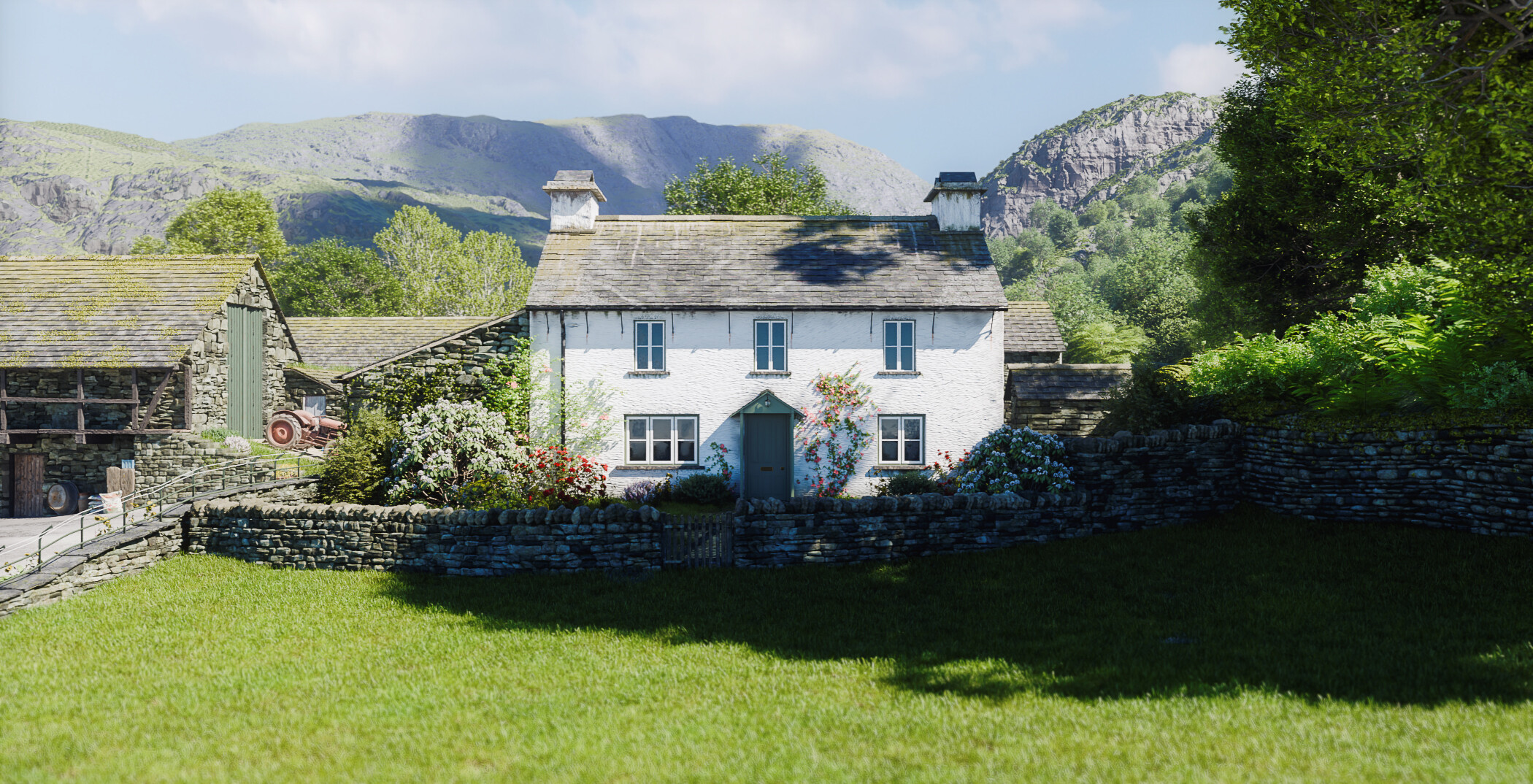
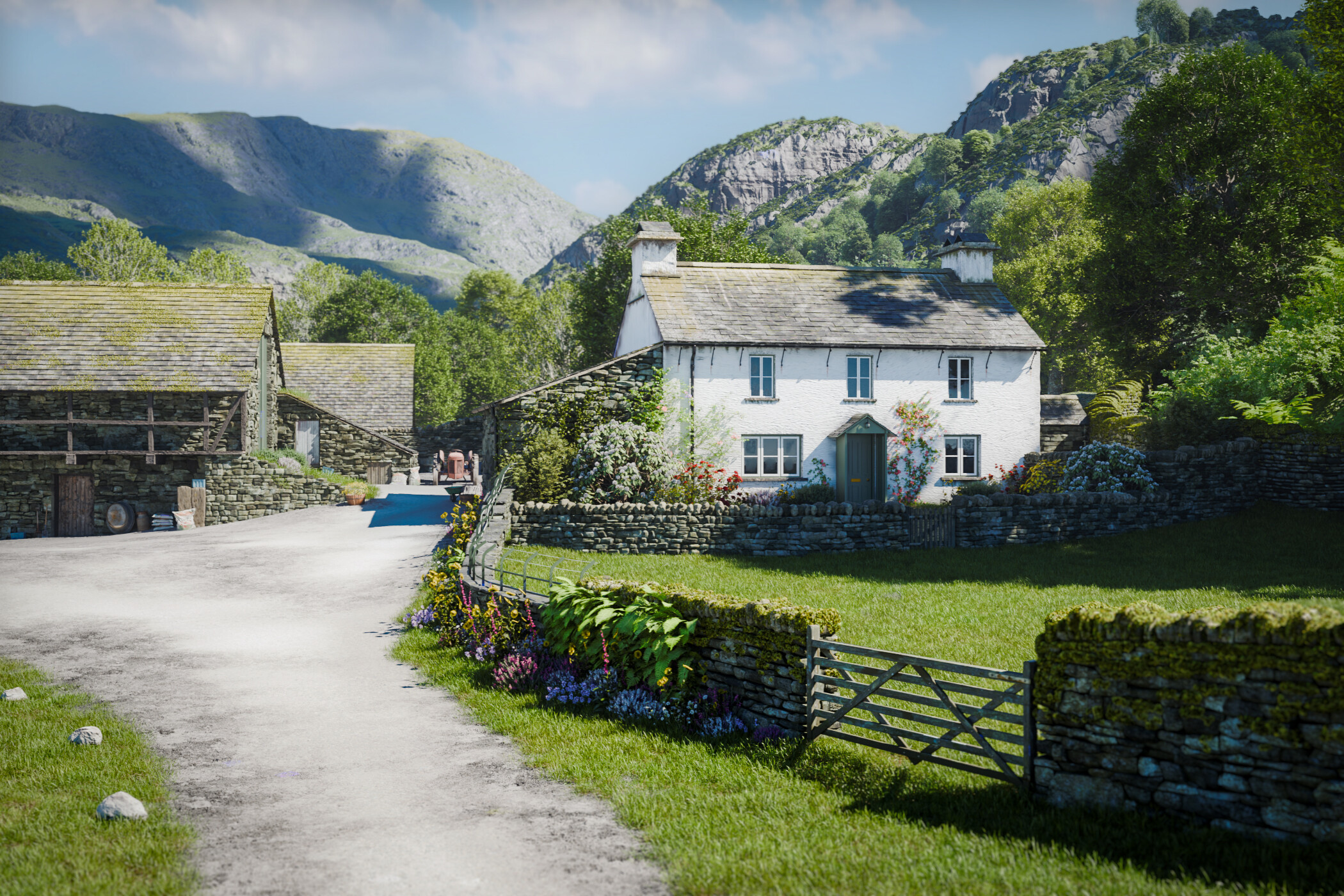
(I’m adding the other renders from below here to keep all the additional ones in the top post and to keep a full record - hope that’s OK)
I’ve managed to resist the temptation for loads of daffodils on this one, but had to have at least one obsession in there (I did choose this place because of the number of walls!)
Sorry for the bump. Many thanks for the likes and comments I’ve had, very much appreciated.
I said there might be some more renders (if and when they actually work). Downloaded today’s daily build and this did manage to render. Maybe some light at the end of the tunnel? As well as the crashes there have also been a lot of weird artifacts, which appear to be mainly the normal texture being rendered in places rather than the diffuse (the new texture cache feature perhaps). I thought today’s build had cracked it, but alas right at the end an error appeared - but at least it didn’t crash and I was able to sort it in photoshop.
This is what keeps happening… not just in the trees in other bits too. Seems completely random as to where it happens though.
The error I keep getting is: “Illegal address in CUDA queue copy_from_device (integrator_shade_surface integrator_sorted_paths_array integrator_compact_shadow_states prefix_sum)” … which seems odd to me as I’m using OptiX but I’m not very technical so maybe CUDA errors are still normal. Maybe if a bug then today’s build has got rid of it, but doubt I’m that lucky!
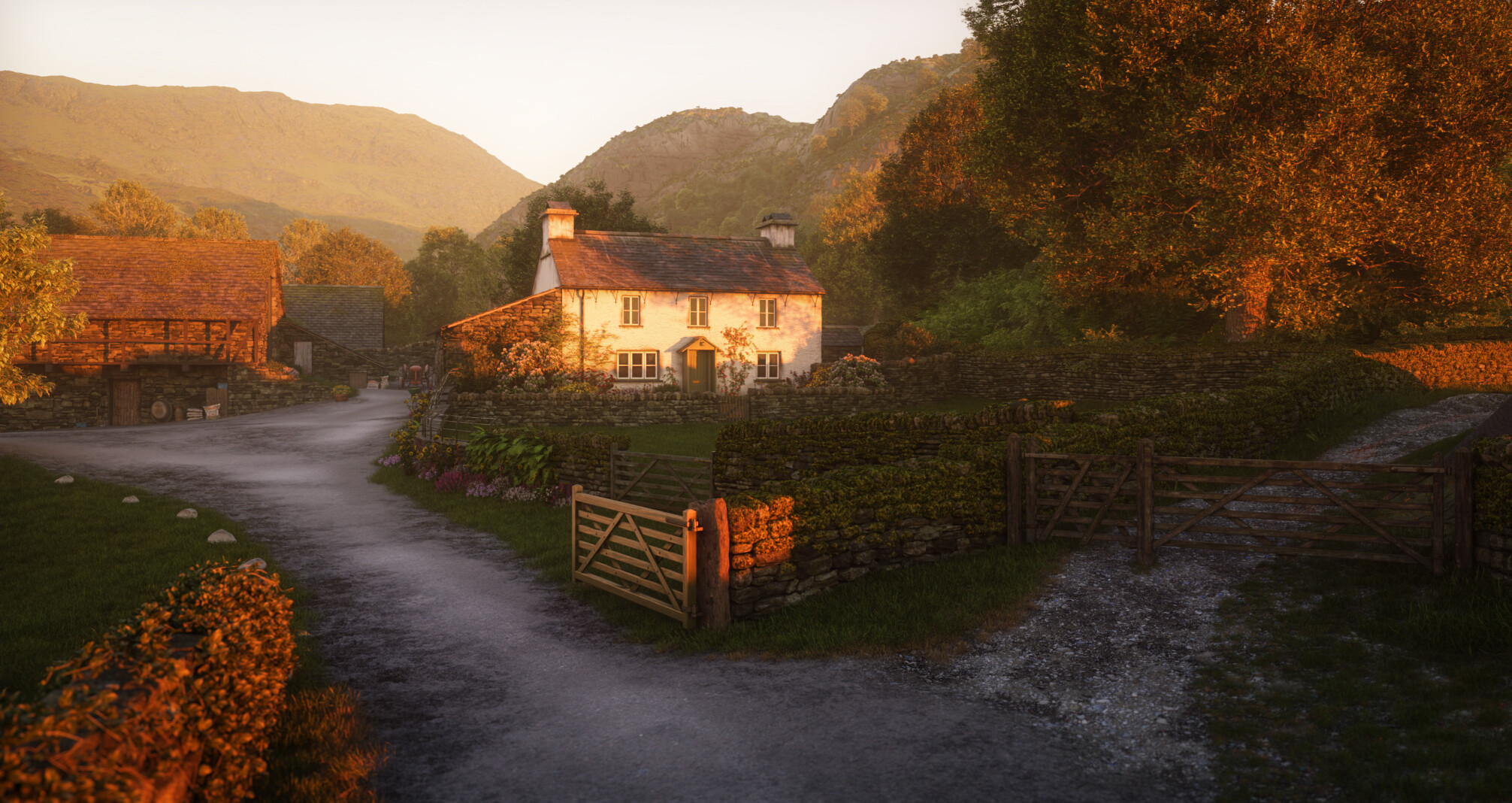
Maybe just one more (before I think about different lighting or making it autumnal or something). This took about 6 attempts to render - same CUDA error keeps cropping up - so the same problems are still there and so its made me less inclined to try different sun directions or play too much thus far. I would probably do more on the topology and texturing of the cottage and seeing indoors for this close-up but I can’t be bothered with all the crashing.
I even had to make sure I’d got two different renders of the same image (which took many attempts) so I could combine them and mask out the artifacts and errors to come up with a relatively clean version. Sigh. (What I’ve found I have to do is literally restart my PC, turn no other programmes on, open Blender and hit F12 without doing anything to the file and then it might render. But try rendering again after one successful attempt and no way it works a second time. Oh well.
When you render, make sure your viewport is not on cycles. Stick it on “clay”. Often crashes and errors like these are because the Vram is full. Also make sure you use small enough tile sizes. Try dividing your render height by four to get a good tile size.
When you render, keep your eye on the VRam usage on the bottom right of the screen. If it goes over 80% use you might be short of Vram.