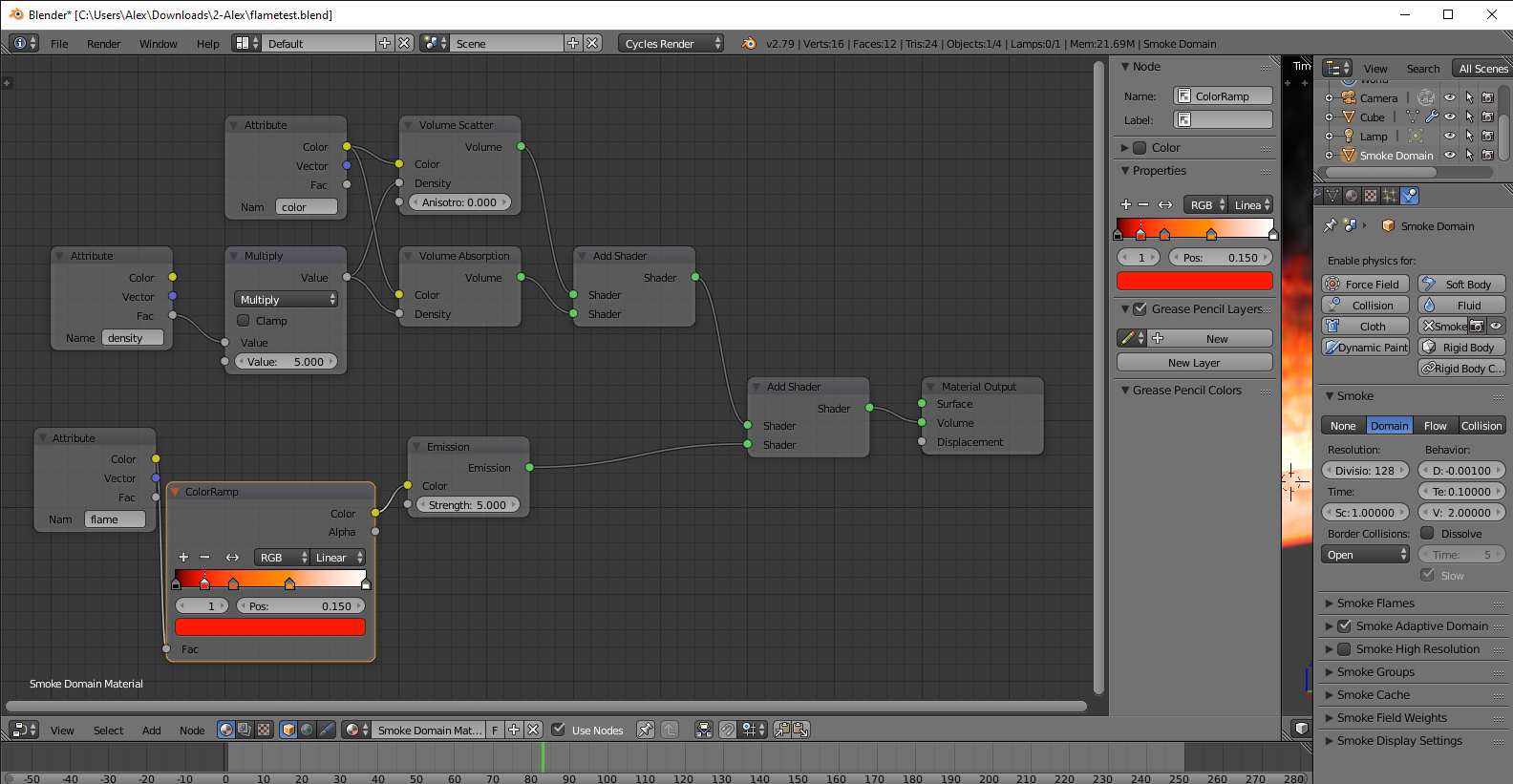
I have some problems with my mantaflow simulation and really can’t find the error.
It’s baked, has a principled volume shader, it looks fine in viewport render, but when I hit F12, it doesn’t render correctly.
Namely, when I render 4 times, I get 4 different results, even though I just hit F12 (or Ctrl+F12), nothing else.
I checked all settings (no objects disabled in render), i rendered on CPU, on CUDA and on OPTIX with my rtx card, i checked 2.82 and the new 2.83 blender version. I baked the simulation in openVDB as well as in Uni Cache. No difference there.
I hope you guys have some ideas, maybe the attached video helps? I’m really frustrated right now haha!!!
(Here in the attached image, it’s always the same frame 145. But everytime it renders different. 1st image: correct. 2nd image: smoke missing. 3rd image: smoke position change?)
Thank you for your answer. I have a node-shader that works pretty good in cycles viewport rendering. When I manually skip through every frame, it renders correctly.
But when I render out the final animation, some frames look correct and some don’t.
It seems like in some cases, the fluid simulation even moves position??! Or nothing gets rendered at all. Next frame, everything is back to normal.
So my guess is, it can’t be the shader?
I’ve had similar problems, been working on a simple smoke sim in 2.83.
Though it is working ok, once I turn on motion blur, it goes wild. Dark frames, unrendered frames,
and changes in the sim from frame to frame.
Blender 2.83 is using Replay cache type by default.
The interest of this type is to see result of simulation during playback.
It is a cache type for testing, tweaking simulation settings.
But it is not the cache type to use for rendering.
When you are happy about how look your simulation in viewport, you have to change type of cache to Modular or Final, precise of path for cache that is not in folder for temporary files and bake simulation data.
When frames of simulation are baked, cached, written in safe folder, cache can be considered reliable.
Rendering should have no problem.
But with you stay with settings by default for cache, that is normal to observe such problems.
Maybe this is related to the MIS problem, what was noticed at the new Sky texture development.(At some sun positions the MIS samples doesent confergence (if that is the right word) so the sun light was dark.
If this is a MIS problem then try to render without MIS.
Just a shot in the dark,could be another problem ofcourse.
Thank you so much for your help!!!
I found the solution: like in @stilton’s case, the error won’t show, when I turn OFF motion blur!!! That fixed it for me!
I’m super happy for this workaround. And in a way it even makes sense, because the motion blur is actually the only thing, that’s different from the viewport render, after I hit F12…
So this explains (in a way), why the simulation looks good in viewport render, but not in final render.
Thanks again for all your help.
Best, Meisenmann
Thank you!
I’m relatively new to Blender. Dabbled in the past but pushing myself now to learn and do more and I have been building a test for an effect for a project all week and I was running into this rendering issue and it was driving me up the wall the last couple of days. I wasn’t finding any solutions, then I finally came across this thread and you nailed it for me. Turned off motion blur and the render is working fine now.
A couple of days ago I saw a video comparing 2.83 smoke to 2.82. They actually are working differently.
So it may be better to do your sims in 2.82 ,if this is a bug.
Have you had any more problems since? Motion blur absolutely has been affecting mine (it blurs the volume out of existence actually), but that’s not the only problem. Even with it off I have to render like four times to get the actual frame right. It varies anywhere from non existent to extremely distorted. It’s not the sim since it works in 2.82 perfectly fine without changing a single thing (EDIT: and when it finally does render, it looks virtually the same between the versions so it’s not entirely due to some inherent property changes between them). Imported VDBs don’t have this problem at all.
I was waiting for someone to post about this and even made an account just to reply to this, so sorry if this is not how I should be going about this. But it’s definitely a bug.