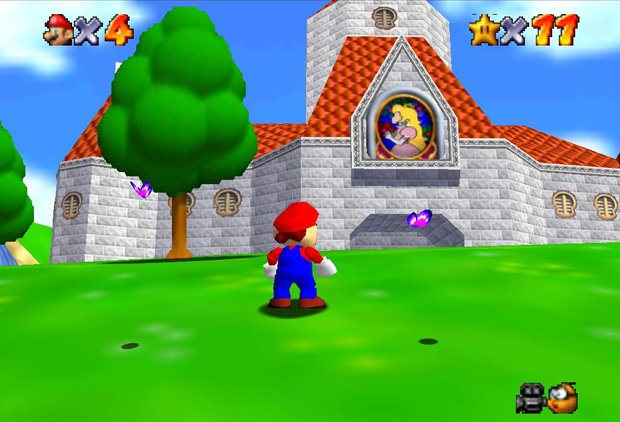
I really like the look of 2D sprites in a 3D environment, but I’m not sure if there’s an already existing way within Blender to create billboards to do this. I’ve seen examples of billboard particles, but I’m looking more for things like trees or characters or whatnot.
What I mean when I say “billboard” is a plane with a texture/image on it that always faces the camera. The trees in Super Mario 64 are a perfect example of this:
There used to be an option under the face panel in edit mode, there you could set a face to billboard. Not sure that still exists, if not try this logic brick setup.
[Always: True Level Triggering, Freq = 1] ------- And ------- [Edit Object: Track to, Camera, Time 0]
Is there any way to get the billboard to point directly at the camera? It looks like it just pivots on the z-axis currently. So, no matter what angle the camera is at, the billboard appears completely flat?