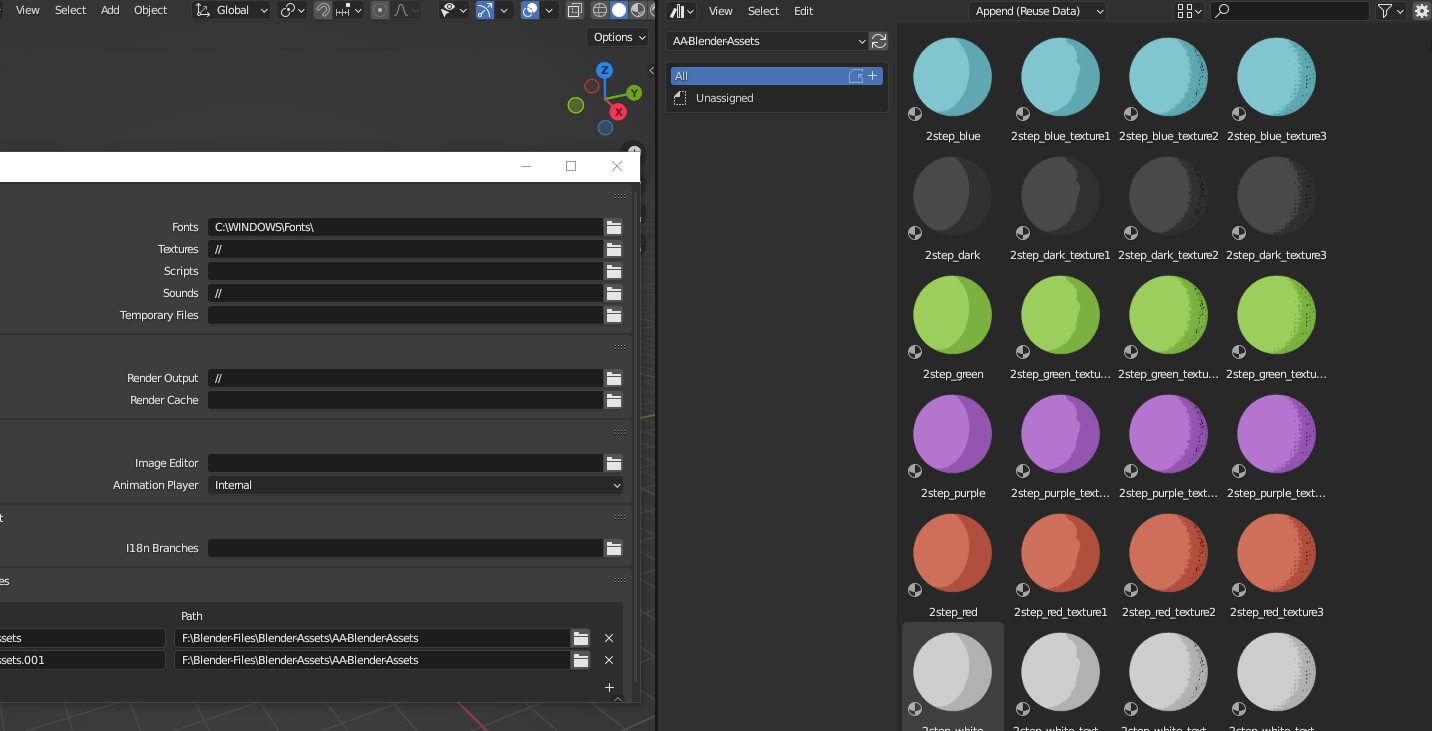
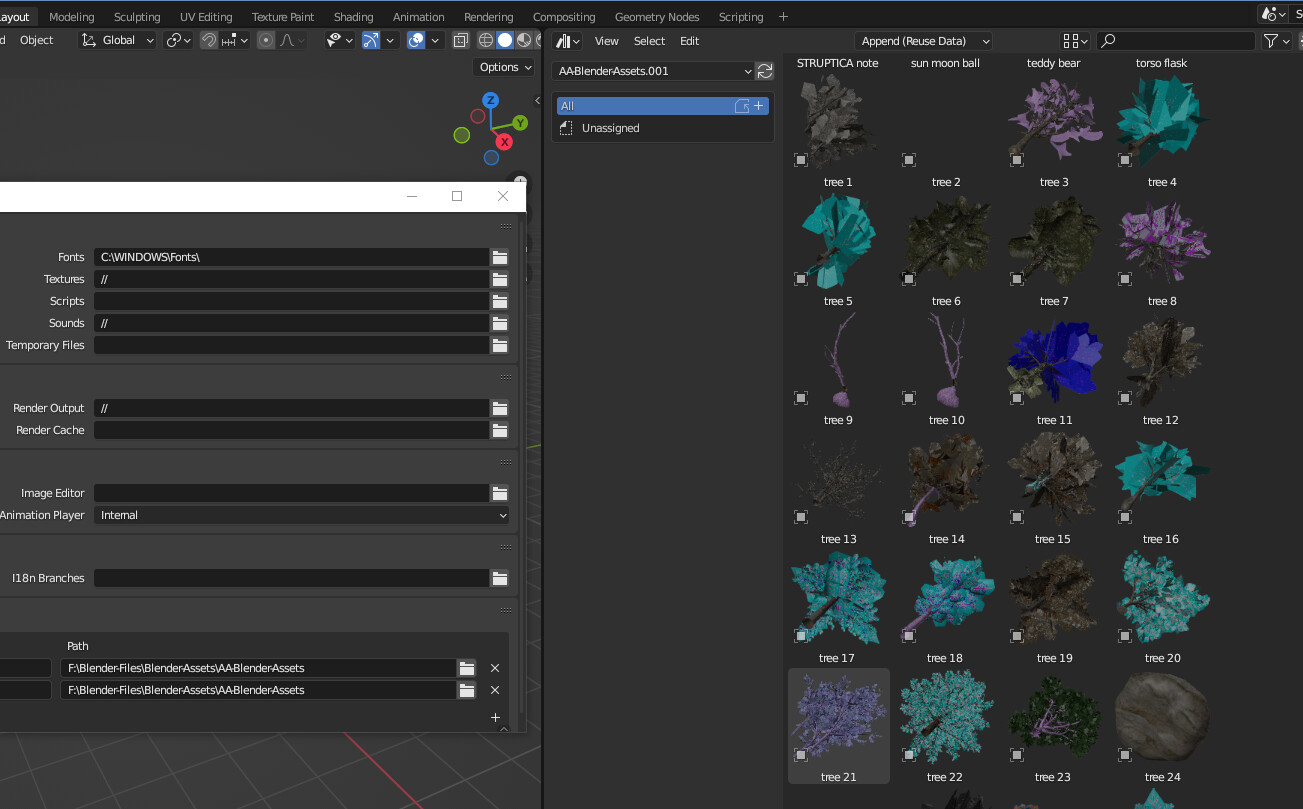
Several of my asset libraries don’t show anything or only show stuff when I click “Unassigned” but not when I click All.
All of the catalog categories are showing, all of the files exist. no files or folder structures has changed since yesterday when I setup and used these libraries.
The ones that are giving me a problem in 3.3.1 are showing up in 3.5 so I’m guessing opening 3.5 has somehow changed the asset browser data in a way that breaks 3.3.1. Does anyone know how to fix it?
I got a similar problem…but in my case, it only shows material assets with my asset library selected…then if I add another asset library path, and pick the same path, it will show a different library…I have as yet found the way to ASSIGN the assets to categories…so I just must not know how it is supposed to work…even though I set things up with a tutorial…
Now if I have an asset set in 3.5 I can not get it to show back in 3.1 the only way I can figure is to make copies ( NO NO NO ain’t going that direction) which has to be just badly done…Catalogue ie: blender_assets.cats.txt should not be stored in the asset folder but in the Version config folder so each Blender Version can access the different assets…
If I open the source blend files in 3.1 and save them again then I can see them in 3.1
I’m not sure about this next part, my memory might be incorrect:
I think if I then open 3.5, open an asset source file, move an asset into a catalog/category/folder (which does not modify the blend file itself, only the blender_assets.cats.txt) then the assets for that whole library no longer appear in 3.1
It seems there is a non-backwards compatible change to the way they store data in blender_assets.cats.txt in 3.5 so I will play it safe and not touch any pre-existing projects or assets when playing with 3.5 for the next 2 months.
Yeah, that’s what I was finding…if added to 3.5 then you could no longer get it to load when adding back to 3.1…
So, hopefully, they can make the Catalogues save to the Blender Version Config file and not the asset folder itself, that would take care of the problem I believe…
But if it was in the config folder even on the network drive…it shouldn’t make any difference??
Or make them version specific so it could grab the config from what ever version was requesting it…might be a better but a bit more complicated considering the version turn-over…
There is a bug in master currently that causes the asset index (a cache for asset data in your local OS cache) to be updated with empty files. This index is shared between Blender versions, so unfortunately this also impacts old versions. Assuming this is the same issue, it has nothing to do with the catalogs.